{{ totalProductsCount }}

In cart {{totalProductsCount}} item(s)

Total:
{{sum | formatAmount}}

Your cart is empty

header-product Multifunction Printer Canon MAXIFY GX6550 Inkjet Colour Printing
490.49 €

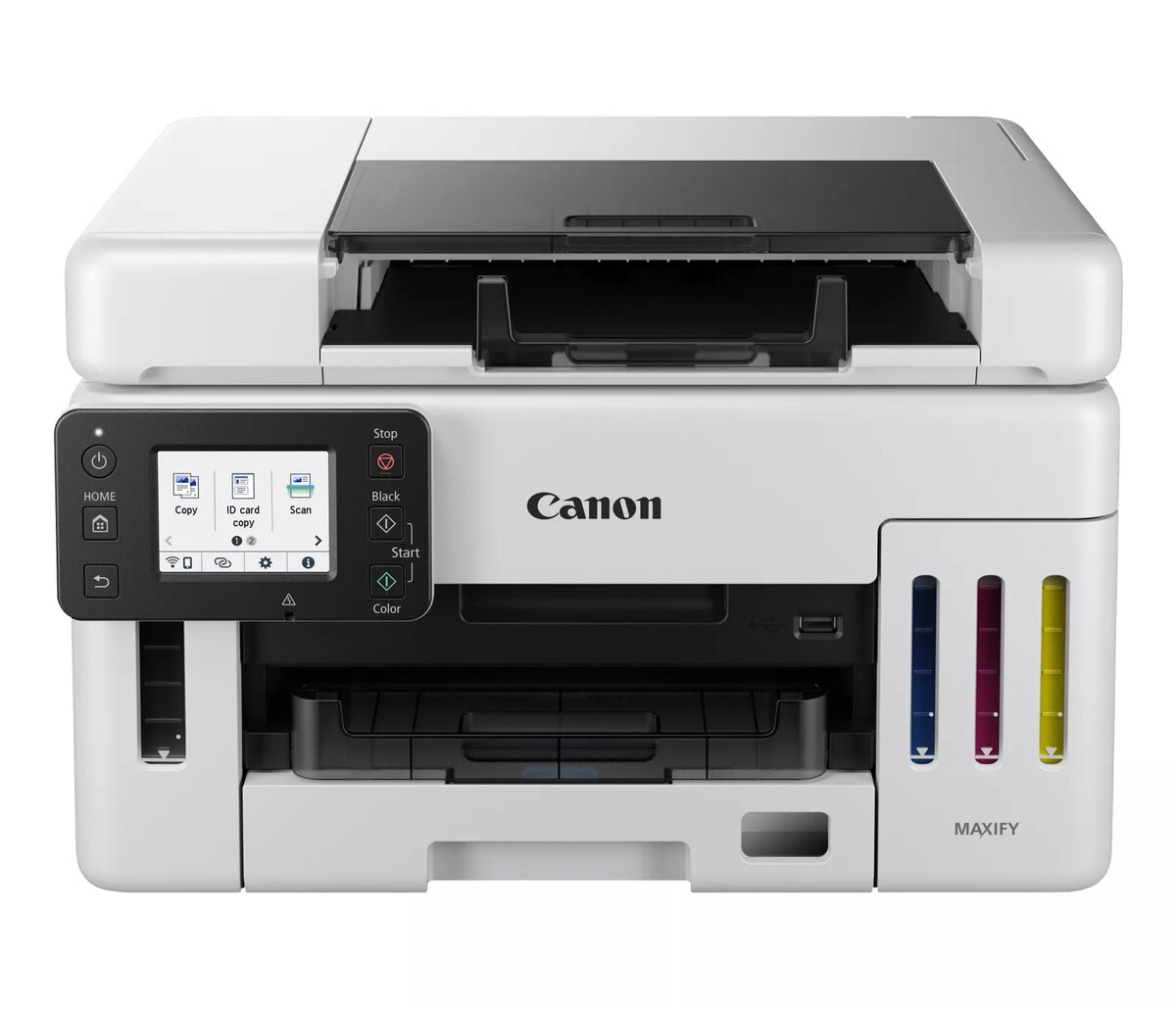
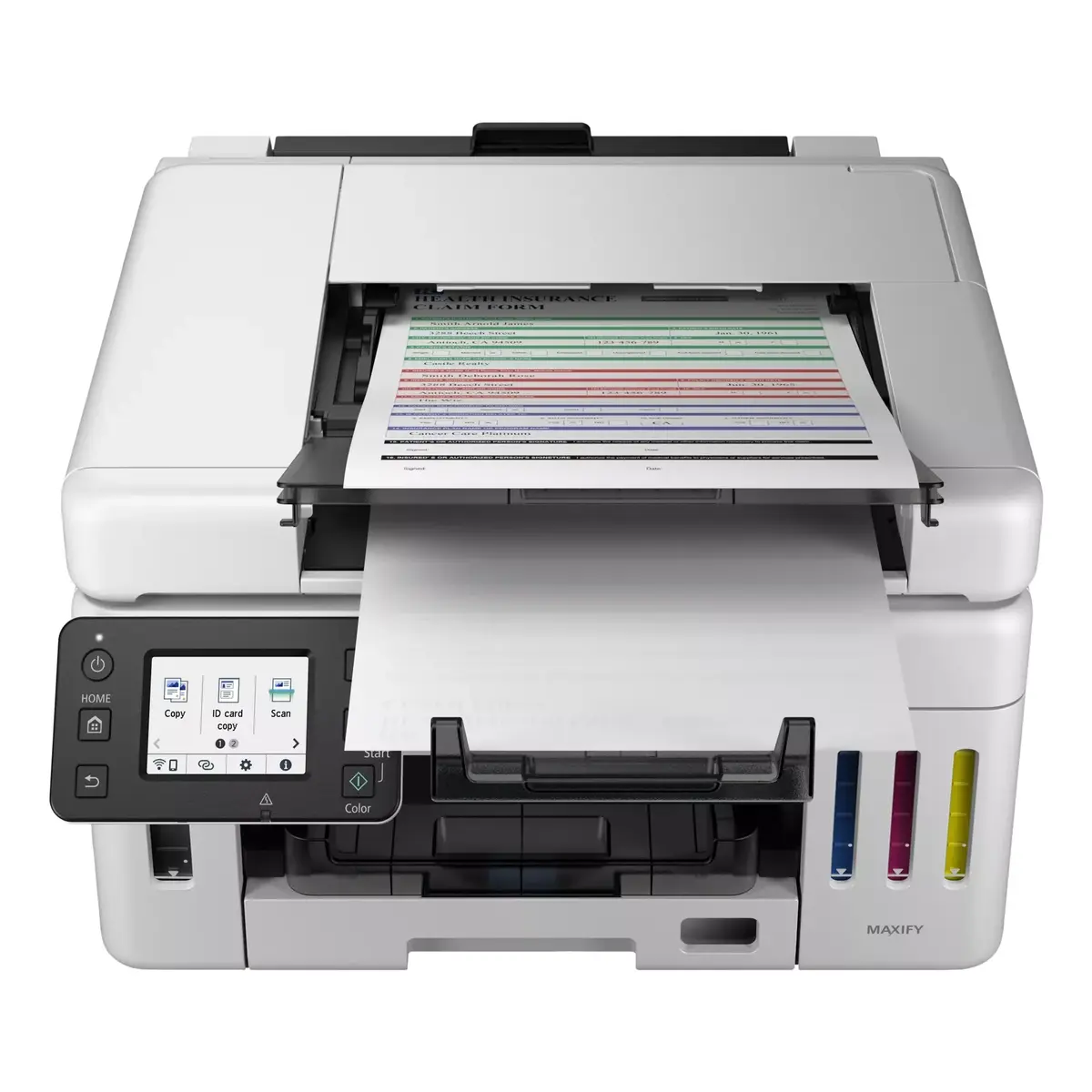
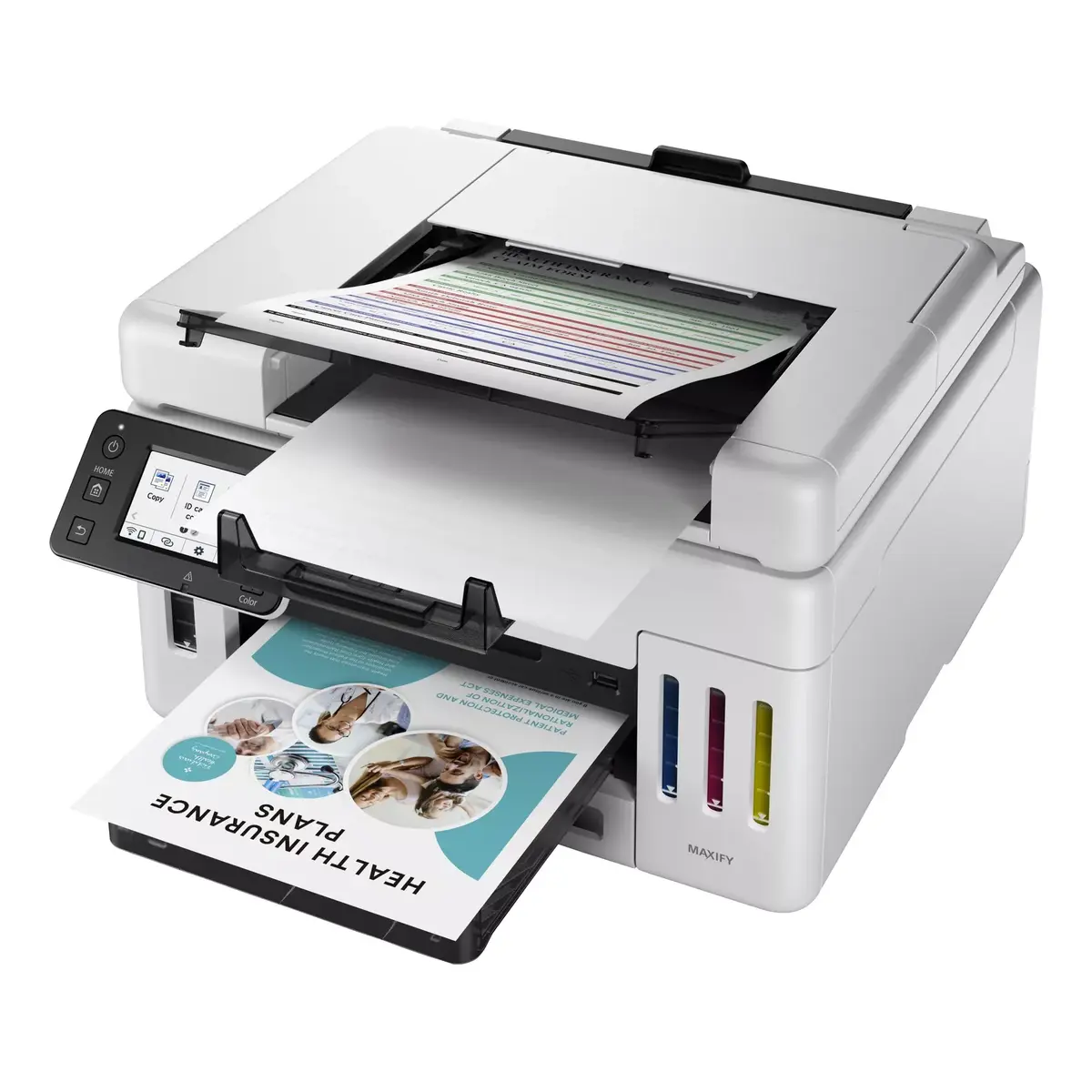
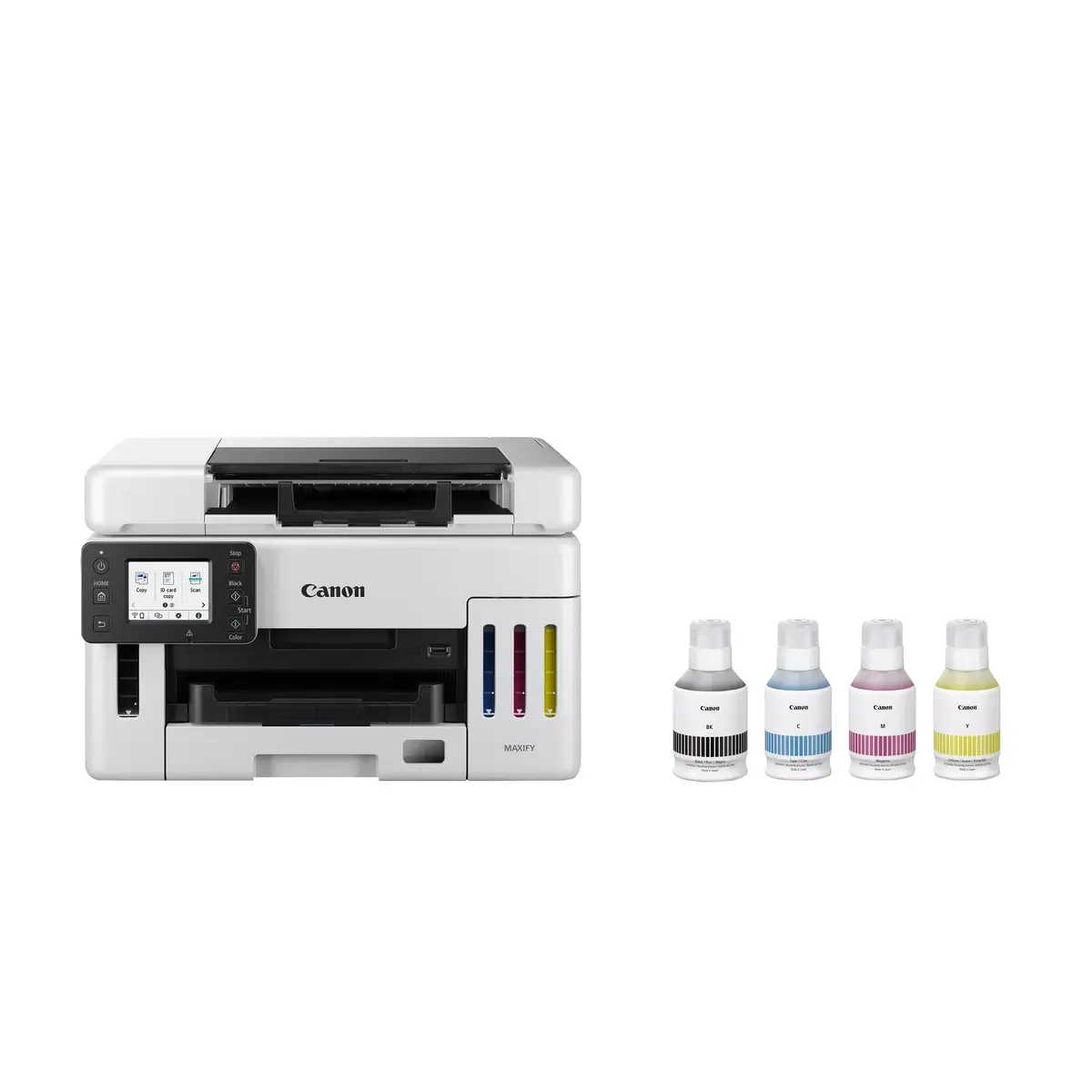
Multifunction Printer Canon MAXIFY GX6550 Inkjet Colour Printing

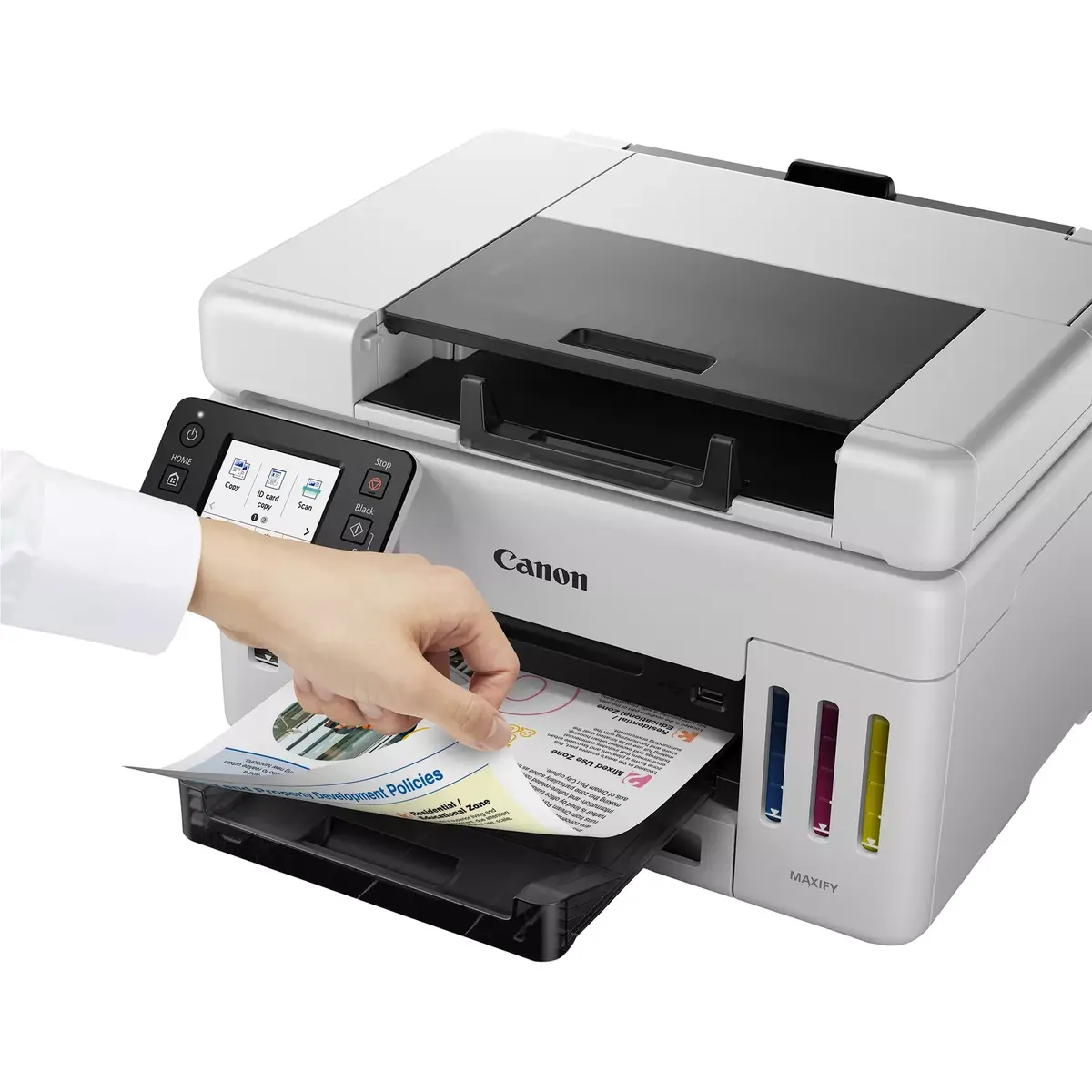
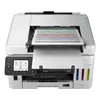
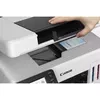
Multifunction Printer Canon MAXIFY GX6550 Photo 1
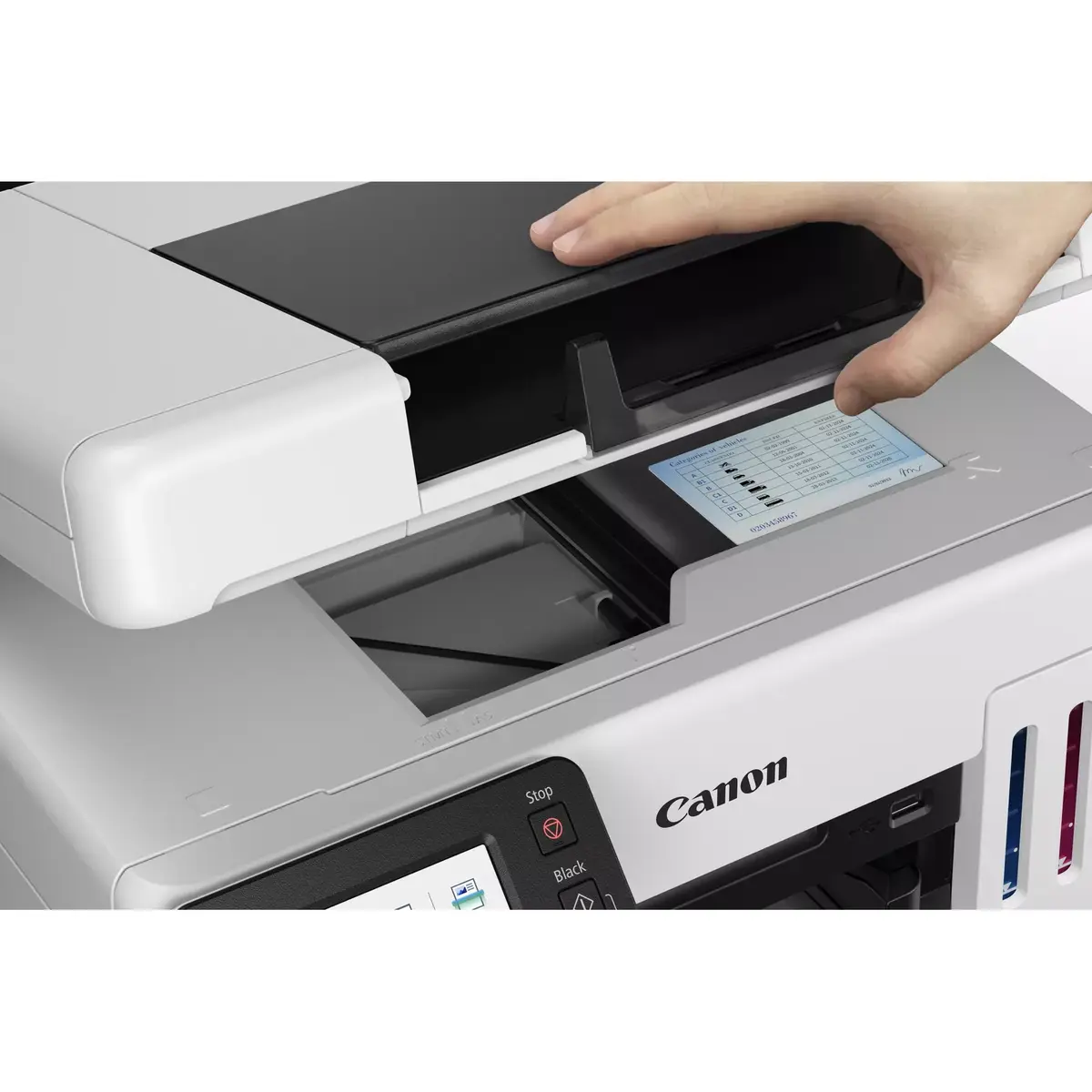
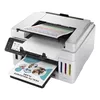
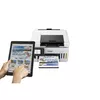
Multifunction Printer Canon MAXIFY GX6550 Photo 2
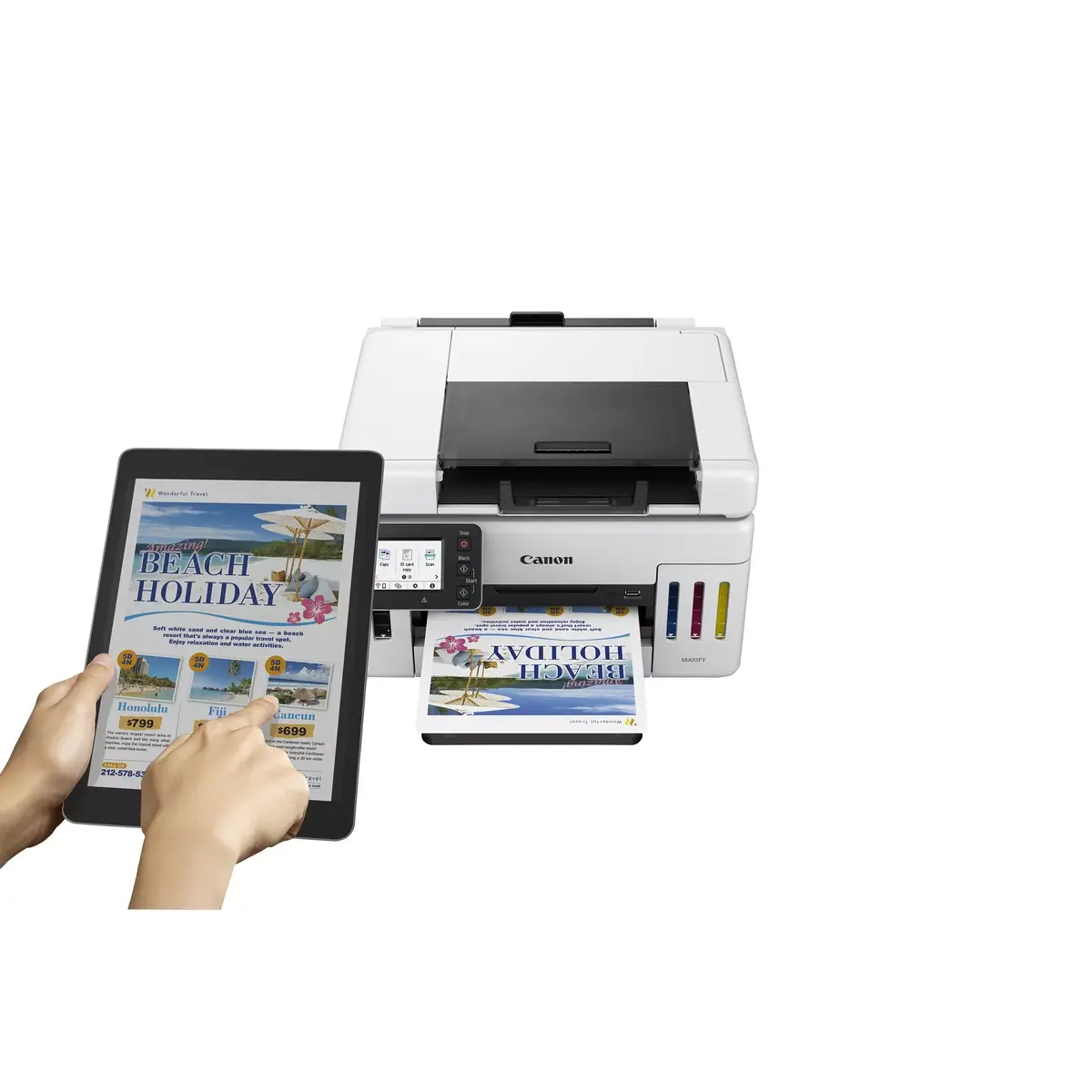
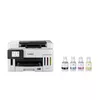
Multifunction Printer Canon MAXIFY GX6550 Photo 3
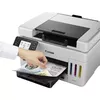
Multifunction Printer Canon MAXIFY GX6550 Photo 4
Multifunction Printer Canon MAXIFY GX6550 Photo 5
Multifunction Printer Canon MAXIFY GX6550 Photo 6
Multifunction Printer Canon MAXIFY GX6550 Photo 7
Multifunction Printer Canon MAXIFY GX6550 Photo 1
Multifunction Printer Canon MAXIFY GX6550 Photo 2
Multifunction Printer Canon MAXIFY GX6550 Photo 3
Multifunction Printer Canon MAXIFY GX6550 Photo 4
Multifunction Printer Canon MAXIFY GX6550 Photo 5
Multifunction Printer Canon MAXIFY GX6550 Photo 6
Multifunction Printer Canon MAXIFY GX6550 Photo 7
Keep track of price changes You keep track of price changes
Watch the price drop

Leave your address - as soon as the price of the product goes down, you'll know about it right away

You keep track of price changes

Multifunction Printer Canon MAXIFY GX6550 Inkjet Colour Printing

{{email}}
You keep track of price changes

Multifunction Printer Canon MAXIFY GX6550 Inkjet Colour Printing

{{email}}
{{selectedOffer && selectedOffer.price | formatAmount}}

Short description

The Canon MAXIFY GX6550 is a versatile inkjet multifunction printer that offers high-quality colour printing with a maximum resolution of 600 x 1200 DPI. It features colour copying and scanning capabilities with an optical scanning resolution of 1200 x 1200 DPI. The printer supports duplex functions for efficient printing and copying, and it can handle A4 paper size. With Wi-Fi connectivity, it allows for easy wireless printing from various devices. Its sleek black and white design fits well in any office environment.
Available at price 490.49 €: 100 pcs.
Total available for order: 497 pcs.
Warranty: 2 Years
SKU: 10635193
delivery
to the Customer Service Center at Kengaraga 2b, Riga
08.07.2026 {{selectedOffer.officeDeliveryString}}
free
Customer service center
2b. Kengaraga str., Riga, Latvia, LV-1063
08.07.2026 {{selectedOffer.officeDeliveryString}}
free
Courier Delivery Please note that in case of a large parcel additional delivery costs may apply!
13.07.2026 {{selectedOffer.courierDeliveryString}}
From 11.22 € (Weight: 13.90 kg)
Parcel couriers
Latvijas Pasts pakomāts / Unisend LV / DPD Paku skapis / Omniva LV / Venipak Locker LV / Latvijas Pasts nodaļa
13.07.2026 {{selectedOffer.parcelStationDeliveryString}}
From 1.99 €
0 credit

pay in 3 equal parts

today

0 €

afterward

3 mth. х 163.5 €

overpayment

0 €

All payment Methods:
Bank transfer, Bank cards on-line, Apple Pay, Google Pay, Installment
36 months installment: from 13.62 euros per month
Together cheaper
{{product.price | formatAmount}}
{{product.title}}
{{productBundle.reference.specialPrice | formatAmount}}
{{productBundle.title}}
{{productBundlePreviousPrice | formatAmount}}
{{productBundleSpecialPrice | formatAmount}}

You saving {{productBundleYouSave | formatAmount}}

Product information

Description

The Canon MAXIFY GX6550 Inkjet Colour Printing multifunction printer combines high-quality colour output, reliable scanning and copying, and flexible connectivity in a compact office-ready design. With a maximum print resolution of 600 x 1200 DPI and colour scanning at an optical resolution of 1200 x 1200 DPI, the device delivers sharp text and detailed images on A4 media. The unit supports duplex printing and copying and connects over Wi‑Fi and Ethernet LAN, enabling convenient networked and wireless workflows for small offices or workgroups.

Advantages

The MAXIFY GX6550 offers consistent colour reproduction and an extended monthly duty cycle suitable for moderate to heavy office use. Its integrated scanning and copying functions streamline document handling without the need for separate devices. Built-in Wi‑Fi and Ethernet LAN support allow printing from multiple devices and simple integration into existing networks. The printer’s dual-tone black and white housing provides a neutral appearance that fits most office interiors.

Suitable for

  • Small to medium offices requiring reliable colour prints and frequent scanning
  • Workgroups that need duplex printing and network connectivity
  • Users who handle A4 documents, reports and marketing materials

Key specifications

  • Print technology: Inkjet colour printing
  • Maximum print resolution: 600 x 1200 DPI
  • Copying: Colour copying with duplex support
  • Scanning: Colour scanning; optical resolution 1200 x 1200 DPI
  • Maximum paper size: A4
  • Connectivity: Wi‑Fi and Ethernet LAN
  • Duplex functions: Automatic duplex print and copy
  • Maximum monthly duty cycle: Up to 45,000 pages
  • Weight: Approximately 11.5 kg
  • Product colour: Black and white

How to use

Unpack the printer and place it on a stable surface with adequate ventilation. Install ink tanks and load A4 paper into the main tray according to the user manual. Connect the device to power and configure network settings using the control panel or the provided setup software; choose Wi‑Fi for wireless printing or Ethernet for a wired network connection. Use the printer driver on your computer or the mobile printing options for direct print jobs. For scanning, place documents on the scanner glass or feeder and select the desired resolution and destination (computer, email or USB) through the scanning interface.

Usage recommendations

For consistent output, use papers recommended for inkjet colour printing and perform regular maintenance tasks such as printhead checks and cleaning cycles. When deploying the printer in a shared environment, configure secure network access and set appropriate duplex and draft settings to optimize ink usage and reduce media consumption.

Specifications

Print technology:
Inkjet
Printing:
Colour printing
Maximum resolution:
600 x 1200
Copying:
Colour copying
Scanning:
Colour scanning
Optical scanning resolution:
1200 x 1200
Maximum ISO A-series paper size:
A4
Wi-Fi:
Yes
Ethernet LAN:
Yes
Weight:
11.5 kg
Maximum duty cycle:
45000 pages per month
Product colour:
Black, White
Duplex functions:
Copy, Print
All features

Printing

Print technology:
Inkjet
Printing:
Colour printing
Maximum resolution:
600 x 1200
Time to first page (colour, normal):
8 s
Time to first page (black, normal):
7 s
Print speed (ISO/IEC 24734) mono:
24 ipm
Print speed (ISO/IEC 24734) colour:
15.5 ipm

Copying

Copying:
Colour copying
Copier resize:
25 - 400
Maximum number of copies:
99 copies
N-in-1 copy function (N=):
2, 4
ID-card copy function:
Yes
Edge erase function:
Yes
N-in-1 copy function:
Yes
Duplex copying:
Yes

Scanning

Scanning:
Colour scanning
Scanner type:
Flatbed & ADF scanner
Optical scanning resolution:
1200 x 1200
Scan technology:
CIS
Maximum scan area:
216 x 356
Input colour depth:
16
Output colour depth:
8
Output greyscale depth:
8
Input greyscale depth:
16

Fax

Faxing:
No

Paper handling

Maximum ISO A-series paper size:
A4
Maximum print size:
216 x 1200 mm
Envelopes sizes:
C5, Com-10, DL, Monarch
ISO A-series sizes (A0...A9):
A4, A5, A6
ISO B-series sizes (B0...B9):
B5
Non-ISO print media sizes:
Legal (media size), Letter (media size)
Photo paper sizes:
10x15, 13x18, 18x25, 20x25
Paper tray media types:
Card stock, Envelopes, Photo paper, Plain paper
Paper tray media weight:
64 - 105

Network

Wi-Fi standards:
802.11a, 802.11b, 802.11g, Wi-Fi 4 (802.11n), Wi-Fi 5 (802.11ac)
Security algorithms:
WPA-AES, WPA-EAP, WPA-PSK, WPA-TKIP, WPA2-AES, WPA2-PSK, WPA2-TKIP, WPA3-EAP, WPA3-SAE
Cabling technology:
10/100Base-T(X)
Ethernet LAN:
Yes
Wi-Fi:
Yes
Ethernet LAN data rates:
10, 100
Mobile printing technologies:
Apple AirPrint, Canon PRINT Business, Canon iEasy-PhotoPrint, Mopria Print Service

Ports & interfaces

USB port:
Yes
USB connector:
USB Type-A / USB Type-B

Power

Power consumption (off):
0.1 W
Power consumption (standby):
1.4 W
Power consumption (copying):
24 W
Energy Star Typical Electricity Consumption (TEC):
0.15 kWh/week
AC input frequency:
50/60
AC input voltage:
100 - 240

Design

Display:
LCD
Display diagonal: iagonal of the visible part of the screen expressed in centimeters and inches.
2.7 "
Product colour:
Black, White
Control type:
Touch
Built-in display:
Yes
Market positioning:
Business
Colour display:
Yes

System requirements

Windows operating systems supported:
Windows 10, Windows 11, Windows 8.1
Mac operating systems supported:
Mac OS X 10.15 Catalina, Mac OS X 11.0 Big Sur, Mac OS X 12.0 Monterey, Mac OS X 13.0 Ventura
Server operating systems supported:
Windows Server 2012 R2, Windows Server 2016, Windows Server 2019, Windows Server 2022
Other operating systems supported:
ChromeOS
Mobile operating systems supported:
Android, iOS, iPadOS

Weight & dimensions

Weight:
11.5 kg
Height:
327 mm
Width:
399 mm
Depth:
645 mm

Operational conditions

Operating relative humidity (H-H):
10 - 90
Operating temperature (T-T):
5 - 35

Packaging content

Cartridge(s) included:
Yes
Included cartridge capacity (black):
6000 pages
Included cartridge capacity (CMY):
14000 pages
Included cartridge capacity (economy mode, black):
9000 pages
Included cartridge capacity (economy mode, CMY):
21000 pages

Other features

Duplex printing:
Yes

Features

Maximum duty cycle:
45000 pages per month
Duplex functions:
Copy, Print
Printing colours:
Black, Cyan, Magenta, Yellow
Number of print cartridges:
4

Input & output capacity

Auto document feeder (ADF) input capacity:
50 sheets
Total number of input trays:
1
Total input capacity:
350 sheets
Auto document feeder (ADF):
Yes

Similar products

{{product.title}}

{{highlightedFeature.featureTitle}}:

{{getProductFeatureValueById(product, highlightedFeature.featureId)}}

{{product.price | formatAmount}}
Might be useful
{{product.manufacturerName}}
{{product.categoryName}}
{{product.title}}
{{product.specialPrice}}
{{product.price}}
Stock data
Warehouse Stock Delivery to the store Store Price
WH174 100 08.07.2026 490.49 €
WH155 18 08.07.2026 499.49 €
WH94 14 08.07.2026 520.49 €
Show all offers Hide
Available only for legal entities
Warehouse Stock Delivery to the store Store Price
WH109 100 22.07.2026 547.99 €
EU9 4 08.07.2026 580.99 €
490.49 €
Stock: 100
Delivery Date: 08.07.2026
Warehouse: WH174
499.49 €
Stock: 18
Delivery Date: 08.07.2026
Warehouse: WH155
520.49 €
Stock: 14
Delivery Date: 08.07.2026
Warehouse: WH94
524.49 €
Stock: 10
Delivery Date: 08.07.2026
Warehouse: WH149
541.99 €
Stock: 100
Delivery Date: 14.07.2026
Warehouse: WH357
575.99 €
Stock: 27
Delivery Date: 08.07.2026
Warehouse: EU86
582.99 €
Stock: 100
Delivery Date: 06.07.2026 Best delivery
Warehouse: WH321
588.49 €
Stock: 3
Delivery Date: 08.07.2026
Warehouse: WH334
590.99 €
Stock: 2
Delivery Date: 08.07.2026
Warehouse: WH113
608.49 €
Stock: 19
Delivery Date: 08.07.2026
Warehouse: EU3
Available only for legal entities
547.99 €
Stock: 100
Delivery Date: 22.07.2026
Warehouse: WH109
580.99 €
Stock: 4
Delivery Date: 08.07.2026
Warehouse: EU9

Customer reviews

Customer questions

FAQ

How much does the Multifunction Printer Canon MAXIFY GX6550 cost, and is it available for purchase?

The price is 490.49 € (valid at the time of publication and already includes all taxes). The item is available for order — 497 pcs. are in stock, and you can place your purchase right now with delivery across Latvia and Europe or choose pickup at the Riga collection point. We offer favorable purchase terms, including the option to split the payment into convenient monthly installments. Availability and price are updated in real time, so we recommend placing your order in advance.

If I order this product today, when will I receive my order?

If you place your order today, delivery will be as fast and convenient as possible. You will be able to pick up your order on 08.07.2026 at the Riga pickup point or choose delivery across Latvia and Europe. We carefully inspect every purchase and pack it securely for safe transportation.

What payment options are available?

AiO.lv offers several payment methods: Bank transfer, Bank cards on-line, Apple Pay, Google Pay, Installment. All transactions are 100% secure and encrypted.

Can Multifunction Printer Canon MAXIFY GX6550 be purchased with a lease?

Yes, the purchase is available both on credit and with an interest-free installment plan. We work with leading banks and leasing companies in Latvia, allowing you to make your purchase on convenient terms — with a minimal down payment and a repayment period from 3 to 36 months. You can apply for credit or installments for the Multifunction Printer Canon MAXIFY GX6550 online, and the application process is as simple as possible:
  • Select the product on the website and add it to your cart;
  • When placing your order, choose the payment method “Installments”;
  • Fill in the required details for the lending partner;
  • Receive a decision within a few minutes.
For more information about available payment options, interest-free installment terms, and credit conditions in Latvia, please visit the Payment page.

Can this product be purchased for a company (with VAT)?

Yes. AiO.lv works with legal entities in Latvia and across Europe. The product price already includes VAT. For certain product categories, as well as for companies from other EU countries with a valid VAT number, a 0% VAT rate may apply. We issue the invoice immediately after the order is placed, support electronic BIS invoices, and automatically generate all necessary accounting documents. You can complete the purchase for a company online — simply select the company profile and choose bank transfer as the payment method during checkout.

What is the warranty period?

All Canon products come with an official 2 Years warranty. It covers all manufacturing defects and malfunctions that may occur during use. The warranty is valid at all authorized Canon service centers and through AiO.lv

Can the product be returned after purchase?

Yes, you can return the product within 14 days of purchase if you bought it as a consumer (not a legal entity). Returns are possible without giving any reason — the main condition is that the product retains its original appearance and full set of accessories. We will make the process as simple and convenient as possible: just contact our customer support team, and we will help you arrange the return.

Where should I contact for warranty service?

For warranty-related questions you can contact the AiO.lv (SIA VSPRO) customer support team. We will assist with consultation, warranty claim processing, and coordination with certified service centers.

How can I tell if this product suits my needs?

When making a choice, we recommend paying attention to the key features: print technology, printing, maximum resolution, copying, scanning, optical scanning resolution, maximum iso a-series paper size, wi-fi, ethernet lan, weight, maximum duty cycle, product colour, duplex functions, compatibility with your devices or usage conditions, material quality, functionality, and warranty terms. These characteristics will help you determine how well the model meets your needs.

Where can I download the instructions for Multifunction Printer Canon MAXIFY GX6550?

You can download the instructions in PDF format from the “Instructions” section on the product description page. The file contains complete information about installation, setup, and usage.

warranty
14-Day Return Policy We are confident in our quality, but if the purchase doesn’t fit — you have 14 days to return the product with peace of mind.
shipping
Fast Delivery Get your orders as quickly as possible — right to your door, parcel lockers, or pickup points across Latvia and the EU.
payment
Secure Payment Pay the way you prefer: cash, VISA, MasterCard, Apple Pay, Google Pay, bank transfer, or 0% installment plan.
warranty
Quality Since 2008 AiO.lv has been on the market for over 18 years and has earned trust — with more than 6000 genuine positive reviews on Google.