Hurry and order now – up to 50% off!
In cart {{totalProductsCount}} item(s)
Your cart is empty
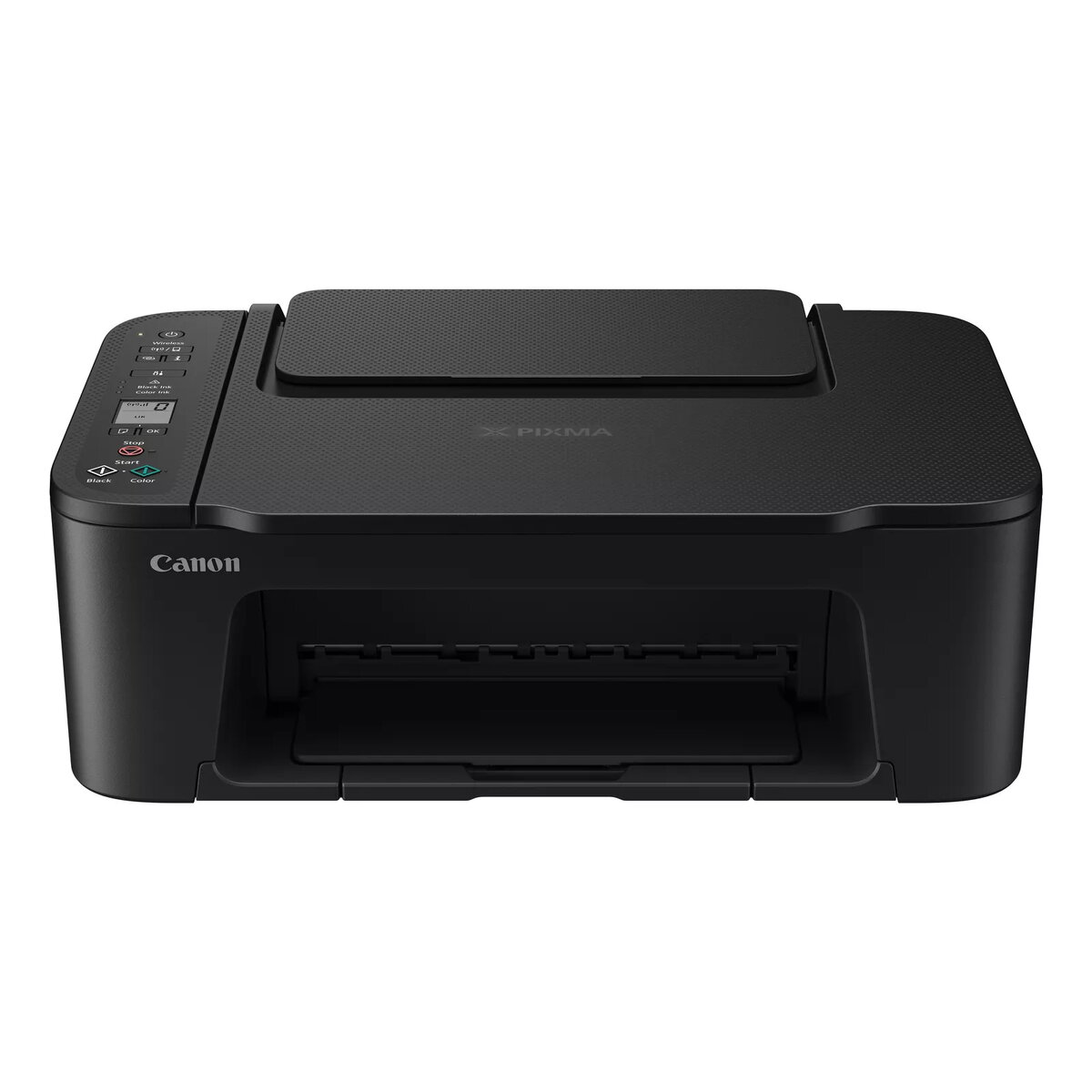
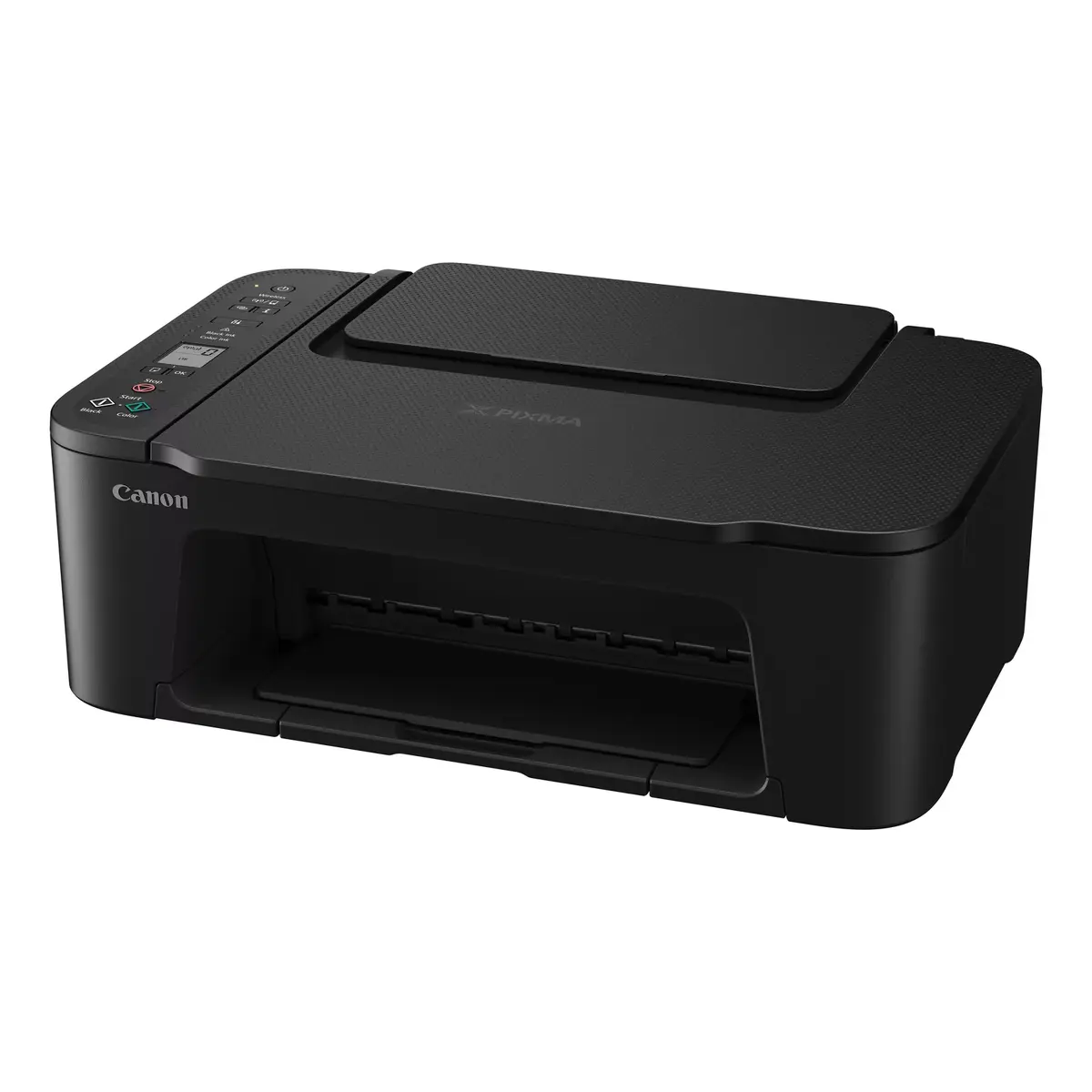
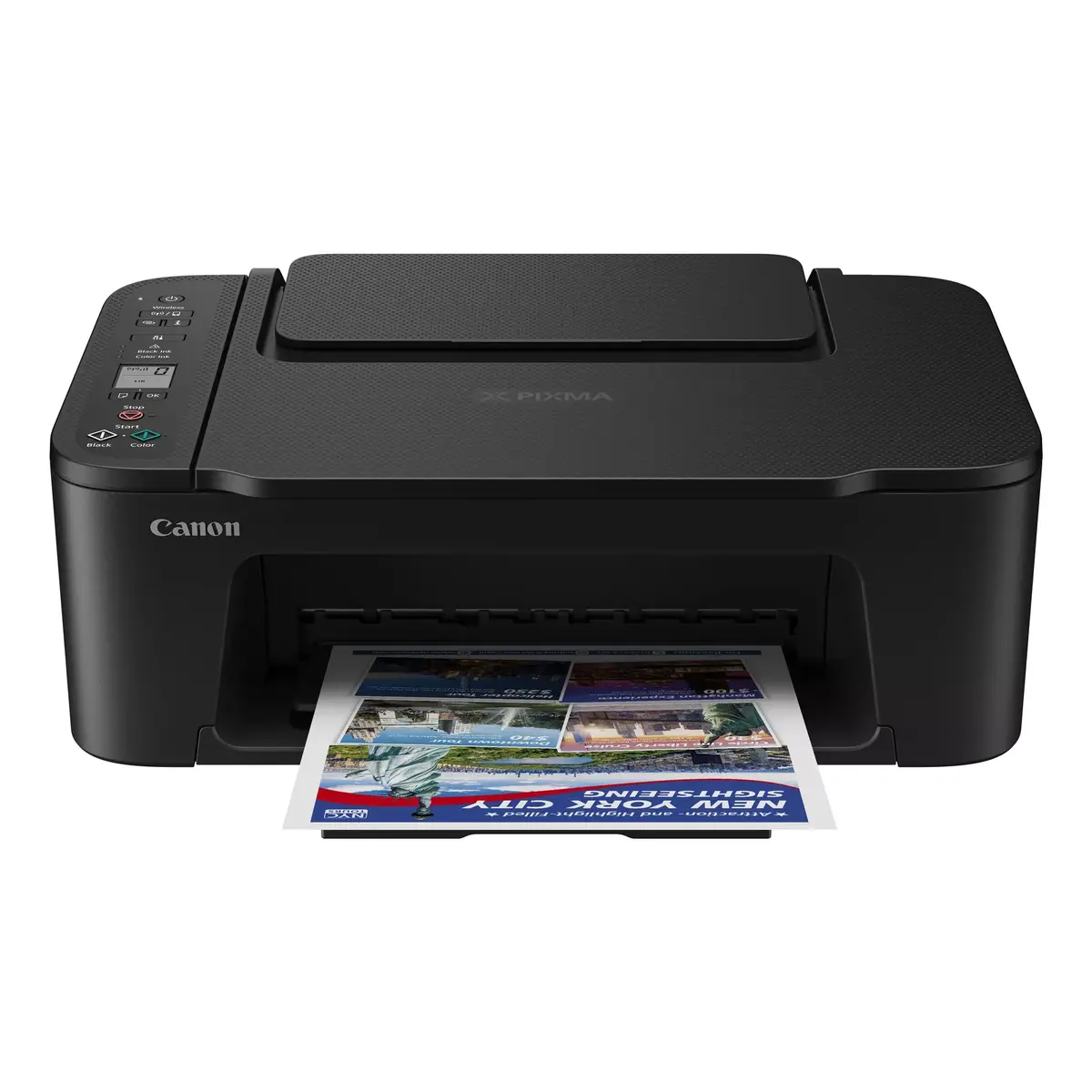
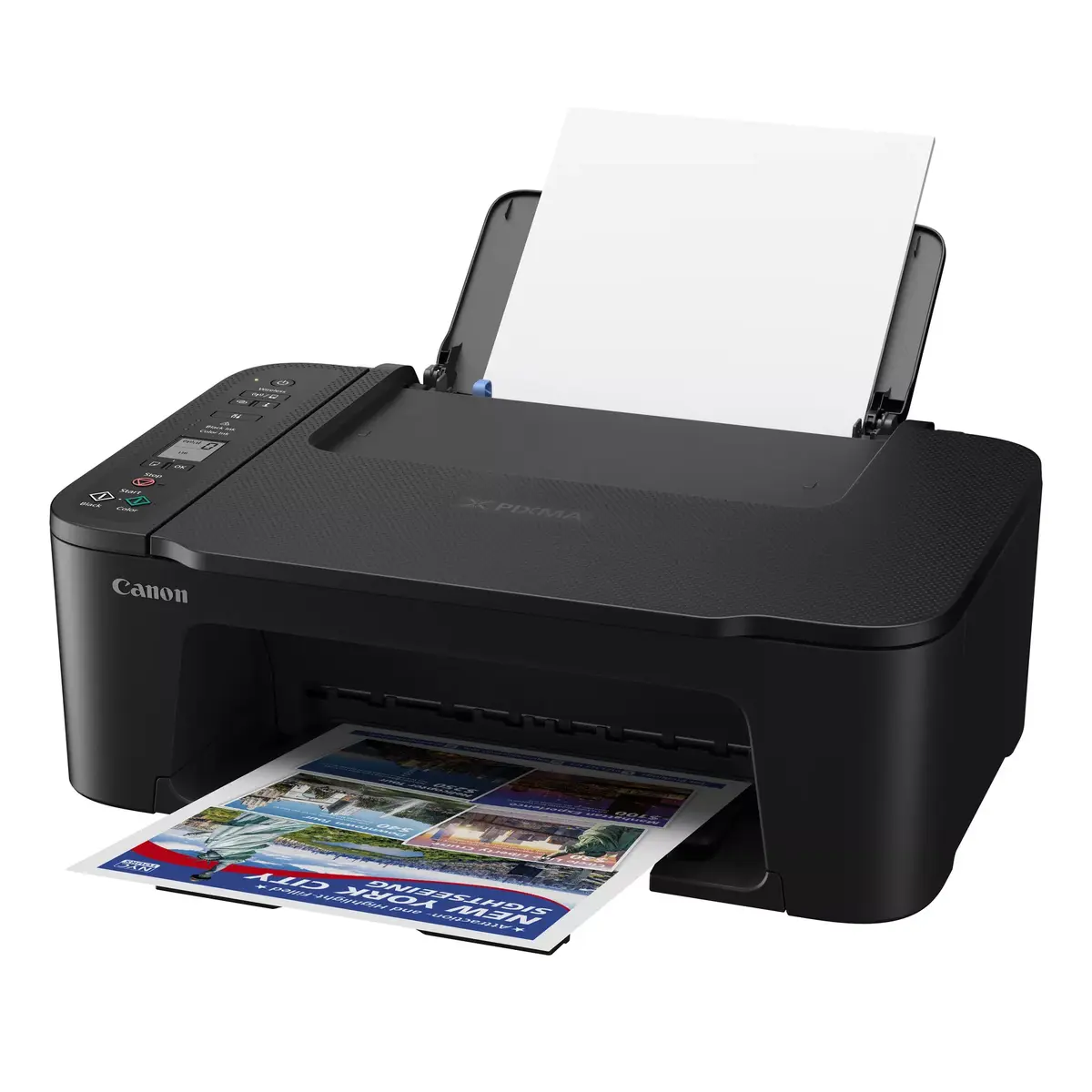
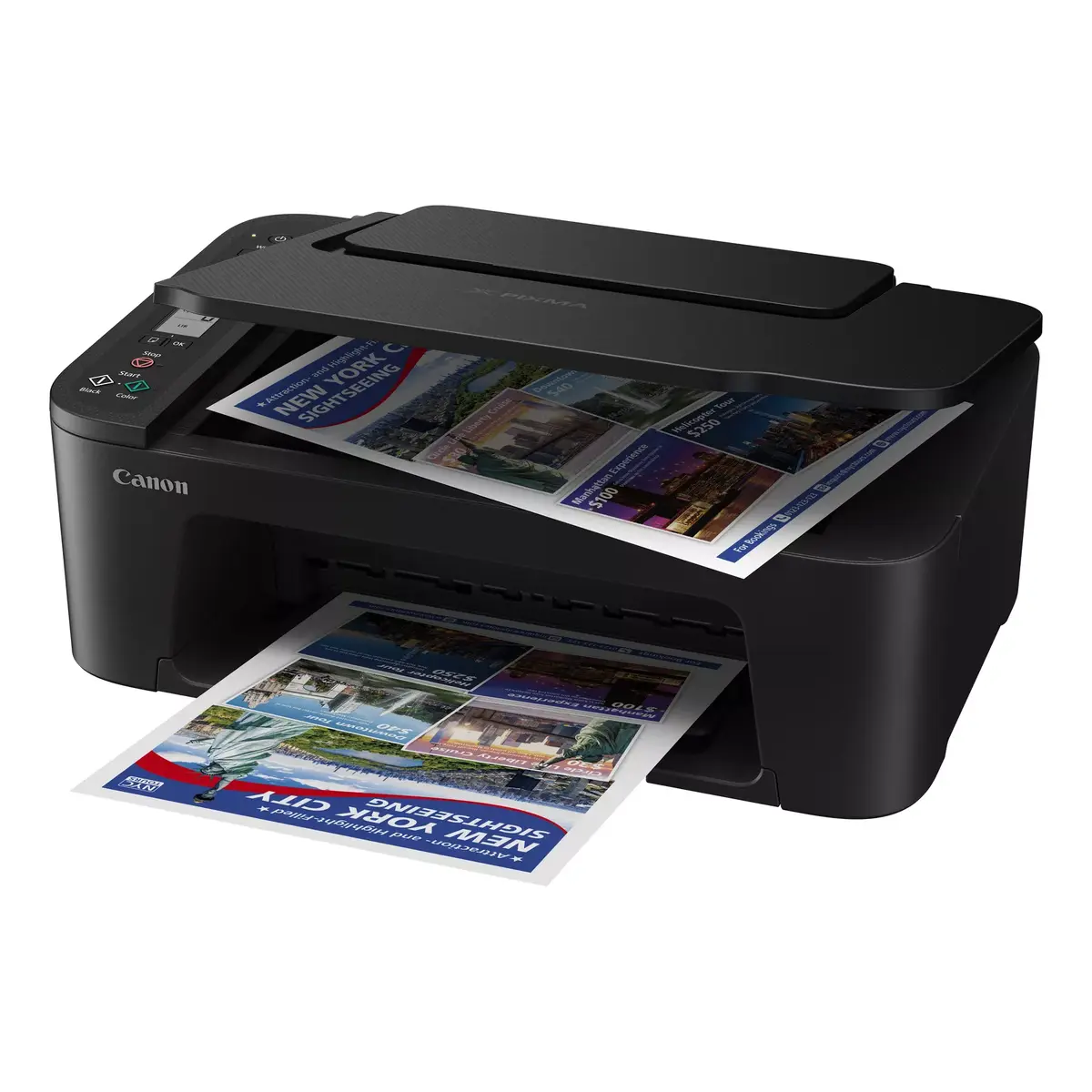
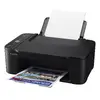
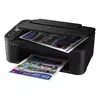
Multifunction Printer Canon PIXMA TS3750i Inkjet Colour Printing
The Canon PIXMA TS3750i is an entry-level inkjet multifunction printer that supports printing, scanning and copying in colour. It delivers up to 4800 x 1200 dpi print resolution for sharp colour prints, offers colour copying and colour scanning with an optical scanning resolution of 600 x 1200 dpi, and accepts A4 paper. Built-in Wi‑Fi enables direct printing from compatible devices. The compact black design and 4 kg weight make it suitable for home or small office use.
This Canon PIXMA TS3750i provides essential multifunction features—print, scan and copy—in a single compact device. High maximum print resolution ensures detailed colour output, while the optical scanner resolution supports accurate colour scans and copies. Integrated Wi‑Fi simplifies wireless printing from smartphones, tablets and laptops. The printer is lightweight and space-efficient, and it is compatible with the PIXMA Print Plan to help manage ink supply.
Install the printer on a stable surface and connect it to your Wi‑Fi network following the quick start guide. Load A4 paper into the input tray and install the appropriate ink cartridges. Use the Canon printing and scanning software or standard mobile printing apps to send print jobs from a computer or mobile device. For scanning and copying, place documents on the scanner glass and select the required settings via the printer software or control panel.
For reliable results, use Canon-recommended ink cartridges and update the printer firmware when prompted. Keep the scanner glass clean and store the printer in a dust-free, temperature-stable environment. If you need regular two-sided printing, consider a model with duplex support.
{{highlightedFeature.featureTitle}}:
{{getProductFeatureValueById(product, highlightedFeature.featureId)}}
{{ productComparisonGenerationError }}