
Leave your address - as soon as the price of the product goes down, you'll know about it right away
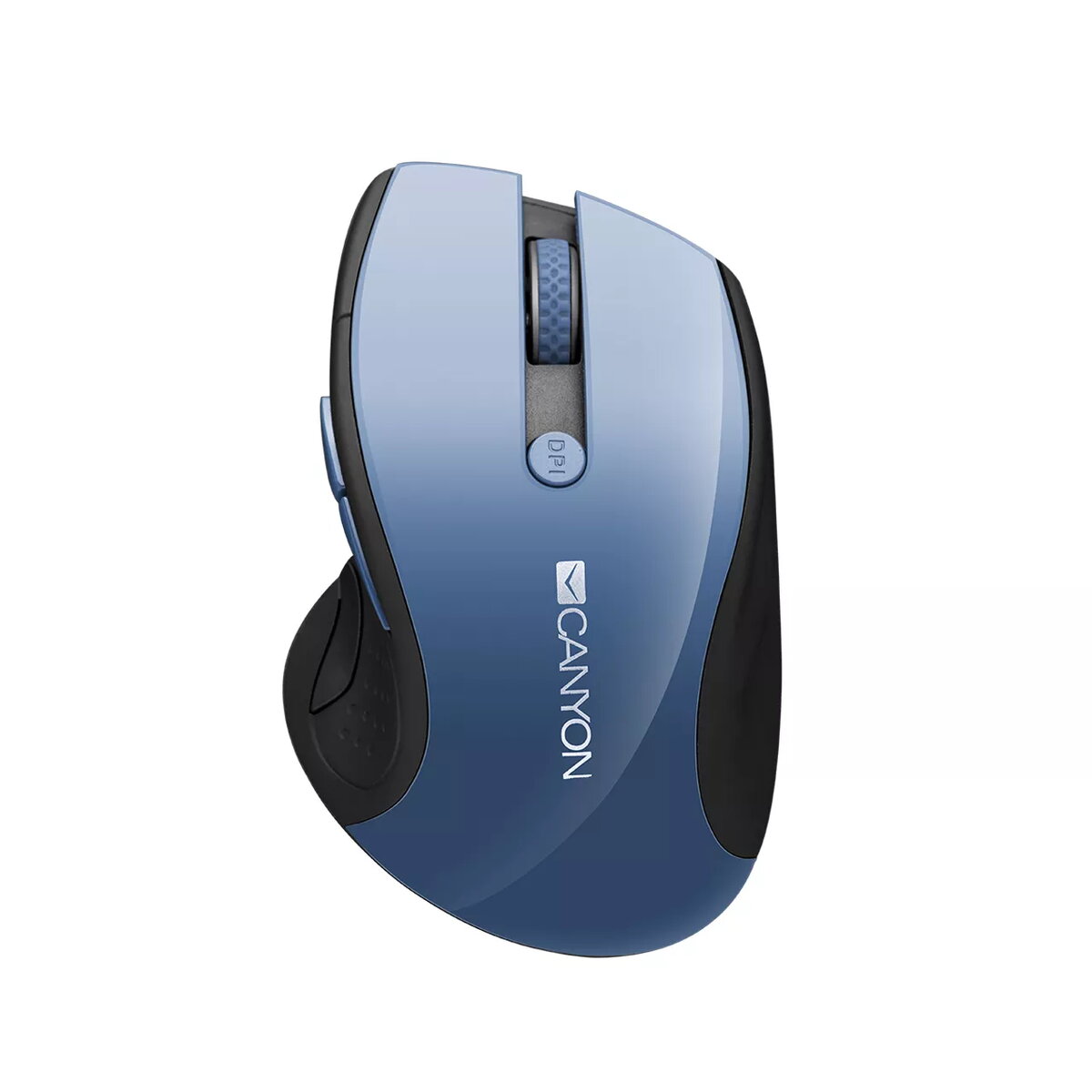
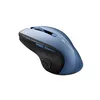
Mouse Canyon CNS-CMSW01BL RF Wireless Optical 1600 DPI
In cart {{totalProductsCount}} item(s)
Your cart is empty
Mouse Canyon CNS-CMSW01BL RF Wireless Optical 1600 DPI
Leave your address - as soon as the price of the product goes down, you'll know about it right away
Mouse Canyon CNS-CMSW01BL RF Wireless Optical 1600 DPI
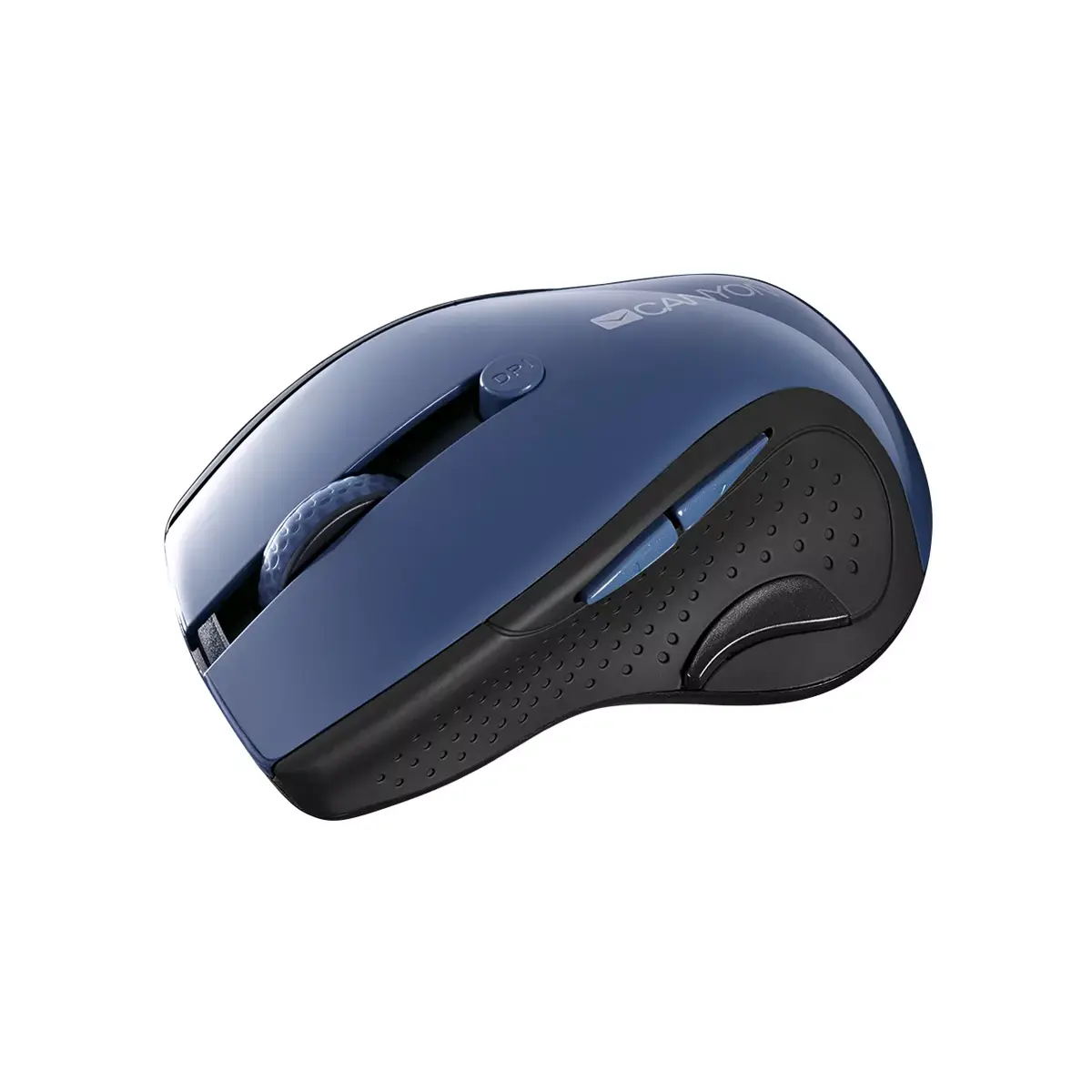
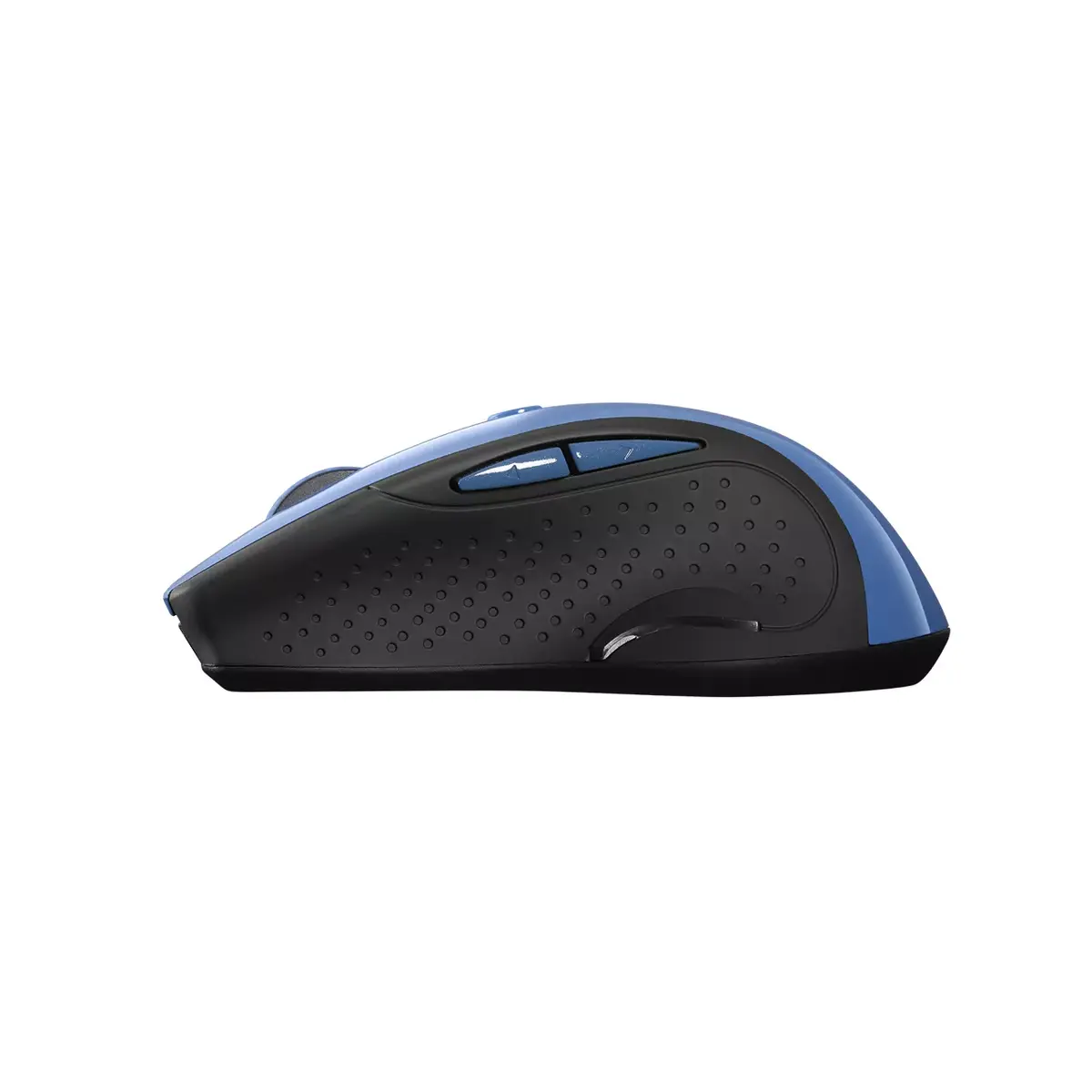
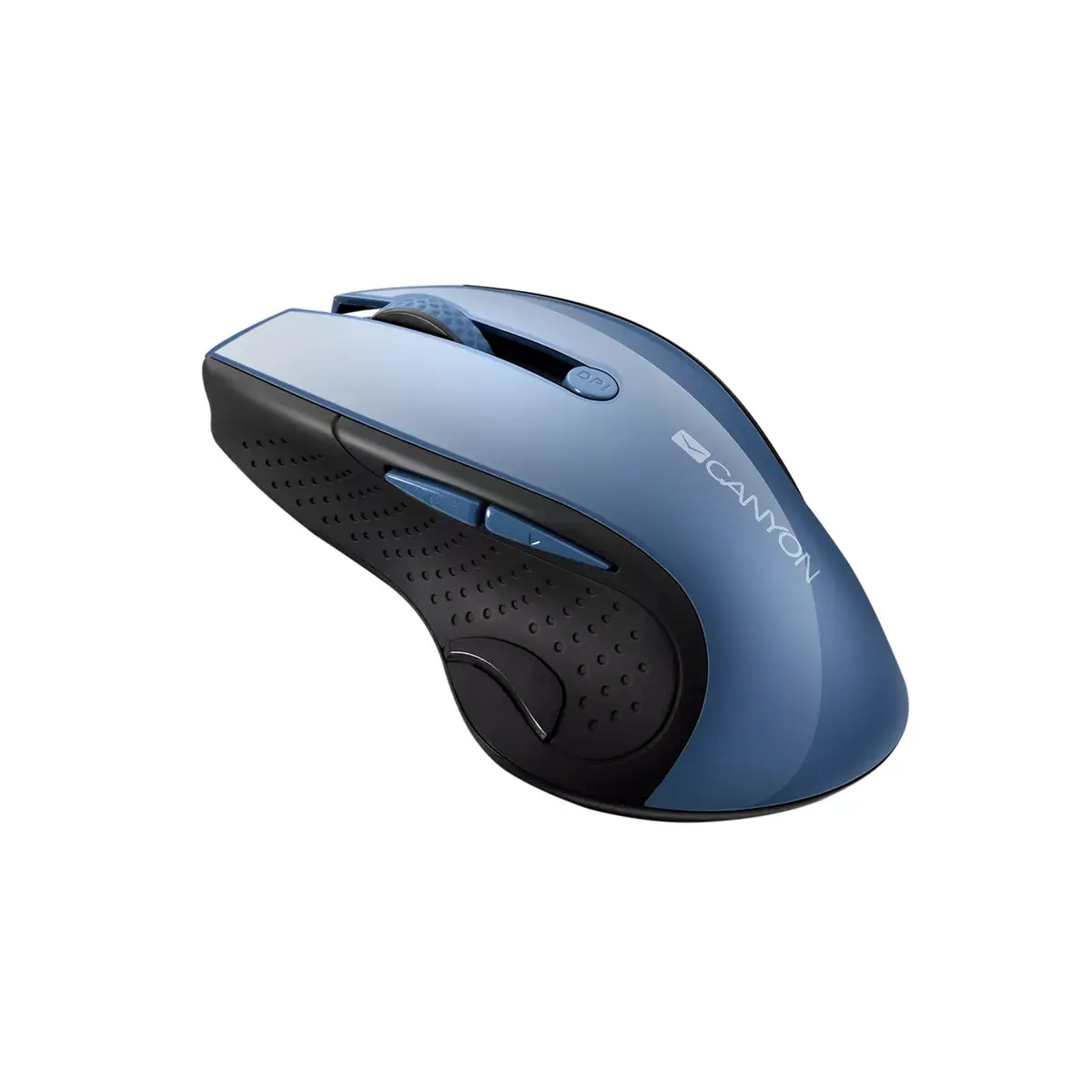
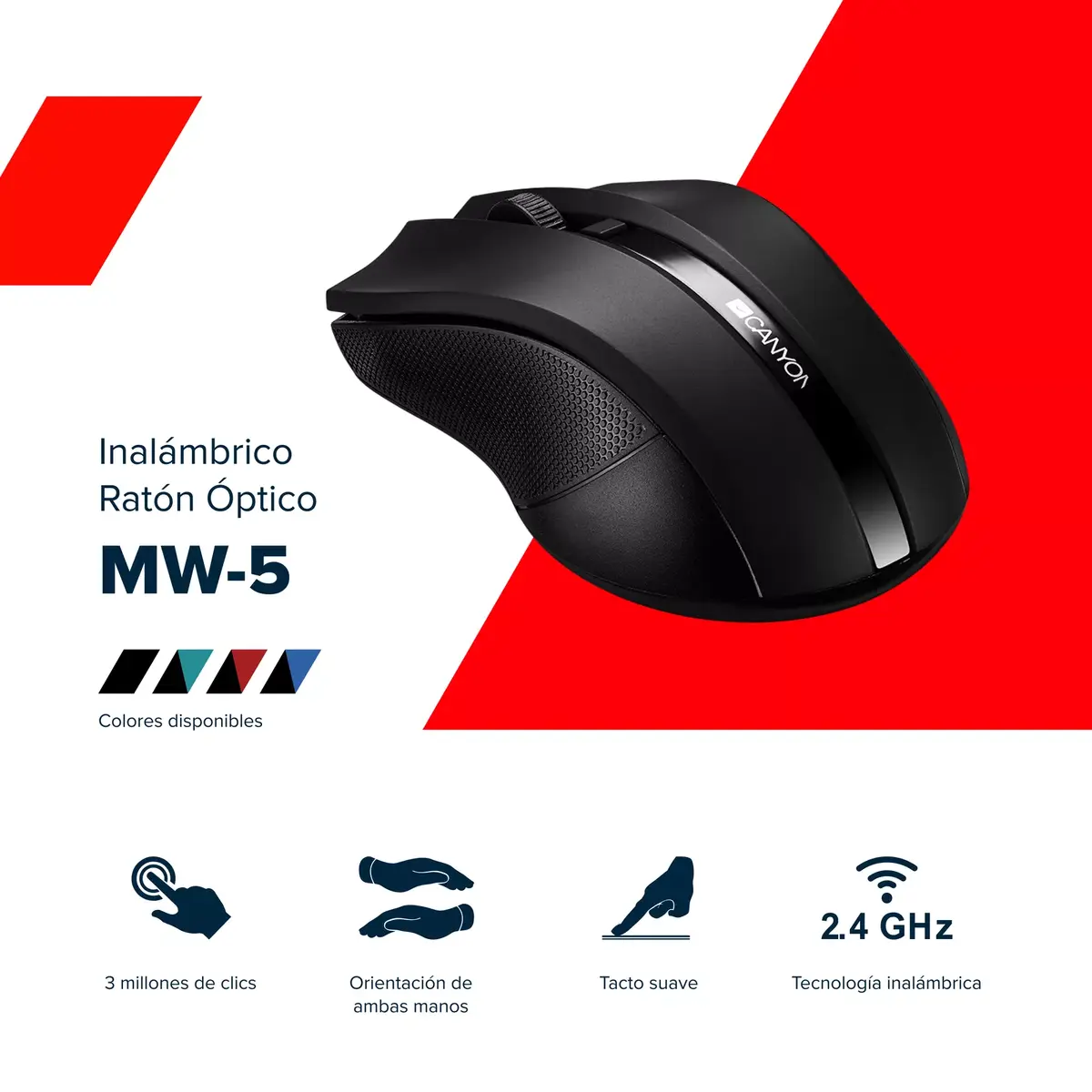
The Canyon CNS-CMSW01BL RF Wireless Optical 1600 DPI is a right-hand wireless mouse designed for everyday use. It uses an enhanced blue LED sensor for improved tracking accuracy and increased battery life, connects via a 2.4 GHz USB RF dongle and offers switchable DPI settings of 1000, 1200 and 1600 for different tasks. The compact, classical shape and six durable buttons make it suitable for extended use with Windows and Mac OSX devices.
Enhanced blue LED sensor provides more precise tracking than a standard red sensor and helps extend battery life by up to 20%. The mouse supports an automatic power-saving mode that puts the device to sleep when idle. Its 2.4 GHz wireless connection via USB dongle ensures a stable link, and the six-button design is rated for up to 3 million clicks, offering long-term reliability.
Insert the supplied USB RF dongle into an available USB port on your computer. Install batteries as indicated in the battery compartment, switch the mouse on, and allow a few seconds for automatic pairing. Use the DPI switch to select 1000, 1200 or 1600 DPI depending on the required pointer speed. The mouse will enter power-saving sleep mode when not in use and wake automatically on movement or button press.
For best battery life, turn the mouse off when not used for long periods and keep the USB dongle close to the mouse to maintain optimal signal quality. Replace batteries with fresh ones of the recommended type and avoid using the mouse on highly reflective surfaces for most accurate tracking.
{{highlightedFeature.featureTitle}}:
{{getProductFeatureValueById(product, highlightedFeature.featureId)}}