Filters you can trust. Pure water every day.
In cart {{totalProductsCount}} item(s)
Your cart is empty
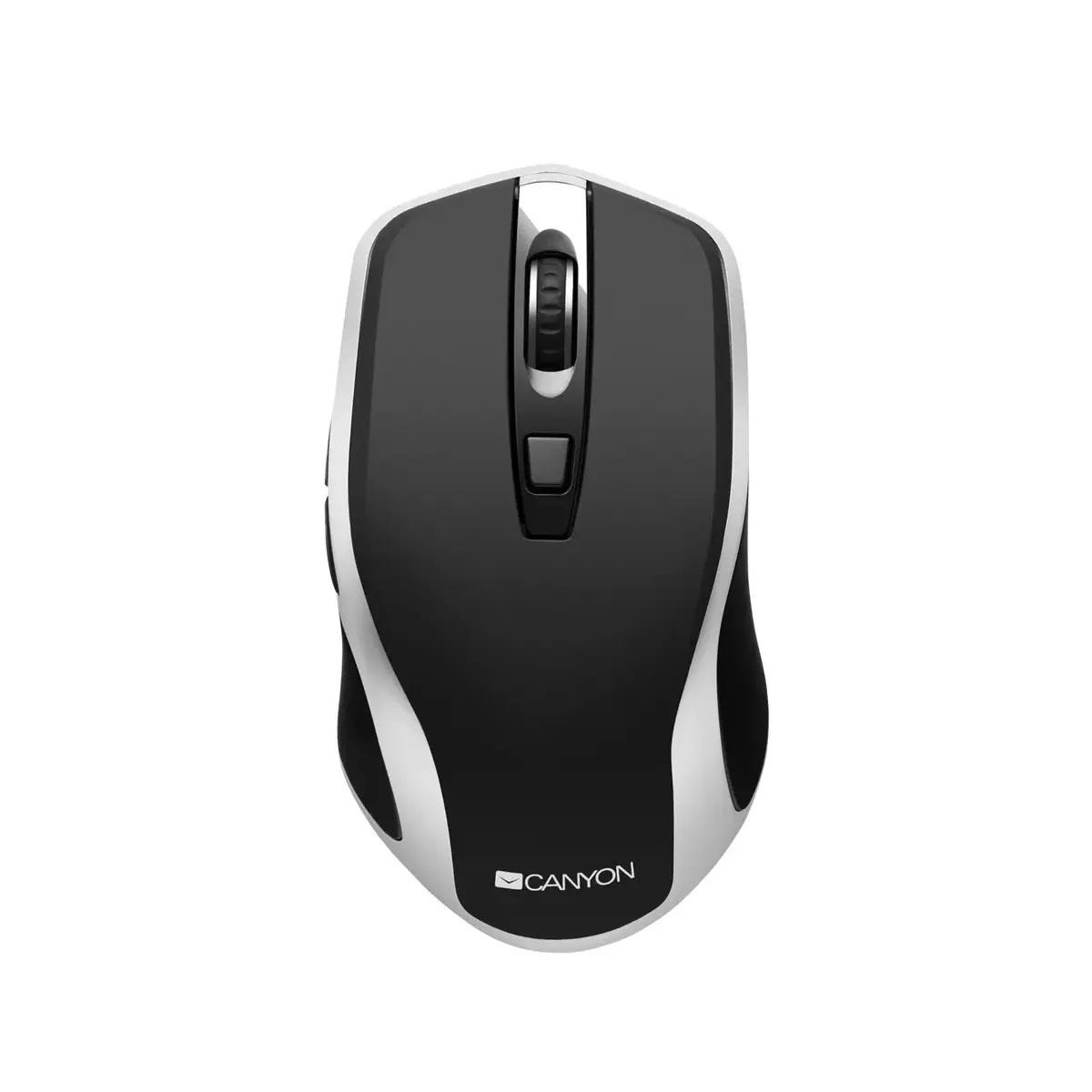
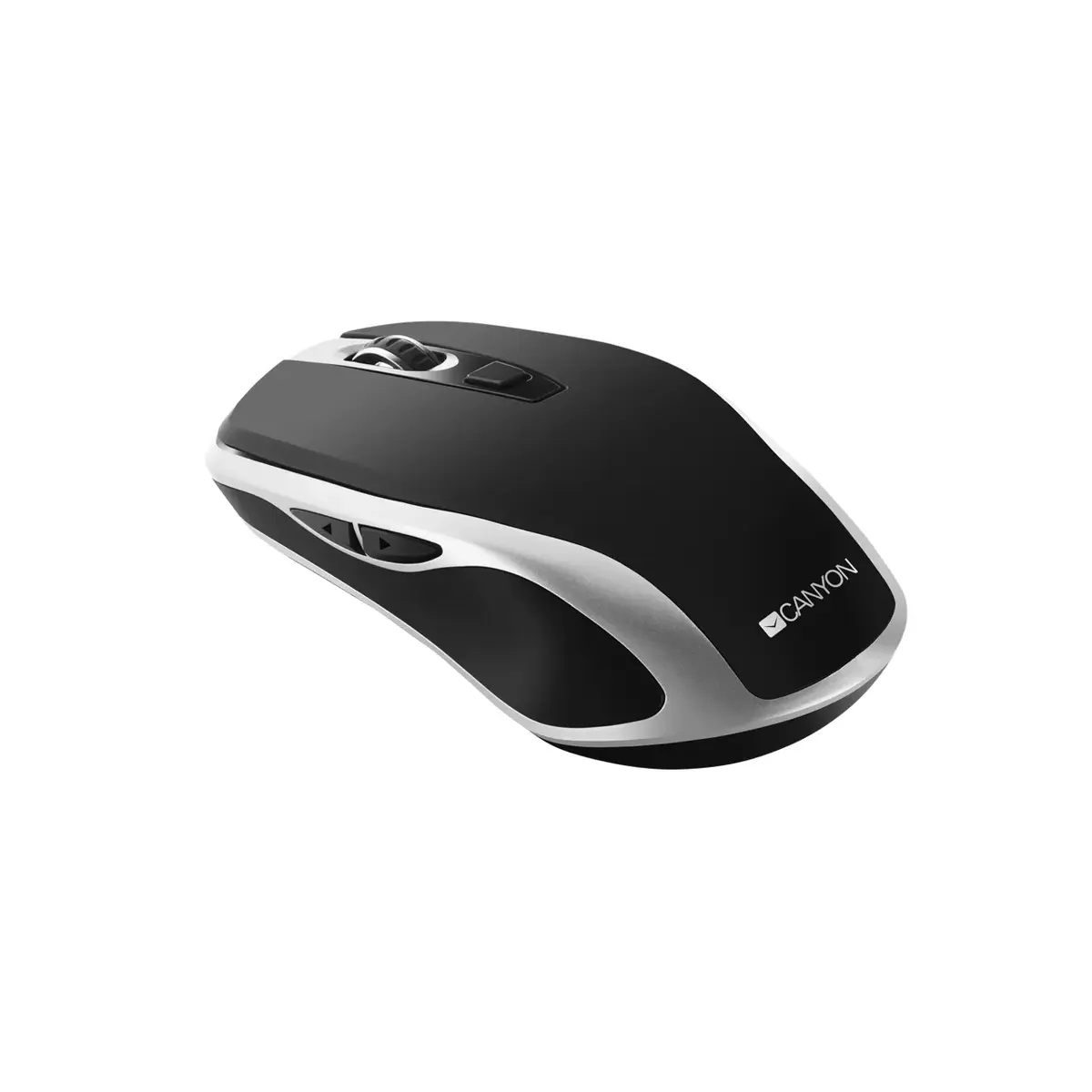
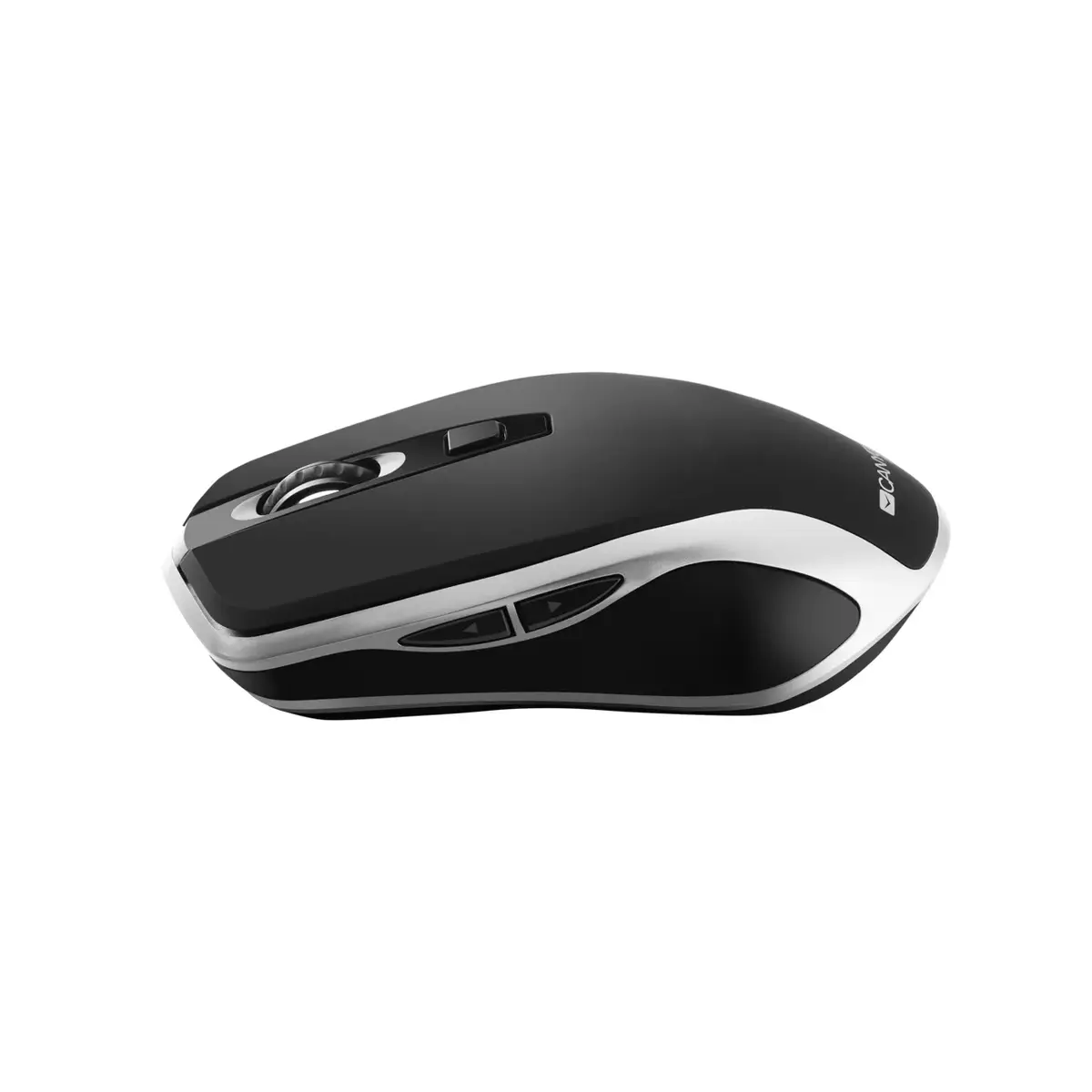
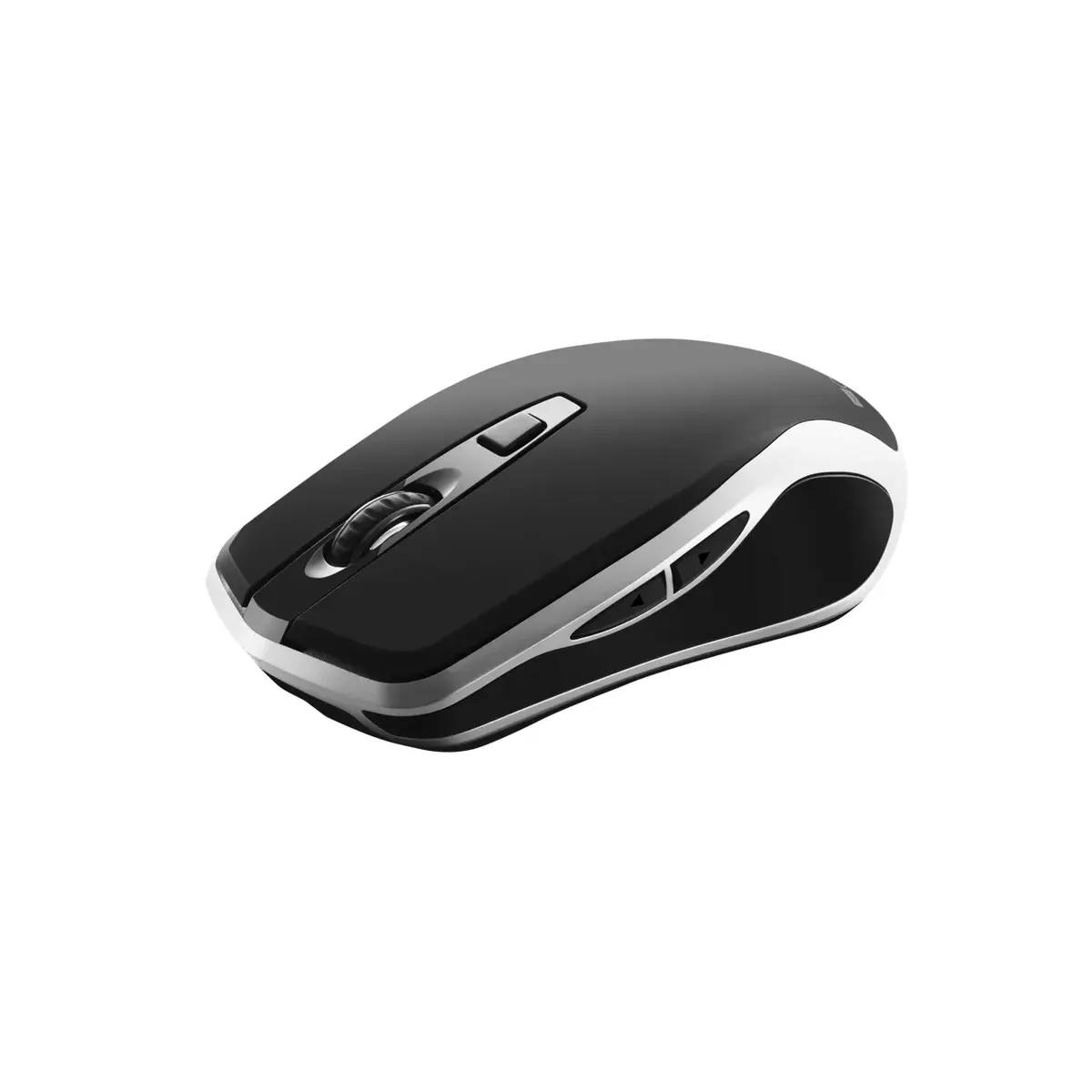
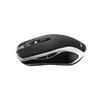
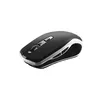
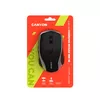
Mouse Canyon MW-19 RF Wireless USB Type-A Optical 1600 DPI
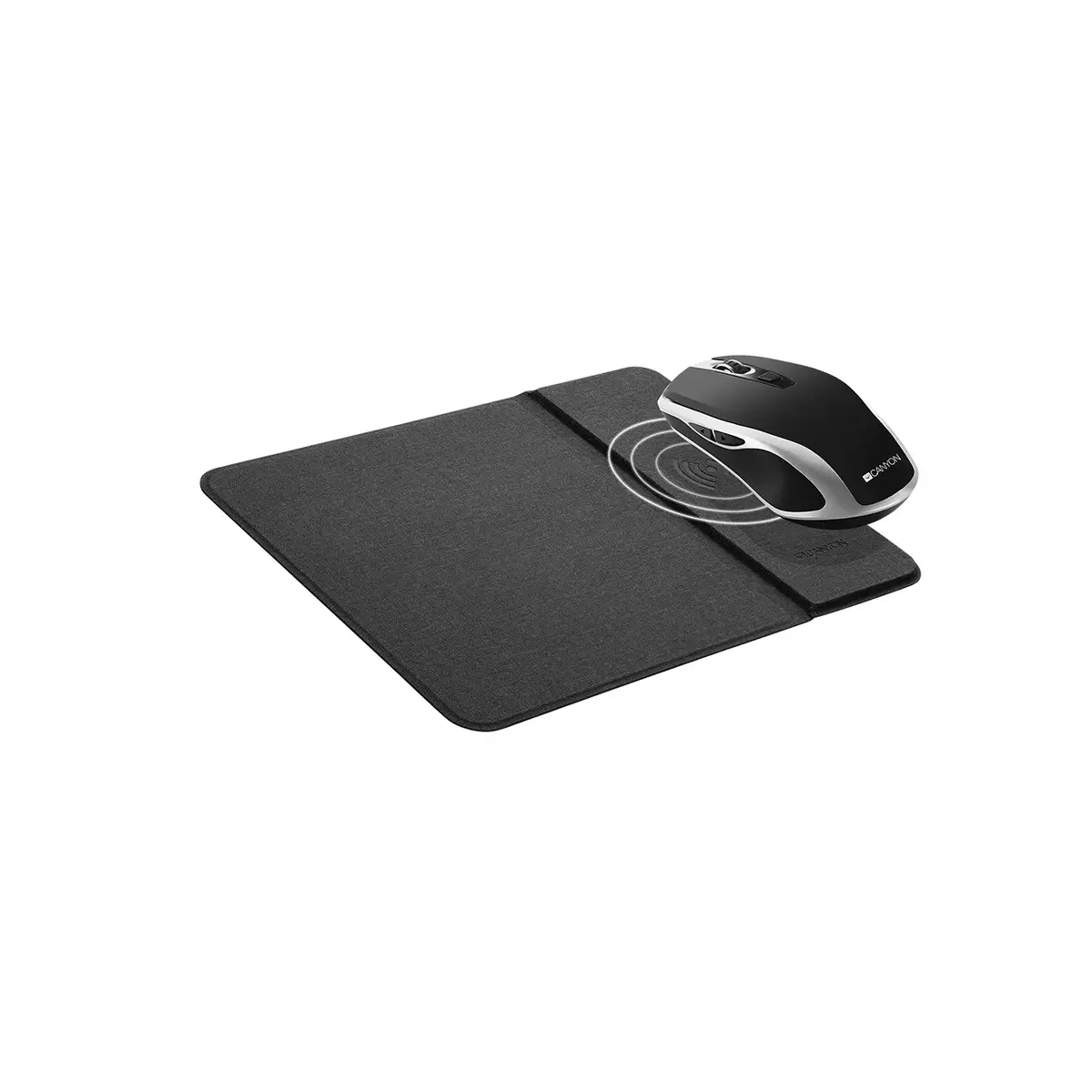
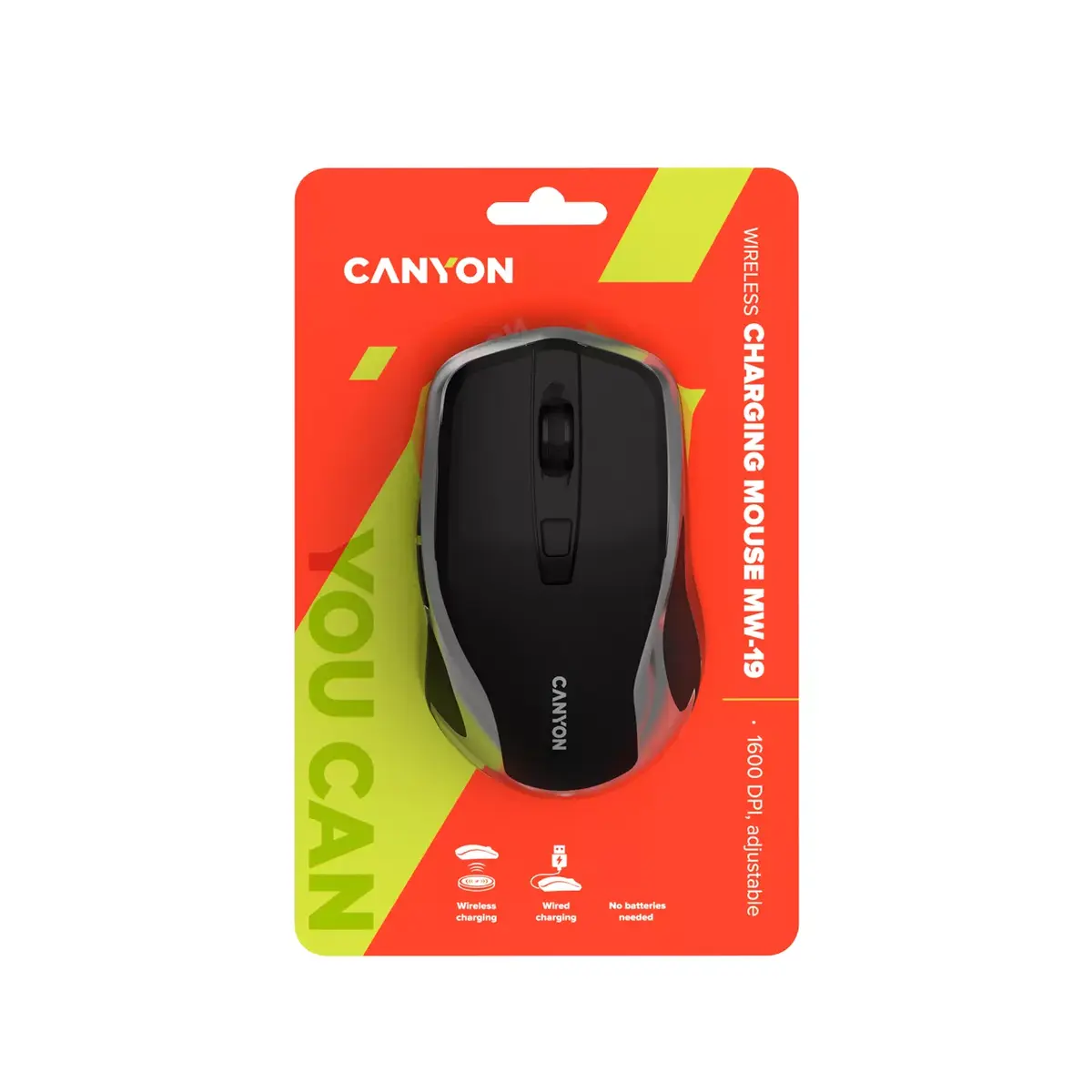
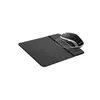
The Canyon MW-19 RF Wireless USB Type-A Optical 1600 DPI is an ambidextrous wireless mouse with RF connectivity and USB Type-A receiver. It features an optical sensor with 1600 DPI resolution, six pressed buttons and a scroll wheel. The mouse has a soft-touch rubberized finish and supports both wired and wireless charging when placed on a compatible smartphone charger or a Canyon charging mat.
The MW-19 combines ambidextrous ergonomics, a modern optical sensor and six-button control in a compact black design. Dual charging options—wireless charging on compatible mats or wired charging—help prevent sudden shutdowns and extend uninterrupted use. Three DPI modes provide quick sensitivity switching for different tasks, while the soft-touch rubberized coating improves grip and comfort during extended use.
Insert the USB Type-A receiver into an available USB port on your computer to establish the RF wireless connection. Place the mouse on a compatible wireless charger (such as a smartphone charger that supports the mouse or a Canyon charging mat) to charge wirelessly, or connect with a cable if wired charging is supported by the device. Use the DPI switch to change sensitivity between the three modes and operate the scroll wheel and additional buttons for navigation and shortcuts.
For stable performance, keep the USB receiver within the recommended range of the mouse and avoid obstructing objects. Charge the mouse regularly using a compatible charger or mat to prevent unexpected shutdowns. Clean the optical sensor area and the mouse surface with a soft, dry cloth.
{{highlightedFeature.featureTitle}}:
{{getProductFeatureValueById(product, highlightedFeature.featureId)}}
{{ productComparisonGenerationError }}