


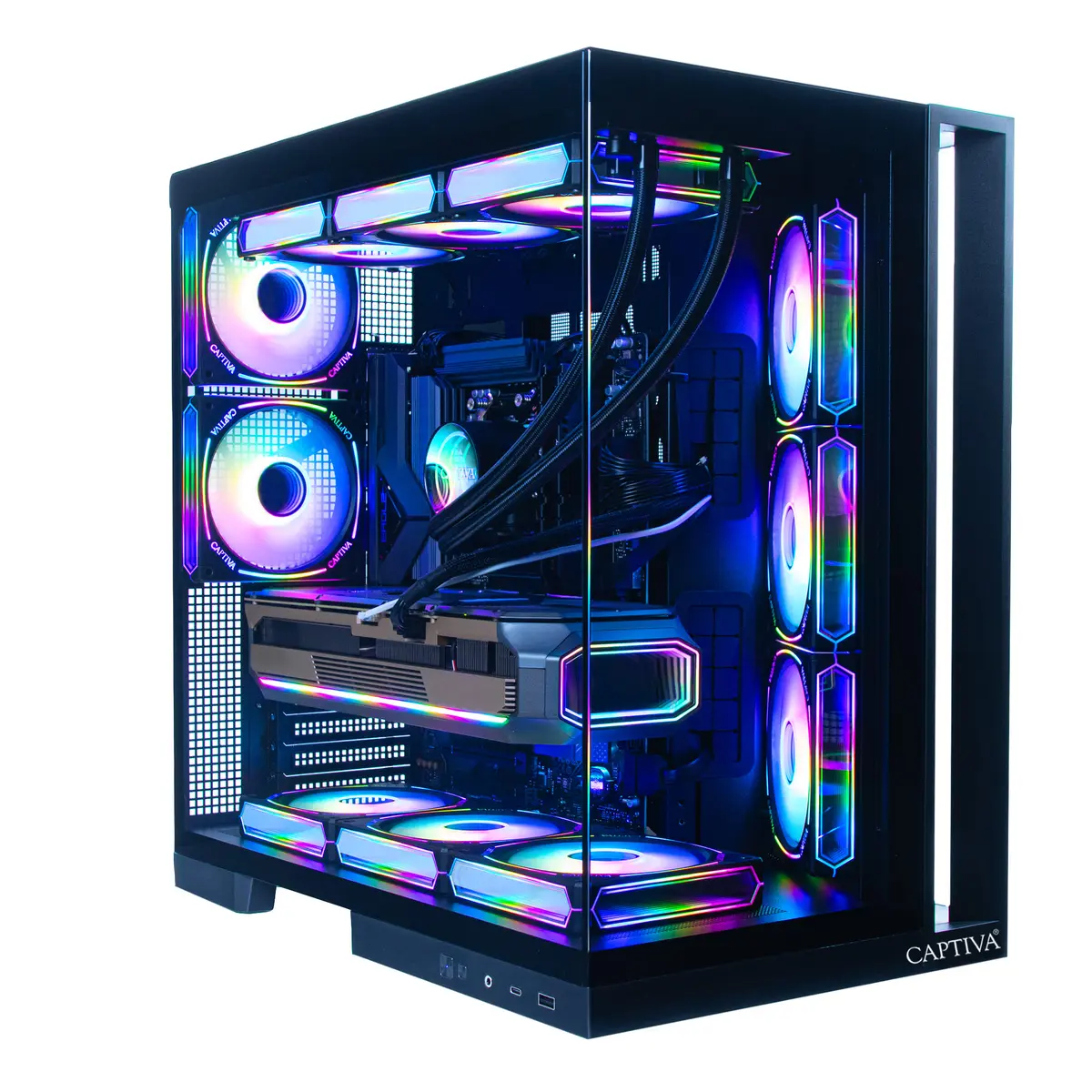
Computer Captiva PC Highend Gaming I89-042 Ultra 9 285KF 64GB 4TB RTX5080
Offer for a legal entity, non-cash payment.
Short description

Cheapest delivery:
Unisend LV
Product information
Description
The Captiva PC Highend Gaming I89-042 Ultra 9 285KF 64GB 4TB RTX5080 is a high-performance desktop built for demanding gaming and content-creation tasks. It combines an Ultra 9 285KF processor with 64GB of system memory, dual 2TB SSD storage, and an RTX 5080 graphics card. The system ships without an operating system pre-installed and includes WLAN connectivity for easy network access. Its configuration focuses on raw computing power, fast storage, and advanced graphics to support high frame rates, large game libraries, and multitasking workflows.
Advantages
This configuration provides strong single-thread and multi-thread performance from the Ultra 9 285KF, ample 64GB RAM for smooth multitasking and heavy applications, and fast NVMe SSD capacity totaling 4TB for quick load times and substantial local storage. The RTX 5080 graphics accelerator delivers high-resolution rendering, ray tracing support and hardware-accelerated AI features useful for gaming and creative workloads. Built-in WLAN enables immediate wireless connectivity, while the OS-free delivery lets users install their preferred operating system and drivers.
Suitable for
- High-refresh-rate and 4K gaming
- Real-time ray tracing and GPU-accelerated game engines
- Video editing, 3D rendering and compositing
- Software development, virtual machines and heavy multitasking
- Large game libraries and fast load-time requirements
Key specifications
- Processor family: Ultra 9 285KF — high-performance desktop CPU
- System memory: 64GB RAM for concurrent applications and workloads
- Storage: Dual 2TB SSDs (total 4TB) providing high-speed NVMe storage
- Graphics: RTX 5080 GPU supporting real-time ray tracing and AI acceleration
- Network: Integrated WLAN for wireless connectivity
- Operating system: No OS pre-installed — user installation required
How to use
Install a compatible operating system of your choice and the latest chipset and GPU drivers from the manufacturers to ensure optimal performance. Connect the Captiva PC to a monitor that matches your desired resolution and refresh rate, attach peripherals such as keyboard and mouse, and configure WLAN credentials to access online services. For gaming, update game clients and graphics settings according to performance targets; for content creation, install required applications and set up project storage on the fast internal SSDs.
Usage recommendations
Keep system firmware and graphics drivers up to date, ensure adequate case ventilation and cooling for sustained high-load use, and create regular backups of important data from the internal SSDs. If you plan to run multiple virtual machines or memory-heavy workloads, consider verifying memory settings and enabling appropriate cooling profiles.


