Save time and money with our discounts!

{{ totalProductsCount }}
In cart {{totalProductsCount}} item(s)
In cart {{totalProductsCount}} item(s)
Total:
{{sum | formatAmount}}
Your cart is empty
Laptops & Computers
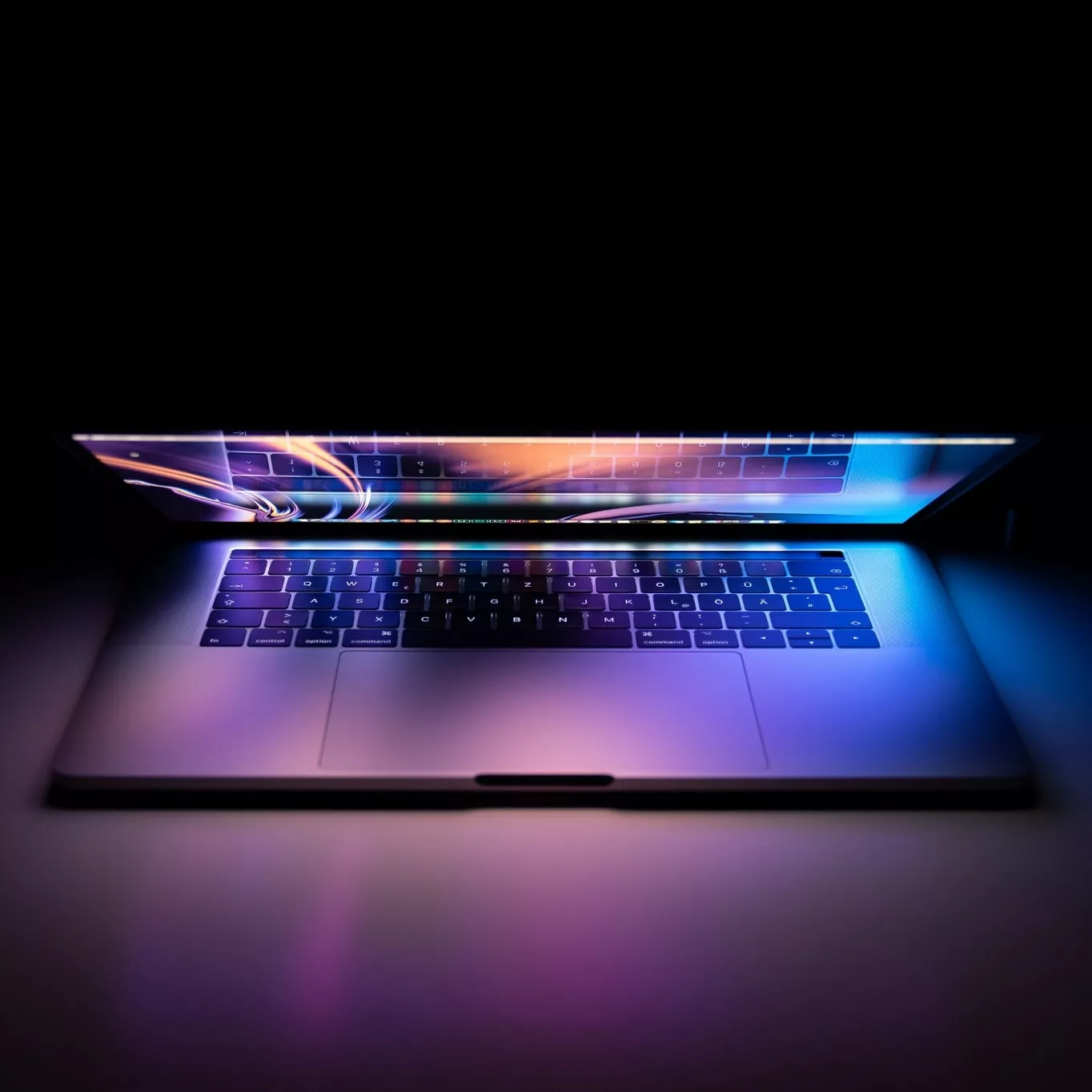

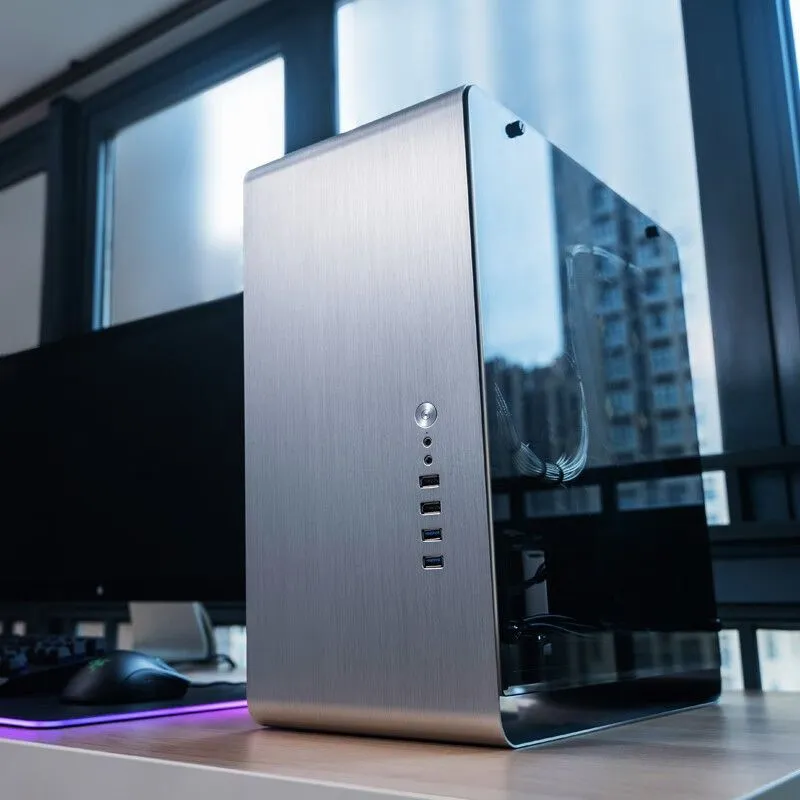
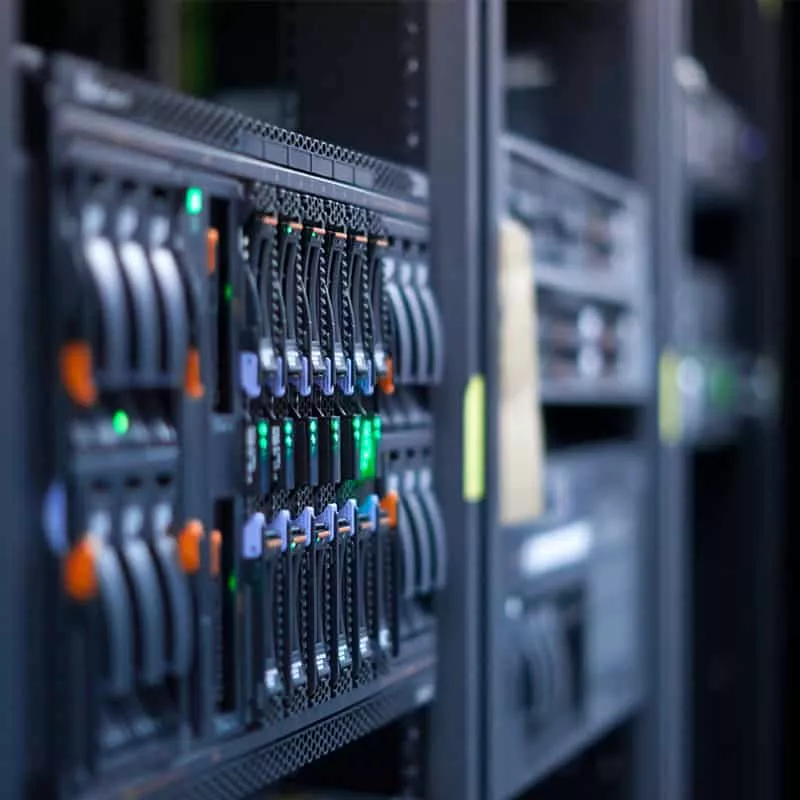
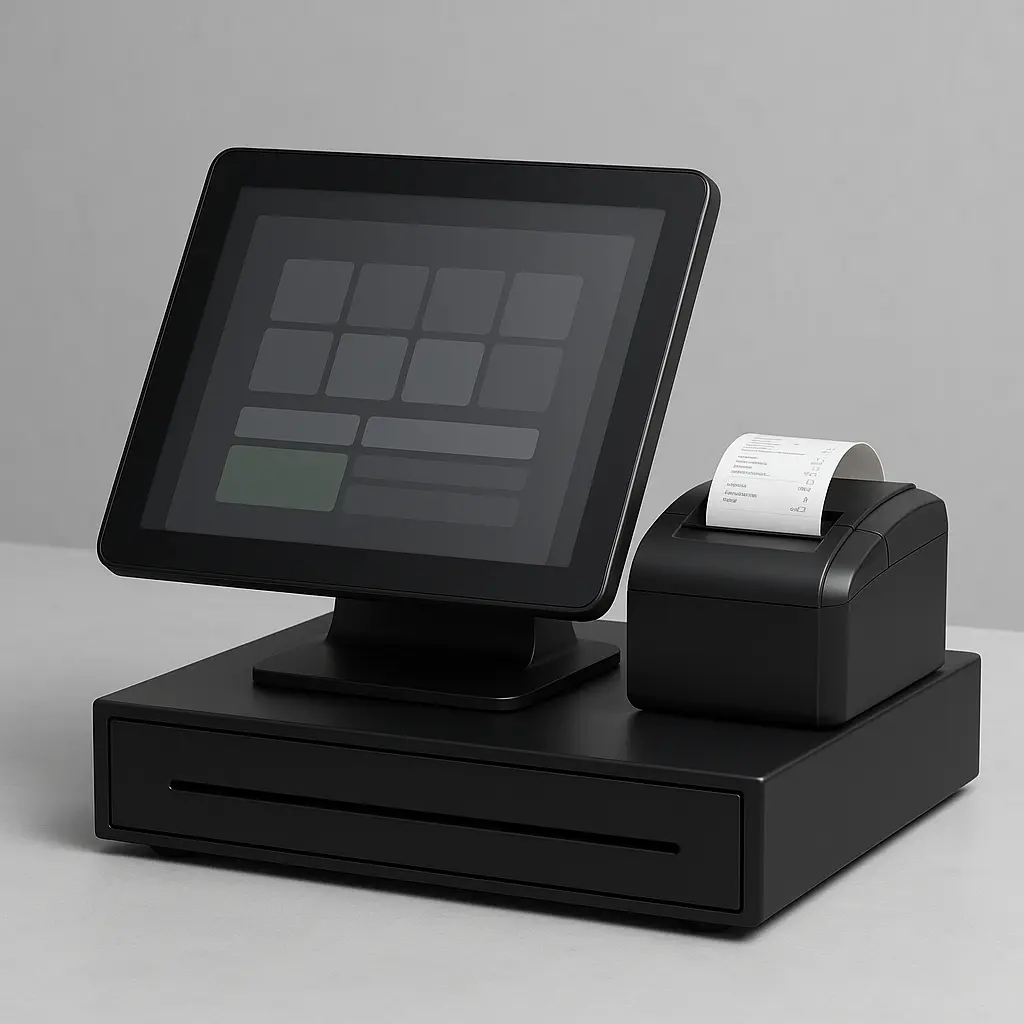
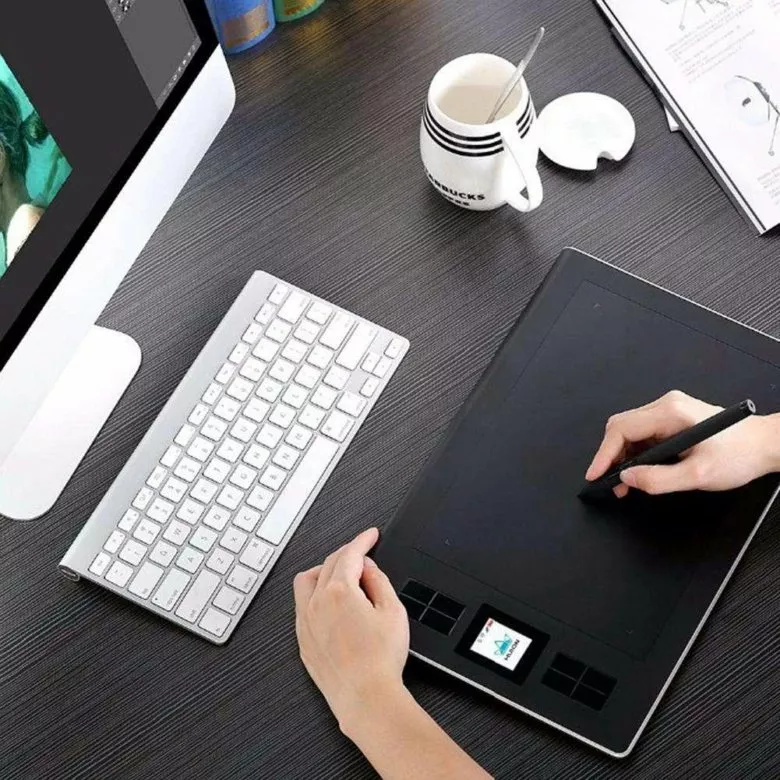
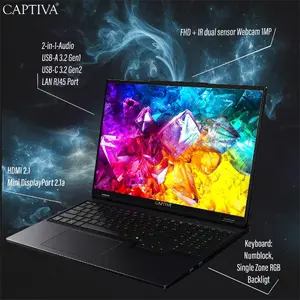
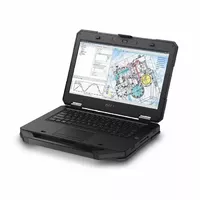
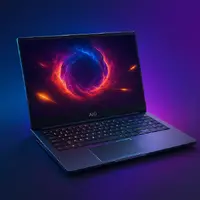
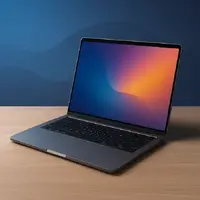
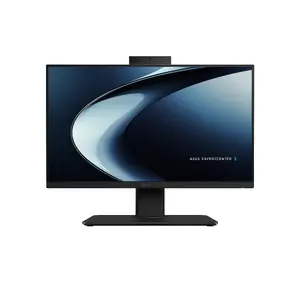

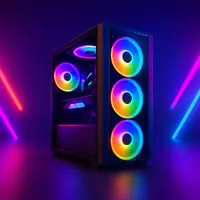
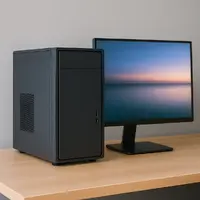
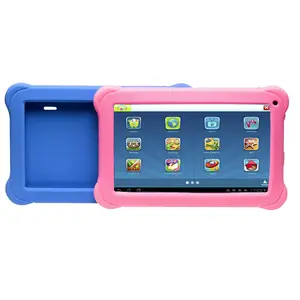
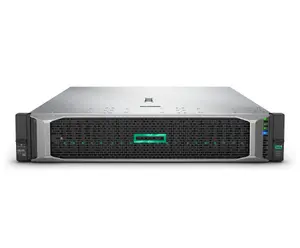
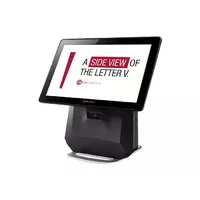



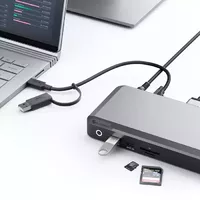
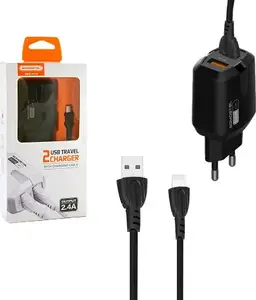


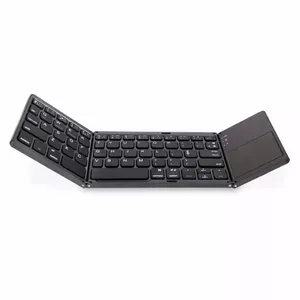

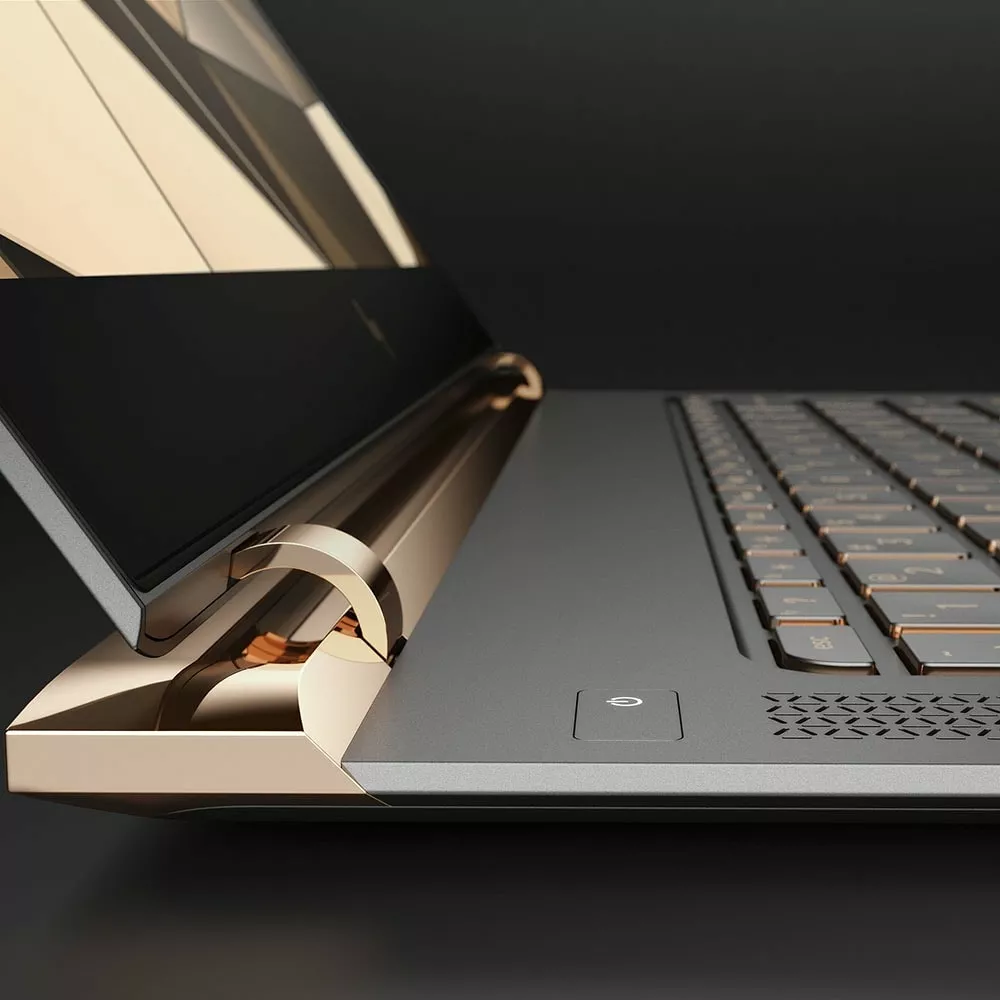
Laptops & Computers include portable laptops, desktop computers, all-in-one systems and mobile workstations designed to run software, connect to networks and perform computing tasks across personal, educational and professional contexts. These devices vary in size, performance and form factor to meet different needs such as basic web browsing, office productivity, media consumption, software development, design work and data processing. Users choose models based on processor power, memory and storage capacity, graphics capability, battery life (for laptops), expandability and connectivity options. Common scenarios for selection include home use, business tasks, remote work, student study, creative production and gaming. Compatibility with operating systems, peripherals and software ecosystems is a key practical consideration when comparing models and planning upgrades.
Types of Laptops & Computers
The following categories describe common product types and typical uses.
- Ultrabooks and thin-and-light laptops — portable, energy-efficient models for mobility and everyday tasks.
- Business and enterprise laptops — units prioritizing security, durability and manageability for workplace use.
- Gaming laptops and desktops — systems with higher-performance CPUs and discrete graphics for gaming and graphics-intensive applications.
- Workstations — configured for professional applications like CAD, 3D rendering and scientific computing, often with certified hardware and higher memory capacity.
- All-in-one PCs — desktop systems that integrate display and components into a single chassis to save space.
- Mini PCs and small form factor desktops — compact desktops for basic computing, digital signage or media centers.
- Convertible and 2-in-1 devices — laptops with touchscreens and hinges that allow tablet-like use for versatility.
What are Laptops & Computers used for?
Laptops and computers serve a wide range of functions across different user groups.
- General productivity — document editing, spreadsheets, email and web browsing for home, school and office tasks.
- Content creation — photo and video editing, graphic design and music production that require specific hardware and storage setups.
- Software development and data analysis — programming, compiling, running virtual machines and processing datasets.
- Gaming and entertainment — playing games, streaming video and running multimedia applications with appropriate graphics and audio capability.
- Remote work and communication — video conferencing, collaboration tools and secure remote access for distributed teams.
- Education and e-learning — virtual classrooms, educational software and research tools for students and instructors.
Key Differences between Laptops & Computers
Key distinctions depend on form factor, performance, portability and upgradeability.
- Portability — laptops and convertibles are battery-powered and designed for mobility; desktops and workstations are stationary and typically not battery-dependent.
- Performance — desktops can offer higher sustained performance and better cooling for demanding tasks; laptops balance performance with power efficiency and thermal limits.
- Upgradeability — many desktops and some workstations allow easier component upgrades (RAM, storage, GPU) compared with most thin laptops and all-in-ones.
- Display and input — laptops include built-in displays and keyboards; desktops require separate monitors, keyboards and mice, allowing more flexible configurations.
- Connectivity and ports — desktop systems often provide more expansion slots and ports; laptops focus on compact port selection, sometimes requiring adapters or docks for full connectivity.
How to Choose Laptops & Computers?
Selecting a laptop or computer involves matching technical specifications and features to intended use, budget and future needs.
- Define primary use — determine whether you need mobility, high performance for specific applications, or a budget desktop for general tasks.
- Check key specifications — prioritize CPU generation and cores, amount and type of RAM, storage type (SSD vs HDD) and capacity, and GPU performance if needed.
- Consider display and battery — for laptops, evaluate screen size, resolution, color accuracy and battery life estimates; for desktops, choose an appropriate monitor separately.
- Look at connectivity and ports — ensure the device has required ports (USB, HDMI, Ethernet, Thunderbolt) and wireless standards (Wi‑Fi, Bluetooth).
- Plan for expandability and maintenance — review whether RAM or storage can be upgraded and consider warranty and repair options.
- Balance budget and longevity — compare models that meet current requirements while leaving room for software updates and future needs.


