


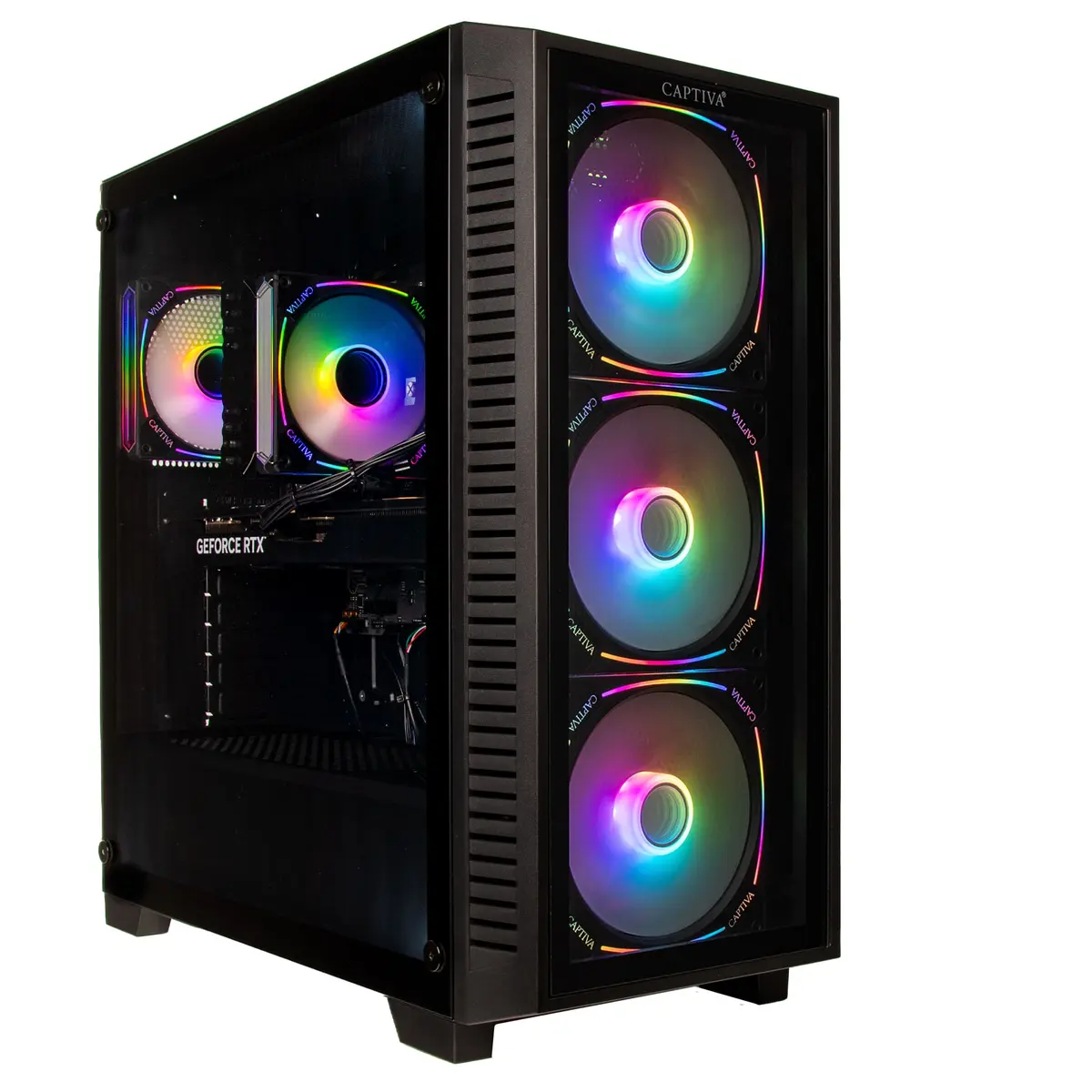
Gaming PC Captiva CAPTIVA PC Advanced Gaming I95-321 i9-14900KF RTX5060 8GB
Offer for a legal entity, non-cash payment.
Short description

Cheapest delivery:
Unisend LV
Product information
Description
The Captiva CAPTIVA PC Advanced Gaming I95-321 i9-14900KF RTX5060 8GB is a desktop system engineered for demanding gaming and intensive multitasking. Equipped with a high-performance Intel i9-14900KF processor, 32 GB of system memory and a 1 TB solid-state drive, this PC delivers fast load times and responsive system performance. The NVIDIA RTX5060 8 GB graphics card provides hardware-accelerated ray tracing and modern GPU features to support smooth frame rates and detailed visuals. The system ships with Windows 11 Home to provide current security updates and platform compatibility.
Advantages
The combination of a multi-core Intel i9 CPU and 32 GB of RAM enables sustained performance for gaming sessions, content creation and background processes. A 1 TB SSD reduces game and application load times compared to traditional storage. The RTX5060 8 GB GPU supports modern rendering techniques and hardware-accelerated features, improving visual fidelity and performance in supported titles. Windows 11 Home offers integrated system updates and compatibility with current gaming services and drivers.
Suitable for
- High-refresh-rate and AAA gaming at 1080p and 1440p resolutions
- Live streaming and game capture while playing
- Content creation tasks such as video editing and 3D rendering workflows
- Multitasking with multiple applications, virtual machines or browser tabs
- General productivity and software development with demanding toolchains
Key specifications
- Processor: Intel i9-14900KF (high-performance desktop CPU)
- Memory: 32 GB RAM (system memory for multitasking)
- Storage: 1 TB solid-state drive (NVMe or SATA SSD for fast access)
- Graphics: NVIDIA RTX5060 with 8 GB video memory
- Operating system: Windows 11 Home preinstalled
- Form factor: desktop tower suitable for expansion and cooling upgrades
How to use
Connect the desktop to a compatible display, input devices and network, then power on and complete the Windows 11 initial setup. Install the latest GPU drivers from the manufacturer to ensure optimal graphics performance and enable game-specific settings. Use the operating system settings to configure storage, power profiles and display resolutions according to your usage. For streaming or capture, configure recording software to use the dedicated GPU and adjust encoder settings based on desired quality and available bandwidth.
Usage recommendations
Place the PC in a well-ventilated area and ensure adequate airflow around the case. Keep drivers and the operating system updated for stability and security. When running intensive workloads or extended gaming sessions, monitor temperatures and use balanced or performance power profiles. For best gaming results, match in-game settings to your monitor resolution and refresh rate and consider enabling GPU-native features such as DLSS or frame-enhancing options when supported.


