


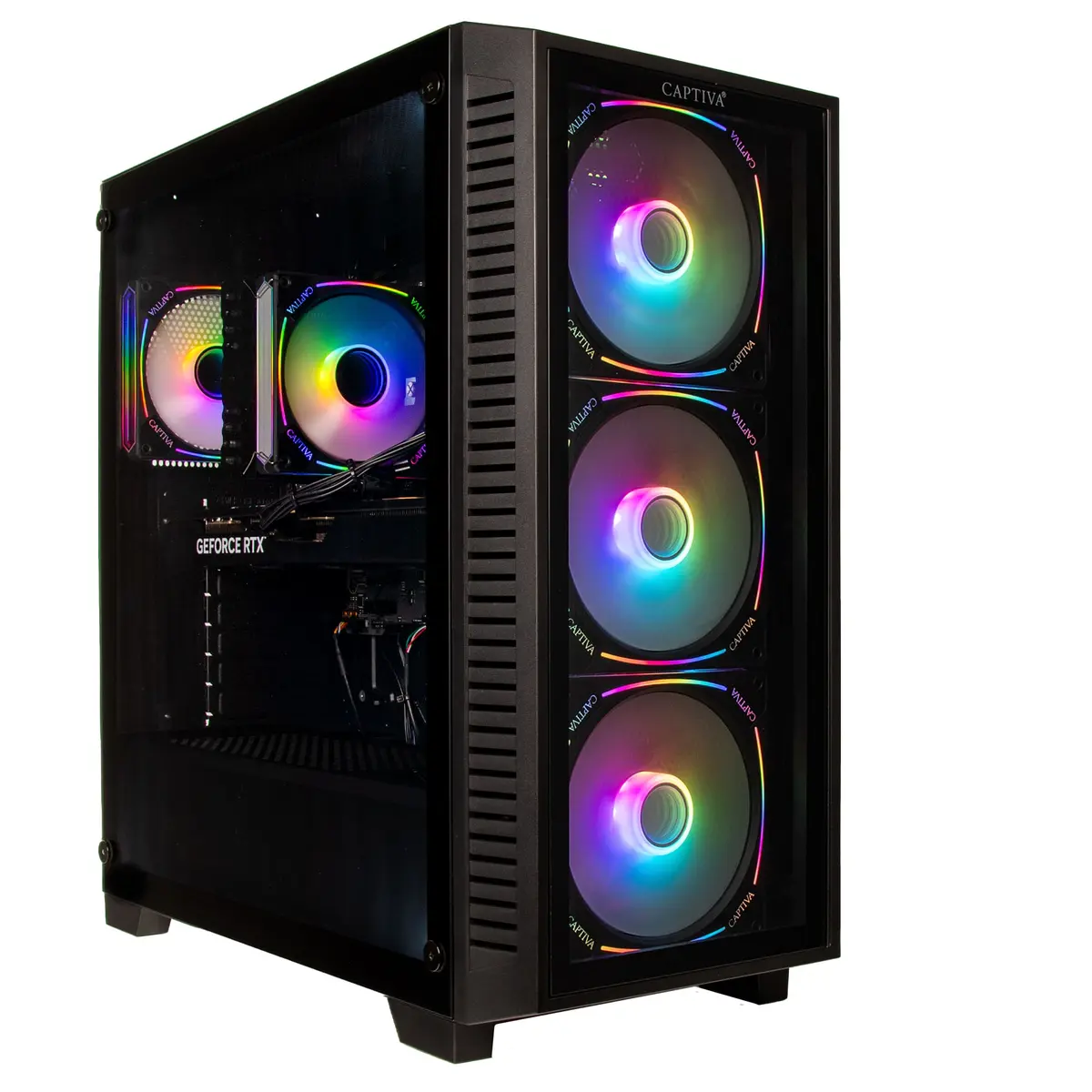
Gaming PC Captiva CAPTIVA PC Highend Gaming I95-424 i9-14900KF RTX5070 12GB
Offer for a legal entity, non-cash payment.
Short description

Cheapest delivery:
Unisend LV
Product information
Description
The Captiva CAPTIVA PC Highend Gaming I95-424 is a desktop system configured for demanding gaming and professional workloads. Equipped with an Intel Core i9-14900KF processor, 32 GB of RAM and a 2 TB solid-state drive, the system is built to deliver high single-thread and multi-thread performance, fast application and game load times, and ample working space for large files. The NVIDIA RTX 5070 12 GB graphics card provides modern GPU performance for high-resolution gaming, content creation and hardware-accelerated workflows. The PC ships with Windows 11, offering current driver and software compatibility for games and productivity applications.
Advantages
The combination of a high-frequency Intel i9-14900KF CPU and 32 GB of memory enables smooth multitasking, streaming and demanding game engines without frequent memory bottlenecks. A large 2 TB SSD reduces system and game load times compared with traditional hard drives and improves responsiveness in professional software. The RTX 5070 12 GB GPU supports advanced graphics features, hardware ray tracing and accelerated rendering tasks, while Windows 11 provides a contemporary environment for game optimization and driver support.
Suitable for
- High-performance gaming at 1440p and entry 4K settings
- Live streaming and content creation (video editing, rendering)
- 3D modelling and GPU-accelerated workflows
- Multitasking with multiple applications and virtual machines
- Software development and compiling large projects
Key specifications
- Processor: Intel Core i9-14900KF — high-performance desktop CPU
- Memory: 32 GB RAM — suitable for multitasking and content creation
- Storage: 2 TB solid-state drive — fast read/write performance for OS and applications
- Graphics: NVIDIA RTX 5070 with 12 GB dedicated video memory
- Operating system: Windows 11 preinstalled
- Form factor: desktop tower designed for airflow and component upgrades
How to use
Set the PC on a stable, well-ventilated surface and connect power, display, keyboard and mouse. Complete the Windows 11 setup and create or sign in to a Microsoft account if required. Install the latest NVIDIA drivers from the official website to ensure optimal graphics performance and enable game-ready or studio drivers depending on your use case. Use included system tools or BIOS/UEFI settings to review memory and storage configuration and to configure boot order if additional drives are added.
Usage recommendations
For sustained performance during long gaming or rendering sessions, ensure the case has adequate airflow and consider a quality aftermarket CPU cooler if overclocking is planned. Keep graphics drivers and Windows updates current, and use an SSD-aware backup strategy to protect large media and project files.


