


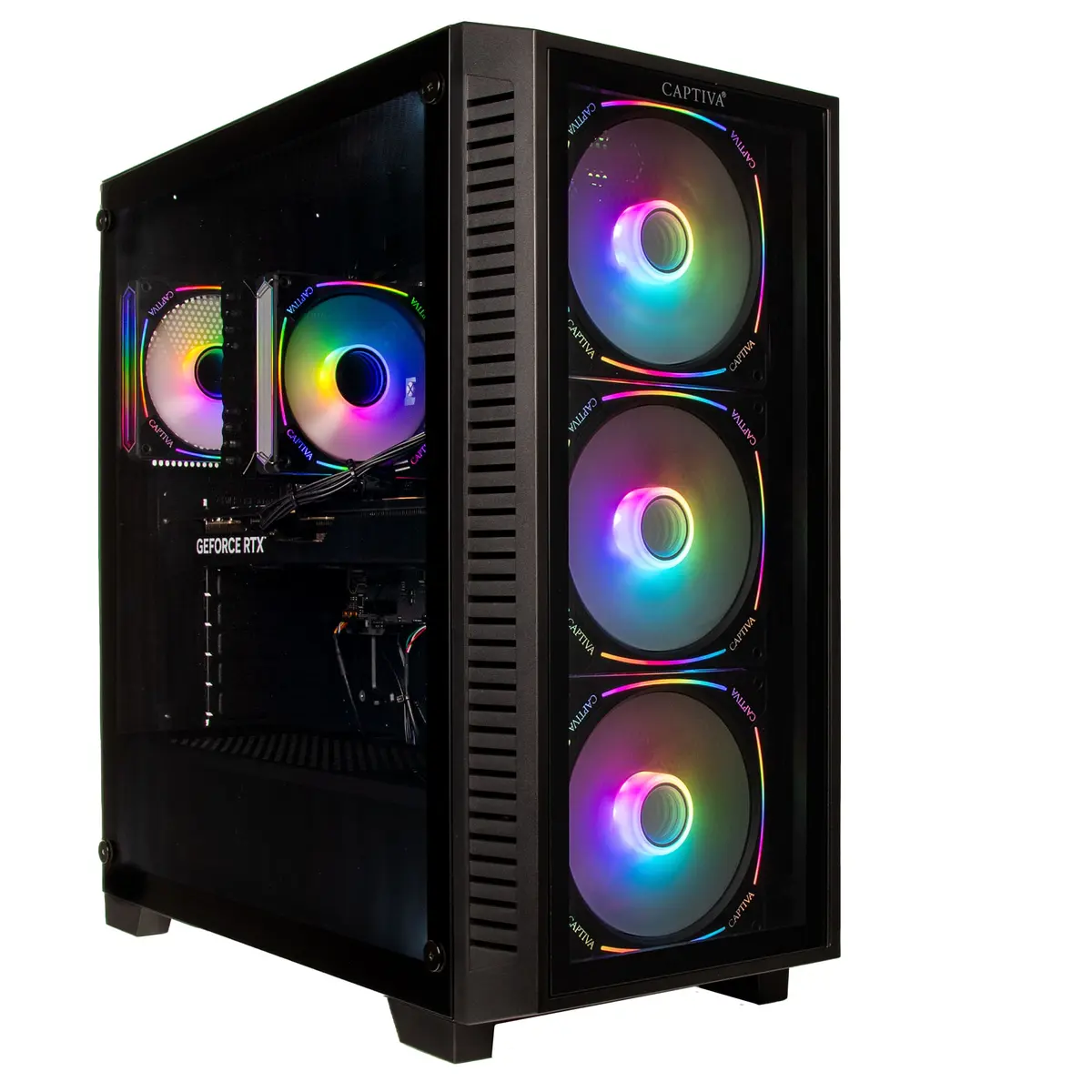
Gaming PC Captiva CAPTIVA PC Highend Gaming I95-426 i9-14900KF RTX5070
Offer for a legal entity, non-cash payment.
Short description

Cheapest delivery:
Unisend LV
Product information
Description
The Captiva CAPTIVA PC Highend Gaming I95-426 i9-14900KF RTX5070 is a desktop gaming system built to deliver high frame rates and responsive performance for modern games and demanding applications. Configured with an Intel i9-14900KF processor, 32GB of RAM and a 2TB solid-state drive, this system combines processing power, memory capacity and fast storage to reduce load times and support heavy multitasking. The RTX5070 graphics card provides hardware-accelerated ray tracing and advanced graphics performance to enable detailed visuals at high settings.
Advantages
This configuration offers a high-performance CPU suitable for single-threaded and multi-threaded workloads, abundant system memory for smooth application switching, and a large NVMe SSD for rapid OS and game load times. The discrete RTX5070 GPU delivers enhanced rendering capabilities and supports modern graphics features, while the overall system is designed to maintain stable performance under prolonged gaming or content-creation sessions.
Suitable for
- Playing modern AAA titles at high settings and competitive frame rates
- Game streaming and content creation including video editing and 3D rendering
- Multitasking with multiple applications, virtual machines or large datasets
- Software development and compiling large projects
Key specifications
- Processor: Intel Core i9-14900KF high-performance desktop CPU
- Memory: 32 GB RAM for multitasking and gaming
- Storage: 2 TB solid-state drive for operating system and game installations
- Graphics: NVIDIA RTX5070 GPU for hardware-accelerated graphics and ray tracing
- Form factor: desktop tower optimized for airflow and component accessibility
How to use
Connect the PC to a compatible monitor, keyboard, mouse and power source. Install the latest drivers for the graphics card and chipset from the manufacturer's websites to ensure optimal stability and performance. Use the operating system's storage and power-management tools to configure updates and backups. For gaming, set in-game graphics options according to your display resolution and desired frame rates; for content creation, allocate available memory and storage locations as needed for project files.
Usage recommendations
For sustained performance, place the desktop in a well-ventilated area, keep drivers and system firmware up to date, and monitor temperatures during intensive workloads. Regularly back up important data stored on the 2 TB SSD and consider additional external or network storage for archival purposes.


