


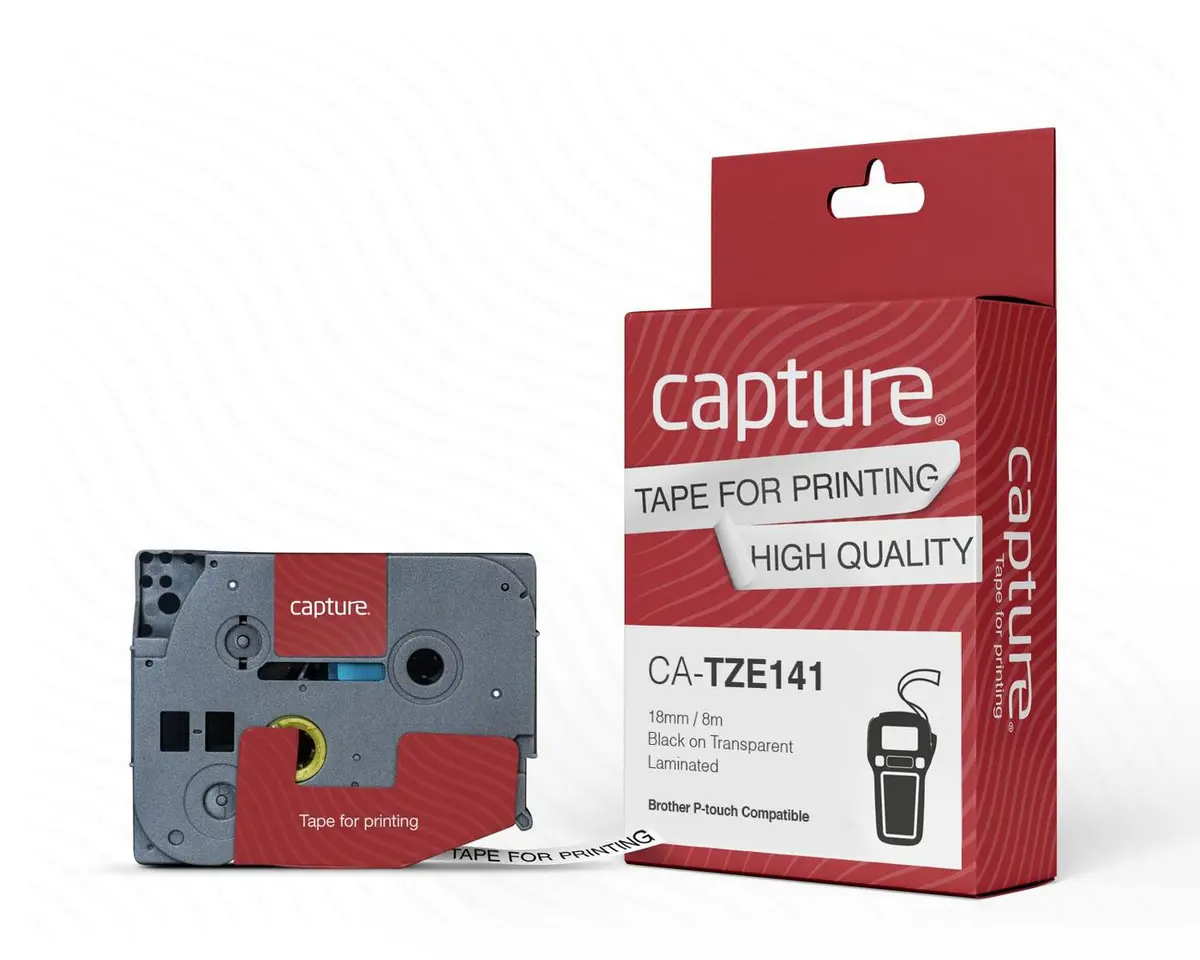
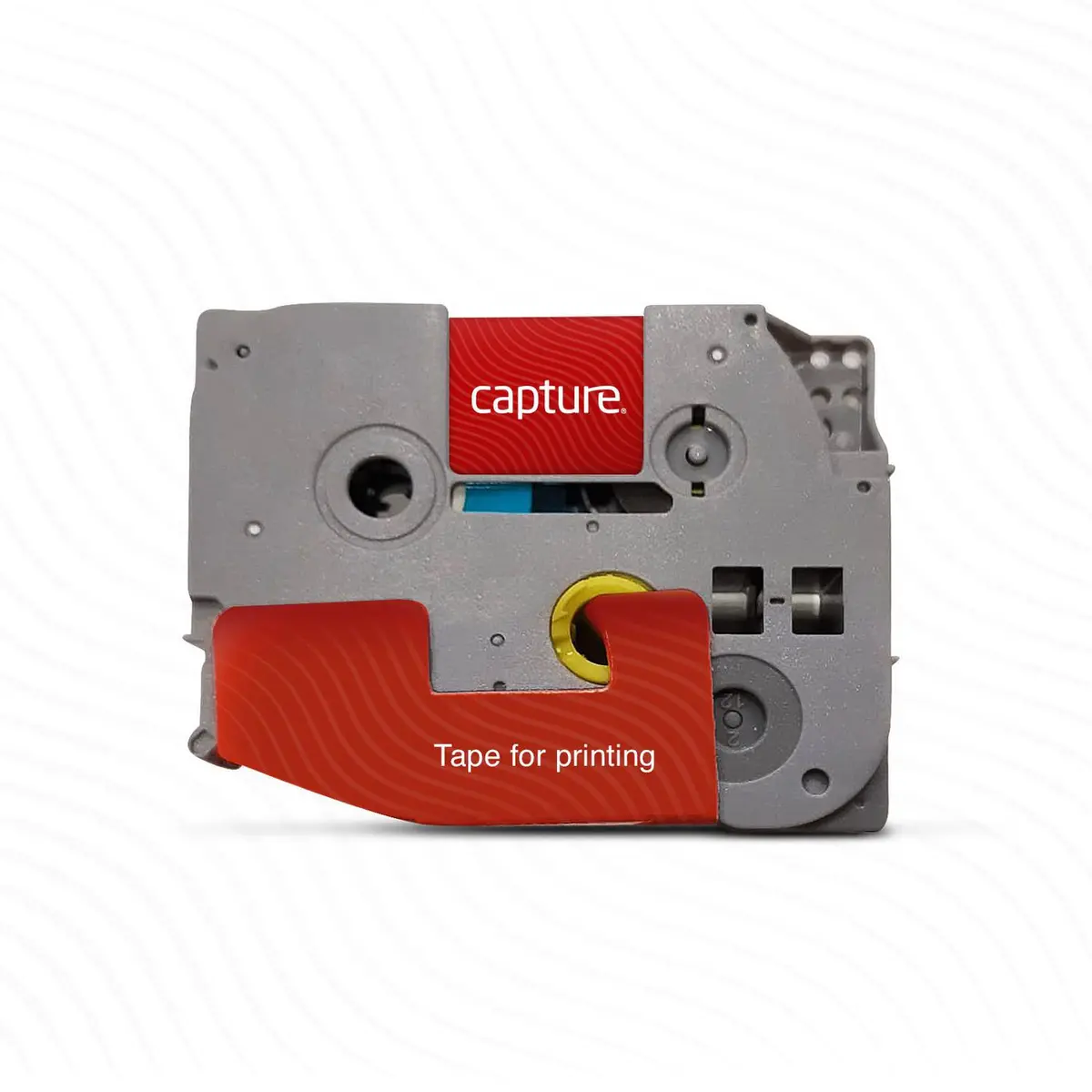
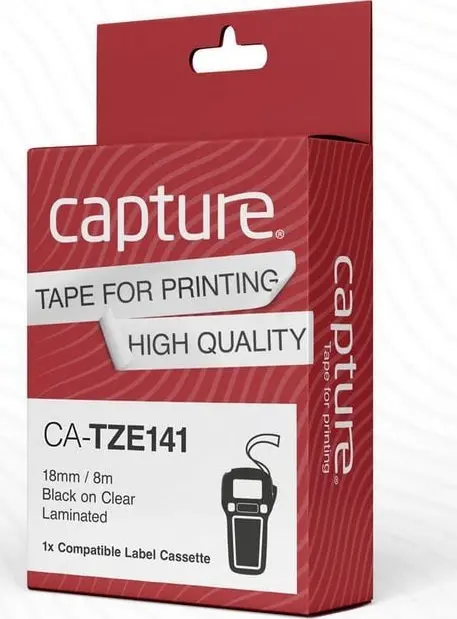
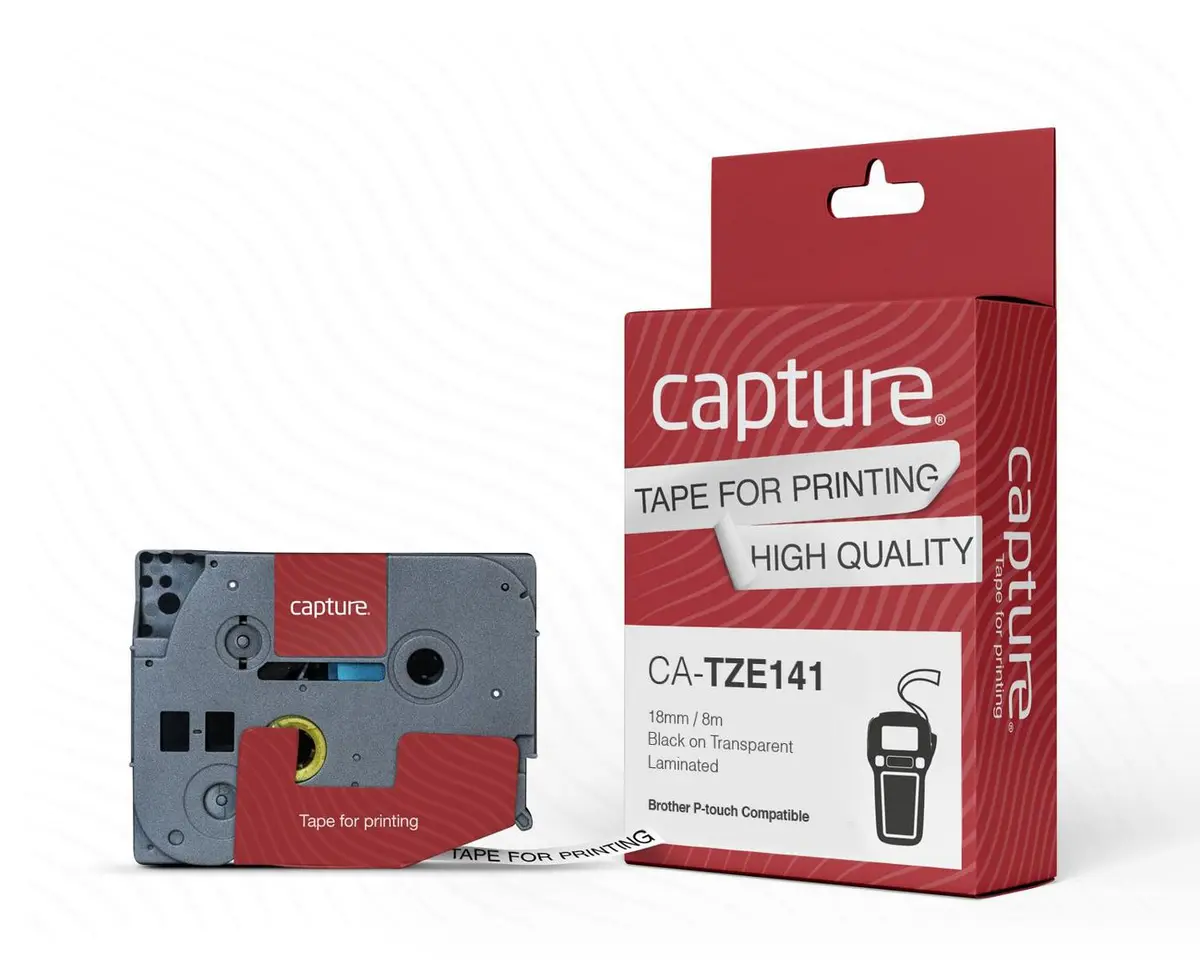
Capture CA-TZE141 Label-Making Tape Black on Transparent 18 mm x 8 m Nylon Compatible with P-Touch
Offer for a legal entity, non-cash payment.
Short description


Cheapest delivery:
Unisend LV
Product information
Description
The Capture CA-TZE141 label-making tape provides a reliable solution for everyday organization and identification tasks. Featuring black text on a transparent background, this tape creates clean and professional-looking labels that seamlessly blend onto various surfaces. Constructed from durable nylon, it is designed to withstand standard handling while maintaining clear legibility. Measuring 18 mm in width and 8 meters in length, the tape offers ample material for multiple labeling projects in professional or residential environments.
Advantages
This label-making tape utilizes a strong nylon material that ensures durability and resistance to everyday wear and tear. The black on transparent design allows the underlying surface to remain visible, delivering a neat and discreet appearance for labeled items. Its generous length of 8 meters supports extensive labeling tasks without frequent roll changes. Additionally, the tape is engineered for seamless compatibility with a wide range of P-Touch label printers, ensuring smooth feed and consistent print quality.
Suitable for
- Organizing office supplies, files, and folders
- Labeling storage boxes and shelves at home
- Identifying equipment and cables in industrial settings
- Creating asset tags and inventory markers
This tape may not be suitable for applications requiring heavy-duty chemical exposure, extreme industrial abrasion, or permanent outdoor weathering where specialized industrial-grade wraps are required. It is also incompatible with label printers from brands other than Brother P-Touch.
Key specifications
- Label colour: Black on transparent
- Material: Nylon
- Tape width: 1.8 cm
- Tape length: 8 m
- Brand compatibility: Brother
- Printer compatibility: P-Touch series
To use this label-making tape, insert the cartridge securely into a compatible P-Touch label printer following the manufacturer instructions. Design your text or symbols using the printer interface, ensure the print settings match the 18 mm width, and print the label. Cut the label using the printer cutter and peel off the backing paper before applying it to a clean, dry, and smooth surface.
What to consider before purchase
- Verify that your label printer model is compatible with P-Touch 18 mm tapes
- Confirm whether the black on transparent style suits your visual requirements
- Check the application surface to ensure proper adhesion on clean and dry materials
For optimal adhesion and longevity, apply the label to a clean, dry, grease-free surface at room temperature and press firmly along the entire length.
Features
- Compatibility:
- P-Touch
Instructions

Stock data
| Warehouse | Stock | Delivery to the store | Store Price | |
| WH357 | 25 | 07.12.2026 | 14.49 € | Add to cart |
- 14.49 €Stock: 25Delivery Date: 07.12.2026Warehouse: WH357Add to cart
| Warehouse | Stock | Delivery to the store | Store Price | |
| EU6 | 25 | 16.06.2027 | 12.99 € | Add to cart |
- 12.99 €Stock: 25Delivery Date: 16.06.2027Warehouse: EU6Add to cart


