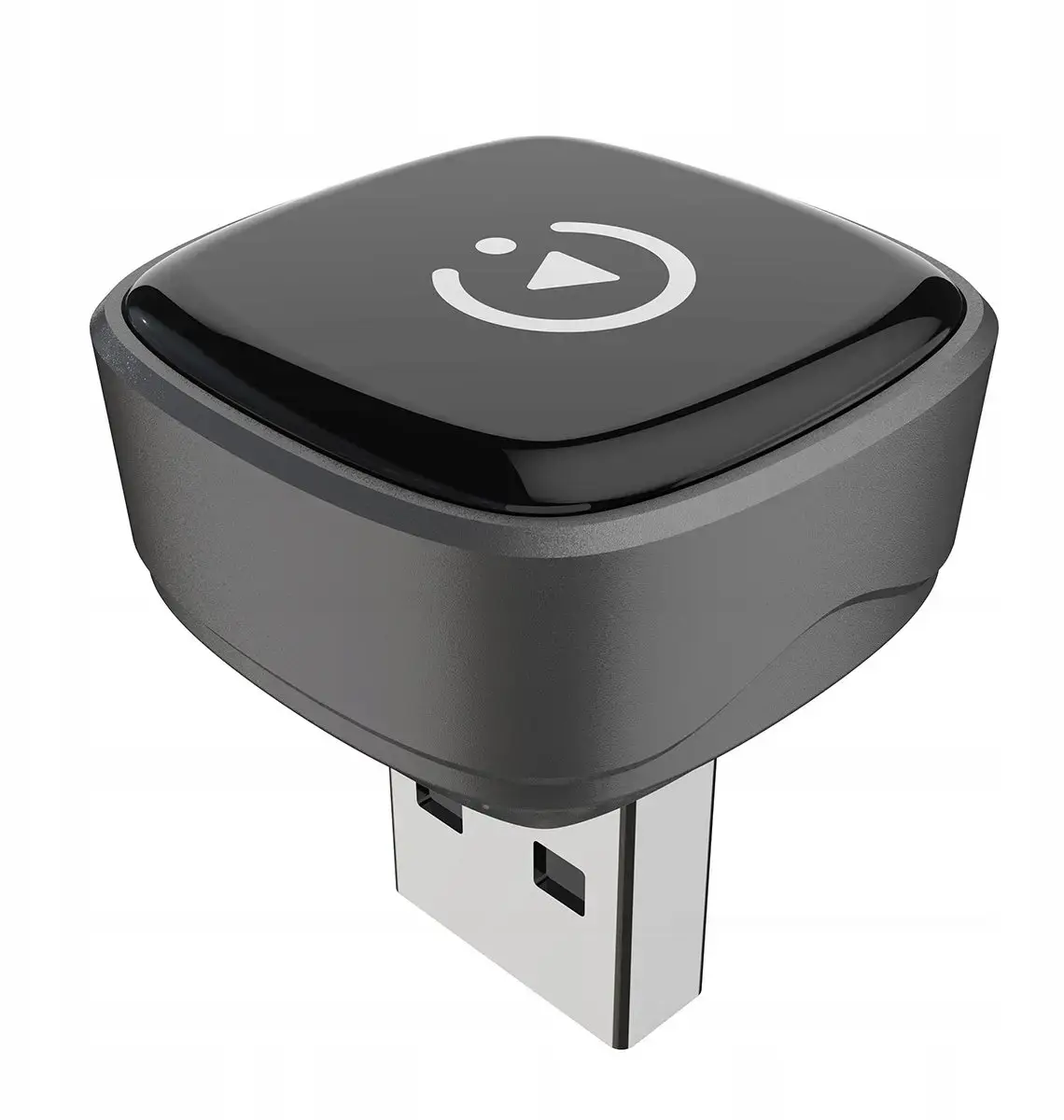
Carlinkit mini ultra 5 is a wireless CarPlay and Android Auto adapter that converts a factory wired connection into a wireless smartphone mirroring and app-access solution. It pairs with compatible vehicle infotainment systems to stream audio, display navigation, enable hands-free calling and show supported apps on the car screen without the need for a USB cable. The adapter is compact and intended for continuous use while driving, delivering the main features of CarPlay and Android Auto over a Wi‑Fi and Bluetooth connection.
Advantages
The Carlinkit mini ultra 5 removes the need to plug in a phone each time you enter the vehicle, maintaining the same app layout and controls that the vehicle’s factory system provides. It supports media streaming and real‑time navigation with minimal setup and is designed for reliable connection management so calls, music and voice assistant access remain available through the car’s speakers and microphone. The small form factor allows discreet installation near the vehicle’s USB port.
Suitable for
- Drivers with factory CarPlay or Android Auto who want a wireless connection
- Users who regularly use navigation apps and hands‑free calling via the car infotainment system
- Owners of vehicles with a USB port dedicated to smartphone integration
- People who prefer a simple plug‑and‑play adapter for streaming media and voice control
When it may not be suitable
Carlinkit mini ultra 5 requires a vehicle infotainment system that supports CarPlay or Android Auto in wired mode; it does not add these systems to vehicles that lack native support. In some older or nonstandard head units, wireless mirroring may be unstable or unsupported, and occasional firmware updates for either the adapter or the car system may be necessary to maintain compatibility.
Key specifications
- Functionality: wireless CarPlay and Android Auto mirroring and app access
- Connectivity: Wi‑Fi for data streaming and Bluetooth for initial pairing and hands‑free audio
- Power: powered via the vehicle USB port while in use
- Form factor: compact in‑line USB dongle designed for in‑car installation
- Compatibility: designed for vehicles with factory wired CarPlay or Android Auto support
How to use
Plug the Carlinkit mini ultra 5 into the vehicle’s USB port that is used for CarPlay/Android Auto. Follow the on‑screen prompts on the vehicle infotainment display to complete pairing; the adapter typically uses Bluetooth for initial setup and then routes CarPlay/Android Auto over a local Wi‑Fi connection. Once paired, the phone should connect automatically when entering the vehicle, enabling music playback, map navigation and hands‑free calls through the car system.
What to consider before purchase
- Confirm your vehicle’s infotainment system supports wired CarPlay or Android Auto
- Check for any manufacturer notes about wireless adapter compatibility for your car make and model
- Ensure the vehicle’s USB port provides power and data for smartphone integration
Usage recommendations
For best performance, keep the adapter firmware updated when updates are available and verify both phone OS and car system software are current. Place the adapter so it has adequate airflow and avoid obstructing the USB port; if connection issues arise, perform a re‑pair sequence by removing the device from the car’s Bluetooth list and following the initial setup steps again.