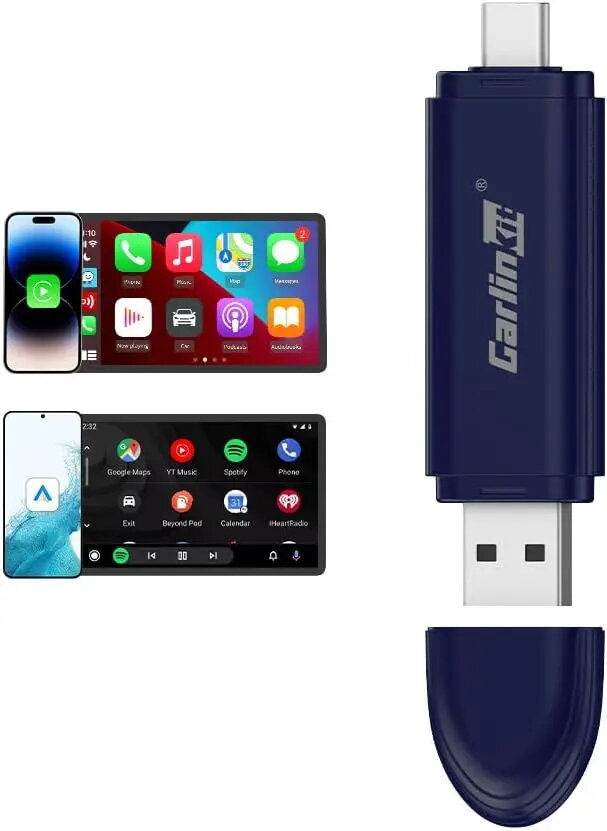
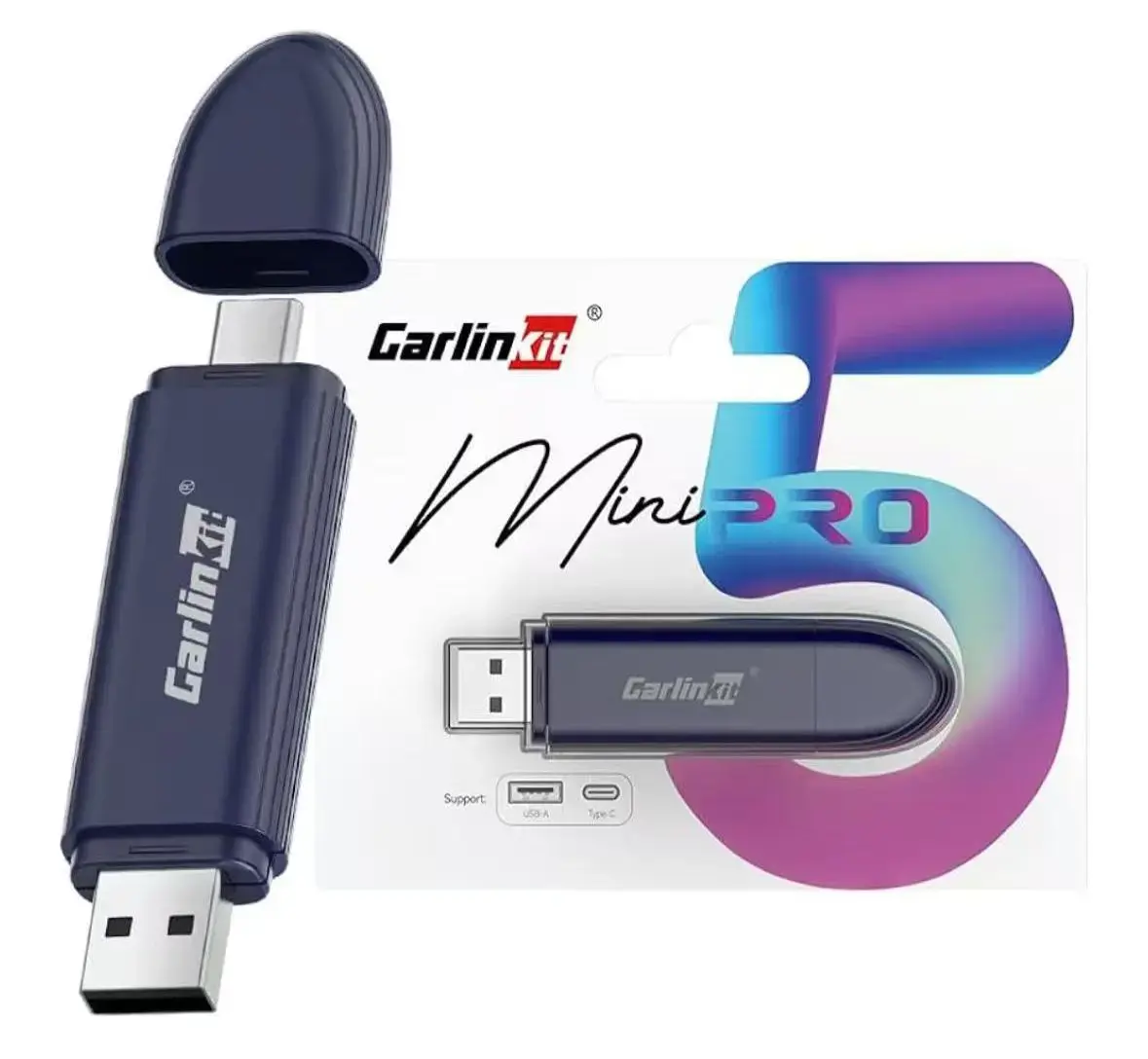
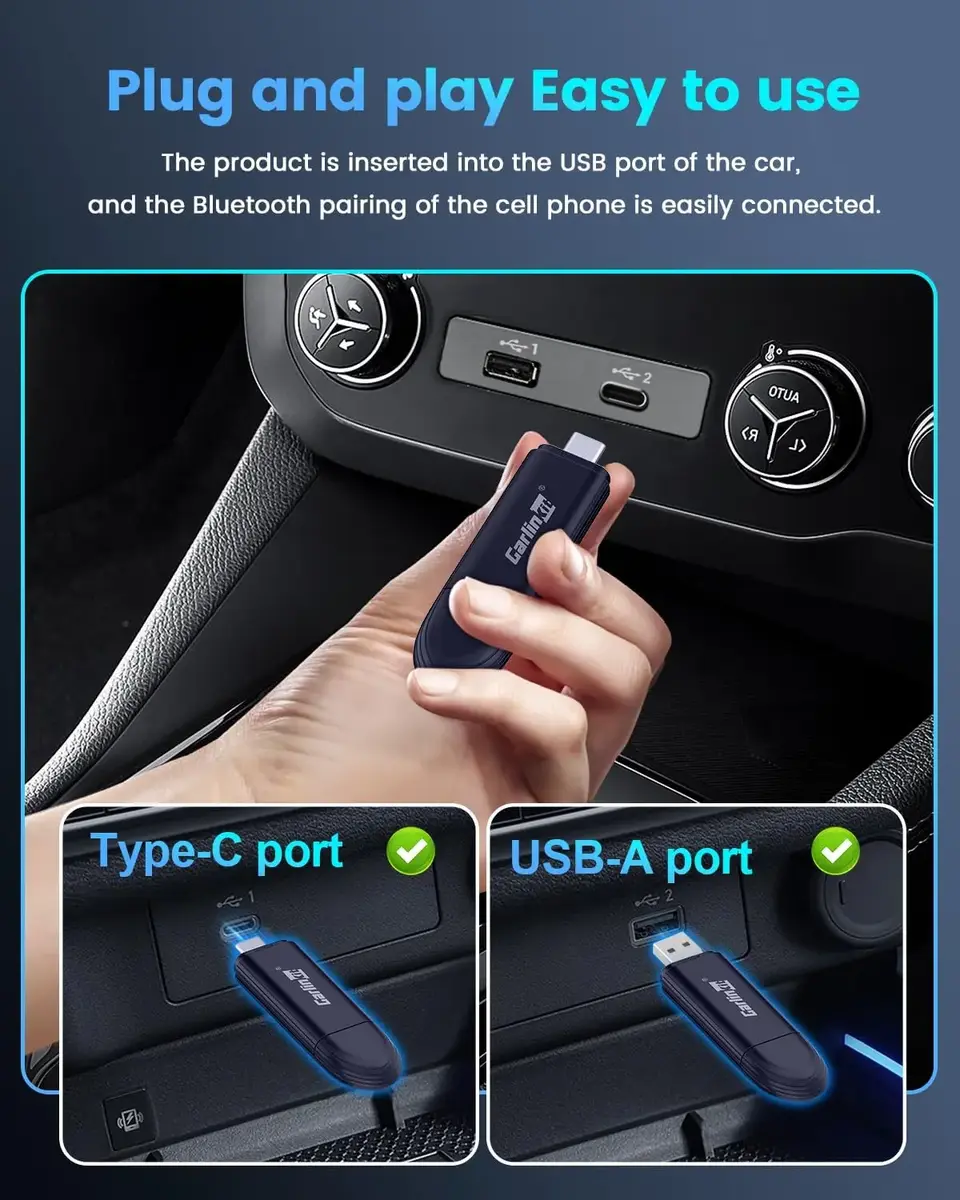
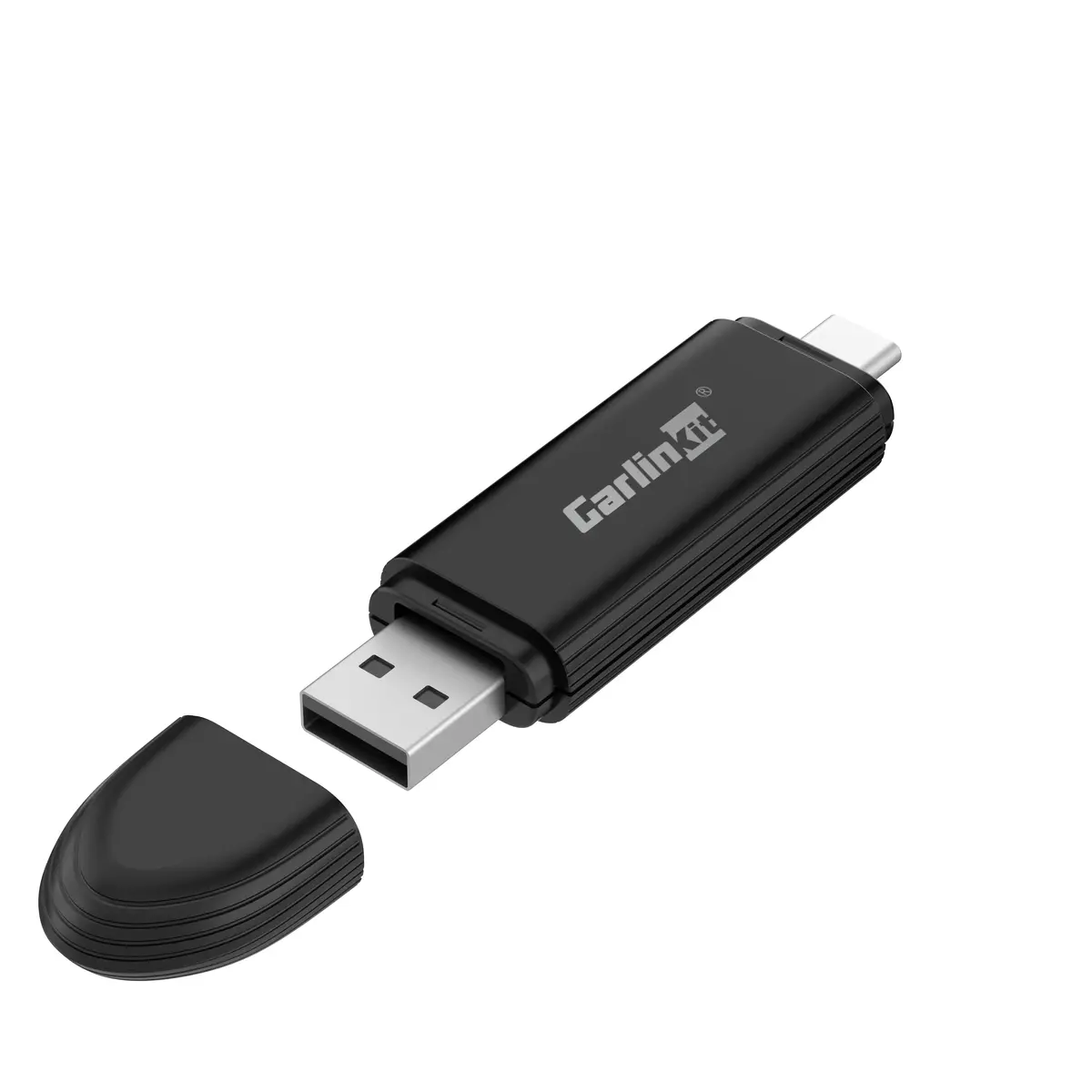
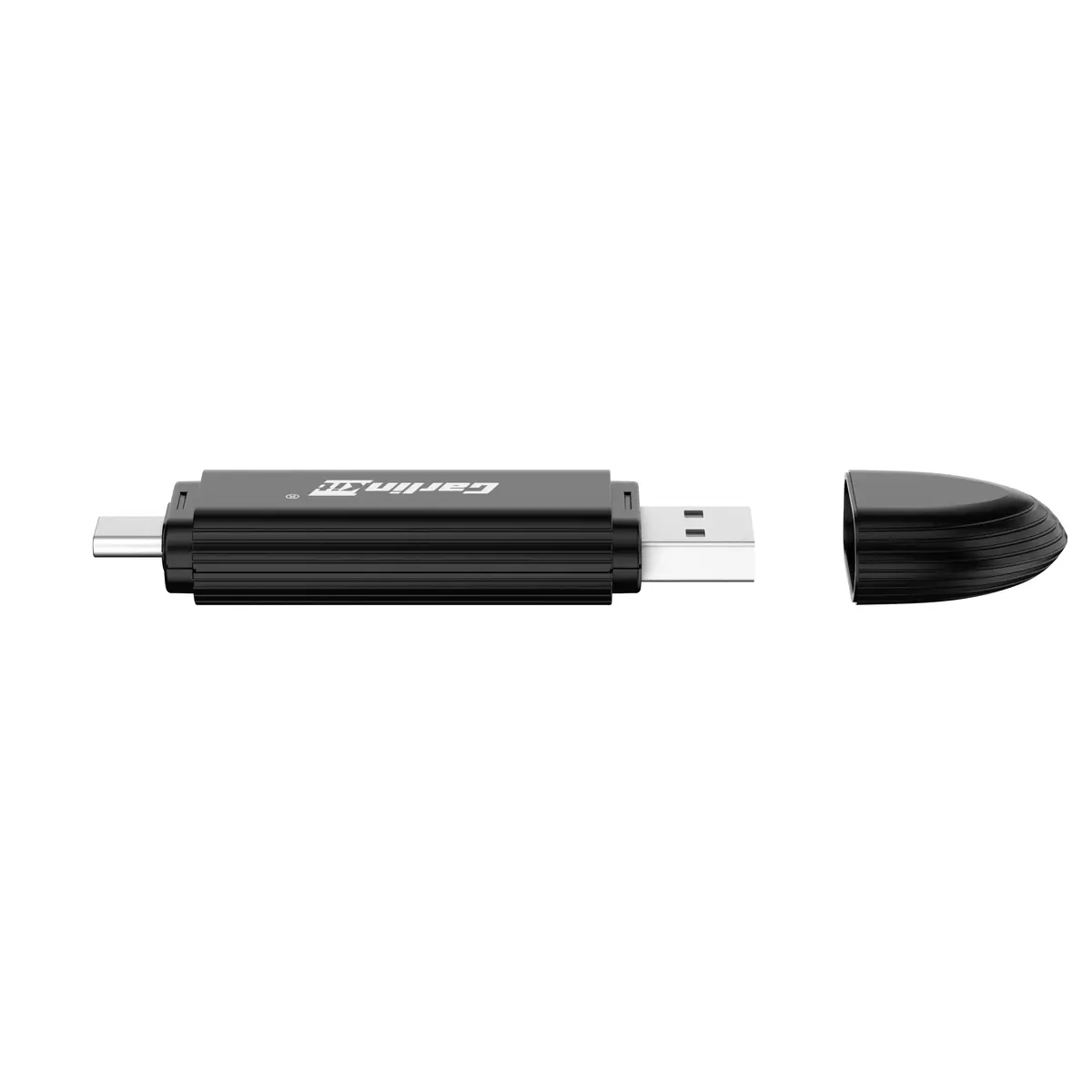
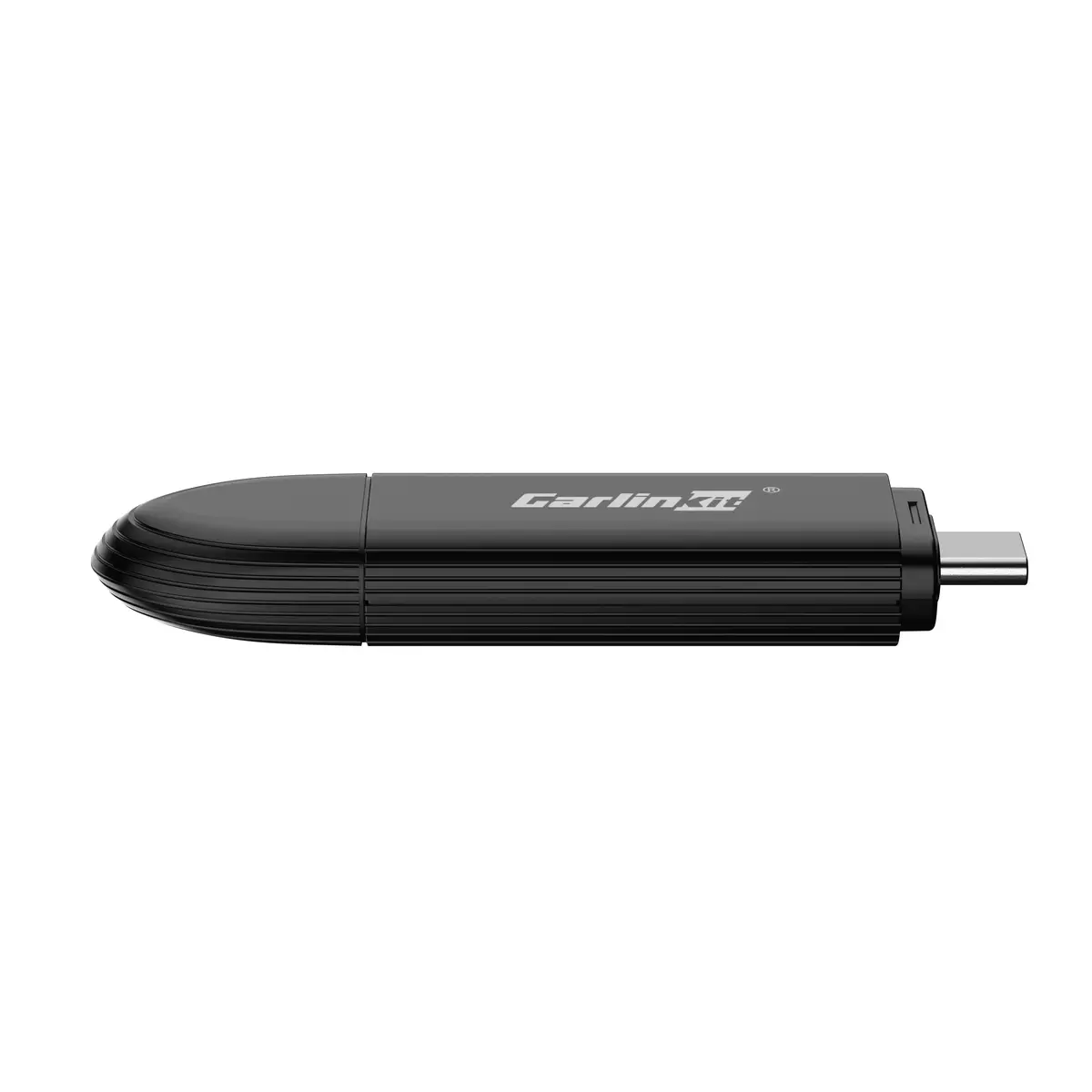
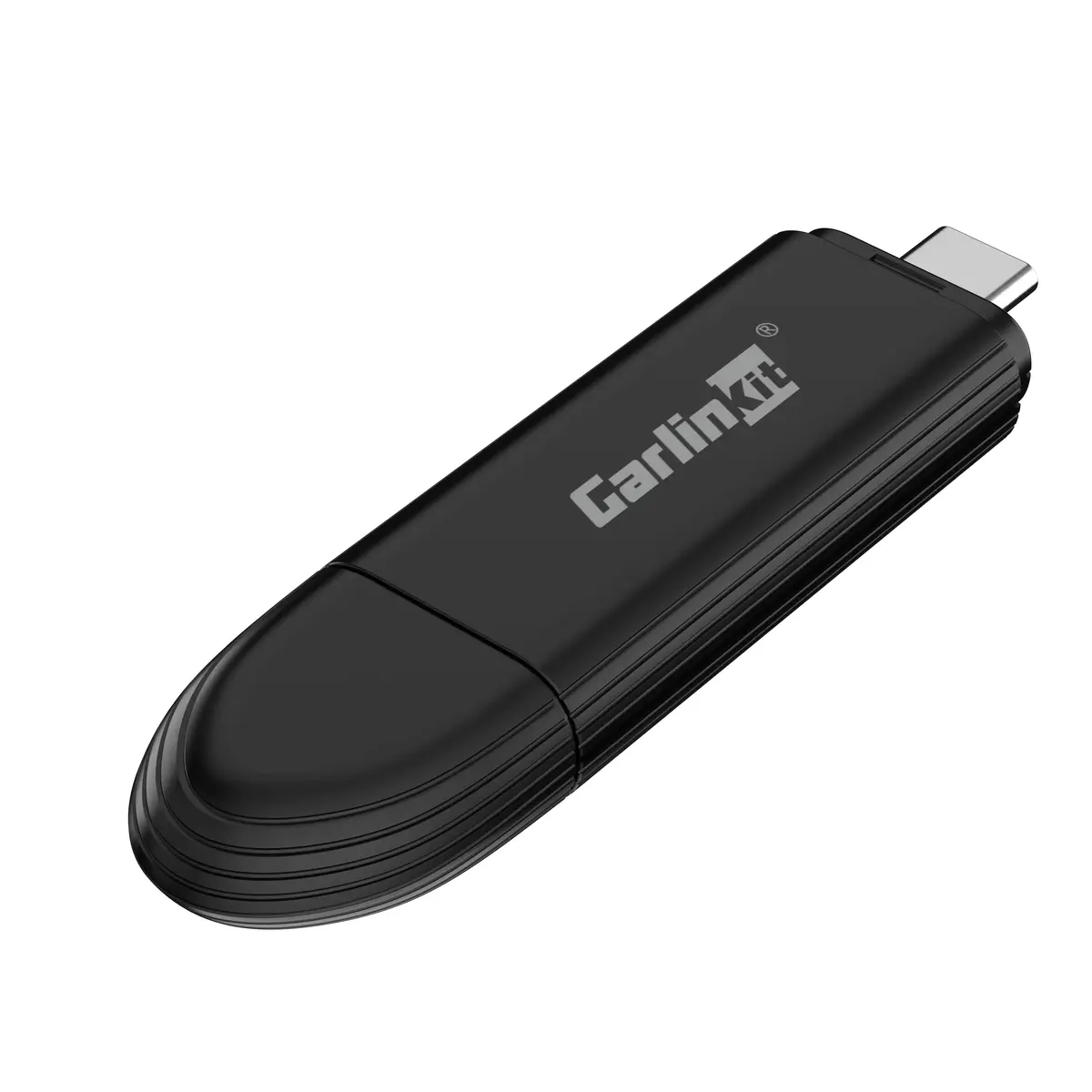
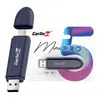
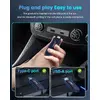
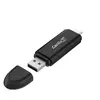
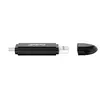
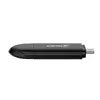
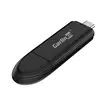
The Carlinkit Car Media Receiver MINI PRO car media receiver is compared with two alternative models from the same brand: Carlinkit Dnia 100000060181 and Carlinkit CPC200-2AIR. All devices are designed to integrate mobile media into in-car infotainment systems, enabling audio and video streaming, hands-free calls, and media control. The main differences between them lie in physical dimensions, wireless connectivity specifications, and hardware details.
⚙️ Specifications and feature comparison of the devices, including dimensions, wireless interfaces, and intended purpose.
| Parameter | Carlinkit MINI PRO | Carlinkit Dnia 100000060181 | Carlinkit CPC200-2AIR | Practical significance |
|---|
| Brand | Carlinkit | Carlinkit | Carlinkit | All three products belong to the same brand, sharing a common focus on in-car multimedia integration. |
| Dimensions | 81.3×21×10.5 mm | 77×49.5×12.8 mm | 76×43×12.3 mm | The MINI PRO is narrower but longer, whereas the competitor options feature more square-like compact housings. |
| Wireless connectivity | Not specified | Not specified | Dual-band Wi-Fi (5 GHz & 2.4 GHz), Bluetooth 4.1 | CPC200-2AIR provides explicitly detailed wireless communication modules for seamless smartphone pairing. |
| Intended use | Connecting and managing media sources, streaming | Mobile media integration, audio streaming | Adding wireless smartphone connectivity and media streaming | While all options enhance car connectivity, CPC200-2AIR is explicitly designed for wireless mobile integration. |
◎ Comparison of usage scenarios and most suitable choices for different driver needs.
| Use case | Recommended product | Why |
|---|
| Upgrading car connectivity with a narrow form-factor adapter | Carlinkit Car Media Receiver MINI PRO | Suits drivers who prefer this specific elongated adapter shape for integration into their vehicle dashboard. |
| A small, unobtrusive interface for mobile audio playback | Carlinkit Dnia 100000060181 | Optimal for users who need a compact and discreet receiver for hands-free audio and basic media streaming. |
| Establishing wireless smartphone pairing via Wi-Fi and Bluetooth | Carlinkit CPC200-2AIR | Offers clearly specified dual-band Wi-Fi and Bluetooth connectivity for reliable wireless device integration. |
The Carlinkit Car Media Receiver MINI PRO differs from Carlinkit Dnia 100000060181 and Carlinkit CPC200-2AIR primarily in its physical dimensions and specific feature transparency. It is most suitable for buyers who value its particular form-factor for vehicle installation. If your primary goal is robust wireless smartphone connectivity backed by detailed Wi-Fi and Bluetooth specifications, the CPC200-2AIR model is the preferred choice.