


Leave your address - as soon as the price of the product goes down, you'll know about it right away
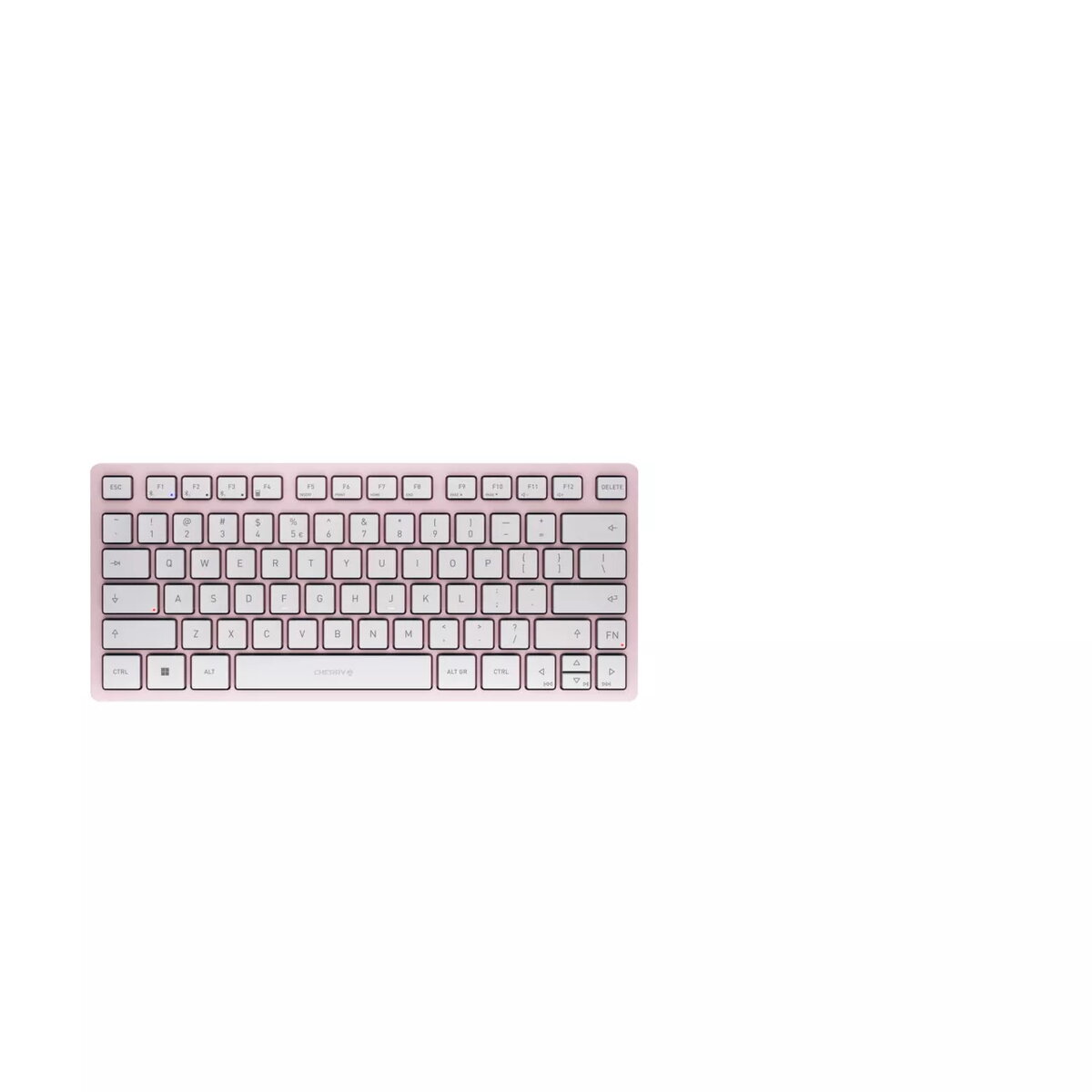
Bluetooth Keyboard CHERRY KW 7100 Mini QWERTY Pink 78 Keys
In cart {{totalProductsCount}} item(s)
Your cart is empty
Bluetooth Keyboard CHERRY KW 7100 Mini QWERTY Pink 78 Keys
Leave your address - as soon as the price of the product goes down, you'll know about it right away
Bluetooth Keyboard CHERRY KW 7100 Mini QWERTY Pink 78 Keys
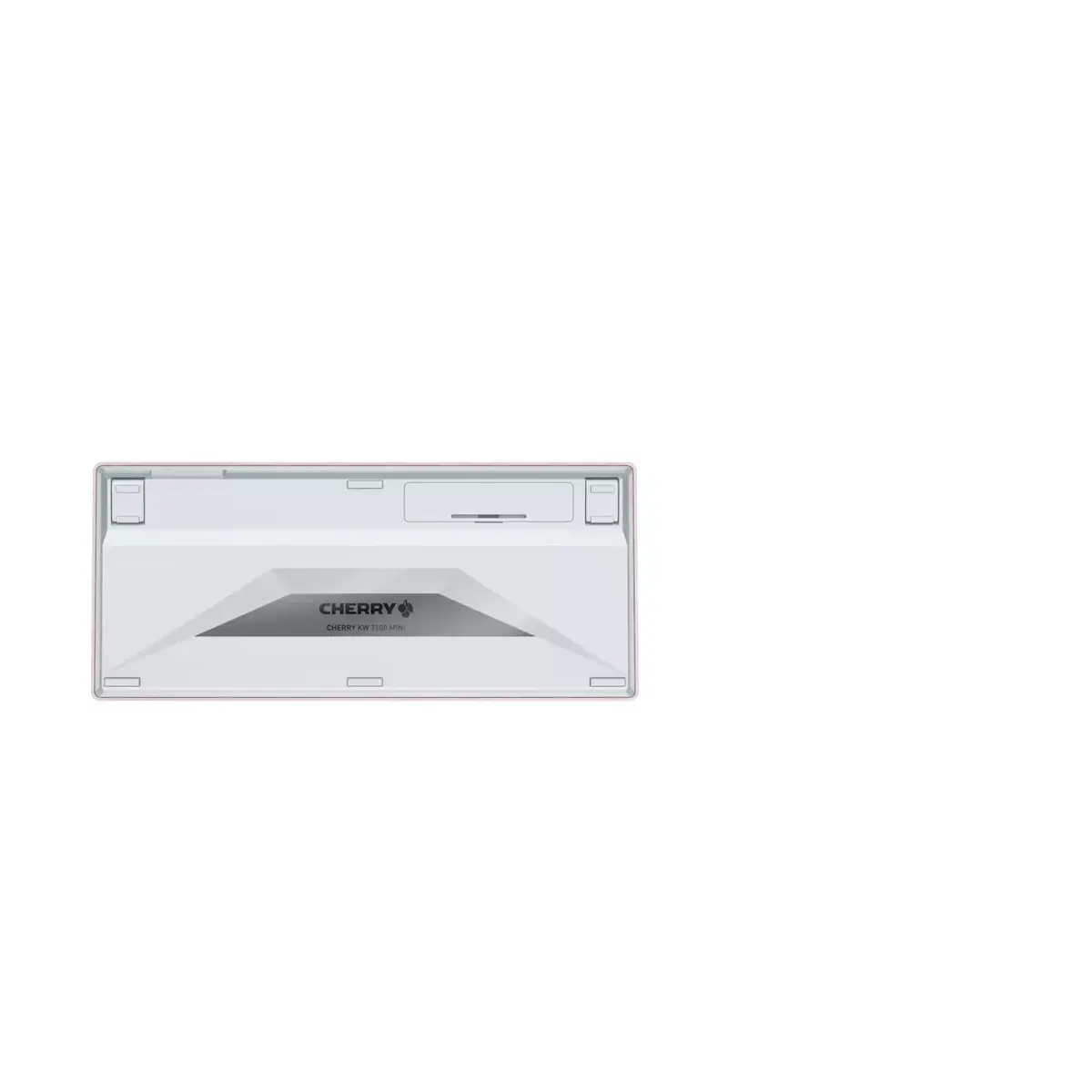
The CHERRY KW 7100 MINI BT is a compact Bluetooth wireless keyboard with a QWERTY layout and 78 keys, designed for portability and multi-device use. Its scissor mechanism provides precise, low-noise typing with slightly concave keys similar to a laptop keyboard. The keyboard supports up to three Bluetooth 5.1 connections and can switch between devices using the F1–F3 keys. It is compatible with most Bluetooth-enabled desktops, notebooks and tablets; supported operating systems include Windows, with Android and Chrome OS supported with some restrictions. The product is delivered in plastic-free packaging and includes a black carry case made of recycled plastic for easy transport.
The KW 7100 MINI BT combines a minimalist, ultra-slim design with ergonomic benefits thanks to its compact size, allowing the mouse to remain closer to the keyboard and helping to improve shoulder posture. The scissor-switch keys offer smooth, accurate typing while producing little noise. Multi-device functionality (three Bluetooth channels) and FN-lockable special functions (media controls, image adjustment, volume control) increase flexibility. Integrated status LEDs show FN-Lock, Caps Lock and the active Bluetooth channel. CHERRY KEYS software is available for free download to assign custom functions to keys.
Turn on the keyboard and activate Bluetooth on your device. Use the F1–F3 keys to pair and switch between up to three Bluetooth-connected devices. Access special functions (media playback, volume, image adjustment) by holding the FN key; press FN once to lock special functions if you require them permanently. Monitor the status LEDs on the keys for FN-Lock, Caps Lock and the active Bluetooth channel. Install CHERRY KEYS software on a compatible device to customize key assignments if desired.
Keep the keyboard in its carry case when transporting it to avoid surface damage. For best battery life and Bluetooth stability, place the paired device within a typical wireless range and avoid sources of strong wireless interference.
{{highlightedFeature.featureTitle}}:
{{getProductFeatureValueById(product, highlightedFeature.featureId)}}
| Warehouse | Stock | Delivery to the store | Store Price | |
| WH149 | 2 | 03.07.2026 Best delivery | 32.49 € |
| Warehouse | Stock | Delivery to the store | Store Price | |
| WH109 | 2 | 17.07.2026 | 56.99 € |
|
32.49 €
Stock:
2
Delivery Date:
03.07.2026
Best delivery
Warehouse: WH149
|
|
56.99 €
Stock:
2
Delivery Date:
17.07.2026
Warehouse: WH109
|