

Leave your address - as soon as the price of the product goes down, you'll know about it right away
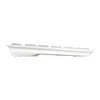
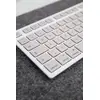
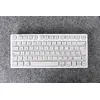
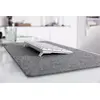
Keyboard CHERRY KW 7100 MINI BT for MAC Wireless Bluetooth AZERTY
In cart {{totalProductsCount}} item(s)
Your cart is empty
Keyboard CHERRY KW 7100 MINI BT for MAC Wireless Bluetooth AZERTY
Leave your address - as soon as the price of the product goes down, you'll know about it right away
Keyboard CHERRY KW 7100 MINI BT for MAC Wireless Bluetooth AZERTY
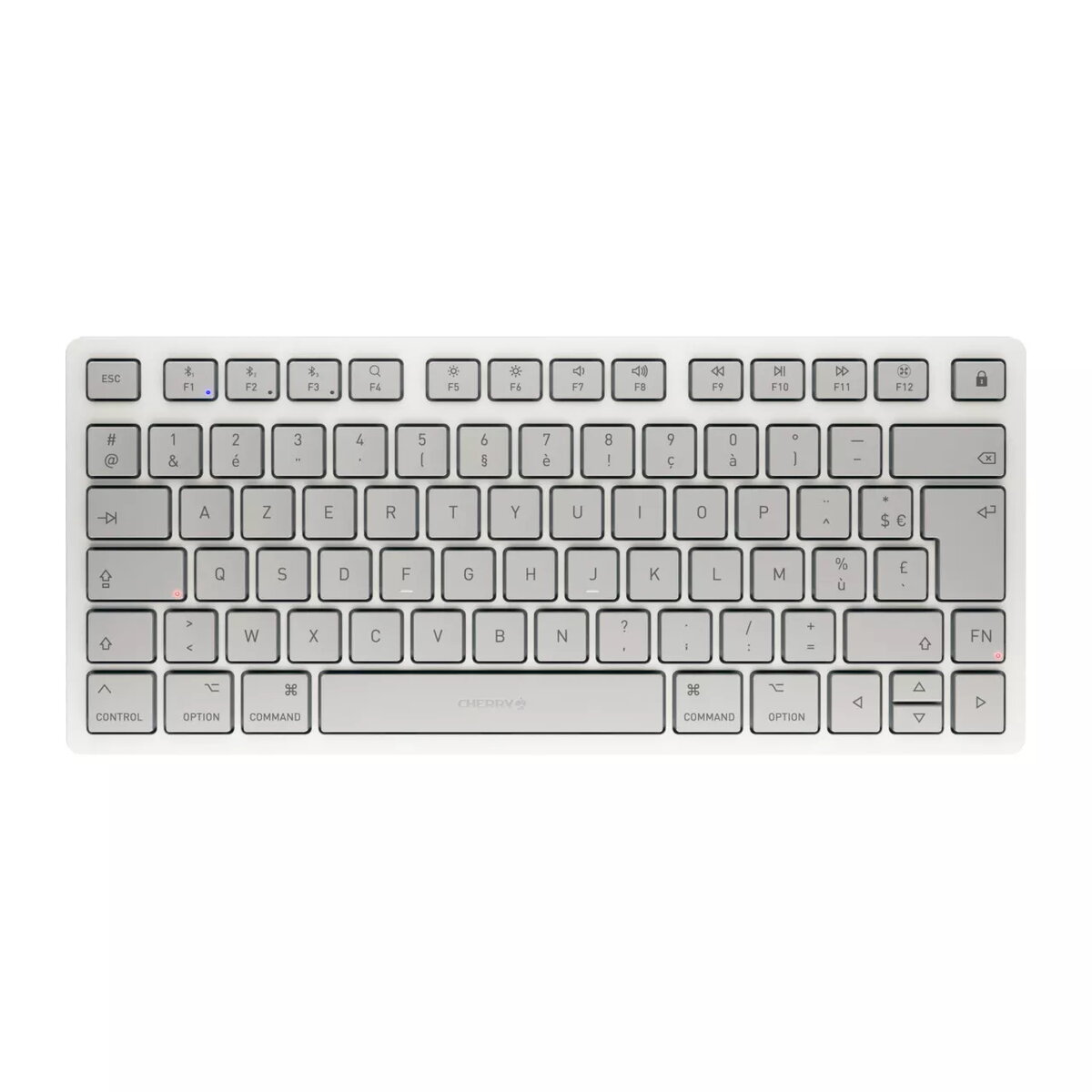
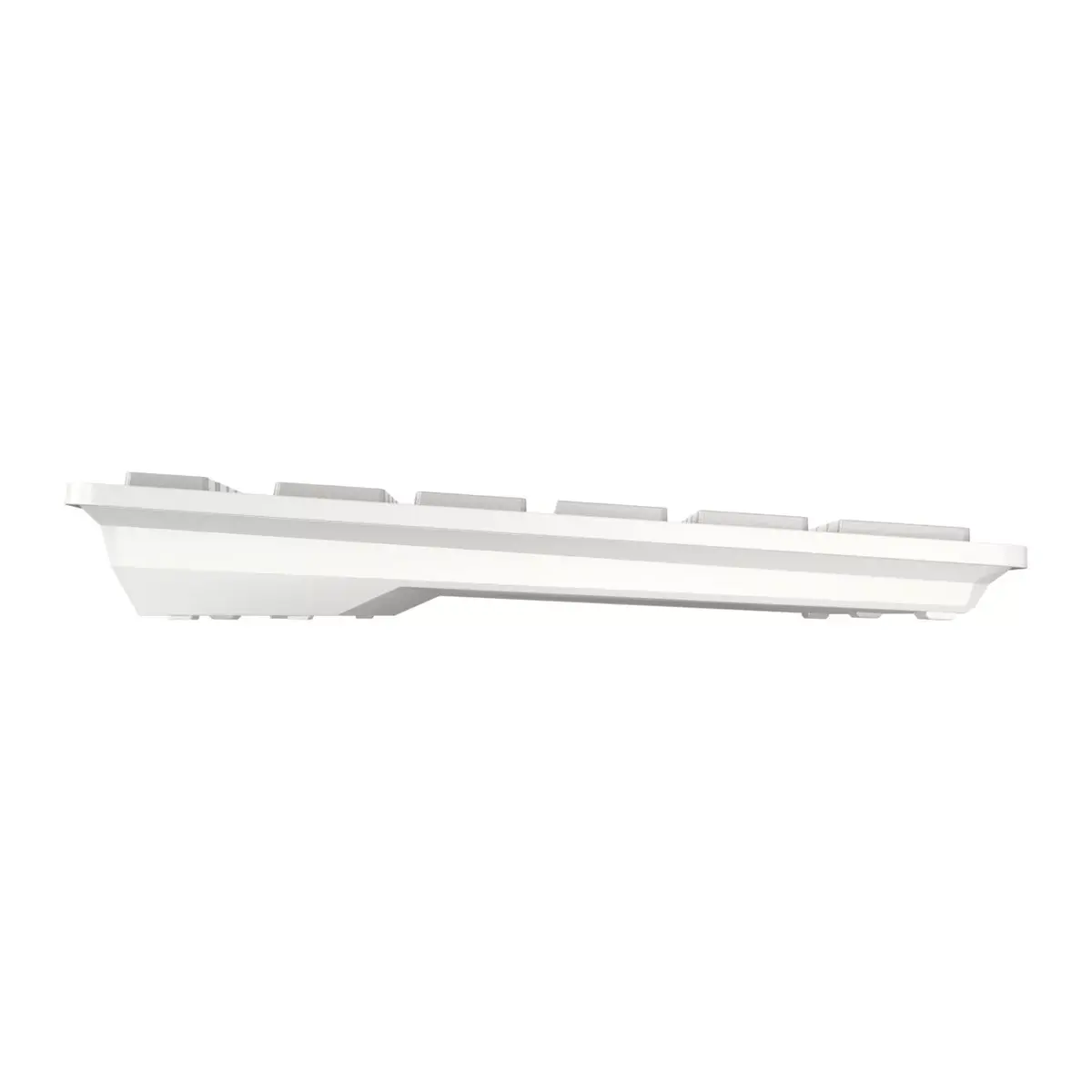
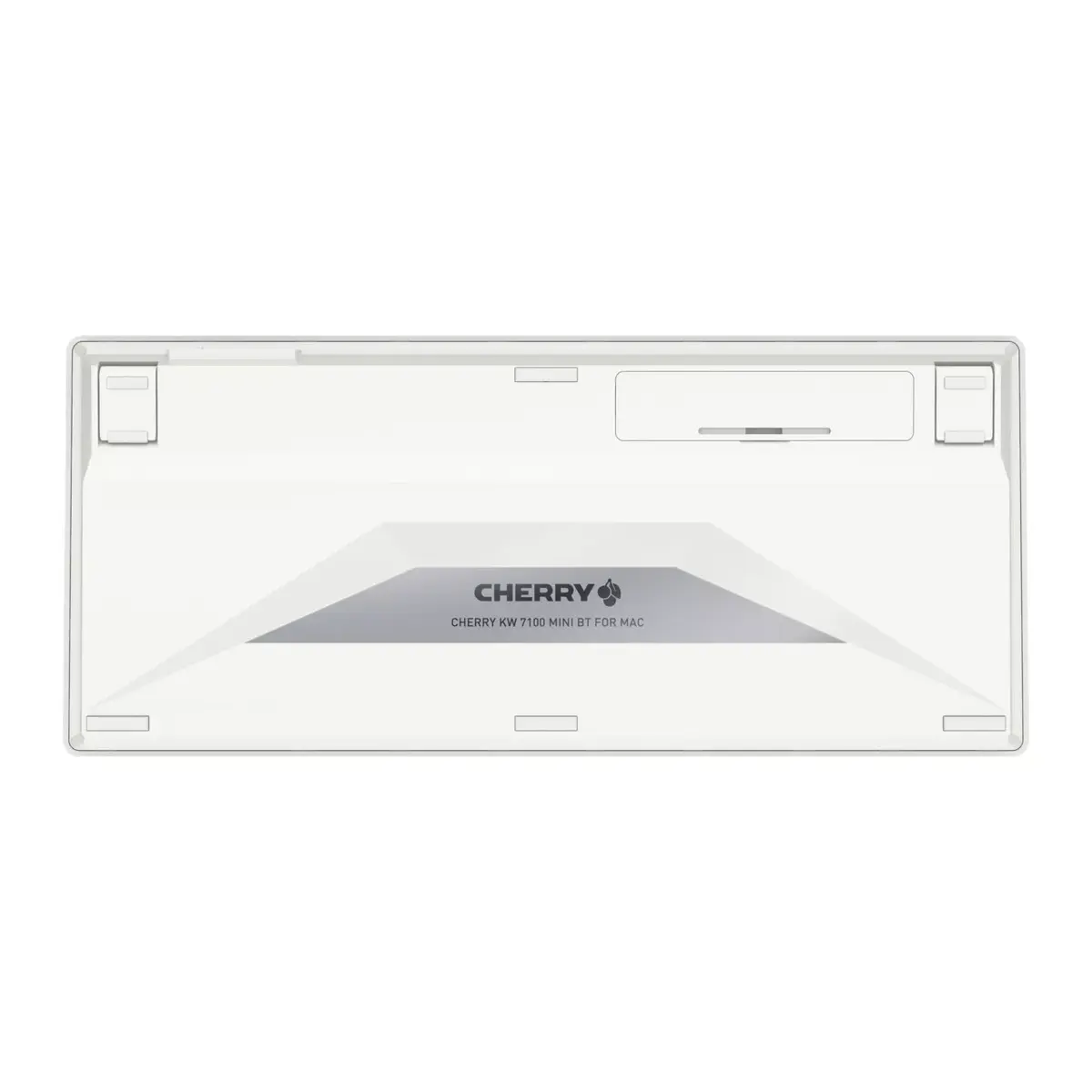
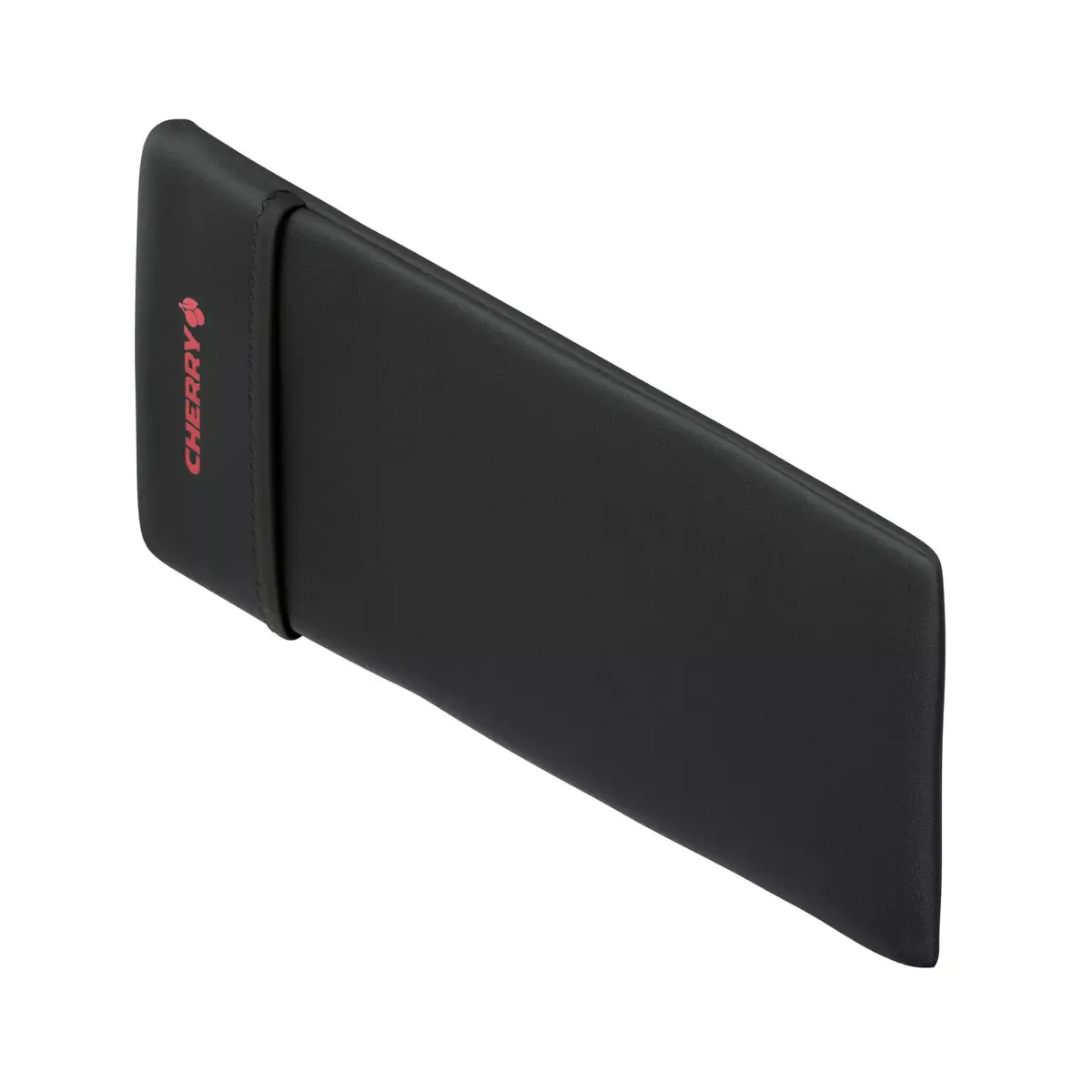
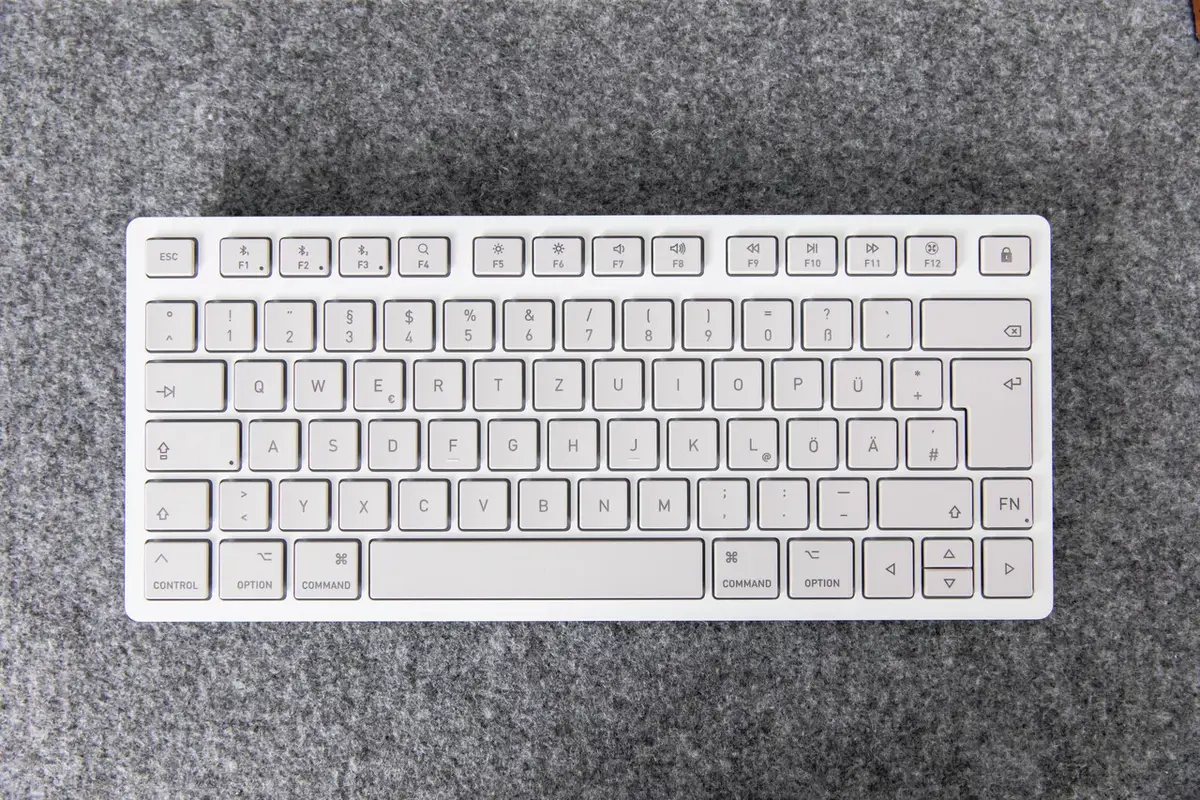
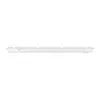
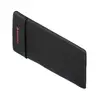
The CHERRY KW 7100 MINI BT for MAC is a compact 75% wireless Bluetooth keyboard with an AZERTY Mac layout and 79 scissor-switch keys. Designed for mobile and space‑constrained workstations, it supports up to three devices simultaneously via Bluetooth 5.1 channels and is supplied with a protective carrying case and batteries in a fully plastic‑free package.
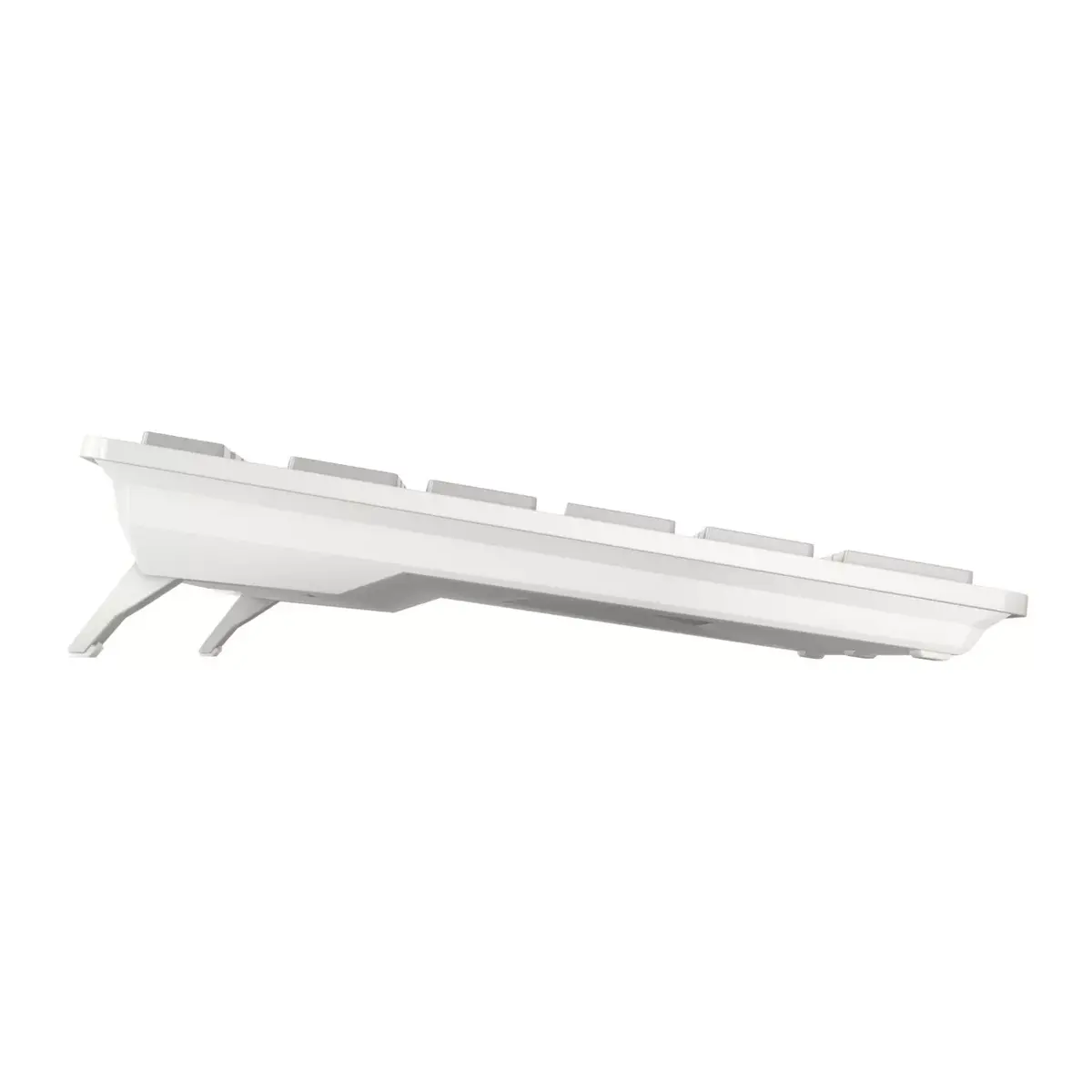
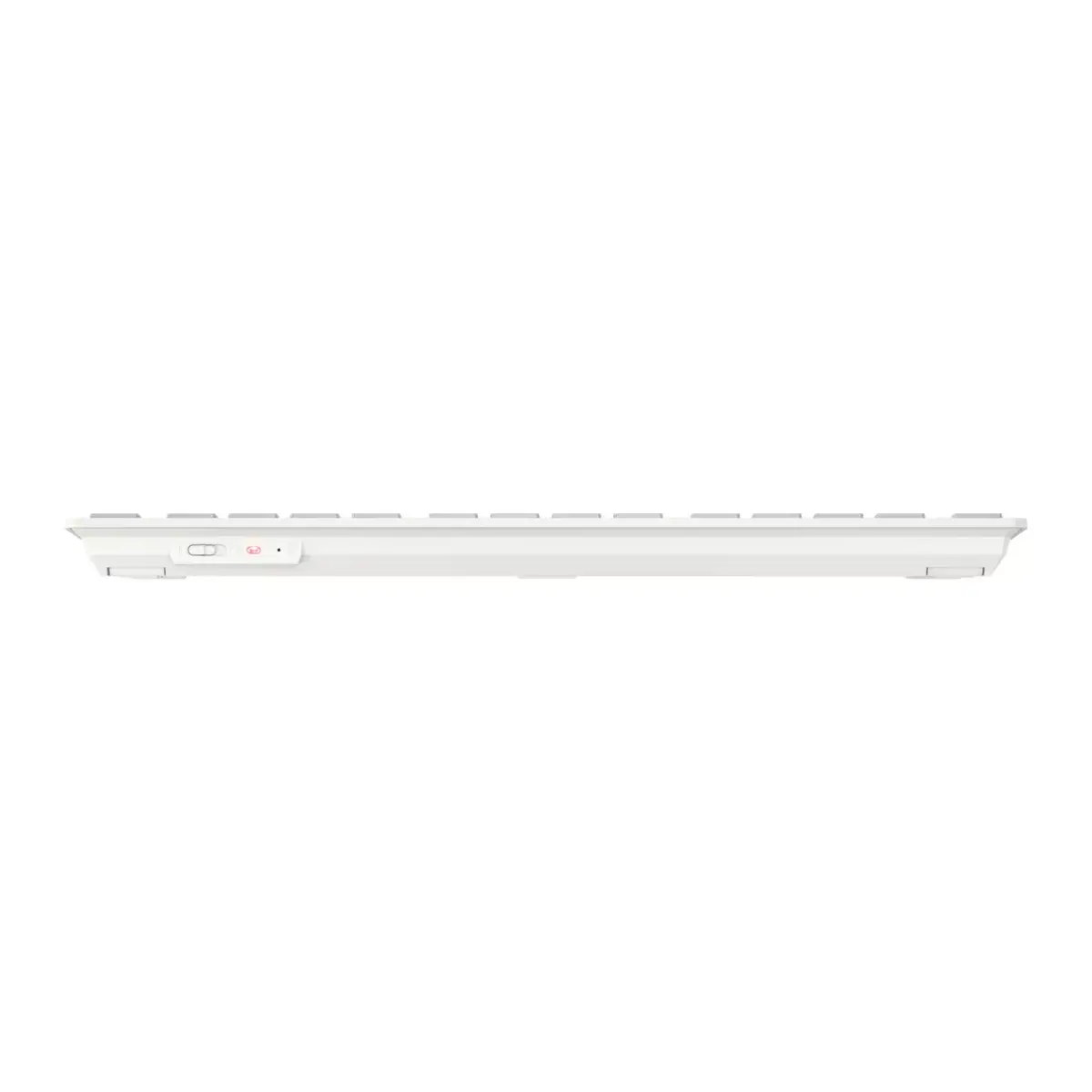
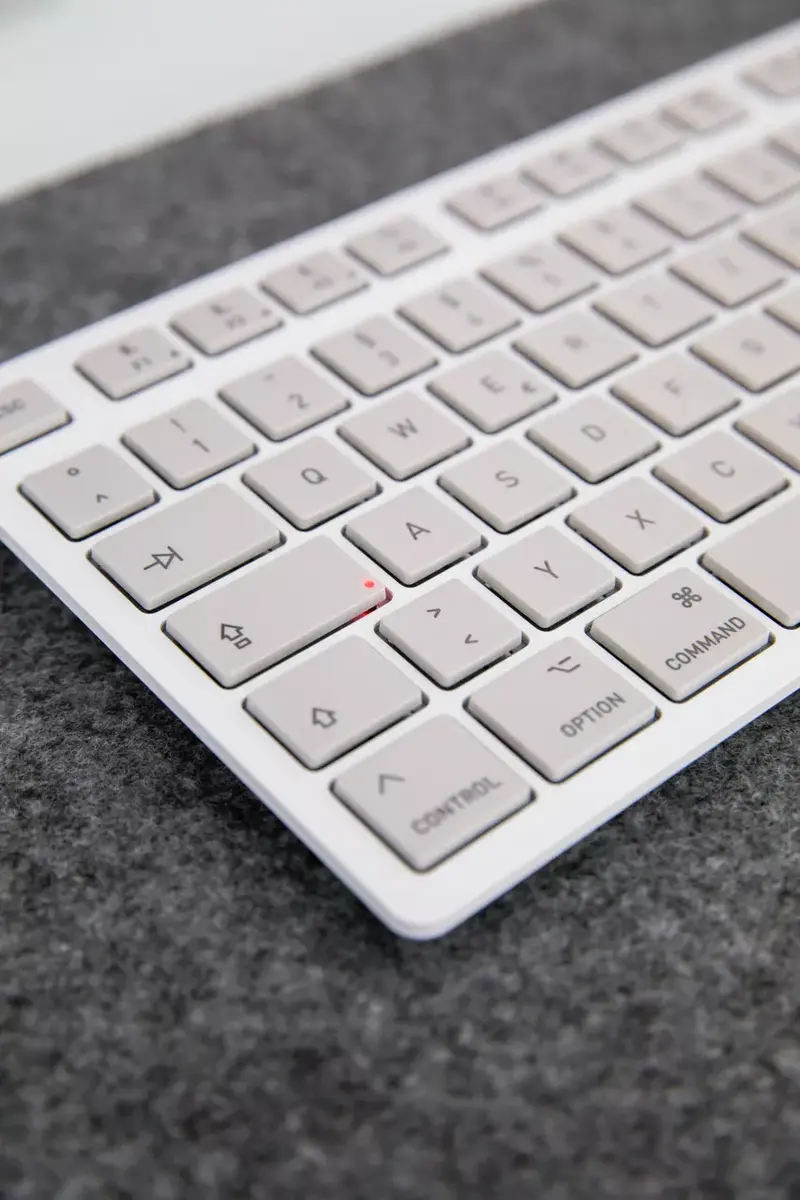
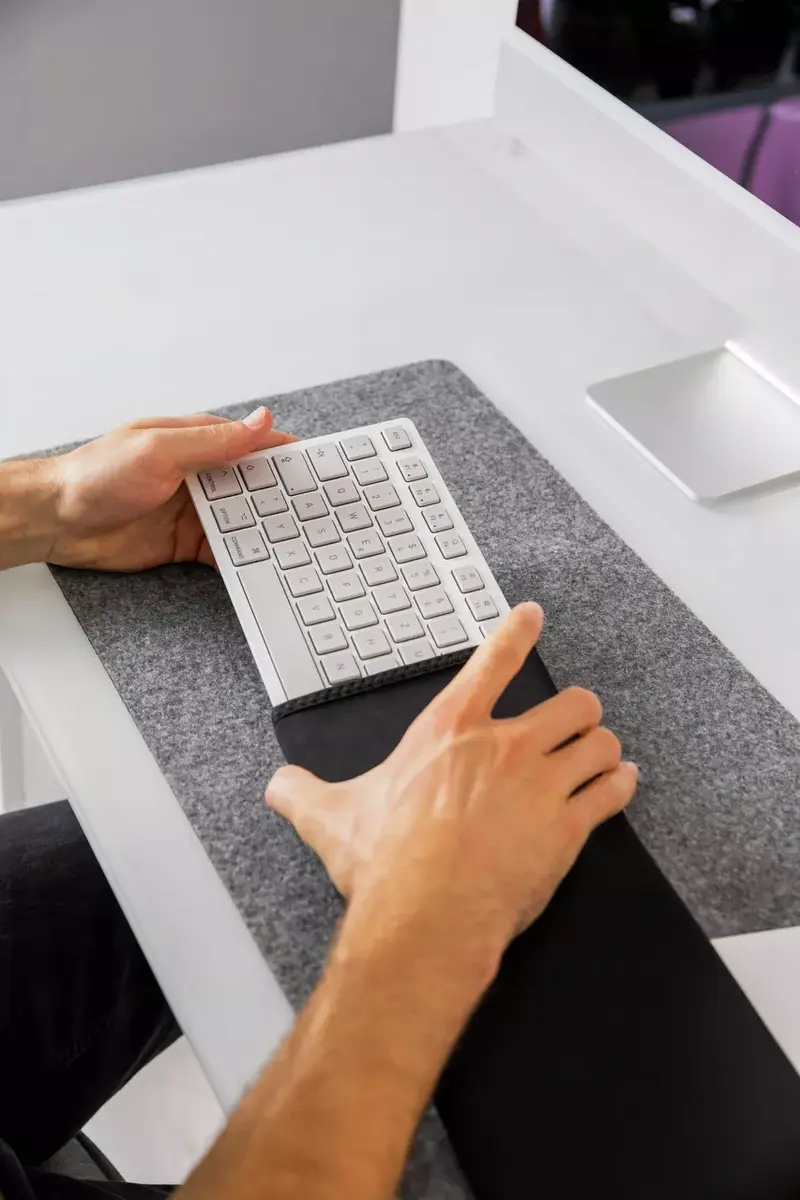
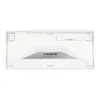
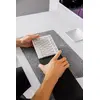
The keyboard combines a Mac-specific key layout with multi-device Bluetooth connectivity, allowing quick switching between paired devices using the F1, F2 and F3 keys. CHERRY’s SX scissor mechanism provides precise, low-noise typing with concave key caps and durable, abrasion‑resistant legends. Its reduced 75% form factor saves desk space and brings the mouse closer to the keyboard for improved shoulder posture. Status LEDs indicate active functions, the selected Bluetooth channel and Caps Lock state. The package includes 2x AAA lithium batteries and a recycled-plastic carrying case.
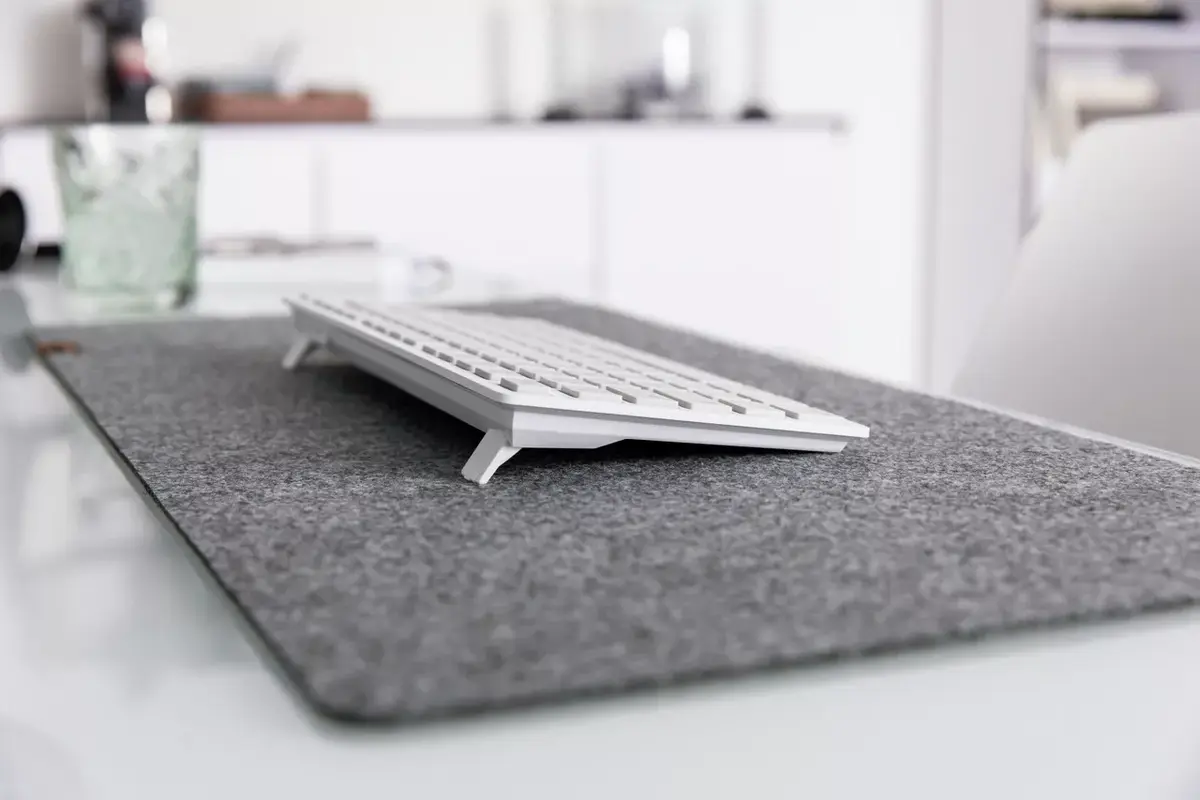
Pair the keyboard with your Mac or iOS device via Bluetooth following the device’s Bluetooth settings. Use the designated F1, F2 and F3 keys to pair and switch between up to three devices. Adjust the typing angle by folding the integrated feet in or out. Use FN combinations to access brightness, volume and multimedia controls; the FN key can be locked to use F-key functions permanently. Observe the status LEDs on the keyboard to confirm the active Bluetooth channel and Caps Lock state.
For best battery life, switch off the keyboard when not in use and avoid exposing it to extreme temperatures. Keep the recycled carrying case for transport to protect the keyboard from impact and dust. If you require frequent use of standard F-keys, lock the FN key to prevent repeated FN combinations.
{{highlightedFeature.featureTitle}}:
{{getProductFeatureValueById(product, highlightedFeature.featureId)}}