
JBL speakers and headphones for pure and deep sound!
In cart {{totalProductsCount}} item(s)
Your cart is empty
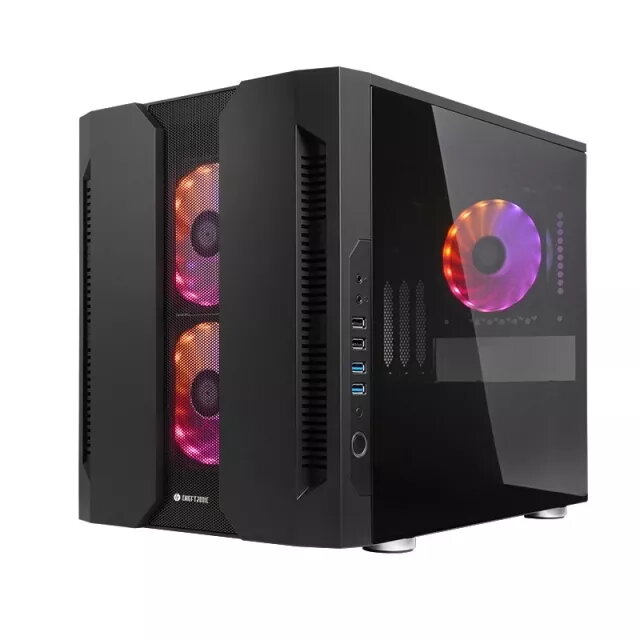
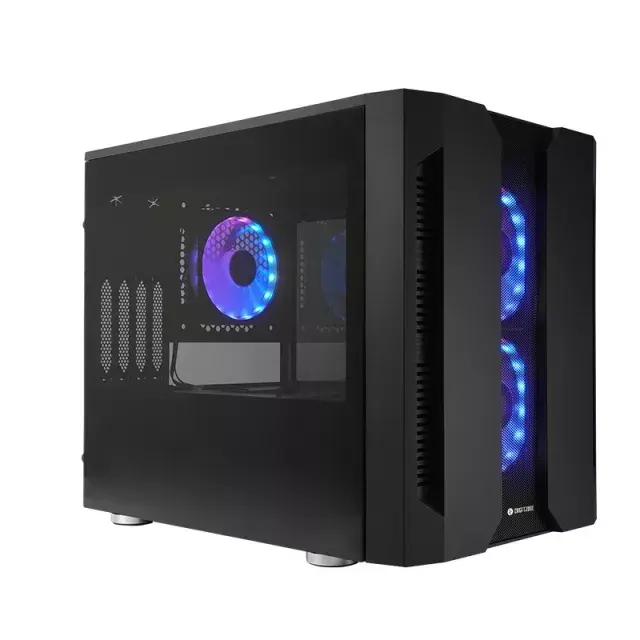
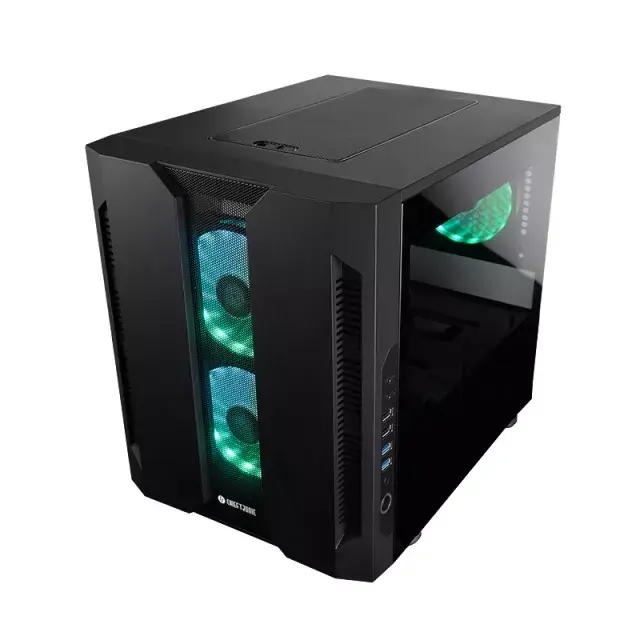
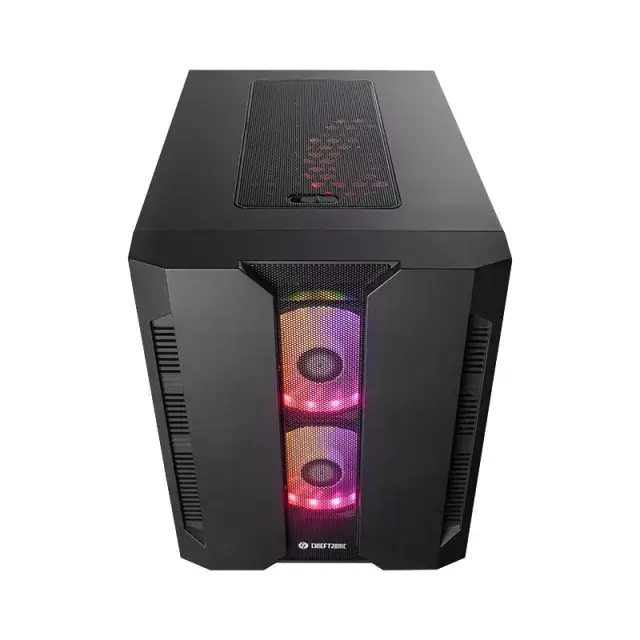
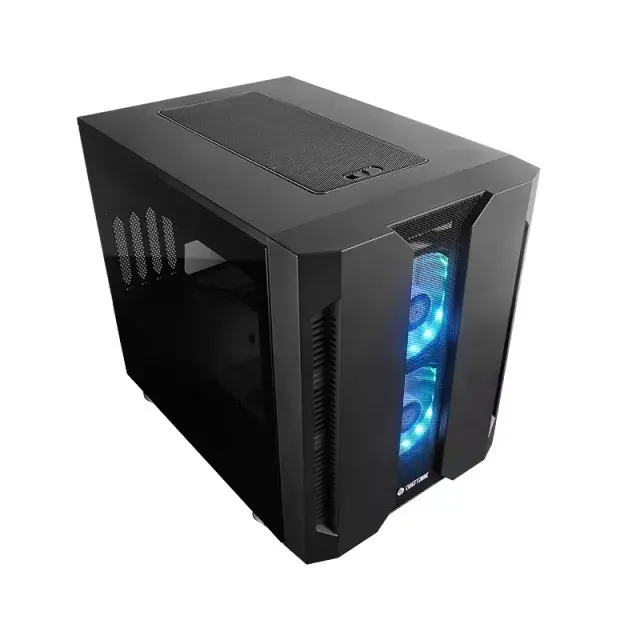
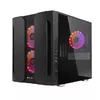
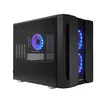
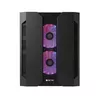
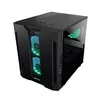
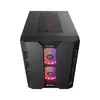
PC Case Chieftec Chieftronic M2 Cube Black
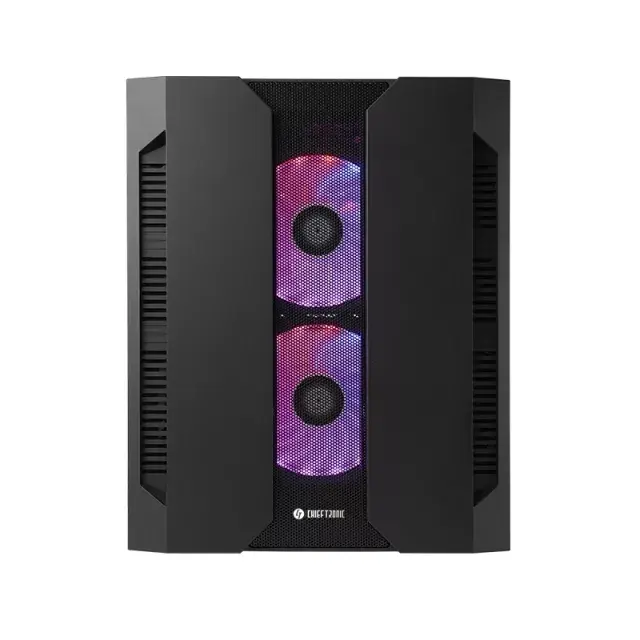
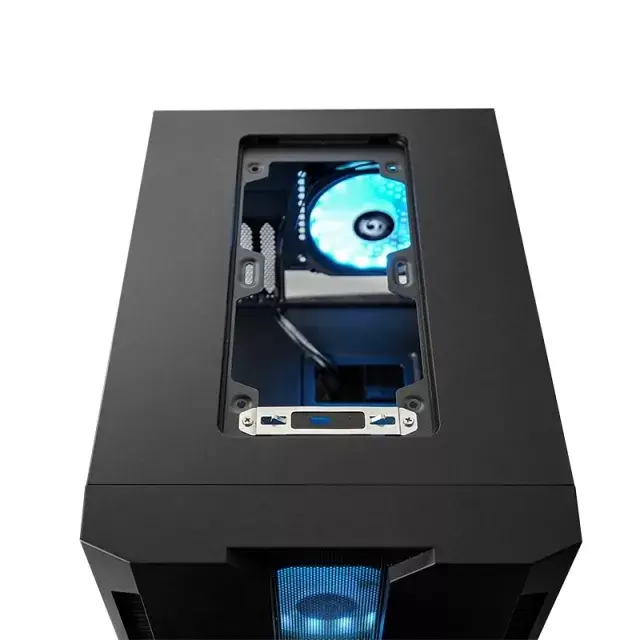
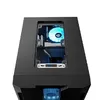
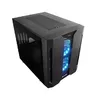
The Chieftec Chieftronic M2 Cube Black is a compact cube-style PC case engineered for improved airflow and modern component compatibility. The case supports Mini-ITX and Micro ATX motherboards and accommodates both 2.5" and 3.5" drives while fitting an ATX power supply. Its front mesh panel, tempered glass side window and factory-fitted fan configuration provide a balance between cooling capacity and visible presentation. The M2 upgrades the original M1 concept with better ventilation, three preinstalled 120 mm fans and expanded radiator support on both front and top panels to suit higher-performance builds.
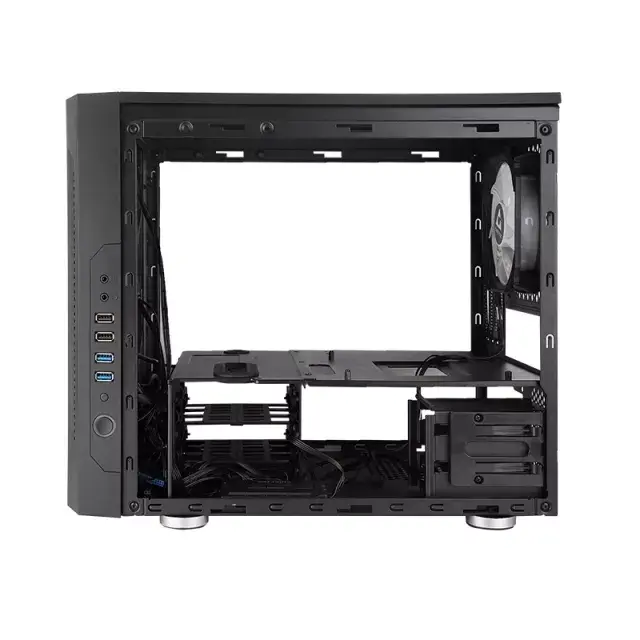
The M2 Cube Black offers enhanced airflow through a mesh front panel and three included 120 mm fans, reducing internal temperatures for demanding hardware. Tempered glass side panels provide a clear view of installed components while SPCC construction ensures structural rigidity. The case includes a certified A-RGB control hub with motherboard sync compatibility for common RGB ecosystems, and a compact footprint with dimensions that fit smaller desks without sacrificing component space. Multiple front I/O ports simplify connectivity.
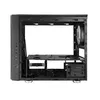
Install a compatible Mini-ITX or Micro ATX motherboard and secure an ATX power supply in the designated bay. Mount 2.5" or 3.5" storage drives in the provided brackets, route power and data cables through the available cutouts, and place expansion cards into the rear slots. Use the front mesh area and preinstalled fans to establish airflow from front to rear; if liquid cooling is preferred, install a compatible 280 mm radiator in the front or a 240 mm radiator on the top panel. Connect the front panel USB and audio headers to the motherboard and use the included A-RGB hub to manage lighting or sync with supported motherboard RGB software.
For balanced cooling and quiet operation, combine the three preinstalled 120 mm fans with positive airflow by ensuring intake exceeds exhaust and keeping dust filters clean. When installing high-TDP components, consider using the top 240 mm radiator mount for improved CPU or GPU cooling. Ensure motherboard RGB sync is enabled in BIOS or vendor software when using the A-RGB hub for synchronized lighting effects.
{{highlightedFeature.featureTitle}}:
{{getProductFeatureValueById(product, highlightedFeature.featureId)}}