

Hurry and order now – up to 50% off!
In cart {{totalProductsCount}} item(s)
Your cart is empty
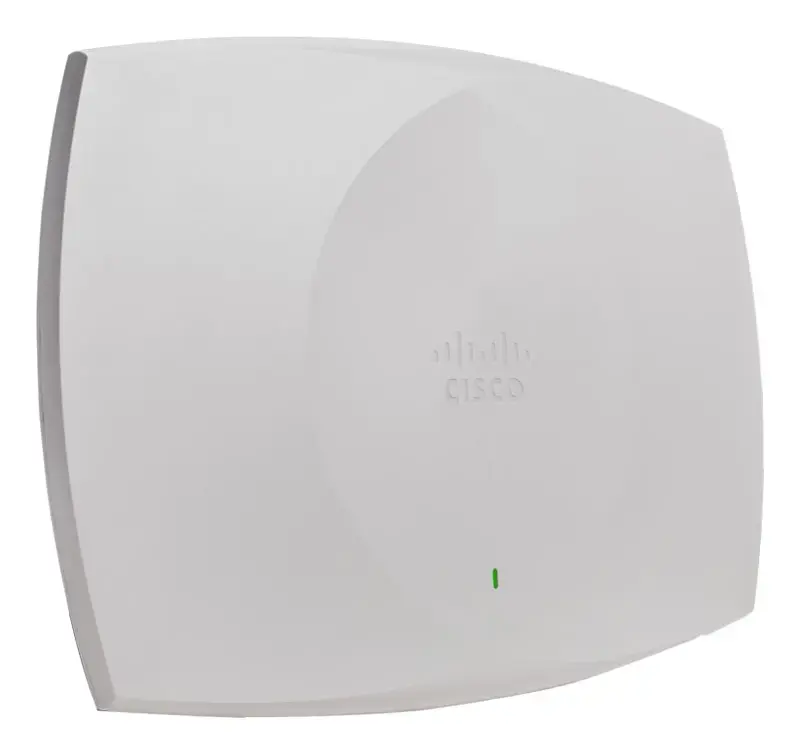
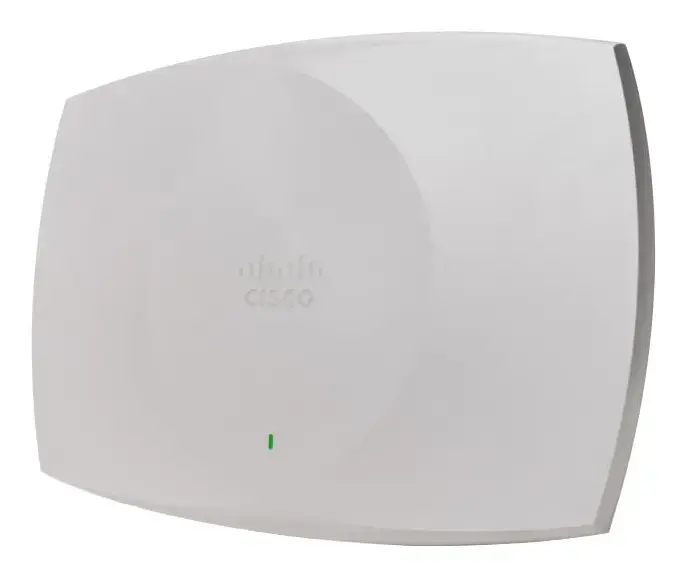
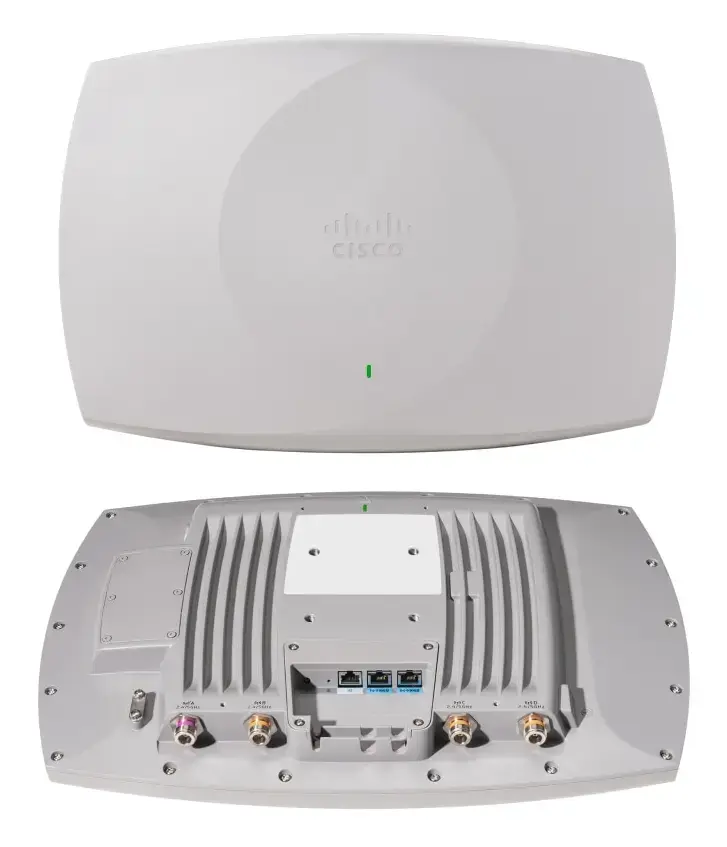
Cisco CW9179F Wireless Access Point, Tri-Band 2.4/5/6 GHz, Wi-Fi 6E, PoE, White
The Cisco CW9179F is a high-performance wireless access point designed to deliver reliable and high-speed connectivity across the 2.4 GHz, 5 GHz, and 6 GHz frequency bands. Utilizing advanced Wi-Fi 6E technology, this device ensures seamless data transmission in demanding enterprise environments. It features robust security protocols to protect network integrity and supports multi-gigabit Ethernet speeds, making it an ideal solution for modern infrastructure requirements.
This access point offers exceptional versatility by supporting tri-band operation, which significantly reduces congestion and improves overall network capacity. The inclusion of Power over Ethernet (PoE) simplifies installation by allowing power and data to be delivered through a single cable. Furthermore, the device incorporates enterprise-grade security algorithms, including WPA3 and various EAP methods, ensuring that sensitive data remains secure against unauthorized access. Its ability to handle high-speed data rates up to 10000 Mbit/s ensures that it can meet the bandwidth demands of modern applications.
This device may not be suitable for small residential setups where the advanced enterprise-grade features and multi-gigabit throughput are not required. Additionally, users without existing PoE-capable network infrastructure may need to invest in additional hardware to power the unit effectively.
To use the Cisco CW9179F, connect the device to a compatible PoE-enabled network switch using a high-quality Ethernet cable. Once powered, the access point can be configured through the centralized Cisco network management interface. Ensure that the device is mounted in a location that provides optimal coverage for the intended area, taking into account physical obstructions that might affect signal propagation.
Usage recommendations: For optimal performance, perform a site survey before installation to determine the best placement for signal coverage. Regularly update the device firmware to ensure the latest security patches and performance enhancements are applied.
{{highlightedFeature.featureTitle}}:
{{getProductFeatureValueById(product, highlightedFeature.featureId)}}
{{ productComparisonGenerationError }}