
JBL speakers and headphones for pure and deep sound!
In cart {{totalProductsCount}} item(s)
Your cart is empty
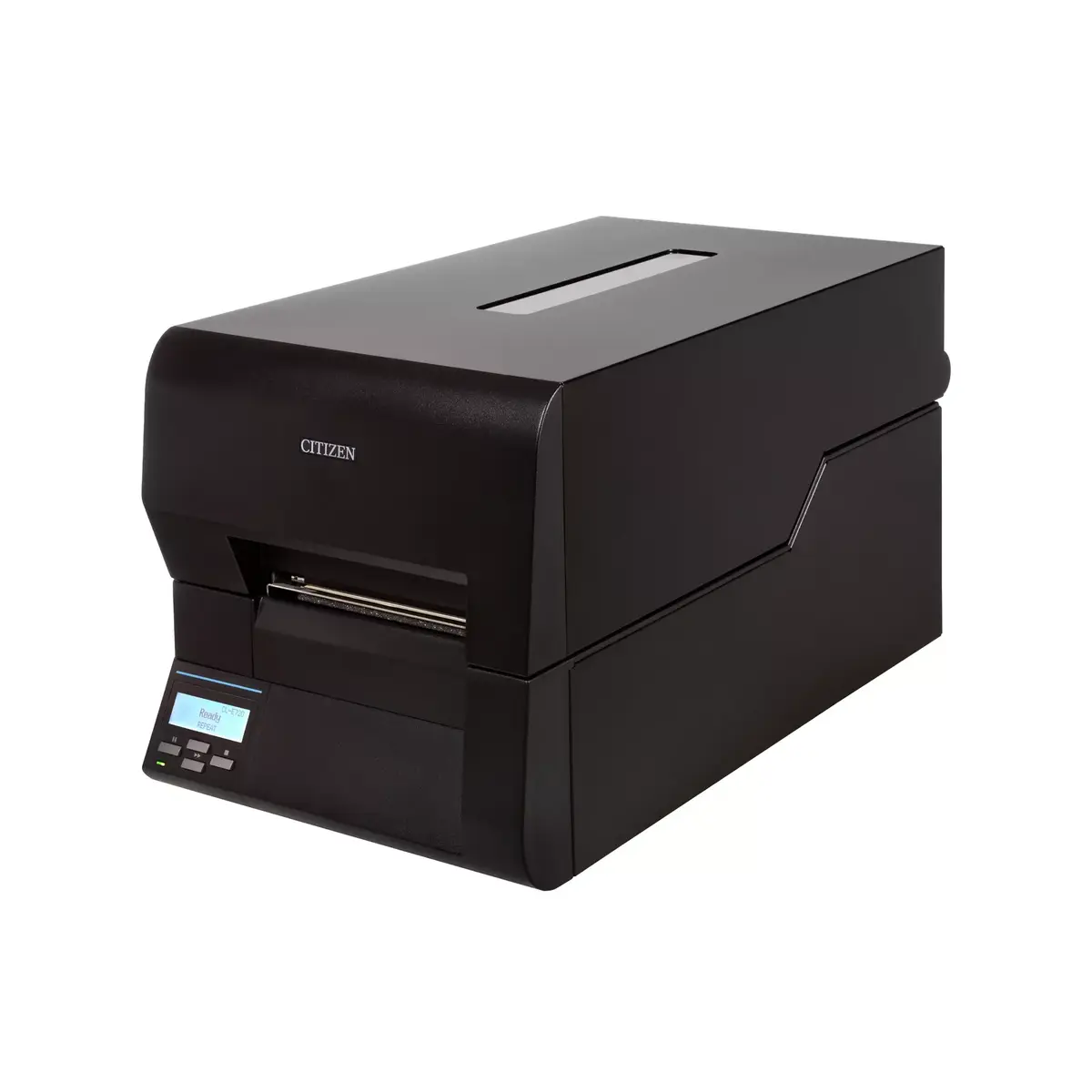
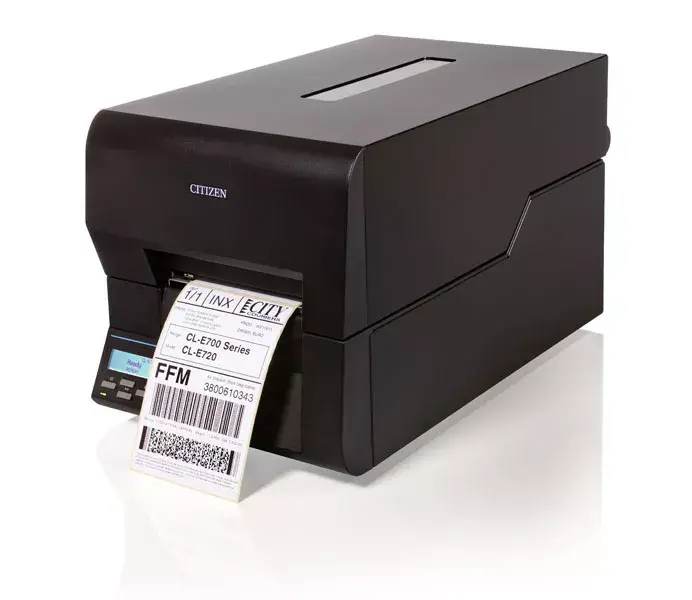
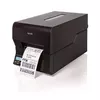
Label printer Citizen CL-E720DT
The Citizen CL-E720DT is a high-performance desktop label printer utilizing direct thermal printing technology to deliver reliable and efficient results. Engineered for professional environments, this device combines a robust build with user-friendly operation, making it a versatile solution for businesses requiring consistent label production. Its sleek black design and compact footprint allow it to integrate seamlessly into various workspaces, while the inclusion of advanced management tools ensures streamlined connectivity and maintenance.
This printer stands out due to its integration of the proven Citizen ARCP mechanism, which ensures high-quality, sharp print output for every label. The device is designed for ease of use and simple maintenance, reducing downtime in busy operational settings. With its super-low standby power consumption, it offers an energy-efficient solution for long-term use. Furthermore, the inclusion of the LinkServer management tool allows for convenient remote monitoring and control, enhancing overall workflow productivity.
This model is specifically designed for direct thermal printing and does not support thermal transfer ribbons, meaning it is not suitable for applications requiring high-durability labels that must withstand extreme heat, chemicals, or long-term outdoor exposure. Additionally, it is not intended for mobile or portable use due to its weight and requirement for a wired power connection.
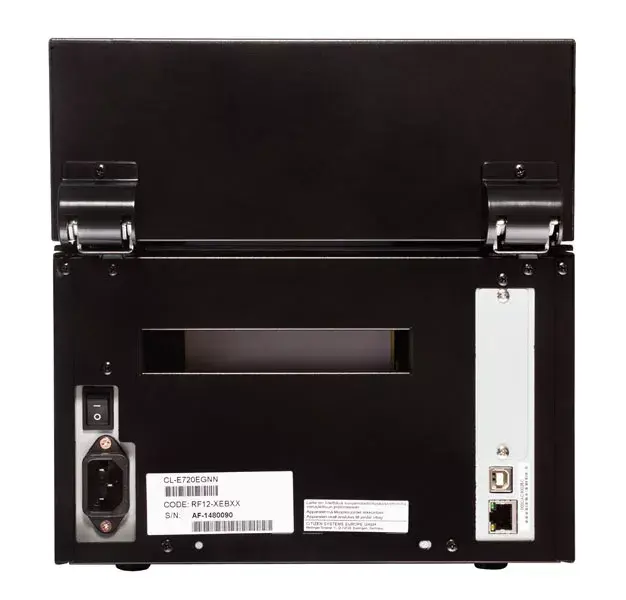
To begin using the Citizen CL-E720DT, connect the printer to your computer or network using the provided USB or Ethernet LAN interfaces. Ensure the device is placed on a stable, flat surface. Load your direct thermal label media into the printer according to the internal guide marks. Use the integrated LCD display to navigate settings and monitor the printer status. Once configured, send your print jobs from your connected software to initiate the high-speed printing process.
Regularly clean the thermal print head using approved cleaning supplies to maintain print quality and extend the lifespan of the device. Always use high-quality direct thermal labels to prevent residue buildup on the print mechanism.
{{highlightedFeature.featureTitle}}:
{{getProductFeatureValueById(product, highlightedFeature.featureId)}}
{{ productComparisonGenerationError }}
