
JBL speakers and headphones for pure and deep sound!
In cart {{totalProductsCount}} item(s)
Your cart is empty
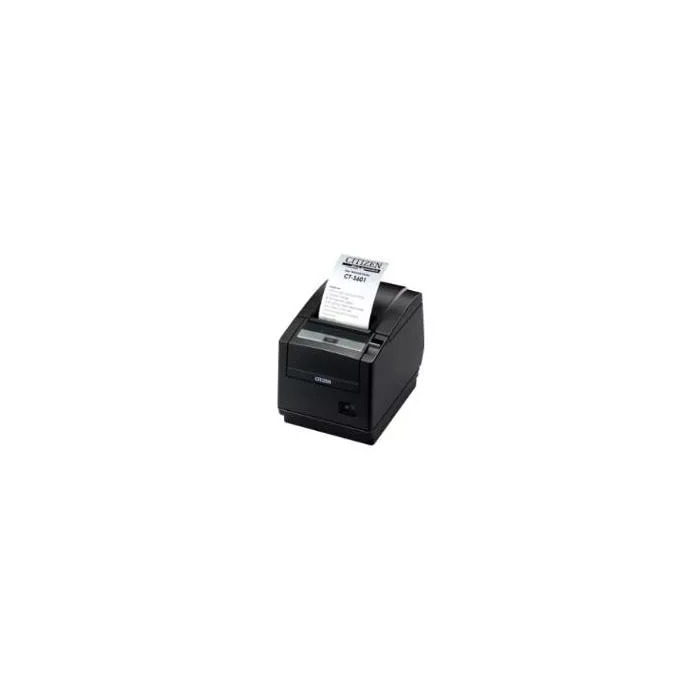
Interface Card for Citizen CT-S600 / CT-S800 printers — Serial (TZ66801-0M)
The Interface Card for Citizen CT-S600 / CT-S800 printers — Serial (TZ66801-0M) is an add-on module that provides an RS-232 serial communication port for compatible Citizen receipt printers. Designed for in-field installation into the printer expansion slot, this card enables reliable wired connections to point-of-sale systems, scales, or other legacy equipment that require a standard serial interface. The module maintains factory fit and compatibility with the CT-S600 and CT-S800 mechanical and electrical configurations.
This serial interface card delivers stable RS-232 communication with predictable latency and broad device compatibility. Installation into the printer expansion slot preserves the printer’s original form factor while adding a durable, wired connection option. The card supports common serial settings to simplify integration with POS software and peripherals and reduces dependency on USB or network adapters for legacy integrations.
Power off the Citizen CT-S600 or CT-S800 printer and open the expansion slot cover following the manufacturer’s service instructions. Insert the serial interface card into the expansion slot, ensuring a secure seating and fastening according to the printer’s installation guide. Reattach any covers and power on the printer. Configure the printer’s interface settings via its setup menu or connected POS software to match the serial parameters of the host device (baud rate, parity, data bits, stop bits, flow control). Connect the serial cable between the printer and the host device and verify communication by printing a test receipt or using diagnostic commands.
Use shielded serial cables and proper grounding where possible to reduce electrical noise and prevent data errors. Match serial parameters on both devices before attempting data exchange. For long cable runs or electrically noisy environments, consider using shorter cables or placing equipment to minimize interference. Refer to Citizen printer documentation for detailed installation steps and safety precautions.
{{highlightedFeature.featureTitle}}:
{{getProductFeatureValueById(product, highlightedFeature.featureId)}}
{{ productComparisonGenerationError }}
