{{ totalProductsCount }}

In cart {{totalProductsCount}} item(s)

Total:
{{sum | formatAmount}}

Your cart is empty

header-product Club 3D Multi Stream Transport Hub DisplayPort 1.2 Quad Monitor USB Powered CSV-6400 with 1 DisplayPort input and 4 DisplayPort outputs supporting 192...

Club 3D Multi Stream Transport Hub DisplayPort 1.2 Quad Monitor USB Powered CSV-6400 with 1 DisplayPort input and 4 DisplayPort outputs supporting 1920 x 1080 resolution at 60 Hz

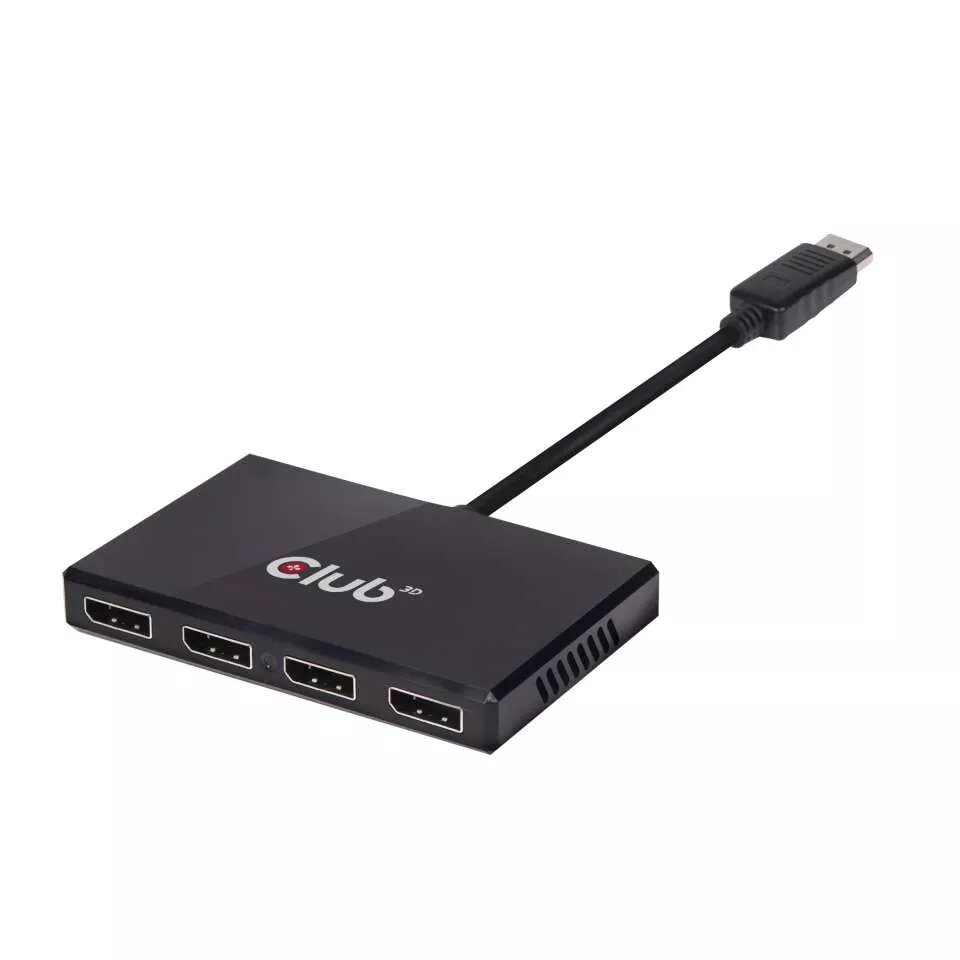
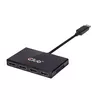
Club 3D CSV-6400 DisplayPort 1.2 Quad Monitor MST Hub Photo 1
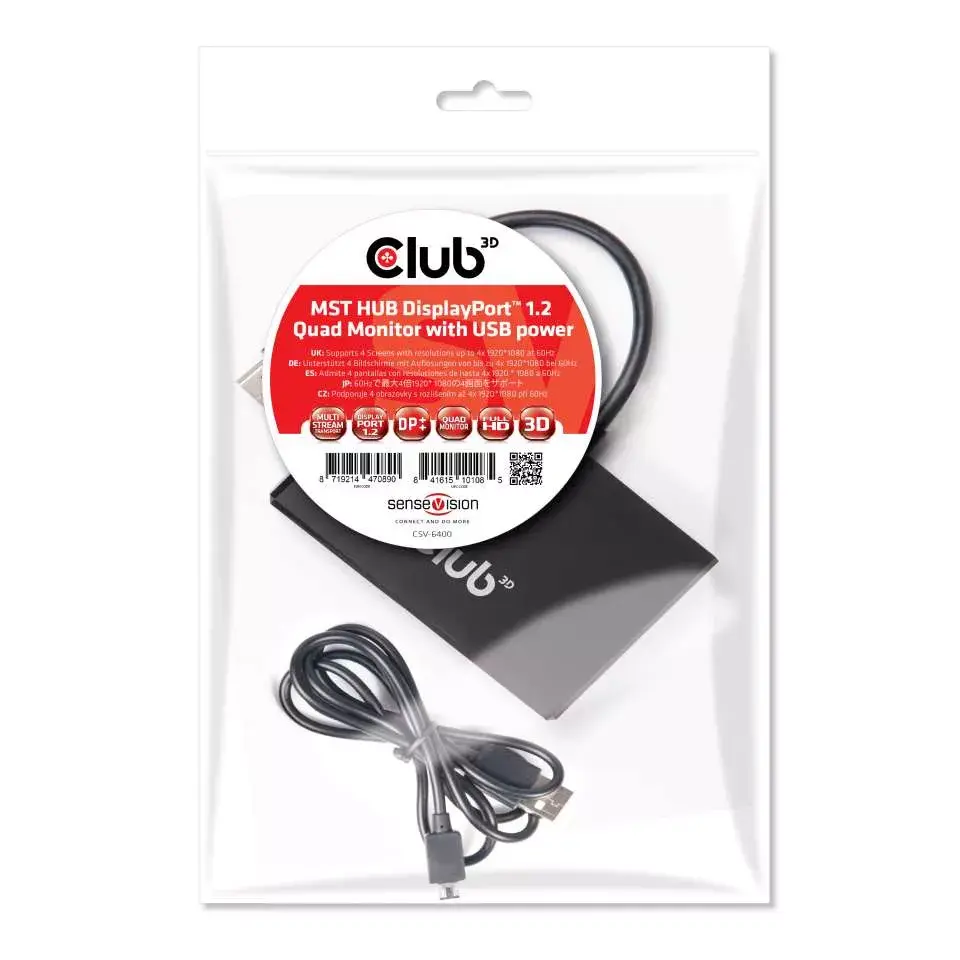
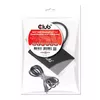
Club 3D CSV-6400 DisplayPort 1.2 Quad Monitor MST Hub Photo 2
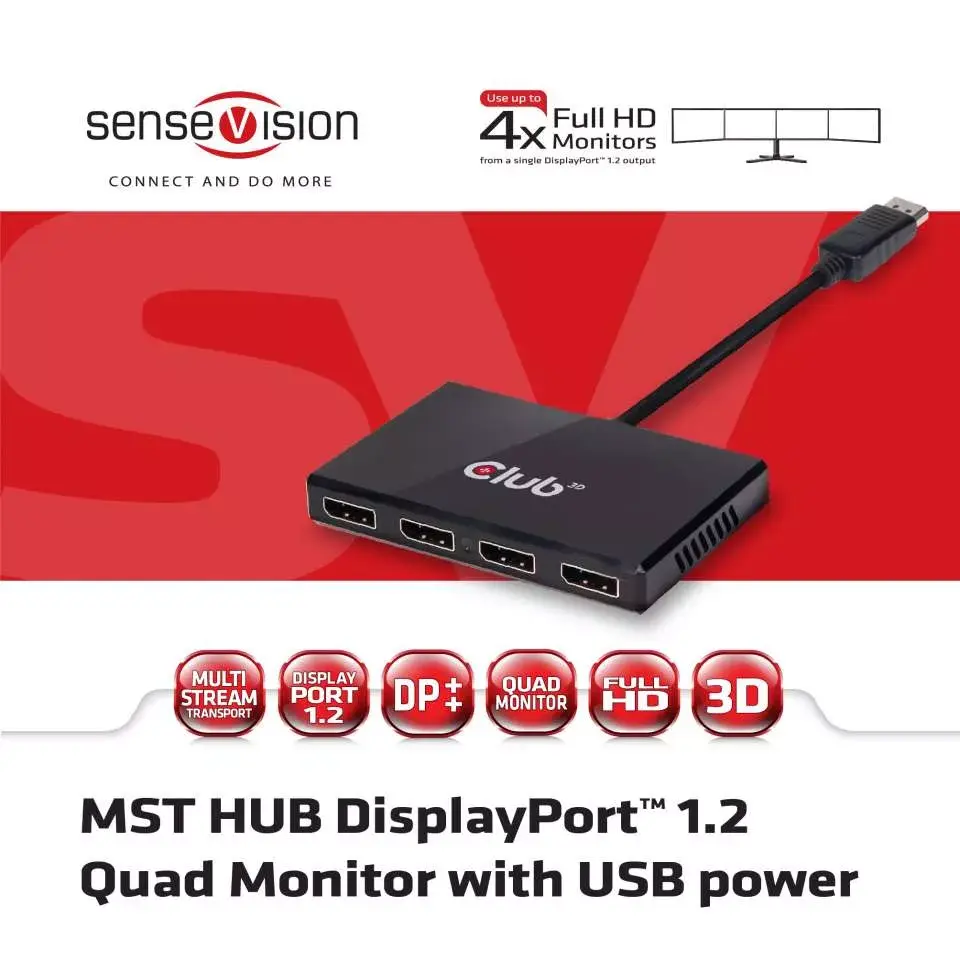
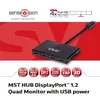
Club 3D CSV-6400 DisplayPort 1.2 Quad Monitor MST Hub Photo 3
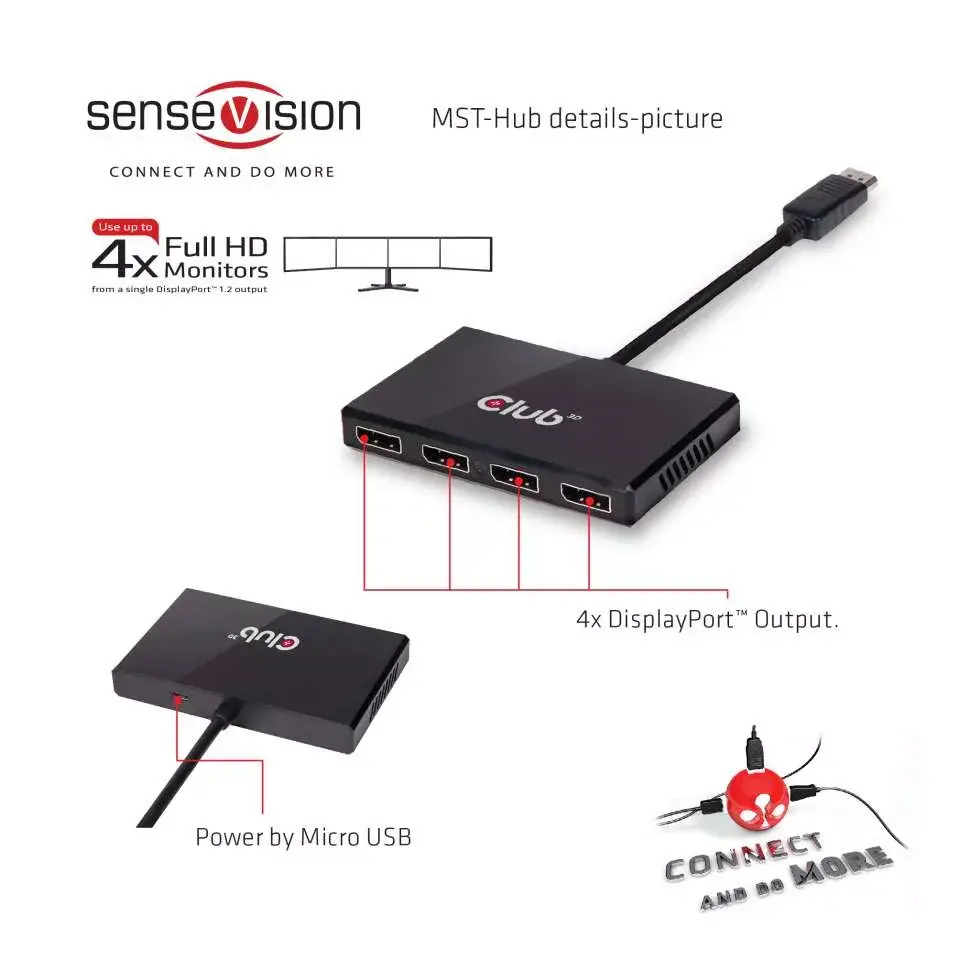
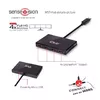
Club 3D CSV-6400 DisplayPort 1.2 Quad Monitor MST Hub Photo 4
Club 3D CSV-6400 DisplayPort 1.2 Quad Monitor MST Hub Photo 1
Club 3D CSV-6400 DisplayPort 1.2 Quad Monitor MST Hub Photo 2
Club 3D CSV-6400 DisplayPort 1.2 Quad Monitor MST Hub Photo 3
Club 3D CSV-6400 DisplayPort 1.2 Quad Monitor MST Hub Photo 4
Out of stock.
View similar!

Short description

The Club 3D CSV-6400 Multi Stream Transport Hub connects a single DisplayPort 1.2 source to four DisplayPort monitors simultaneously. Powered via USB, this hub supports a maximum resolution of 1920 x 1080 pixels at a 60 Hz refresh rate. Ideal for expanding desktop workspace across multiple screens in professional workstations, multi-display control rooms, and productivity setups, ensuring reliable video distribution.
Warranty: 2 Years
SKU: 469965
Manufacturer: Club 3D
delivery
Information regarding the items availability for purchase will be posted on this site
price
Item cost information will be published on this site
Together cheaper
{{product.price | formatAmount}}
{{product.title}}
{{productBundle.reference.specialPrice | formatAmount}}
{{productBundle.title}}
{{productBundlePreviousPrice | formatAmount}}
{{productBundleSpecialPrice | formatAmount}}

You saving {{productBundleYouSave | formatAmount}}

Product information

Description

The Club 3D Multi Stream Transport Hub DisplayPort 1.2 Quad Monitor USB Powered CSV-6400 is designed to connect a single DisplayPort 1.2 source to four DisplayPort monitors simultaneously. Utilizing advanced Multi Stream Transport technology, this hub allows multiple independent uncompressed video and audio streams to travel over a single cable. It is powered via USB for convenient setup and ensures reliable video distribution across multiple screens without requiring complex internal hardware installations. The compact black device integrates easily into professional desktop environments and control rooms.

Advantages

This hub efficiently expands a single video output into four separate display connections, enabling seamless multitasking across multiple screens. It supports Full HD resolution at a smooth 60 Hz refresh rate for clear and responsive visual performance. The inclusion of DisplayPort Dual Mode allows compatibility with passive adapters for HDMI and DVI signals when needed. Its USB-powered design reduces reliance on external wall outlets, making the workspace cleaner and more organized.

Suitable for

  • Expanding desktop workspace across four monitors
  • Professional workstations and multi-display productivity setups
  • Control rooms requiring simultaneous monitoring on multiple screens
  • Presentations and office environments needing extended display layouts

When it may not be suitable

This device is not designed for users requiring ultra-high-definition resolutions above 1920 x 1080 pixels, as it caps out at Full HD at 60 Hz. Additionally, when connected to an older DisplayPort 1.1 video card, the hub will act as a basic splitter and mirror the video source across all displays rather than extending the desktop.

Key specifications

  • Input: 1 x DisplayPort
  • Outputs: 4 x DisplayPort
  • Maximum resolution: 1920 x 1080 pixels
  • Maximum refresh rate: 60 Hz
  • Power source: USB powered
  • Dimensions: 65 x 104 x 14 mm
  • Weight: 134 g
  • Color: Black

How to use

Connect the included DisplayPort cable from your computer or video source to the input port on the hub. Connect up to four monitors to the DisplayPort output ports using appropriate cables. Attach the provided USB cable to supply power to the hub from an available USB port. Ensure your computer is equipped with a DisplayPort 1.2 graphic source to utilize the multi-stream extension functionality rather than basic video mirroring.

What to consider before purchase

  • Verify that your computer graphics card supports DisplayPort 1.2 for extended multi-monitor functionality
  • Check that your monitors are equipped with DisplayPort inputs or that you have compatible passive adapters
  • Confirm that a maximum resolution of 1920 x 1080 pixels at 60 Hz meets your display requirements

For optimal performance, always use certified DisplayPort cables and connect the hub directly to a stable USB power source. Verify graphic card compatibility before connecting multiple monitors to ensure proper extended desktop configuration.

Specifications

Video ports quantity: The number of ports (sockets) for video input or output.
4
Video port type: The type of socket in the device for connecting a video e.g. SCART.
DisplayPort
All features

Logistics data

Products per master (outer) case:
5 pc(s)
Harmonized System (HS) code:
8473 3020

Other features

Technical features:
Resolution Support up to: 4 x 1920 x 1080 at 60Hz
Dimensions (WxDxH): Dimensions of the product (Width x Depth x Height).
65 x 104 x 14

Packaging data

Total plastic packaging weight:
0 g
Total paper/cardboard packaging weight:
0 g
Plastic packaging weight:
11 g
Paper/cardboard packaging weight:
0 g
Package width: The distance from one side of the packaging to the other.
160 mm
Package weight: Weight of the packaged product.
9 g
Package depth: The distance from the front to the back of the packaging.
18 mm
Package type: The type of product package e.g. box.
Polybag
Package length:
240 mm

Weight & dimensions

Weight: Weight of the product without packaging (net weight). If possible, the net weight is given including standard accessories and supplies. Please note that sometimes the manufacturer leaves out the weight of accessories and/or supplies.
0.134 kg

Technical details

Connection to system unit:
DisplayPort 1.2

Certificates

Certification:
EMI CE, FCC, WEEE, ROHs

Ports & interfaces

Video out:
4x DisplayPort
Video ports quantity: The number of ports (sockets) for video input or output.
4
Video port type: The type of socket in the device for connecting a video e.g. SCART.
DisplayPort

Packaging content

Packaging content:
• Multi Stream Transport (MST) Hub DisplayPort™ 1.2 Quad Monitor USB Powered • USB to Micro USB Cable for power • Quick install guide
Cables included:
DisplayPort, USB
User guide:
Yes

Power

USB powered: The device can be powered via a USB connection.
Yes

Features

Plug and Play: Indicates whether this product supports is "plug and play". Plug and play is hardware or software that, after being installed ("plugged in"), can immediately be used ("played with"), as opposed to hardware or software which requires configuration.
Yes
Cable length: How long the cable is.
0.13 m
Maximum resolution: The maximum number of pixels that can be displayed in the image. It is usually quoted as width × height,: for example, "1024 × 768" means the width is 1024 pixels and the height is 768 pixels.
1920 x 1080
Power LED:
No
Easy to install:
Yes
Maximum refresh rate:
60 Hz
HDCP: High-bandwidth Digital Content Protection (HDCP) is a form of digital copy protection to prevent copying of digital audio and video content as it travels across connections.
Yes
HD-Ready:
Yes
Product colour: The colour e.g. red, blue, green, black, white.
Black
3D: The device can be used with 3D technology.
Yes
Full HD: Full High Definition (HD) means that a display supports a resolution of 1920 x 1080 pixel, and has a digital TV connection.
Yes

Similar products

{{product.title}}
Show details Hide details

{{highlightedFeature.featureTitle}}:

{{getProductFeatureValueById(product, highlightedFeature.featureId)}}

{{product.price | formatAmount}}
Might be useful
{{product.manufacturerName}}
{{product.categoryName}}
{{product.title}}
{{product.specialPrice}}
{{product.price}}

Customer reviews

Customer questions

FAQ

What payment options are available?

AiO.lv offers several payment methods: Bank transfer. All transactions are 100% secure and encrypted.

Can this product be purchased for a company (with VAT)?

Yes. AiO.lv works with legal entities in Latvia and across Europe. The product price already includes VAT. For certain product categories, as well as for companies from other EU countries with a valid VAT number, a 0% VAT rate may apply. We issue the invoice immediately after the order is placed, support electronic BIS invoices, and automatically generate all necessary accounting documents. You can complete the purchase for a company online — simply select the company profile and choose bank transfer as the payment method during checkout.

What is the warranty period?

All Club 3D products come with an official 2 Years warranty. It covers all manufacturing defects and malfunctions that may occur during use. The warranty is valid at all authorized Club 3D service centers and through AiO.lv

Can the product be returned after purchase?

Yes, you can return the product within 14 days of purchase if you bought it as a consumer (not a legal entity). Returns are possible without giving any reason — the main condition is that the product retains its original appearance and full set of accessories. We will make the process as simple and convenient as possible: just contact our customer support team, and we will help you arrange the return.

Where should I contact for warranty service?

For warranty-related questions you can contact the AiO.lv (SIA VSPRO) customer support team. We will assist with consultation, warranty claim processing, and coordination with certified service centers.

How can I tell if this product suits my needs?

When making a choice, we recommend paying attention to the key features: video ports quantity, video port type, compatibility with your devices or usage conditions, material quality, functionality, and warranty terms. These characteristics will help you determine how well the model meets your needs.

Where can I download the instructions for Club 3D CSV-6400 DisplayPort 1.2 Quad Monitor MST Hub?

You can download the instructions in PDF format from the “Instructions” section on the product description page. The file contains complete information about installation, setup, and usage.

warranty
14-Day Return Policy We are confident in our quality, but if the purchase doesn’t fit — you have 14 days to return the product with peace of mind.
shipping
Fast Delivery Get your orders as quickly as possible — right to your door, parcel lockers, or pickup points across Latvia and the EU.
payment
Secure Payment Pay the way you prefer: cash, VISA, MasterCard, Apple Pay, Google Pay, bank transfer, or 0% installment plan.
warranty
Quality Since 2008 AiO.lv has been on the market for over 18 years and has earned trust — with more than 6000 genuine positive reviews on Google.