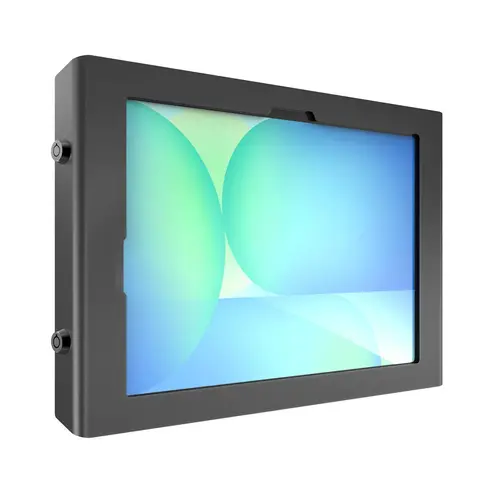
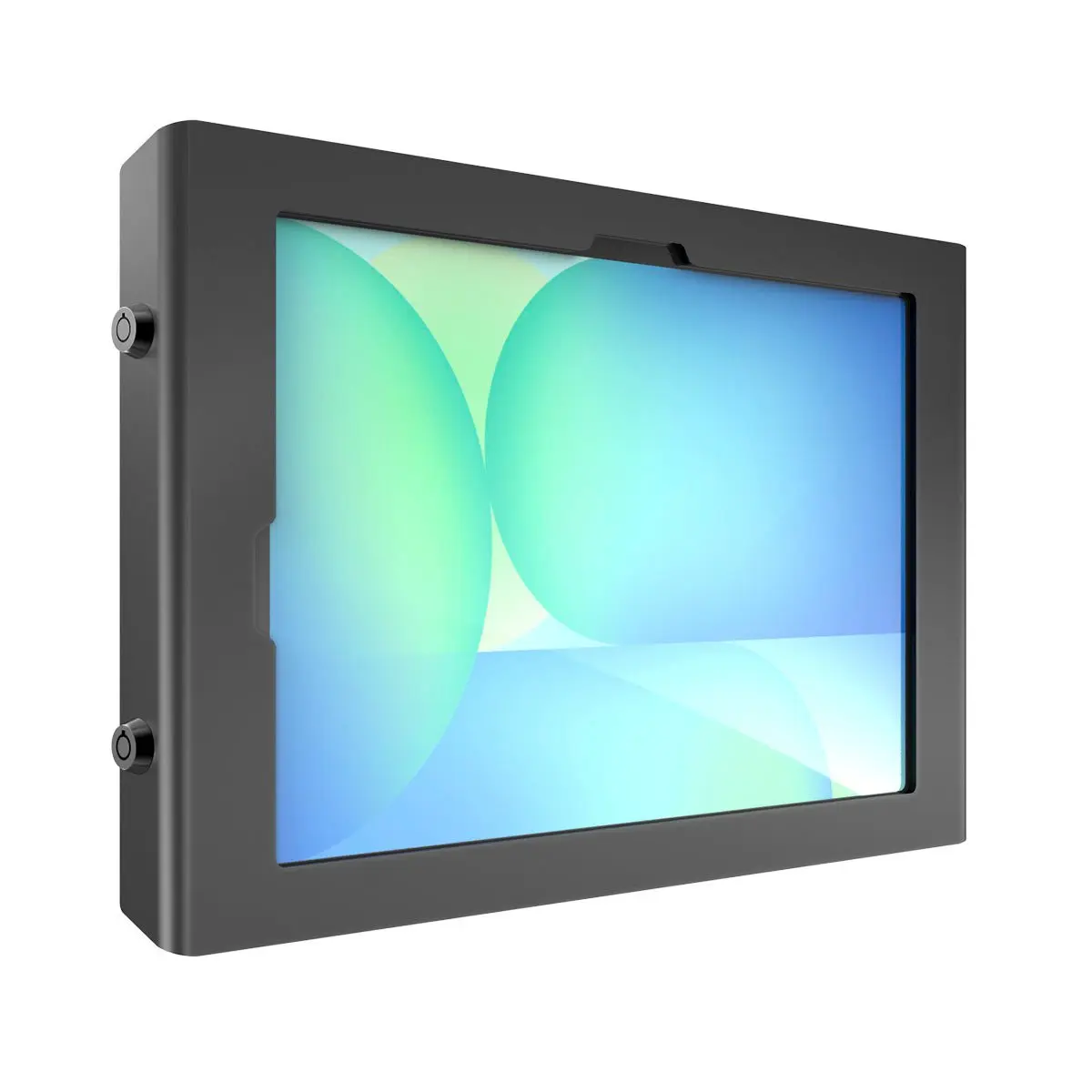
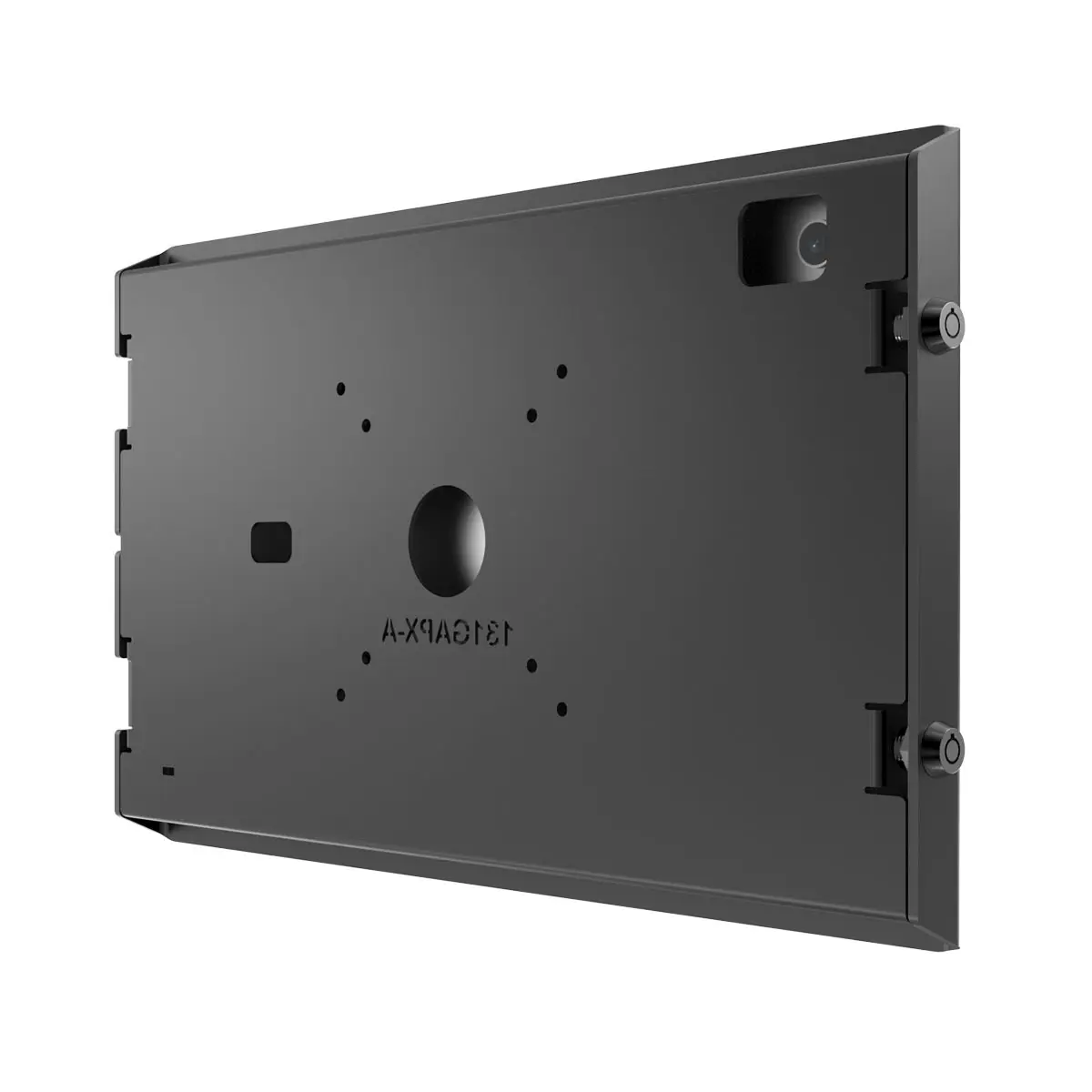
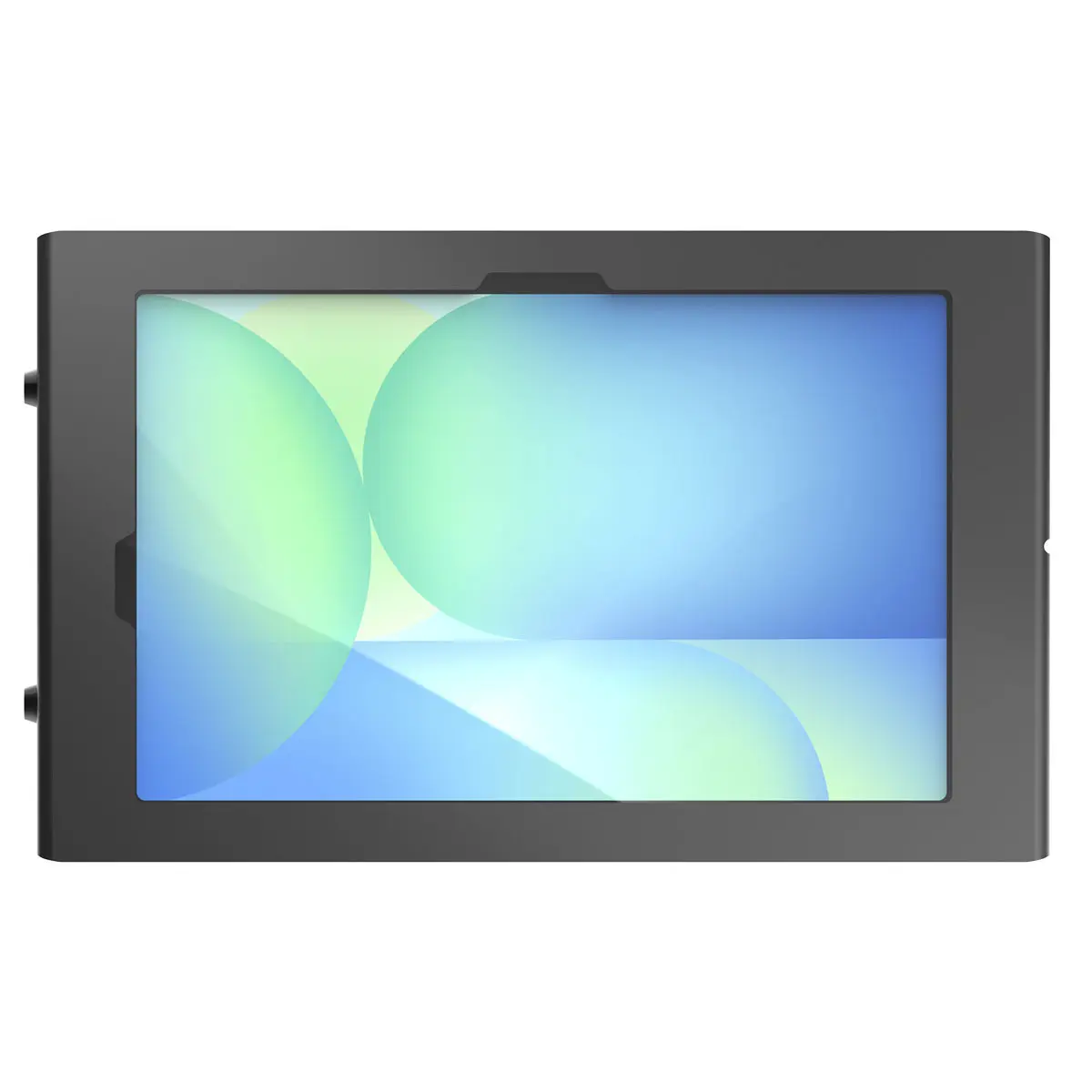
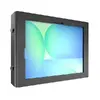
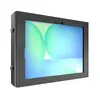
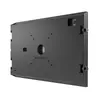
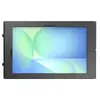
This product comparison examines the Compulocks Apex Secured Enclosure Wall Mount for Galaxy Tab S10 FE+ 13.1 Inch Black alongside three alternative security enclosures from the same brand: Compulocks Galaxy Tab A9/A11 Apex Enclosure Swift F Tablet Security Enclosure, Compulocks Apex Enclosure Tilting Wall Mount for Apple iPad Air M2 11" (2024) Black, and Wall Mount Enclosure for Samsung Galaxy Tab Active 3/5 8" — Compulocks Apex Tilting, Black, includes 2 keys. All compared items belong to the category of commercial tablet security enclosures and wall mounts, but they are built for entirely different tablet models, screen sizes, and mounting mechanisms.
⚙️ The specifications comparison covers device compatibility, maximum screen size, mounting type, and intended commercial environments.
| Parameter | Compulocks Apex Wall Mount for Galaxy Tab S10 FE+ | Compulocks Galaxy Tab A9/A11 Swift F | Compulocks Apex Tilting for iPad Air M2 11" | Compulocks Apex Tilting for Galaxy Tab Active 3/5 8" | Practical significance |
|---|
| Device compatibility | Samsung Galaxy Tab S10 FE+ 13.1" (2025 models) | Samsung Galaxy Tab A9 and A11 | Apple iPad Air M2 11" (2024) | Samsung Galaxy Tab Active 3 and Tab Active 5 8" | Enclosures are custom-molded to specific tablet dimensions and port layouts, meaning they cannot be interchanged between different device series. |
| Maximum screen size | 33.3 cm (13.1 inches) | Not specified | 27.9 cm (11 inches) | 20.3 cm (8 inches) | Determines the physical footprint of the enclosure and its alignment with the corresponding tablet display diagonal. |
| Mounting type | Fixed wall mount | Secure display enclosure (Swift F) | Tilting wall mount | Tilting wall mount | Tilting models offer adjustable viewing angles for better ergonomics, whereas fixed mounts provide a stable, static position. |
| Environment | Commercial and public spaces | Commercial, retail, and public environments | Public, commercial, or retail environments | Retail, kiosks, hospitality | All options focus on theft prevention in public settings, but cater to different hardware ecosystems. |
◎ The suitability evaluation helps determine which enclosure matches specific user needs and deployment scenarios.
| Use case | Recommended product | Why |
|---|
| Wall-mounting a large 2025 Samsung tablet | Compulocks Apex Secured Enclosure Wall Mount for Galaxy Tab S10 FE+ 13.1 Inch Black | Engineered specifically to house and protect the Samsung Galaxy Tab S10 FE+ 13.1-inch device securely. |
| Securing Samsung Galaxy Tab A9 or A11 in retail | Compulocks Galaxy Tab A9/A11 Apex Enclosure Swift F Tablet Security Enclosure | Provides dedicated protection for popular Samsung Tab A devices in public environments. |
| Interactive Apple-based wall display | Compulocks Apex Enclosure Tilting Wall Mount for Apple iPad Air M2 11" (2024) Black | Designed specifically for the Apple iPad Air M2 11-inch model with added tilt versatility. |
| Compact kiosk installation with rugged tablets | Wall Mount Enclosure for Samsung Galaxy Tab Active 3/5 8" — Compulocks Apex Tilting, Black, includes 2 keys | Tailored for smaller, rugged Tab Active tablets used in hospitality, kiosks, and retail settings. |
The primary difference between the Compulocks Apex Secured Enclosure Wall Mount for Galaxy Tab S10 FE+ 13.1 Inch Black and the alternatives is its dedicated compatibility with the large-format Samsung Galaxy Tab S10 FE+ (13.1-inch) 2025 tablet. This product is the ideal choice for buyers who need to securely mount this specific Samsung device, whereas the alternative options are intended for completely different tablet brands, form factors, and screen sizes.