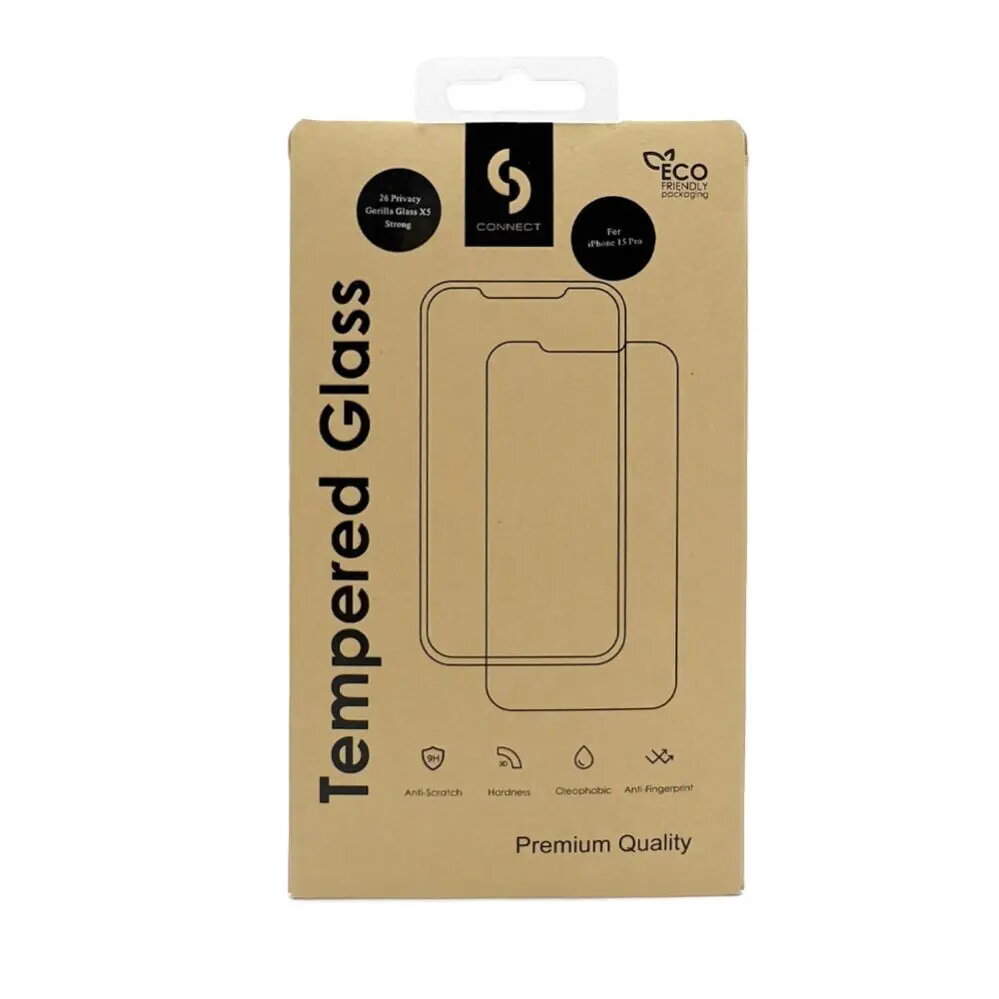
The Connect Privacy screen protector for Samsung Galaxy A52 is a high-quality accessory designed to safeguard your device's display while ensuring your personal information remains confidential. Featuring full-screen coverage and a durable construction, this protector effectively shields your screen from scratches, minor impacts, and daily wear. The integrated privacy filter narrows the viewing angle, making it difficult for people sitting next to you to see what is on your screen, while the matte finish reduces glare and fingerprints for a cleaner look.
Advantages
This screen protector offers a significant privacy advantage by restricting the visibility of your display to those directly in front of the device. The anti-static black frame ensures a seamless fit that blends perfectly with the design of your Samsung Galaxy A52. Beyond privacy, the matte surface provides a smooth, tactile experience that feels natural to the touch and minimizes distracting reflections in bright lighting conditions. The installation process is straightforward, designed to minimize air bubbles and ensure a precise alignment with your phone's screen.
Suitable for
- Protecting sensitive information in public spaces like trains, buses, or offices.
- Users who prefer a matte screen finish to reduce glare and fingerprints.
- Individuals looking for full-coverage protection against scratches and minor surface damage.
This screen protector may not be suitable for users who require maximum screen brightness and color vibrancy, as the privacy filter can slightly reduce light transmission. It might also interfere with certain thick, wrap-around phone cases that exert pressure on the edges of the screen protector.
Key specifications
- Compatibility: Samsung Galaxy A52
- Coverage: Full-screen coverage with black frame
- Finish: Matte
- Features: Privacy filter, anti-static properties
- Design: 2.5D edge profile
To install the screen protector, first clean your Samsung Galaxy A52 display thoroughly using the provided cleaning kit to remove all dust and oils. Peel off the protective backing film, align the glass carefully with the edges of your phone, and gently press down from the center to allow the adhesive to bond evenly across the surface.
What to consider before purchase
- Ensure your device model is exactly the Samsung Galaxy A52.
- Check if your current phone case is compatible with full-cover screen protectors.
- Note that privacy filters may slightly darken the screen compared to standard clear glass.
Usage recommendations
For the best results, perform the installation in a dust-free environment and use a microfiber cloth to ensure the screen is completely clean before application.