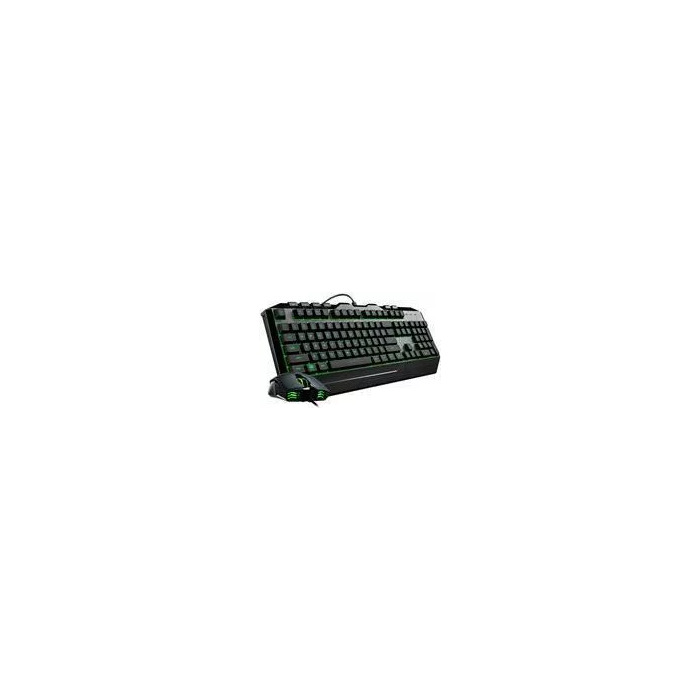
The Cooler Master Devastator 3 RGB gaming keyboard is a reliable wired peripheral designed to enhance your gaming setup with functional performance and customizable aesthetics. Featuring a compact layout and a standard key configuration, this keyboard provides a responsive typing experience suitable for both intense gaming sessions and everyday computing tasks. The integrated RGB backlighting allows users to personalize their workspace, while the plug-and-play USB interface ensures quick and easy connectivity across various PC systems.
Advantages
This keyboard offers a durable construction that withstands the rigors of daily use, ensuring long-term reliability for gamers. The inclusion of dedicated multimedia functions allows for convenient control over audio and video playback without interrupting your workflow. With its adjustable RGB lighting effects, users can easily match the keyboard's appearance to their existing gaming environment. The compact design helps save valuable desk space, making it an excellent choice for users with smaller workstations or those who prefer a minimalist setup.
Suitable for
- PC gaming enthusiasts seeking a responsive input device
- General office work and daily computer navigation
- Users looking for a space-saving keyboard solution
- Gamers who prefer customizable RGB lighting aesthetics
When it may not be suitable
This keyboard may not be ideal for professional esports players who require mechanical switches with specific actuation points or advanced macro programming capabilities. Additionally, users who prefer wireless connectivity or ultra-slim low-profile designs might find this wired, standard-profile model less suited to their specific preferences.
Key specifications
- Connection type: Wired USB
- Lighting: Customizable RGB backlighting
- Layout: Standard keyboard layout with multimedia keys
- Compatibility: PC systems with USB ports
- Design: Compact and durable gaming-oriented build
How to use
To begin using the Cooler Master Devastator 3, simply insert the USB cable into an available port on your computer. The device is designed for plug-and-play functionality, meaning it should be automatically recognized by your operating system without the need for complex driver installations. You can adjust the lighting effects using the designated function keys on the keyboard to cycle through available colors and modes. For optimal performance, ensure the keyboard is placed on a flat, stable surface.
What to consider before purchase
- Verify that your computer has an available USB port
- Confirm that the keyboard layout matches your regional requirements
- Consider if you prefer membrane-style feedback over mechanical switches
- Assess your desk space to ensure the compact footprint meets your needs
Usage recommendations
To maintain the longevity of your keyboard, keep it away from liquids and clean the keycaps periodically with a dry, lint-free cloth. Avoid using harsh chemicals or abrasive materials that could damage the surface finish or the internal components.