JBL speakers and headphones for pure and deep sound!
In cart {{totalProductsCount}} item(s)
Your cart is empty
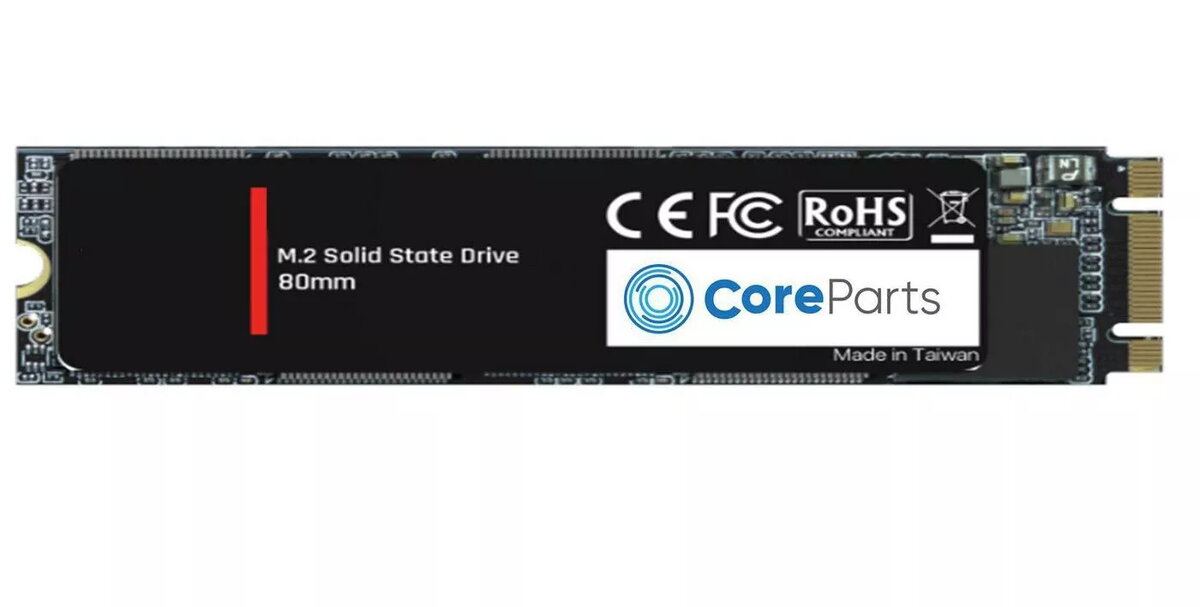
SSD disk CoreParts 256GB M.2 SATA III CPSSD-M.2SATA-256GB
The CoreParts 256GB M.2 SATA III CPSSD-M.2SATA-256GB is an internal solid state drive in an M.2 form factor, designed to upgrade storage in compatible laptops and desktop PCs. With 256 GB capacity and SATA III connectivity, the drive delivers sustained performance for operating systems, applications and data storage, offering read speeds up to 550 MB/s and write speeds up to 470 MB/s. The compact M.2 design reduces installation space and the drive's low weight makes it suitable for slim and portable systems.
This SSD provides faster boot and application load times compared with traditional mechanical drives while maintaining a SATA interface for broad motherboard compatibility. The 256 GB capacity balances storage space and cost, and the M.2 form factor simplifies installation in modern systems. Read speeds up to 550 MB/s and write speeds up to 470 MB/s support responsive file access and improved system responsiveness. The drive’s low physical profile contributes to quieter, cooler operation than spinning drives.
Power down the computer and disconnect from mains before installing the M.2 SSD. Locate an available M.2 slot on the motherboard that supports SATA mode, remove any securing screw, insert the drive at the correct angle and fasten it with the retaining screw. Reconnect power, enter the system BIOS/UEFI to ensure the drive is detected, then boot into your operating system to initialize, partition and format the drive as required. Use disk cloning tools if migrating an existing system, or install a fresh operating system on the new drive.
For consistent performance, enable AHCI mode in the BIOS/UEFI and ensure proper airflow inside the chassis. Avoid using the M.2 slot simultaneously in incompatible modes; consult the motherboard manual for slot configurations. Regularly back up important data and use TRIM-capable operating systems to maintain long-term SSD performance.
{{highlightedFeature.featureTitle}}:
{{getProductFeatureValueById(product, highlightedFeature.featureId)}}
{{ productComparisonGenerationError }}