
HDD mounting bracket CoreParts KIT177A
11.49 €
{{selectedOffer && selectedOffer.price | formatAmount}}
Short description
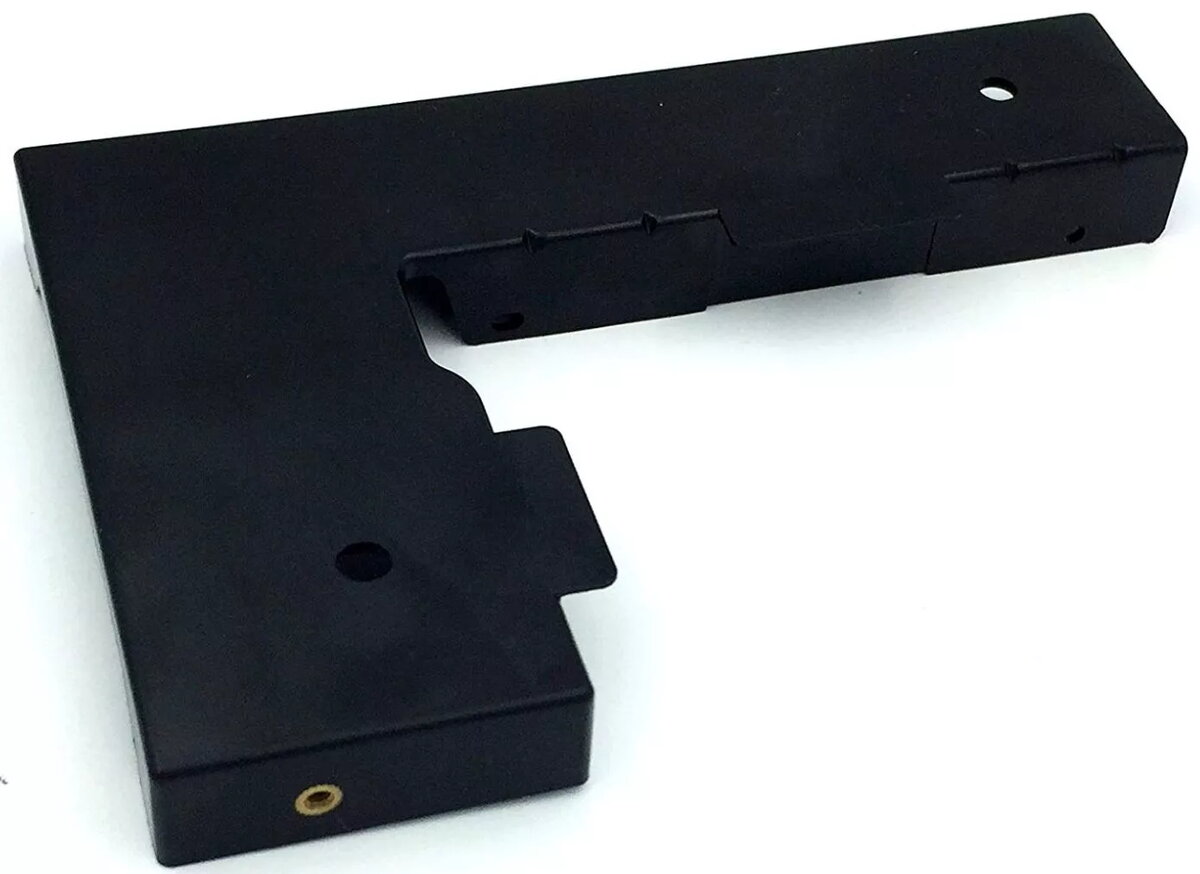
The CoreParts KIT177A HDD mounting bracket is designed for 2.5" storage drives. It features a sleek black design with dimensions of 190 mm width, 28 mm depth, and 110 mm height. The package includes one bracket, making it an ideal solution for securely mounting your HDD in a computer case.
Available for order:
1 pcs.
Warranty:
2 Years
SKU:
3545146


Cheapest delivery:
Unisend LV
Pick-up points
Unisend LV
Cost
1.79 €
Deliver
{{selectedOffer.parcelStationDeliveryString}}
Customer service center
2b. Kengaraga str., Riga, Latvia, LV-1063
07.08.2026
{{selectedOffer.officeDeliveryString}}
free
Courier Delivery
Please note that in case of a large parcel additional delivery costs may apply!
From 4.99 € (Weight: 1.00 kg)
Parcel couriers
Unisend LV / Venipak Pickup LV / Venipak Locker LV / Latvijas Pasts pakomāts / DPD Paku skapis / Omniva LV / Latvijas Pasts nodaļa
12.08.2026
{{selectedOffer.parcelStationDeliveryString}}
From 1.79 €

Payment Methods:
Bank transfer, Bank cards on-line, Apple Pay, Google Pay


