Save time and money with our discounts!
In cart {{totalProductsCount}} item(s)
Your cart is empty
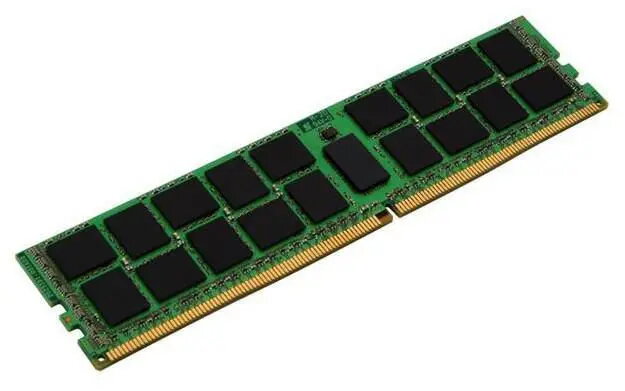
Memory Module CoreParts DDR4 8GB 2400MHz
The CoreParts MMHP247-8GB is a DDR4 memory module with 8GB capacity and a frequency of 2400MHz. Designed as an alternative RAM option using original chipsets, this module matches the performance of equivalent factory-installed RAM while offering low power consumption and stable operation. It is suitable as an upgrade to improve system responsiveness and multitasking capabilities for both everyday and demanding applications.
The CoreParts DDR4 8GB 2400MHz module provides reliable performance with original chip sets from certified suppliers, compatibility with a wide range of motherboards that support DDR4, and energy-efficient operation that reduces power draw compared with older memory standards. The module is built to deliver stable operation and sustained performance during extended use.
Power off the computer and unplug it before installing the memory module. Open the system case or access panel and locate an available DDR4 DIMM slot on the motherboard. Align the module’s notch with the slot key, press down evenly until the module clicks into place and the retention clips engage. Reassemble the system, reconnect power, and boot the computer. Verify the new memory is recognized in the system BIOS/UEFI or operating system.
Install the module into a matched-speed slot and, if possible, use identical modules in dual-channel configurations for optimal performance. Consult your motherboard manual for supported memory types and maximum capacity. Handle the module by its edges and avoid static discharge—use an anti-static wrist strap or touch a grounded metal surface before installation.
{{highlightedFeature.featureTitle}}:
{{getProductFeatureValueById(product, highlightedFeature.featureId)}}
{{ productComparisonGenerationError }}