JBL speakers and headphones for pure and deep sound!
In cart {{totalProductsCount}} item(s)
Your cart is empty
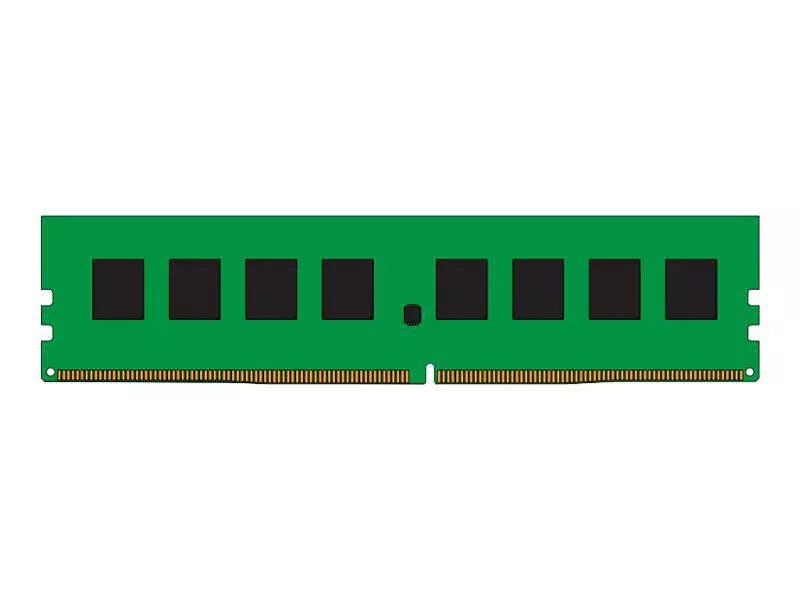
Memory Module CoreParts DDR4 8GB 2400MHz
The CoreParts DDR4 8GB 2400MHz memory module is a single 8 GB DIMM designed for desktop PCs and servers that accept DDR4 memory. With a 2400 MHz clock speed and standard form factor, the module offers a straightforward upgrade path to increase available system memory for improved multitasking and faster data handling. The module is finished in green and is compatible with systems that support non-ECC, unbuffered DDR4 modules of this speed and capacity.
This 8 GB DDR4 module delivers a balance of capacity and performance for everyday computing tasks. The 2400 MHz clock speed provides stable data throughput suitable for office applications, web browsing, media playback and light content creation. As a single-module configuration, it is easy to install in most motherboards with standard DDR4 DIMM slots and can be combined with additional modules to expand total system memory. The use of industry-standard DDR4 technology ensures compatibility with a wide range of modern systems.
This module may not be suitable for systems that require ECC or registered/buffered memory, such as many enterprise servers. It is also not optimal for performance-critical gaming rigs or high-end workstations that benefit from higher-frequency DDR4 modules or larger capacities like 16 GB or 32 GB per module.
Power down the computer and disconnect it from the mains. Open the case to access the motherboard DIMM slots, consult the motherboard manual for slot population order if adding the module alongside existing memory. Align the module with the notch in the DDR4 slot, press down evenly until the retaining clips engage. Close the case, reconnect power and boot the system. Confirm the new memory is recognised in the system BIOS/UEFI or operating system and, if necessary, adjust memory settings there to match the module specifications.
For best results, install the module into the recommended DIMM slot as stated by your motherboard manufacturer and, when possible, use matched pairs for dual-channel performance. After installation, verify memory recognition and run a basic memory test or system diagnostics to ensure stability.
{{highlightedFeature.featureTitle}}:
{{getProductFeatureValueById(product, highlightedFeature.featureId)}}
{{ productComparisonGenerationError }}