Hurry and order now – up to 50% off!
In cart {{totalProductsCount}} item(s)
Your cart is empty
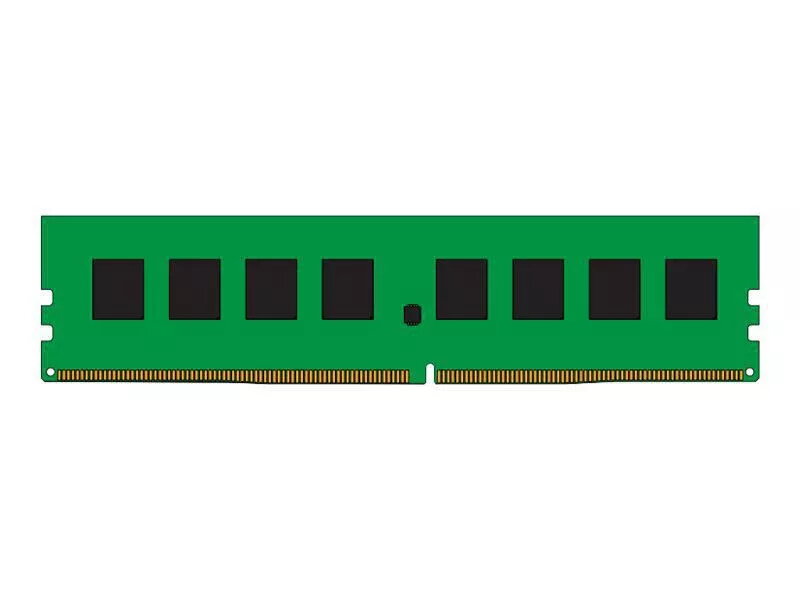
Memory Module CoreParts DDR4 8GB 2400MHz
The CoreParts MMLE083-08GB is an 8 GB DDR4 memory module with a clock speed of 2400 MHz presented in a single-module configuration and a green PCB. Designed to increase available system memory and improve responsiveness, this DDR4 2400 MHz module is compatible with systems that accept standard unbuffered DDR4 SO-DIMM/UDIMM formats depending on the host platform. The module provides a straightforward upgrade path for multitasking, office applications and light content creation where an additional 8 GB of RAM delivers measurable performance improvement.
This 8 GB DDR4 2400 MHz module offers a balance of capacity and frequency for everyday computing needs. The single-module format allows flexible upgrades without changing existing memory sticks. Low physical weight and standard DDR4 compatibility simplify installation and reduce the chance of form-factor conflicts. Using DDR4 technology, the module supports improved power efficiency and data throughput compared with previous-generation memory types.
This single 8 GB module may not be sufficient for heavy professional workloads such as large-scale video editing, 3D rendering, or high-end gaming that often require 16 GB or more and benefit from multi-channel memory configurations. It may also be incompatible with systems that require ECC memory, registered/buffered modules, or that only accept different physical DDR4 module formats.
Power off and unplug your computer before installing the module. Open the system access panel to reach the memory sockets, consult your motherboard or laptop manual for the correct slot orientation and whether single- or dual-channel installation is recommended. Align the notch on the DDR4 module with the slot, press firmly and evenly until the retaining clips engage. After installation, close the case, power on the system and verify that the operating system recognizes the new memory in system settings or BIOS/UEFI.
For improved multitasking and overall system responsiveness, install the CoreParts DDR4 8 GB 2400 MHz module alongside existing compatible modules where possible, following your platform's recommended channel configuration. After installation, confirm stable operation with a memory test utility and keep system firmware up to date.
{{highlightedFeature.featureTitle}}:
{{getProductFeatureValueById(product, highlightedFeature.featureId)}}
{{ productComparisonGenerationError }}