Save time and money with our discounts!
In cart {{totalProductsCount}} item(s)
Your cart is empty
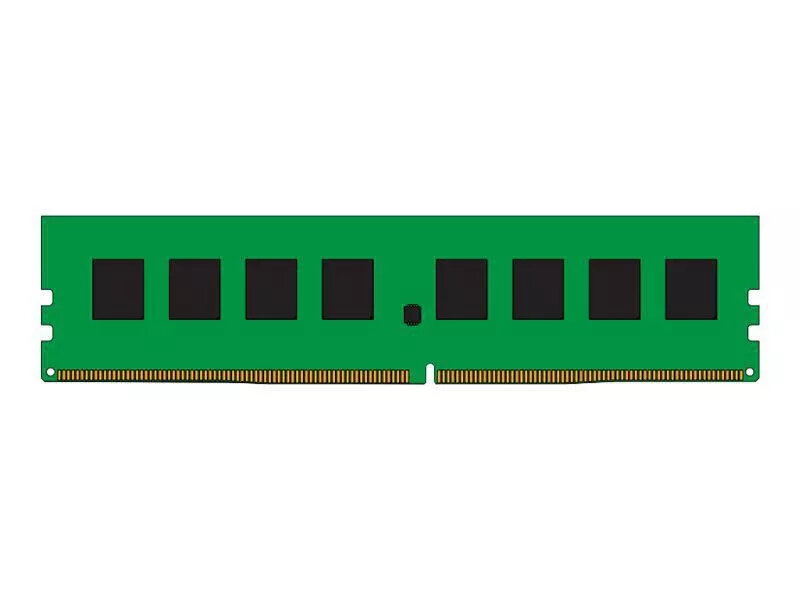
Memory Module CoreParts DDR4 8GB 2400MHz
The CoreParts DDR4 8GB 2400MHz memory module is a single 8 GB stick designed for desktop PCs and servers that accept DDR4 memory. With a 2400 MHz clock speed and standard form factor, this green-coloured module provides a straightforward capacity and frequency upgrade to improve multitasking and application responsiveness. The module uses DDR4 technology compatible with systems that support that memory generation and is intended as a direct replacement or additional module to expand system memory.
This 8 GB DDR4 2400 MHz module delivers balanced performance for general computing, office work and light content creation. The single-module layout allows easy installation and capacity expansion without replacing existing memory if spare slots are available. The module's 2400 MHz clock speed offers improved data transfer rates compared with previous-generation memory at the same latency class, while the modest power requirements of DDR4 reduce overall system power draw.
This module is not suitable for systems that require DDR3, DDR5 or other non-DDR4 memory types. It also may not be ideal for users who need very high memory capacity or multi-channel matched kits for maximum bandwidth in demanding workloads; in such cases, multiple matched modules or higher-capacity modules should be considered.
Install the module into an empty DDR4 DIMM slot on a powered-off motherboard following the motherboard manufacturer's instructions. Ensure the notch on the module aligns with the slot key, press evenly until the retaining clips snap into place, and then power on the system to verify that the BIOS/UEFI recognises the installed memory. If adding the module alongside existing RAM, check the motherboard manual for recommended slot population and supported speeds; the system may run at the lowest common speed of installed modules.
For stable performance, update the motherboard BIOS to the latest version and install the module in the recommended slot configuration. When mixing modules, expect the system to default to the slowest supported frequency. For workloads that benefit from higher bandwidth, choose matched pairs or higher-frequency modules where supported.
{{highlightedFeature.featureTitle}}:
{{getProductFeatureValueById(product, highlightedFeature.featureId)}}
{{ productComparisonGenerationError }}