Filters you can trust. Pure water every day.
In cart {{totalProductsCount}} item(s)
Your cart is empty
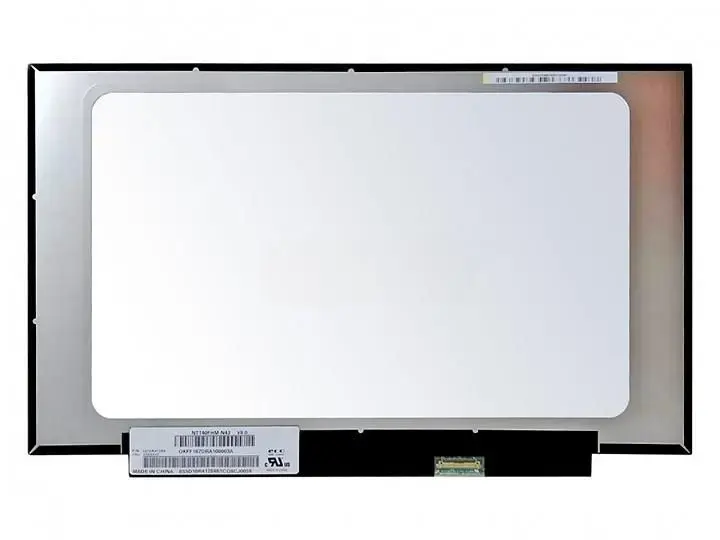
CoreParts MSC140F30-377M 14-inch Full HD Laptop Display
The CoreParts MSC140F30-377M is a high-quality 14-inch laptop display replacement designed to restore your portable computer to its original visual clarity. Featuring Full HD resolution, this LCD panel ensures sharp images and vibrant colors, making it an ideal solution for repairing damaged screens or upgrading existing hardware. As a certified component, it provides reliable performance and consistent quality, supporting the right to repair by offering a dependable alternative for laptop maintenance.
This display panel stands out due to its precise compatibility and high-end manufacturing standards. By utilizing original LCD technology, it ensures that your laptop maintains its intended visual performance without compromise. The inclusion of LED backlighting contributes to energy efficiency and consistent brightness across the screen. Furthermore, each unit is rigorously tested and certified to meet strict quality requirements, providing peace of mind during the installation process and throughout its operational life.
This display may not be suitable for laptops that require a different connector type, specific mounting brackets, or a different screen size. It is also not compatible with devices that utilize touch-screen functionality if the original hardware was not designed for this specific panel interface.
To use this display, ensure the laptop is completely powered off and the battery is disconnected to prevent electrical shorts. Carefully remove the bezel surrounding the existing screen, unscrew the panel from its hinges, and gently disconnect the 30-pin cable. Attach the new CoreParts display by reversing these steps, ensuring the connector is seated firmly before reassembling the laptop housing. It is recommended to perform a test boot before fully securing the bezel.
For optimal results, handle the new LCD panel by its edges to avoid pressure marks on the screen surface and ensure the workspace is clean and free of dust during installation.
{{highlightedFeature.featureTitle}}:
{{getProductFeatureValueById(product, highlightedFeature.featureId)}}
{{ productComparisonGenerationError }}