

Hurry and order now – up to 50% off!
In cart {{totalProductsCount}} item(s)
Your cart is empty
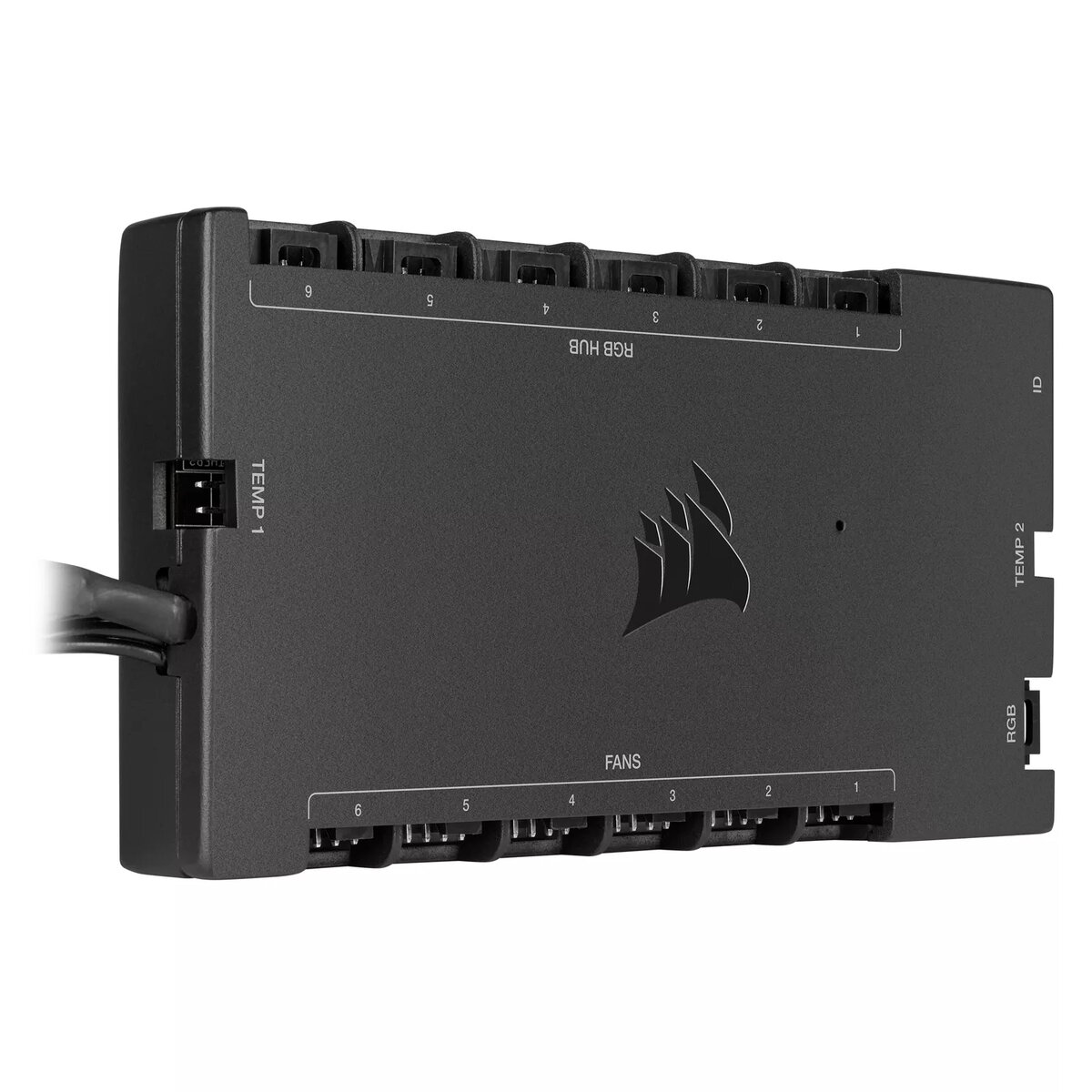
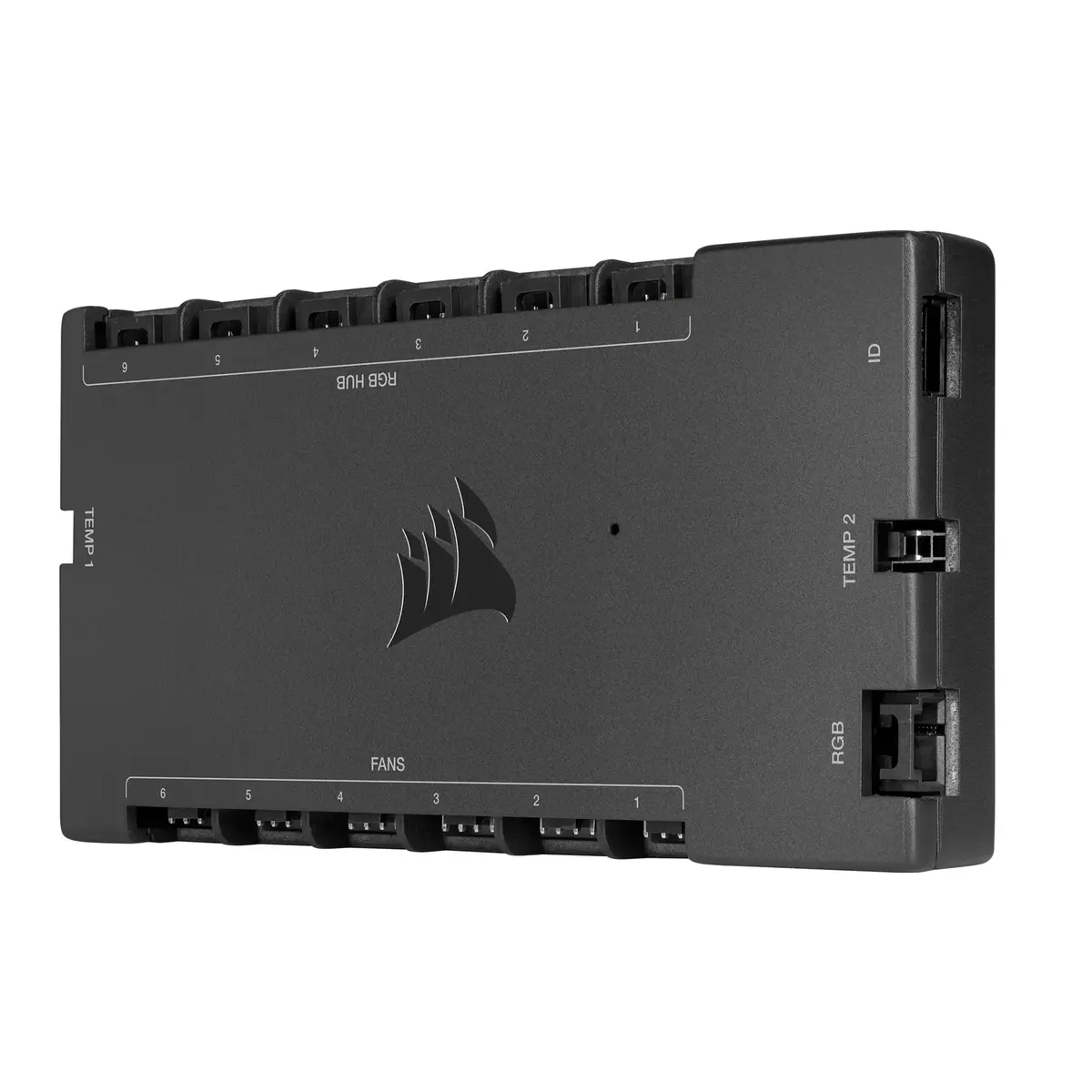
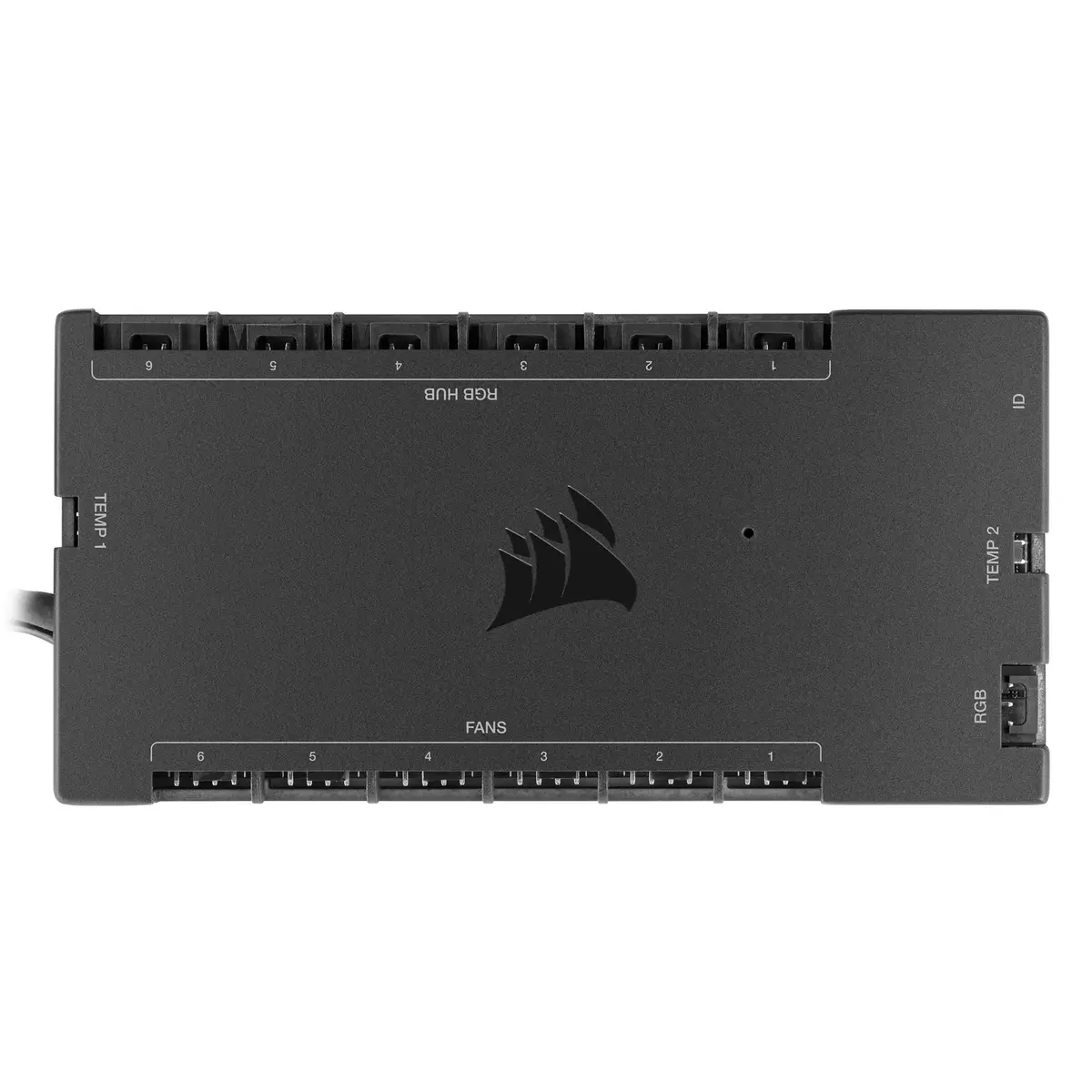
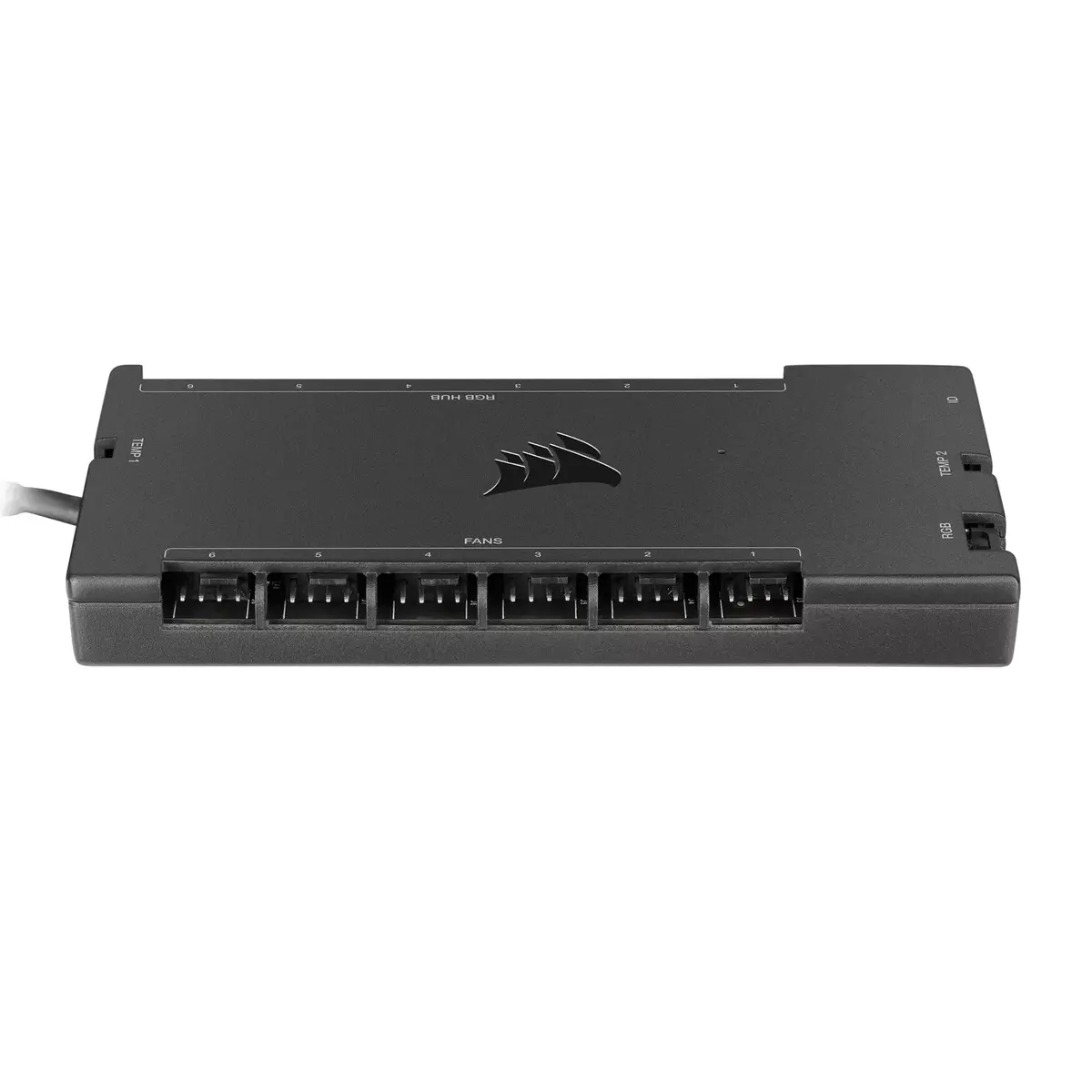
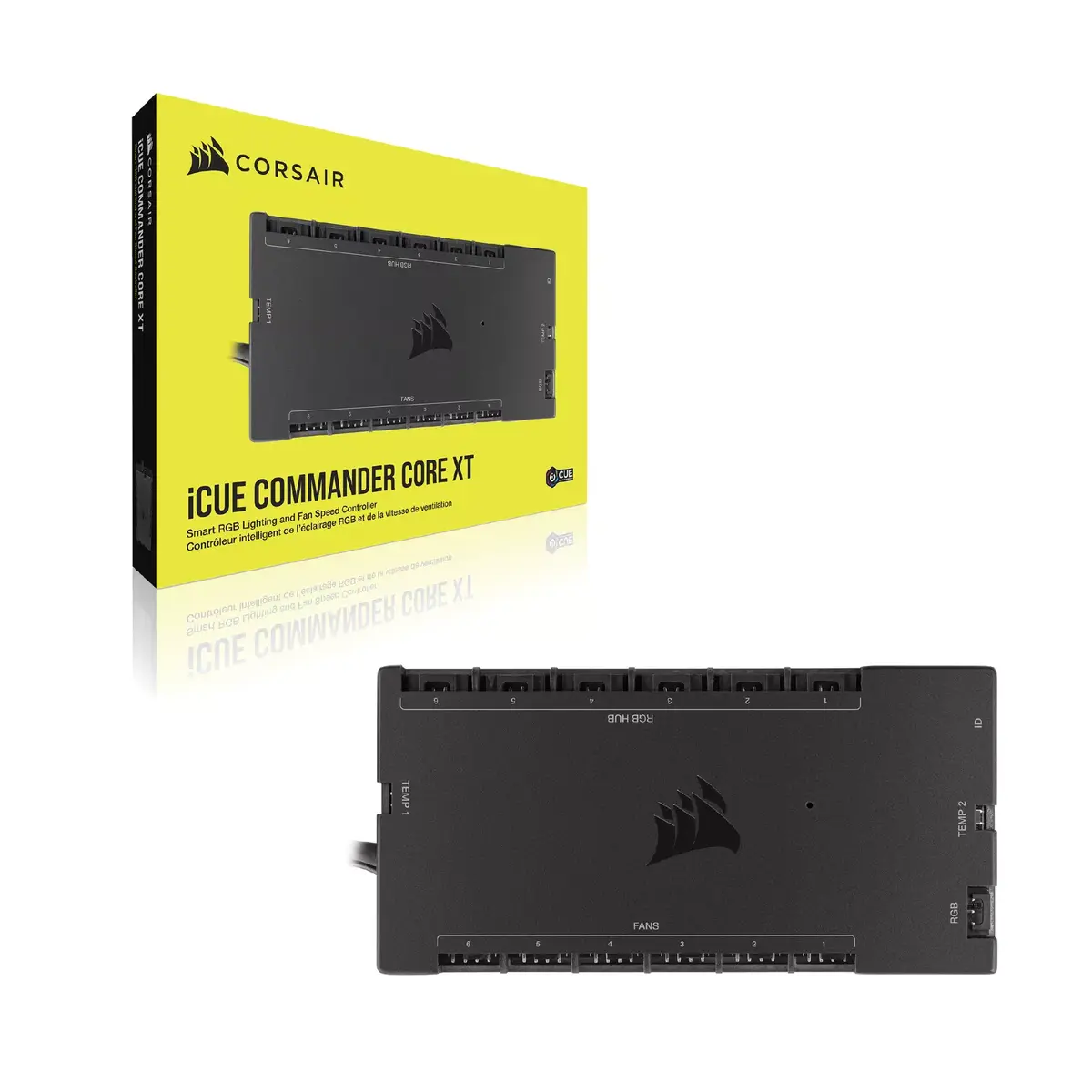
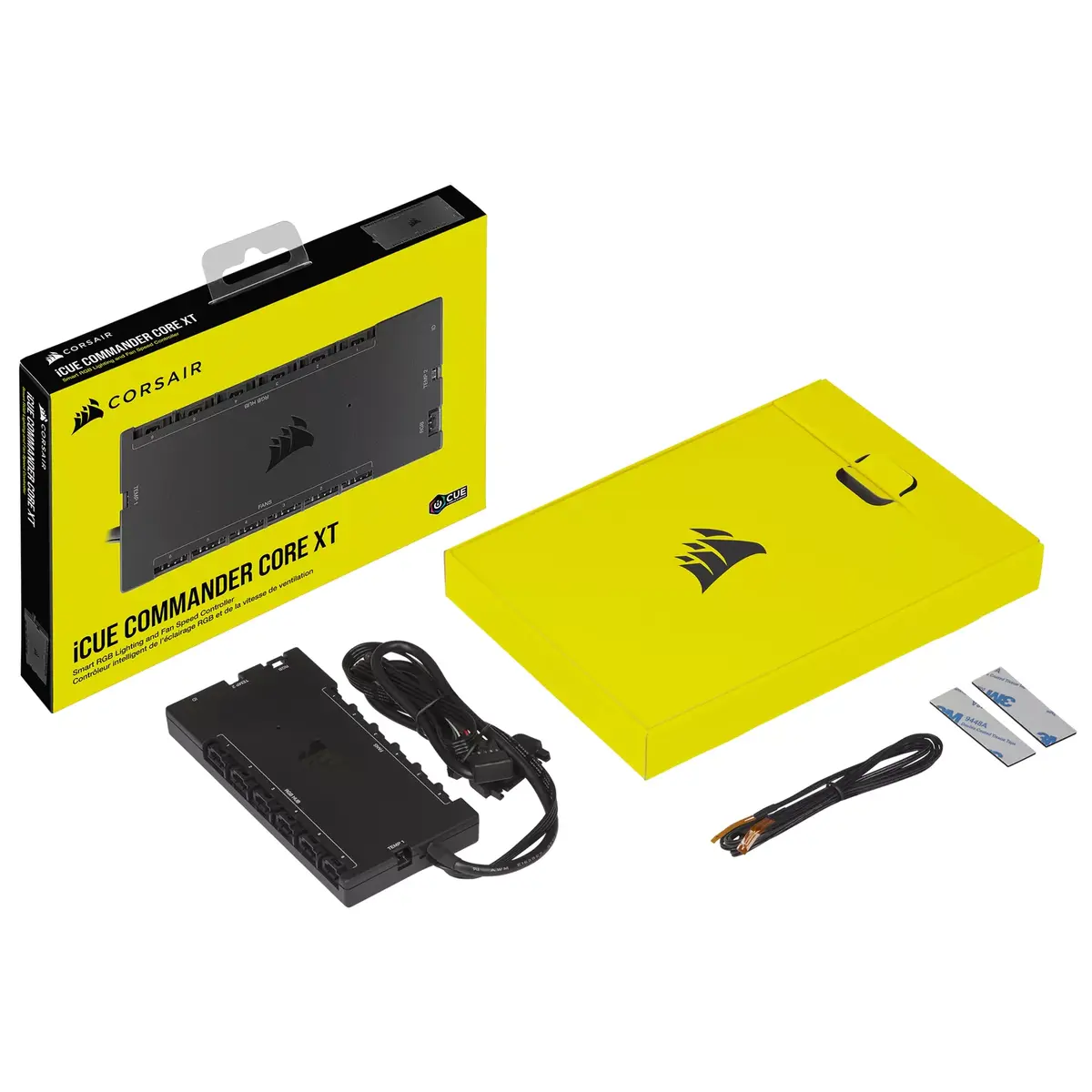
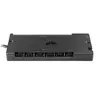
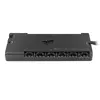
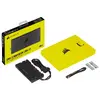
Fan Speed Controller Corsair iCUE Commander Core XT 6 Channels Black
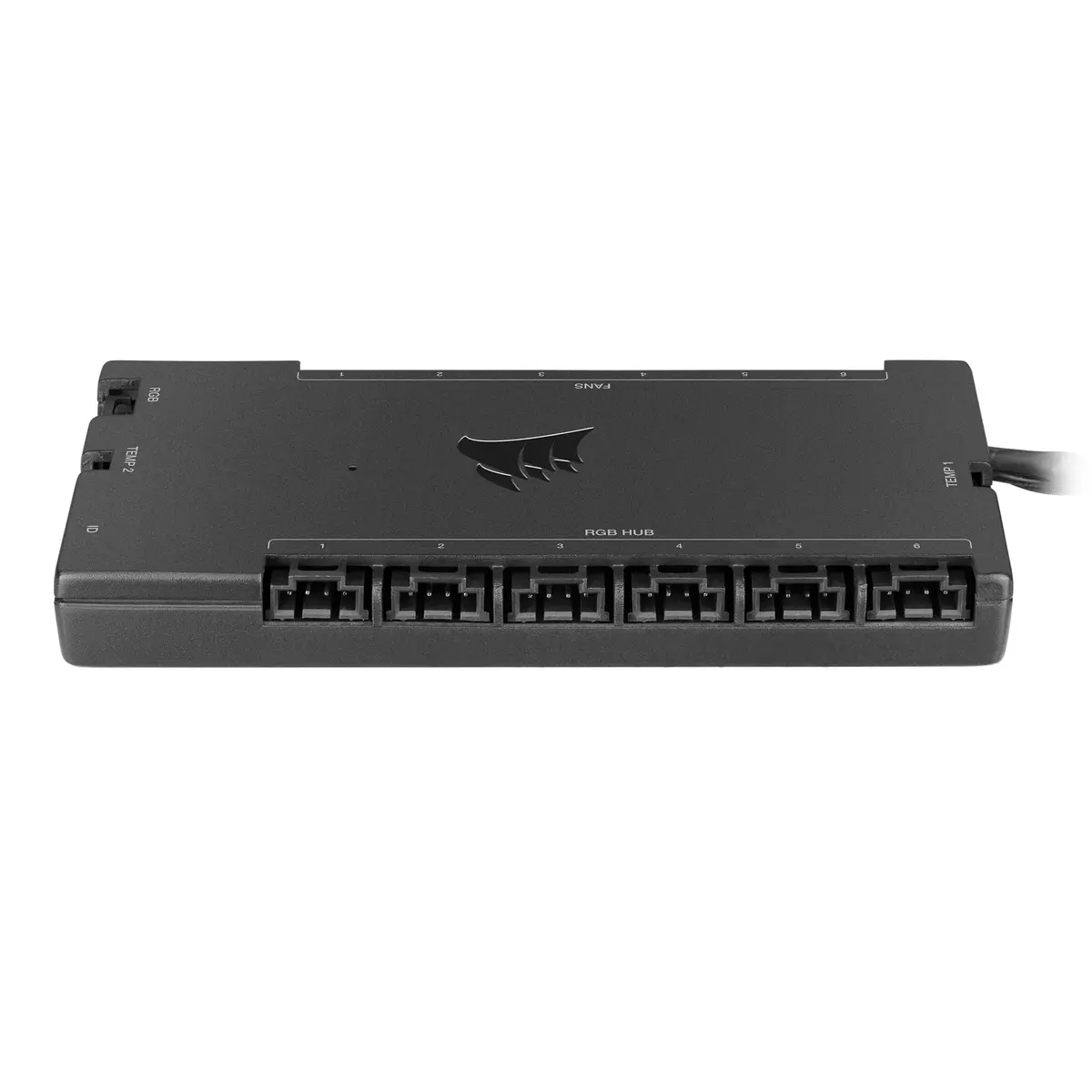
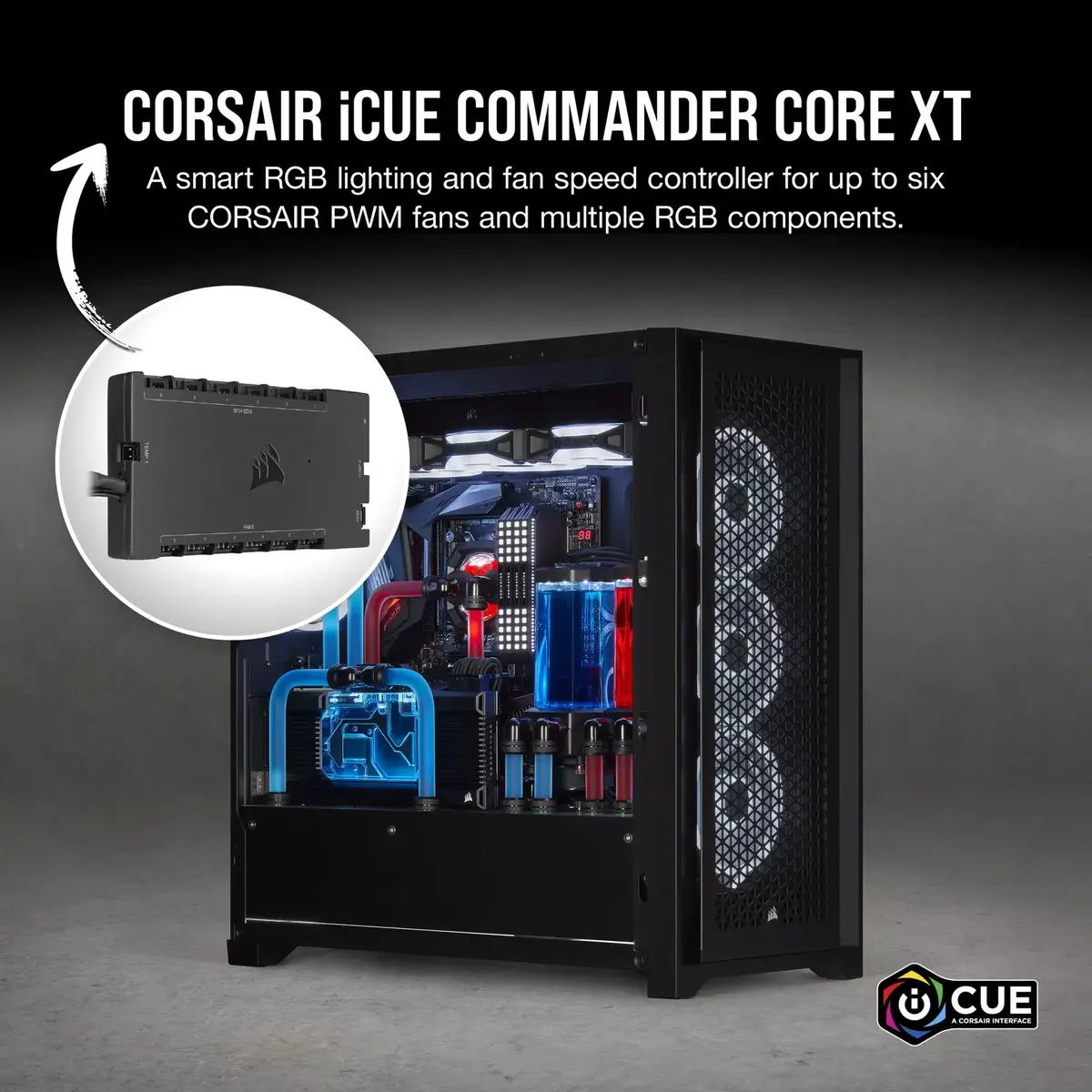
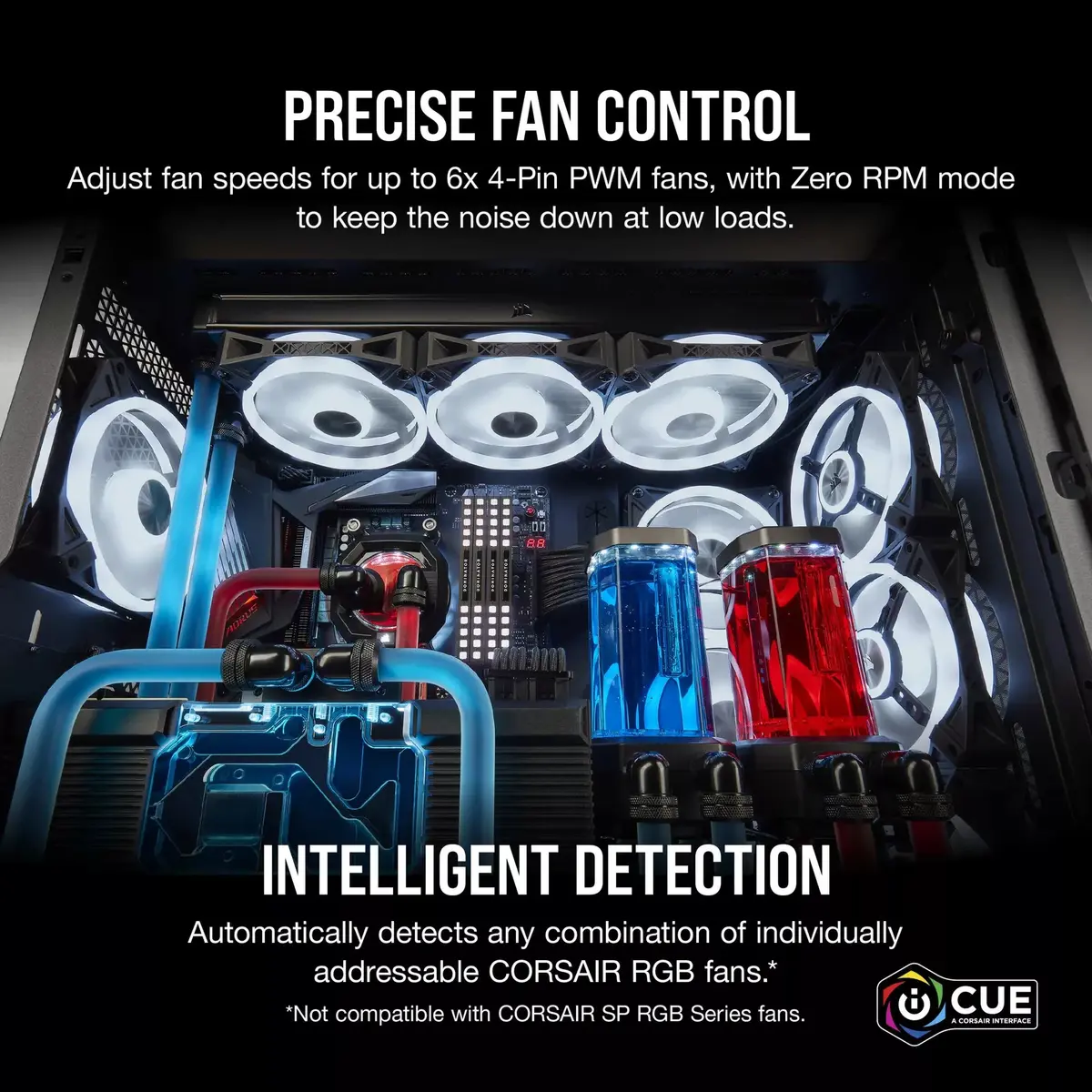
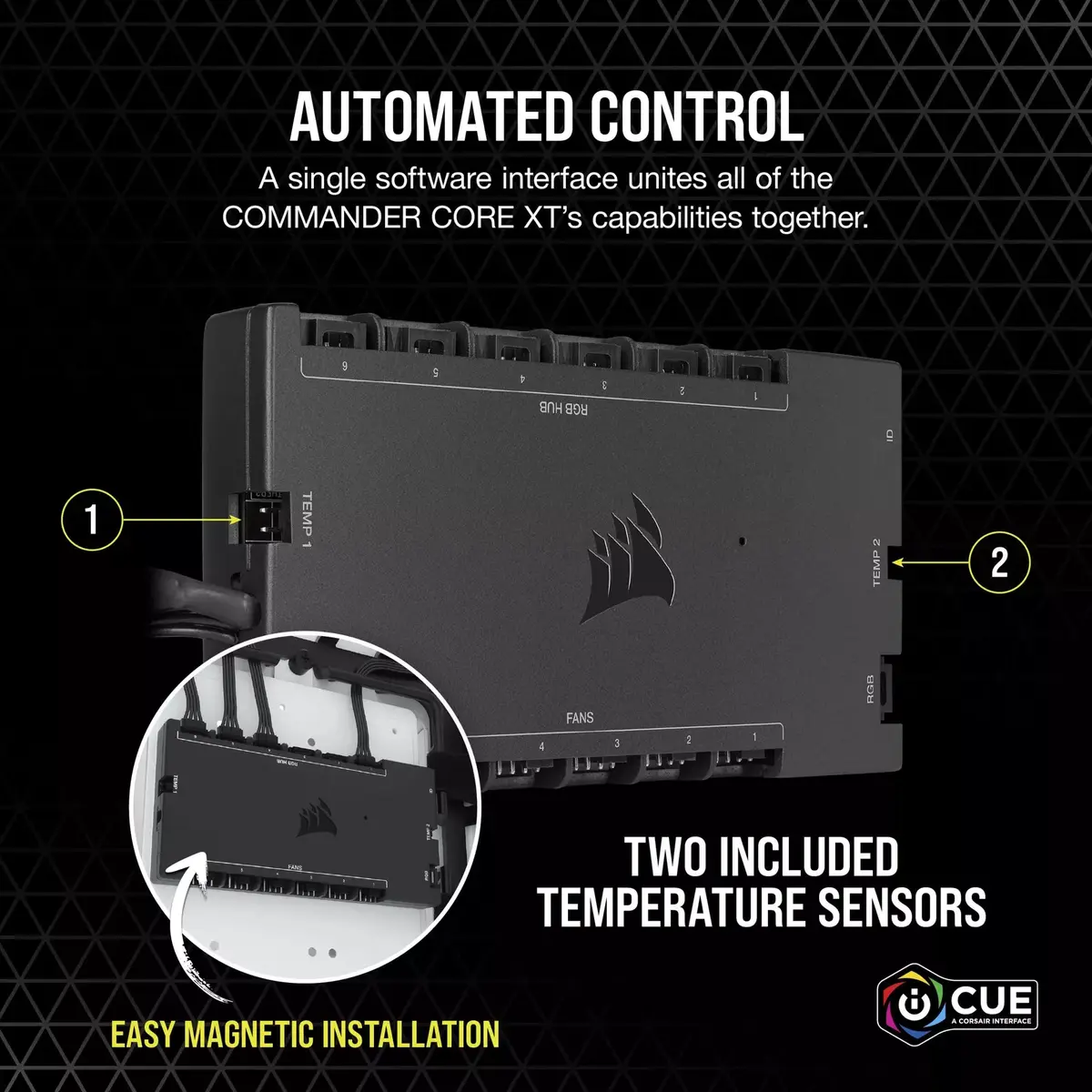
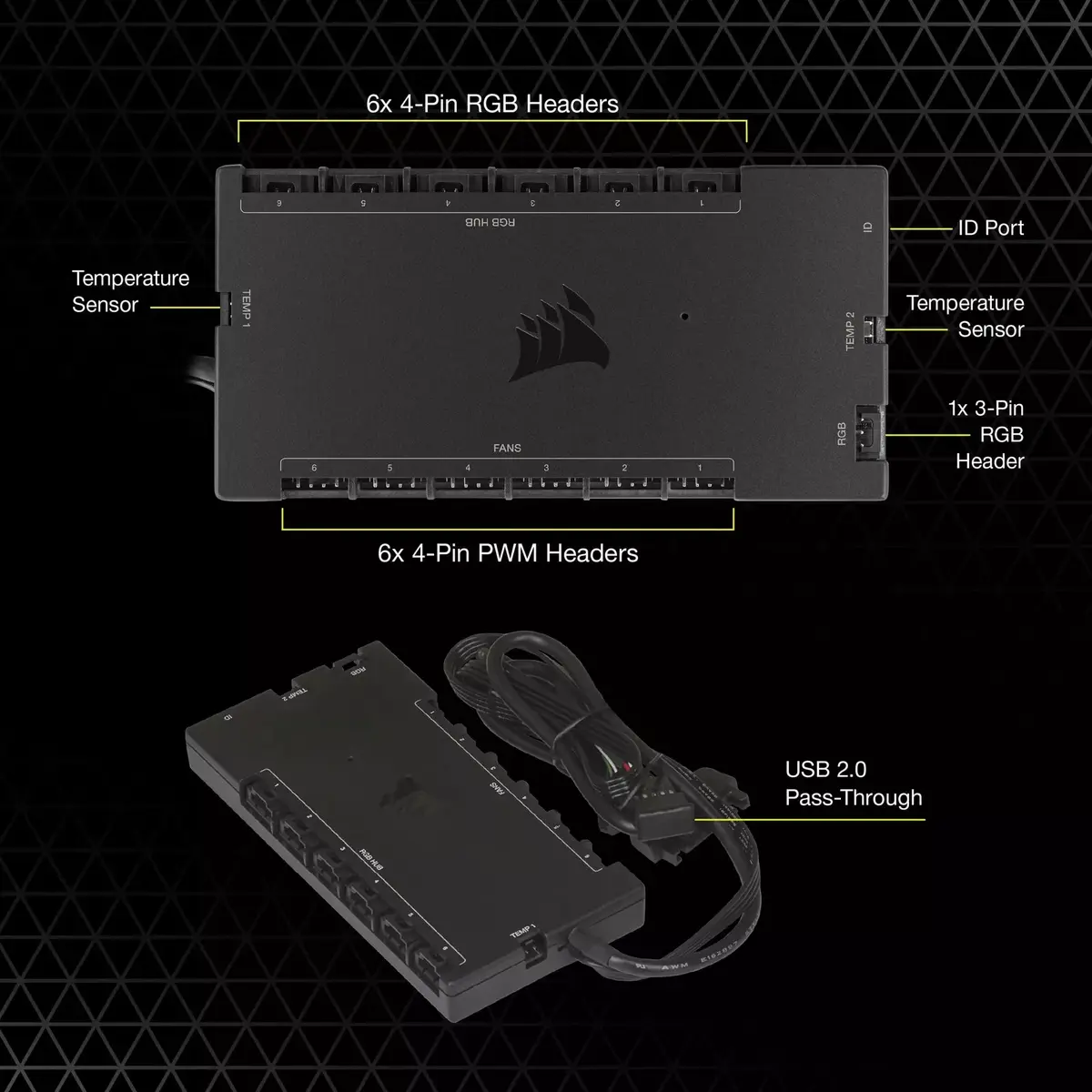
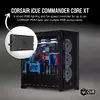
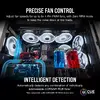
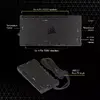
The Corsair iCUE Commander Core XT 6 Channels Black is a compact fan speed and RGB lighting controller for desktop PCs, combining PWM fan management and system-wide RGB control in a single module. Designed to integrate with CORSAIR iCUE software, it provides precise PWM control for up to six 4-pin fans, supports Zero RPM mode for silent operation at low loads, and offers an additional lighting channel for other CORSAIR RGB devices. The unit includes two repositionable temperature sensors for dynamic, temperature-based fan and lighting adjustments and features a low-profile design with embedded magnets for flexible installation.
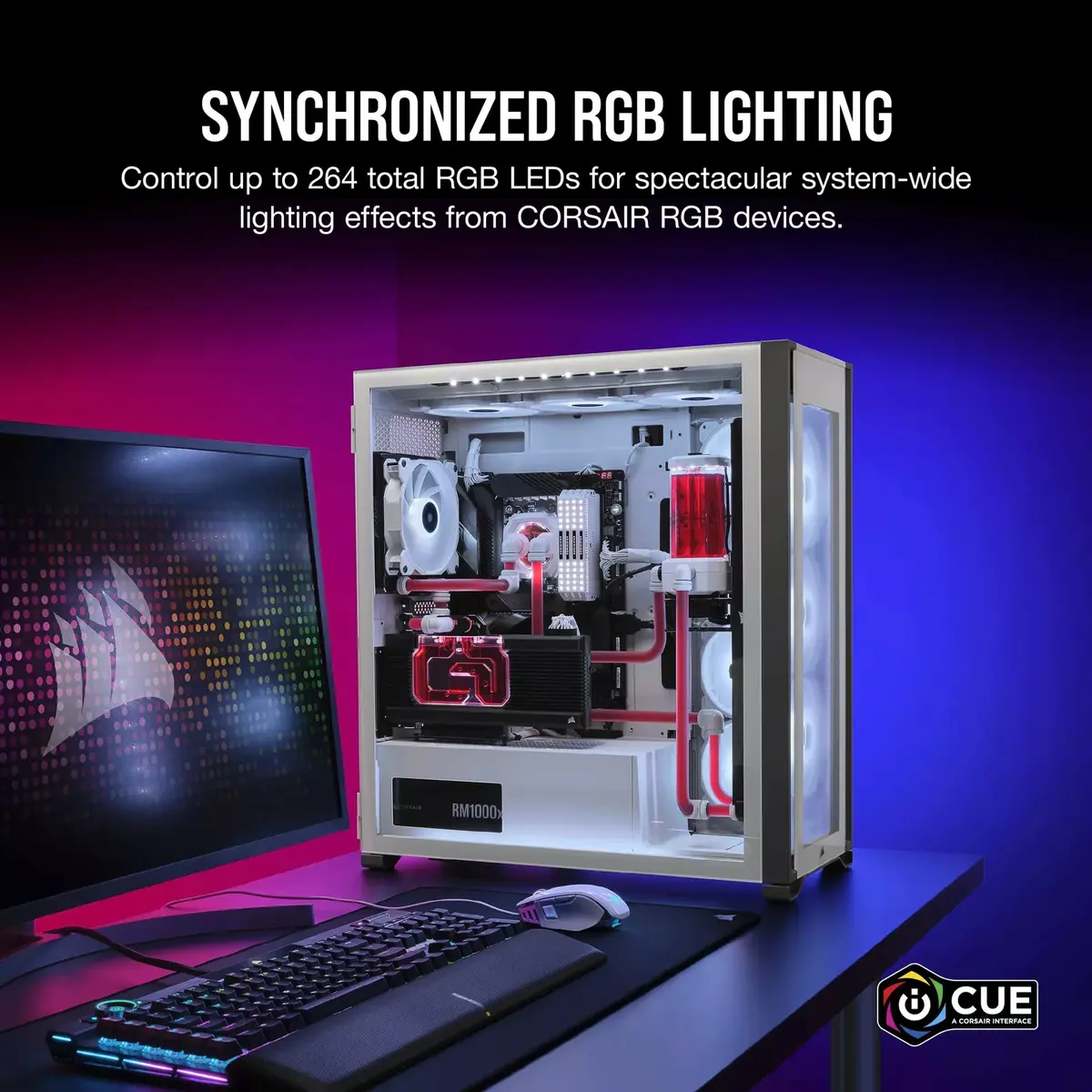
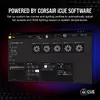
The Commander Core XT centralizes fan and RGB control so you can manage multiple components from the CORSAIR iCUE interface. It enables intelligent fan detection, accurate temperature monitoring using the included sensors, and the ability to synchronize lighting across many CORSAIR RGB products. With support for up to six PWM fans and up to 264 RGB LEDs, the device offers both fine-grained thermal management and broad lighting customization while maintaining a compact footprint and simple mounting options.
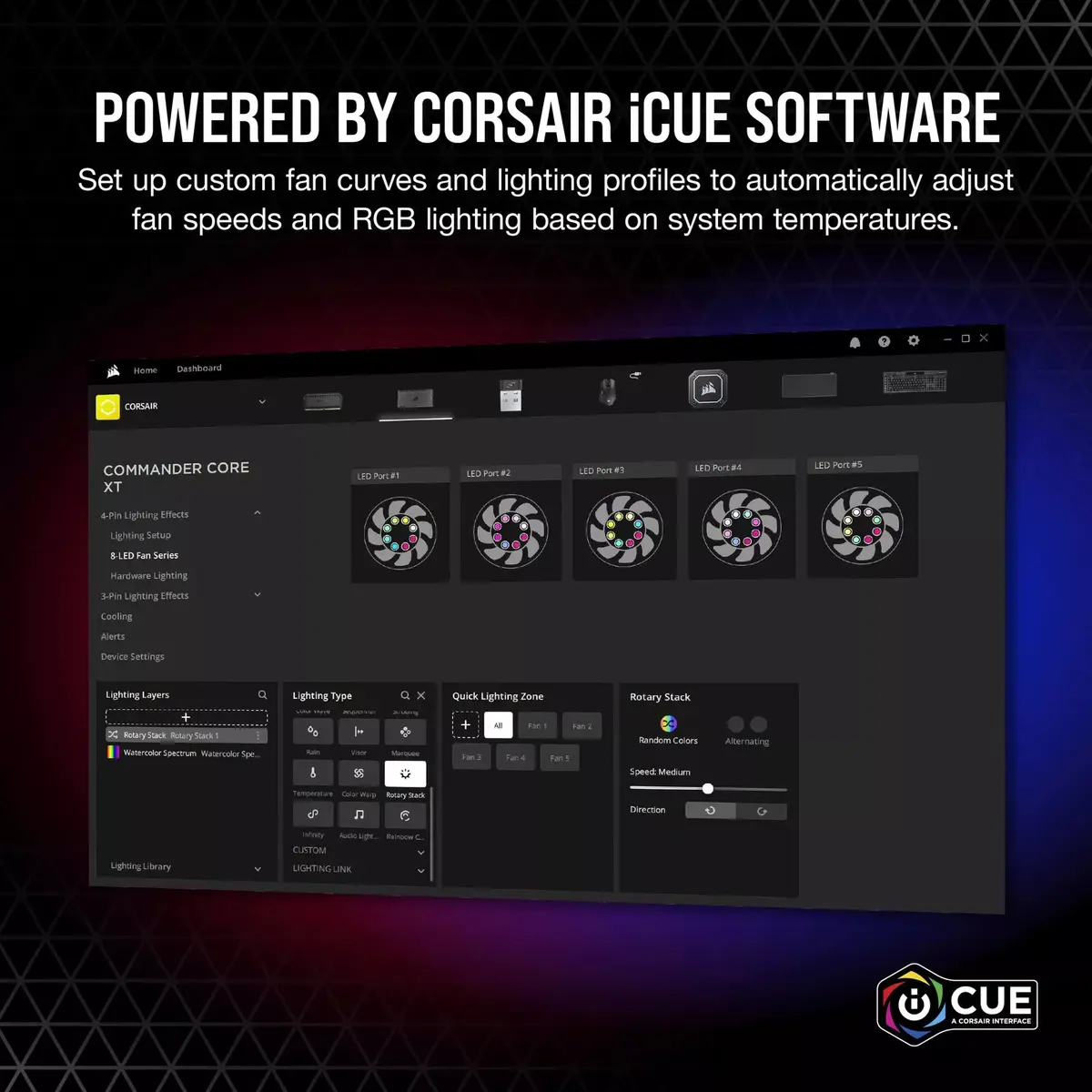
Install the Commander Core XT inside the PC case in a convenient location using the embedded magnets or adhesive points. Connect up to six 4-pin PWM fans to the fan headers and attach CORSAIR RGB fans or other compatible RGB devices to the lighting outputs. Place the included temperature sensors where you need accurate monitoring and route their cables to the controller. After connecting the controller to the motherboard via the required USB/ SATA power and control cables, launch CORSAIR iCUE software to detect connected fans and lighting devices, configure fan curves, set Zero RPM thresholds, and create synchronized RGB profiles.
For best thermal and acoustic balance, position the temperature sensors near components that tend to run hotter (CPU area, GPU exhaust or drive bays) and use iCUE to create temperature-based fan curves. When installing in small cases, verify cable routing to avoid obstructing airflow and ensure magnetic mounting surfaces are clean and flat for secure attachment.
{{highlightedFeature.featureTitle}}:
{{getProductFeatureValueById(product, highlightedFeature.featureId)}}
{{ productComparisonGenerationError }}