
Leave your address - as soon as the price of the product goes down, you'll know about it right away
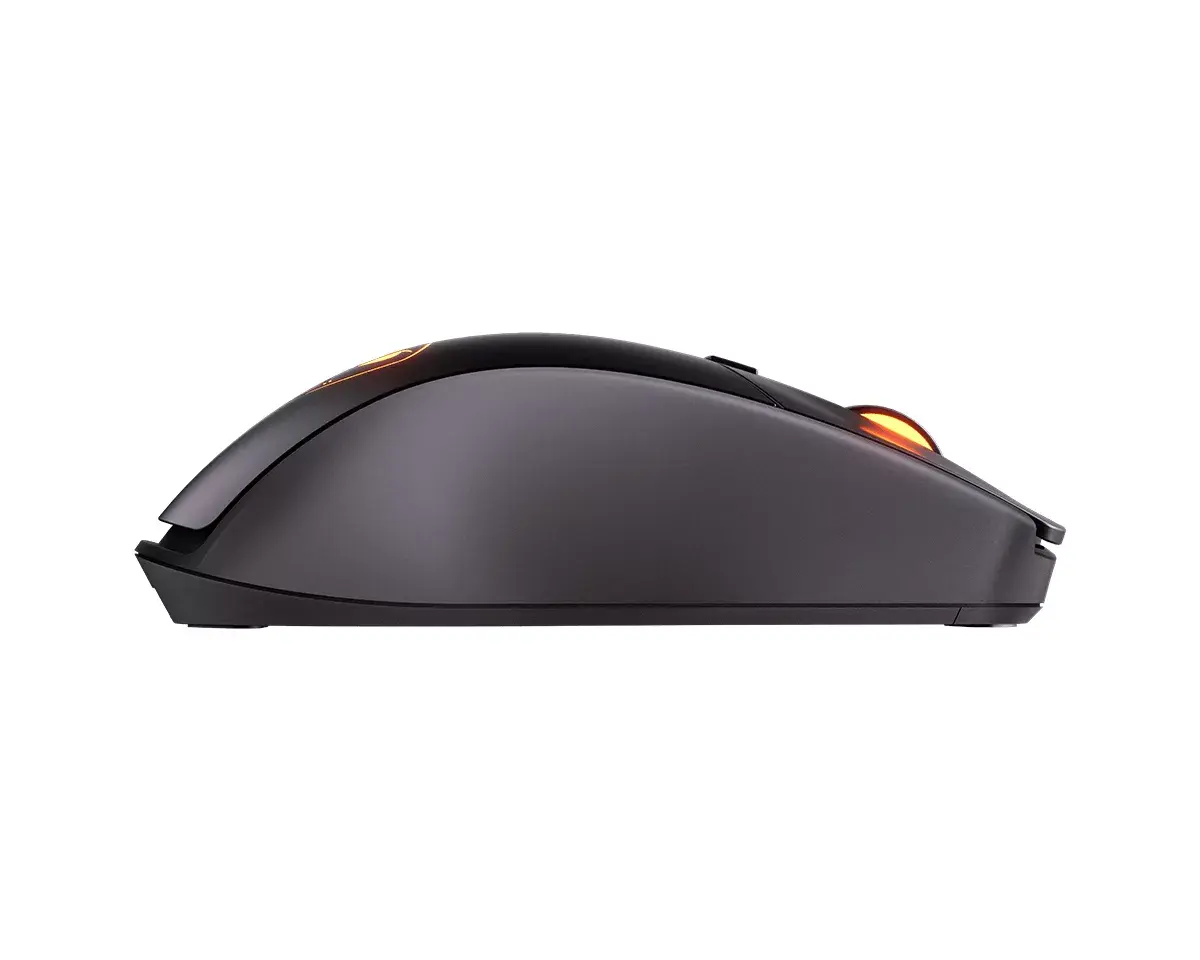
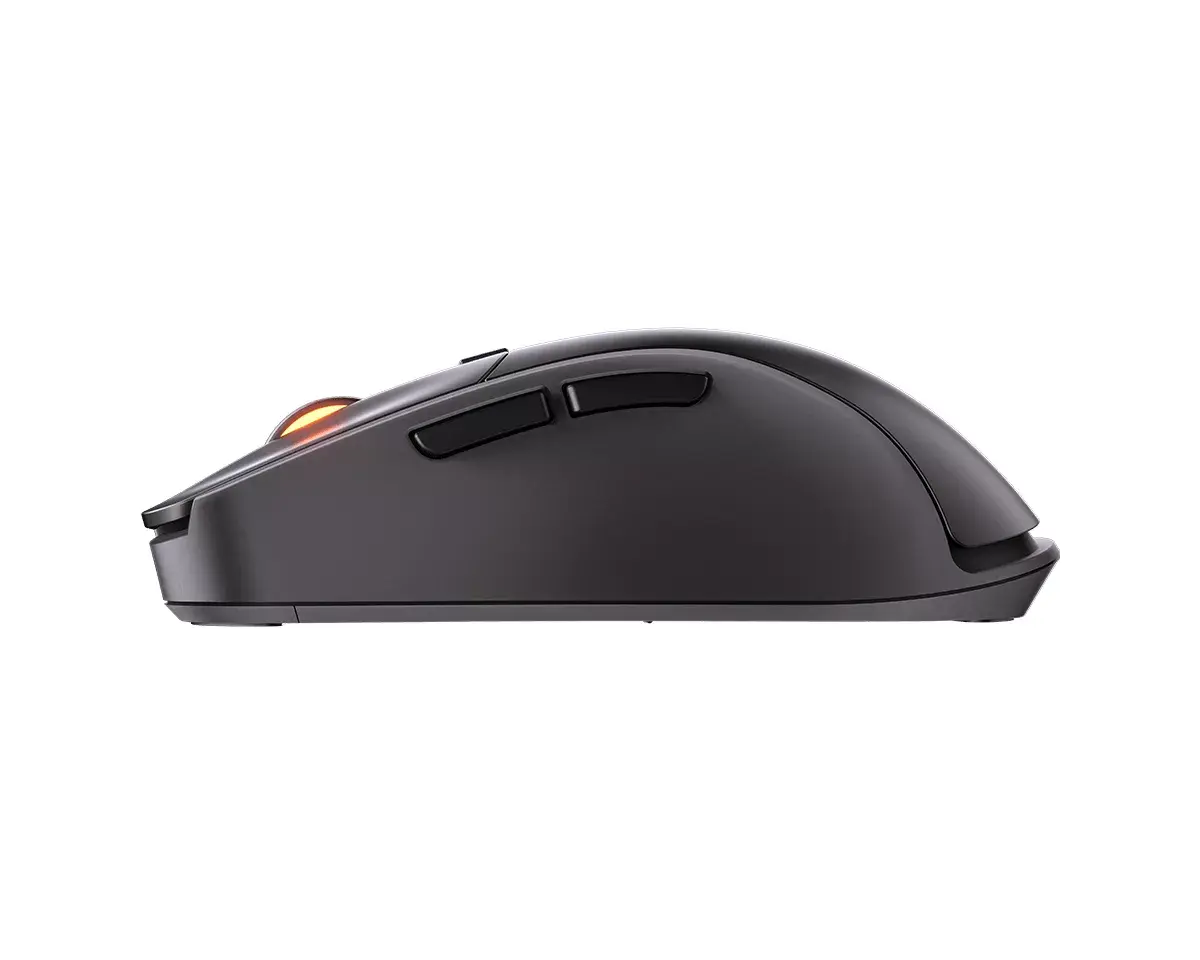
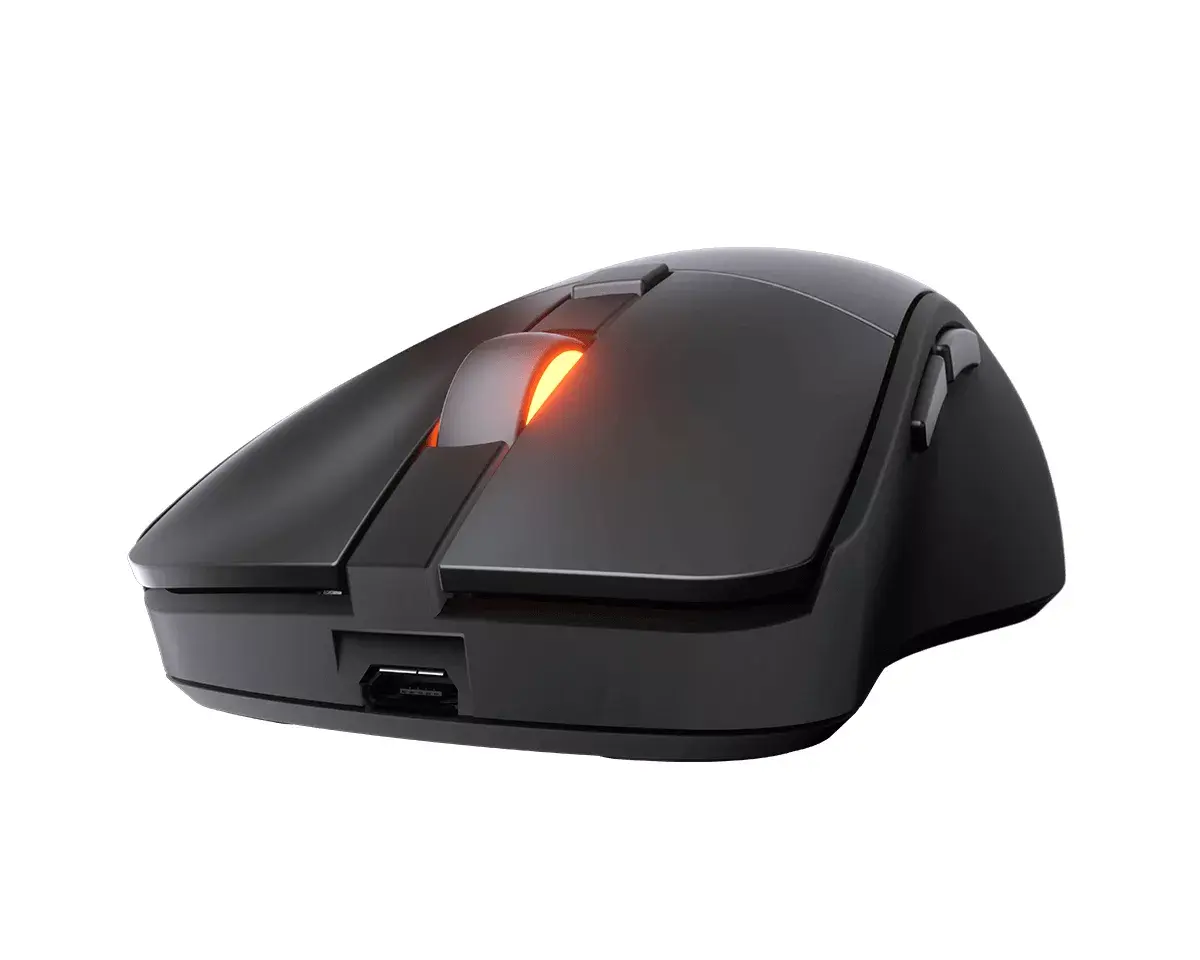
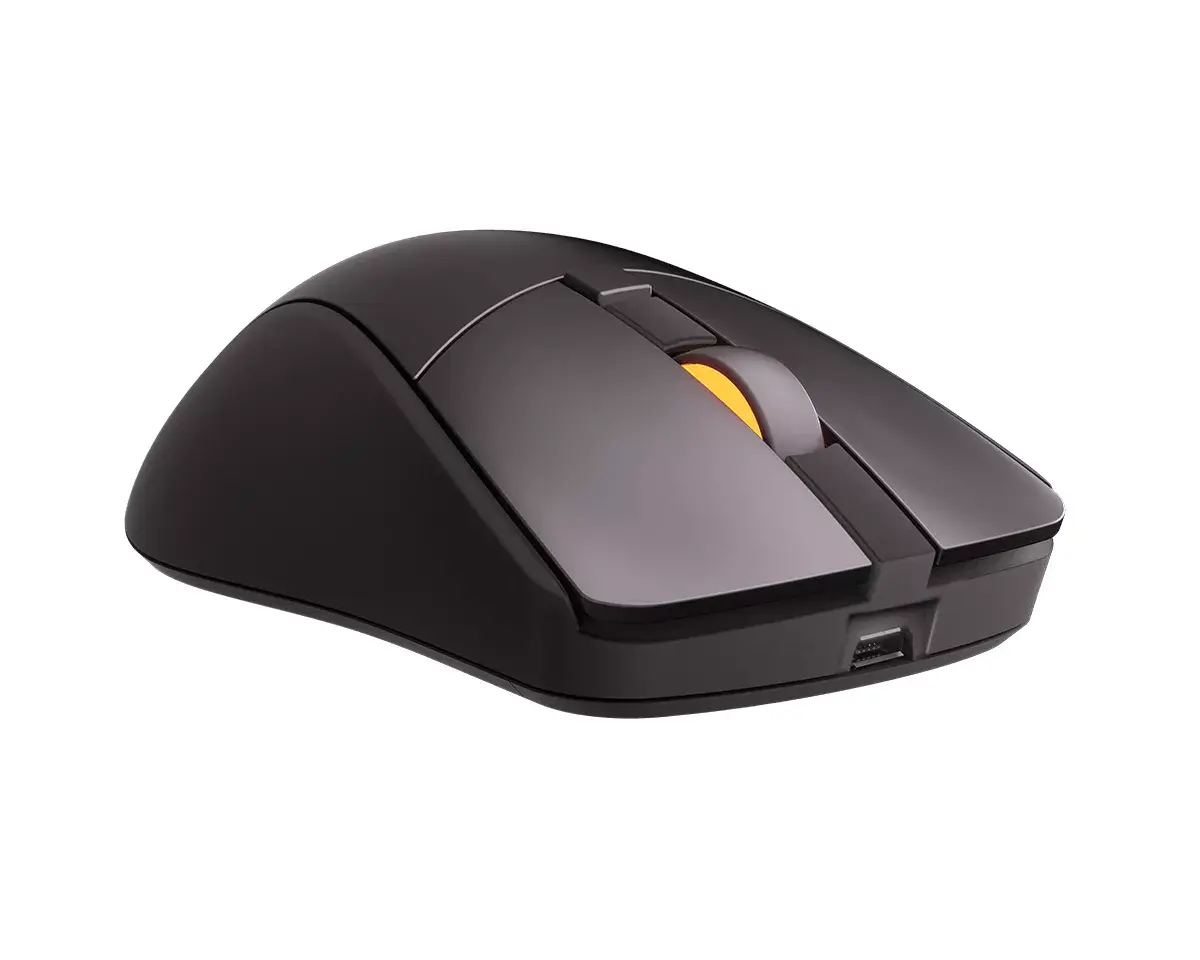
Gaming Mouse Cougar Surpassion RX CGR-SURRX RF Wireless + USB Type-A
In cart {{totalProductsCount}} item(s)
Your cart is empty
Gaming Mouse Cougar Surpassion RX CGR-SURRX RF Wireless + USB Type-A
Leave your address - as soon as the price of the product goes down, you'll know about it right away
Gaming Mouse Cougar Surpassion RX CGR-SURRX RF Wireless + USB Type-A
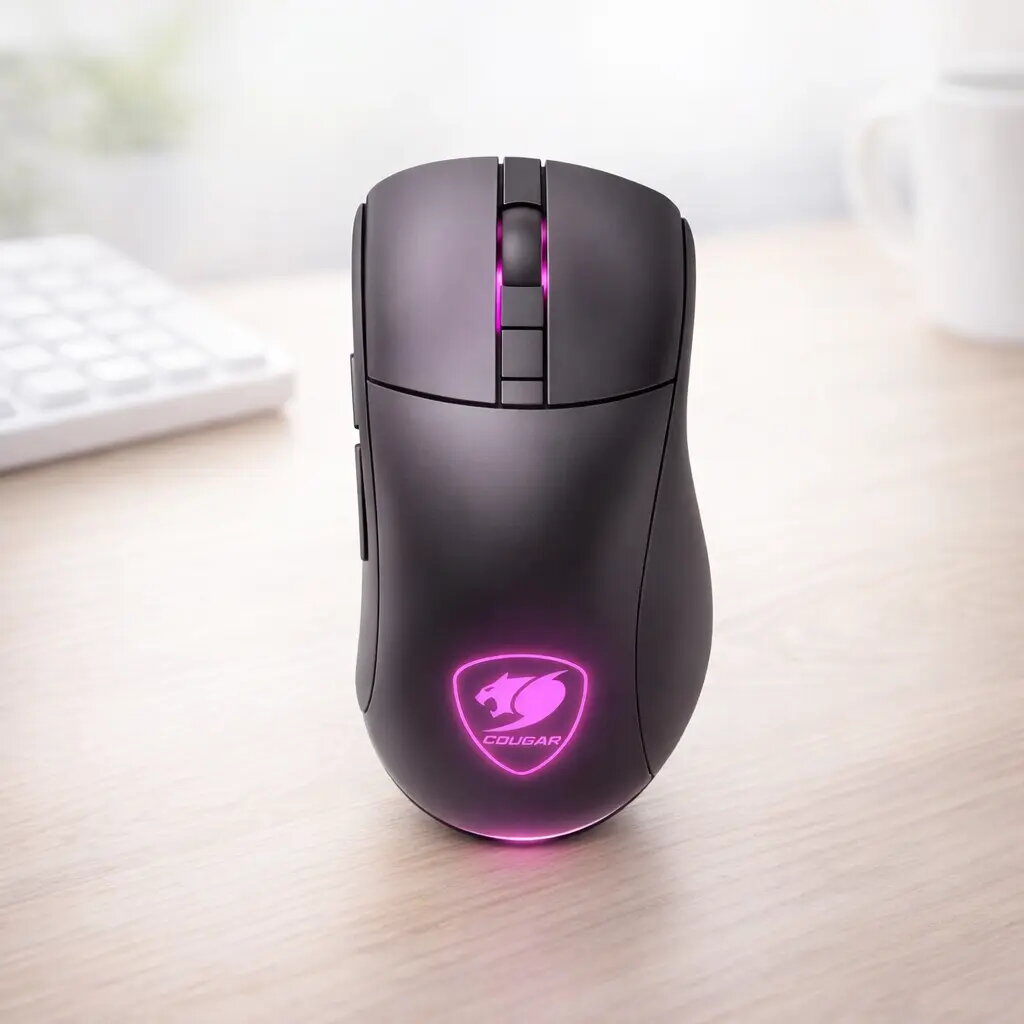
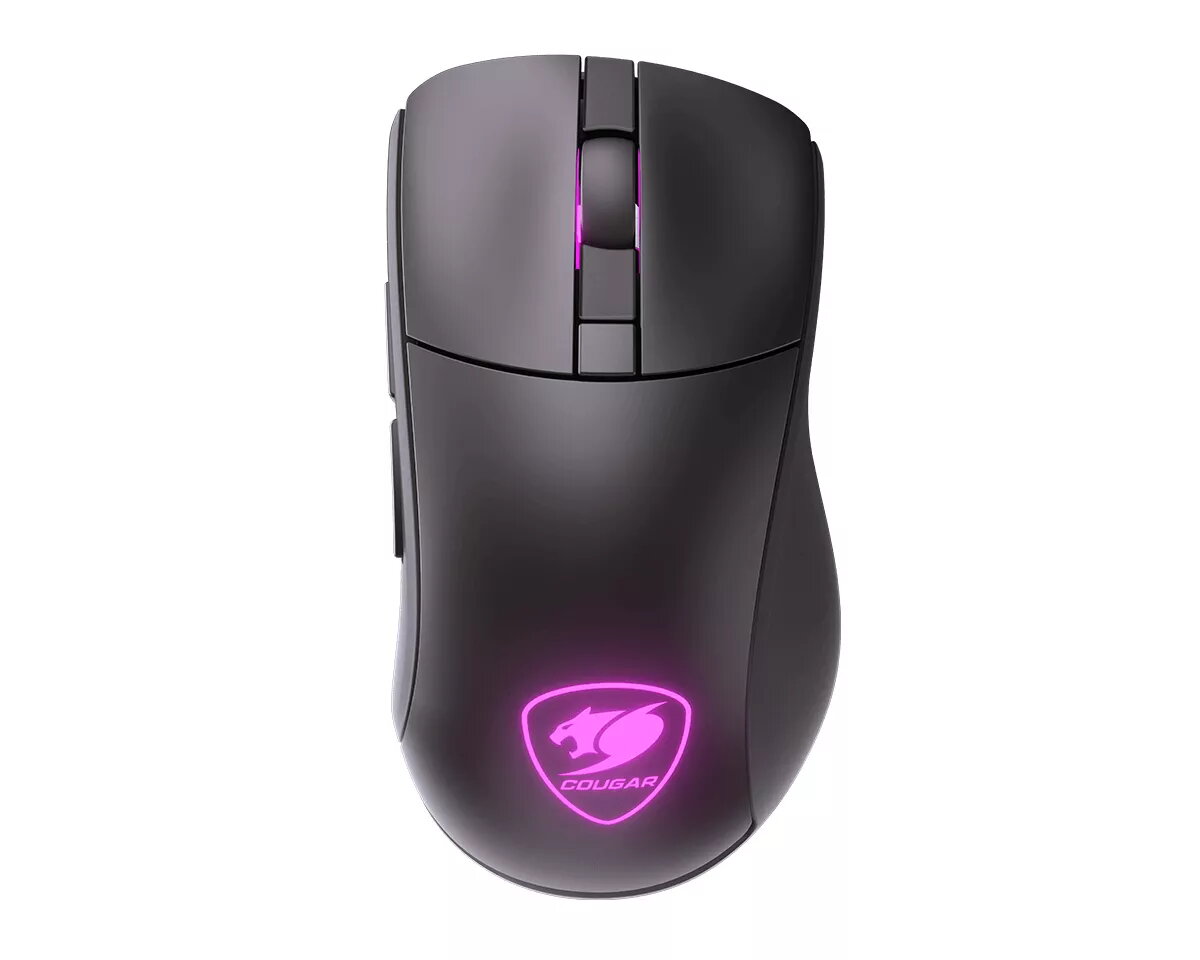
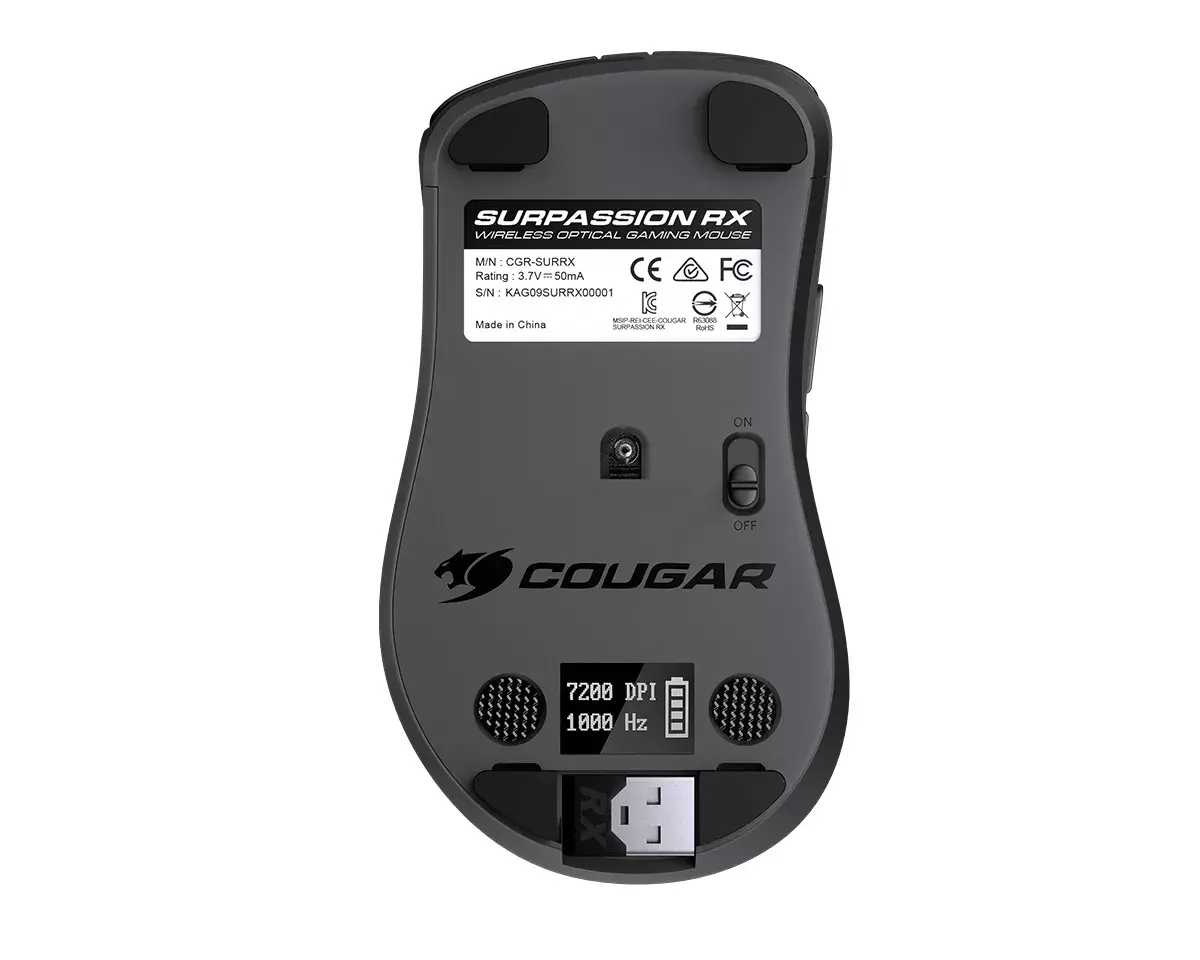
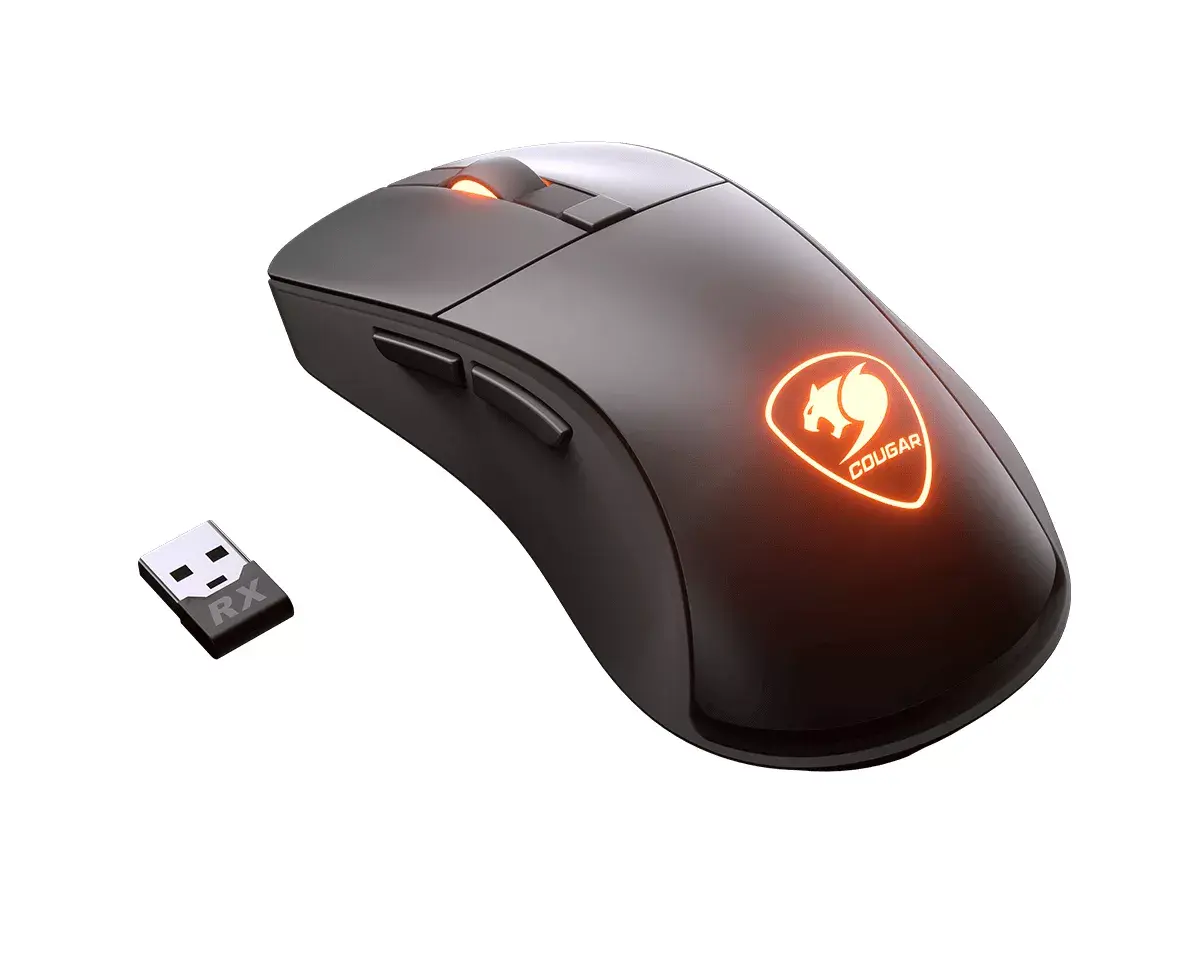
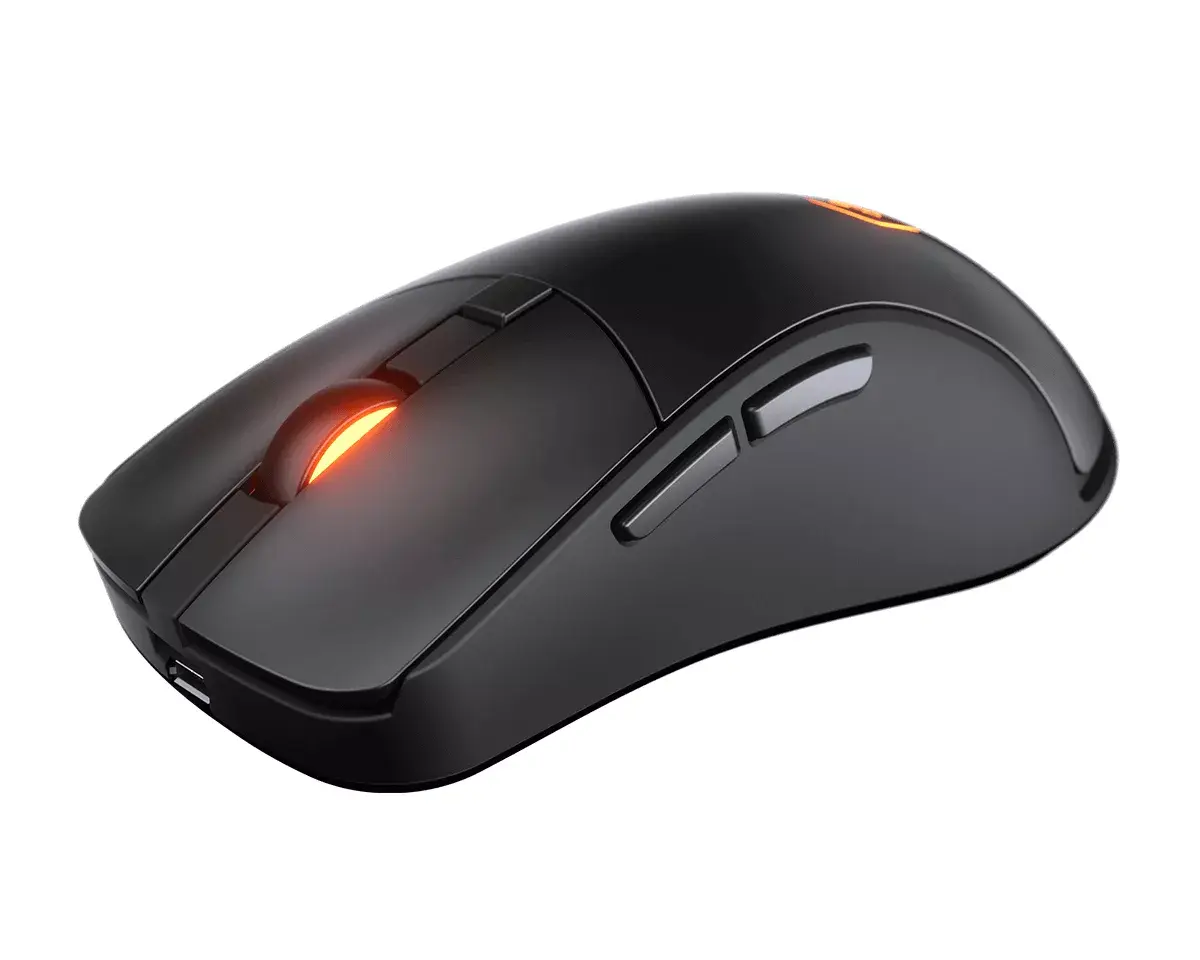
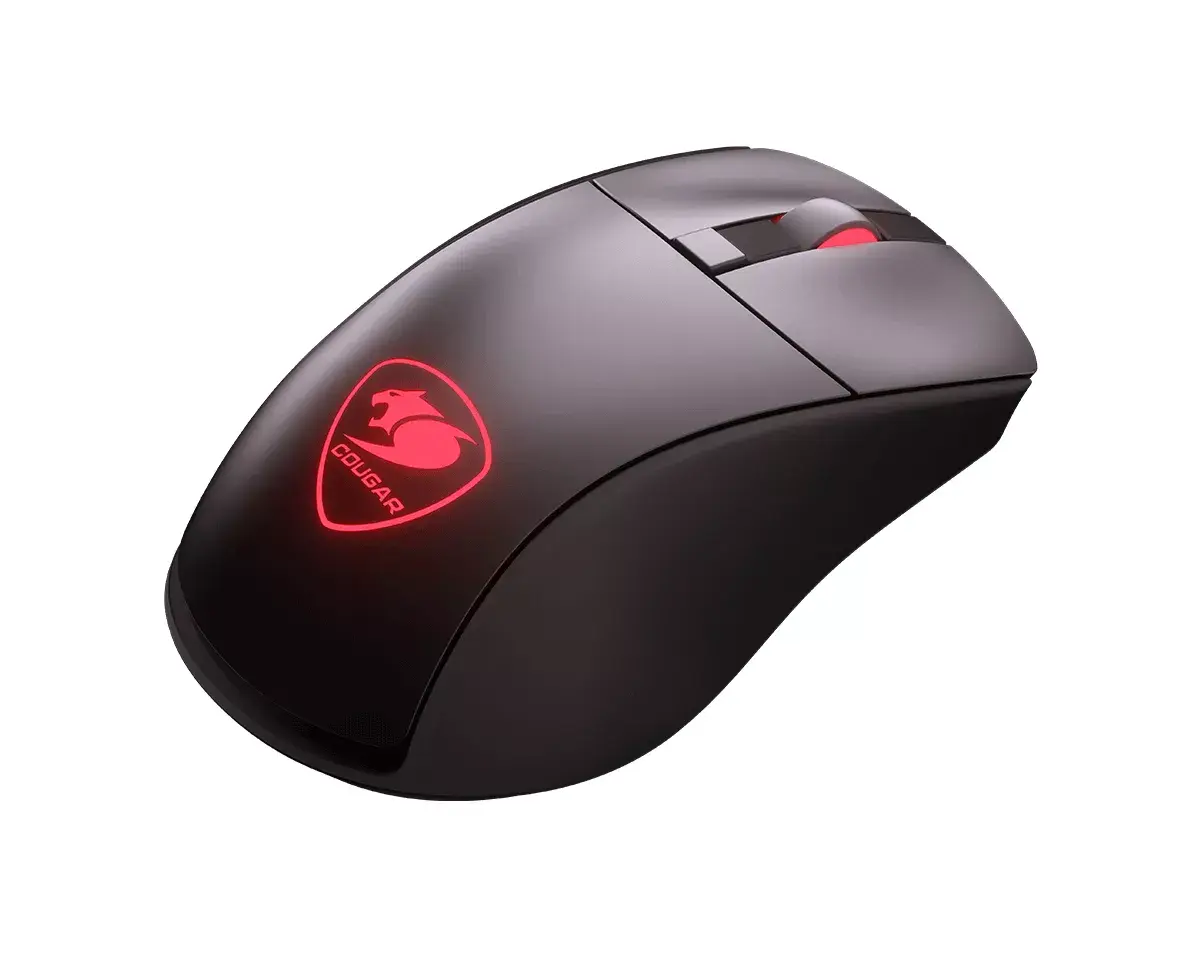
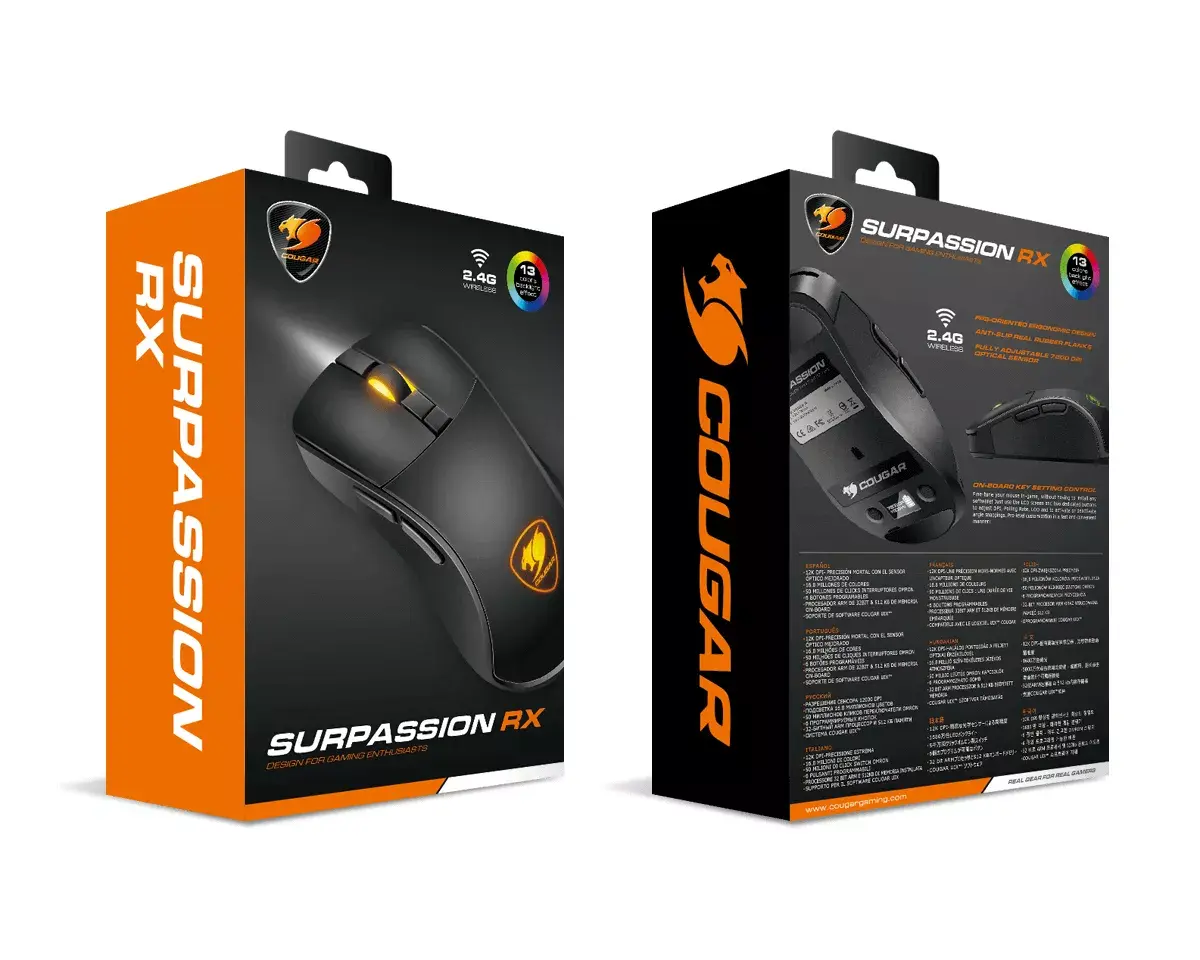
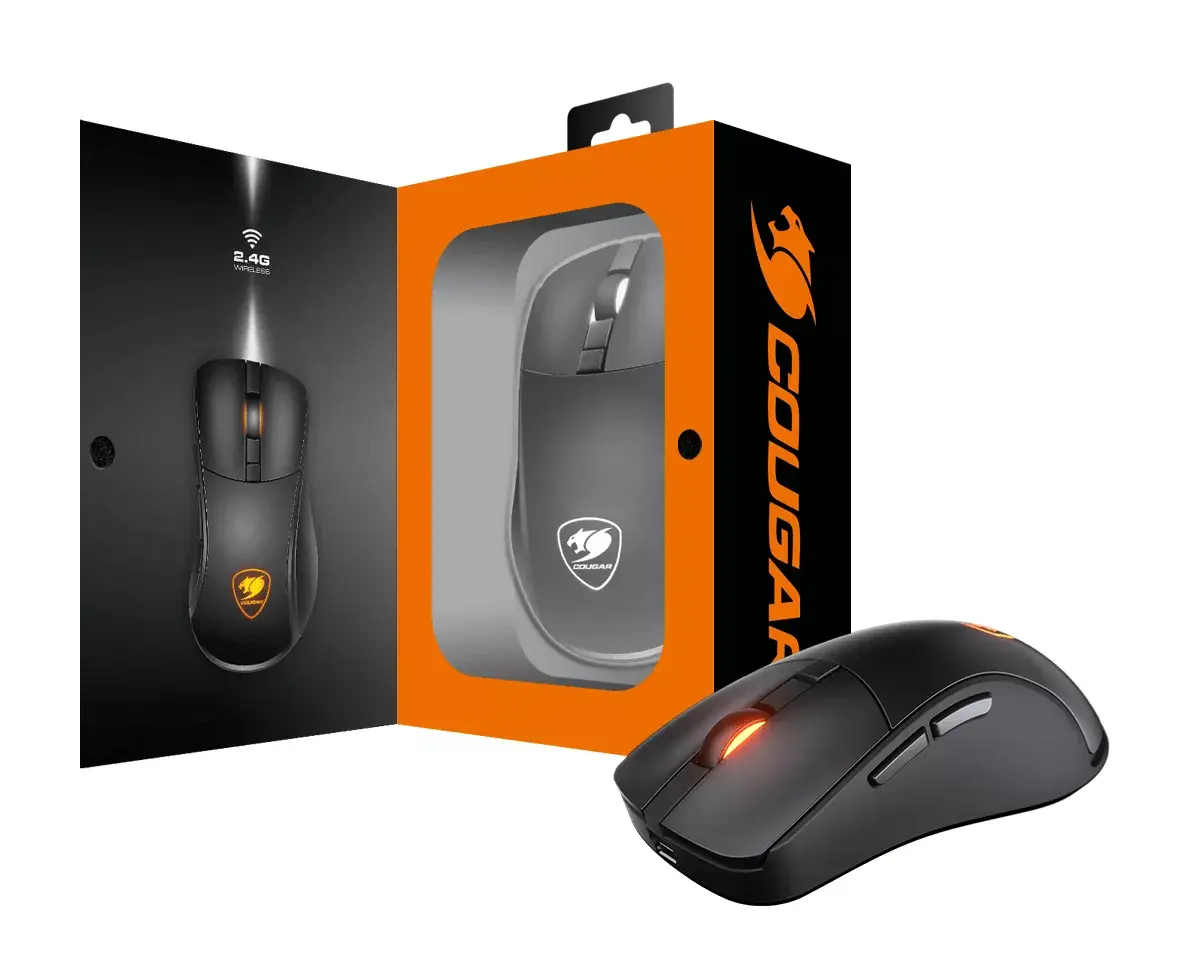
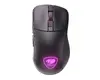
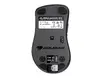
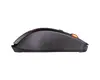
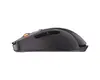
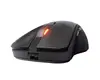
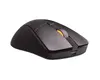
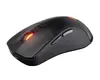
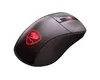
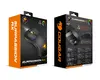
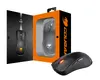
The Cougar Surpassion RX CGR-SURRX RF Wireless + USB Type-A is a right-handed wireless optical gaming mouse designed for precision and low-latency performance. It combines a high-precision PMW3330 optical sensor with up to 7200 DPI, an integrated LCD for on-device adjustments and battery level, and dual-mode connectivity (2.4 GHz RF wireless plus USB Type-A wired) to deliver consistent tracking and flexible use. The mouse has six programmable buttons, an ergonomic shape suitable for palm and claw grips, and customizable multicolor backlighting with several modes.
The Surpassion RX provides reliable 1 ms wireless response through its 2.4 GHz RF connection with a 1000 Hz polling rate while still offering wired operation when needed. Onboard LCD controls allow DPI tuning in 50 DPI steps, lift-off distance and polling rate adjustments, and battery status monitoring without software. The PMW3330 optical sensor ensures accurate tracking for fast-paced gameplay, and the ergonomic right-handed form factor with dedicated main button areas supports comfortable long sessions.
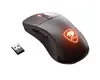
Connect the wireless USB receiver to a free USB Type-A port on your computer and power on the mouse to use in RF wireless mode. Use the onboard LCD controls and dedicated buttons to adjust DPI, lift-off distance, angle snapping and polling rate directly on the device. To use wired mode or recharge the battery, plug the mouse into a USB Type-A port with the included cable; the mouse remains fully functional while charging. Install any optional manufacturer software only if you require further button remapping or macros.
For stable wireless performance, keep the USB receiver within line of sight of the mouse and avoid placing it behind large metal objects. Adjust DPI and lift-off distance via the LCD to match your preferred sensitivity for different game genres. Charge the mouse before extended gaming sessions if battery level displayed on the onboard screen is low.
{{highlightedFeature.featureTitle}}:
{{getProductFeatureValueById(product, highlightedFeature.featureId)}}