Powerful EcoFlow stations for energy anywhere!
In cart {{totalProductsCount}} item(s)
Your cart is empty
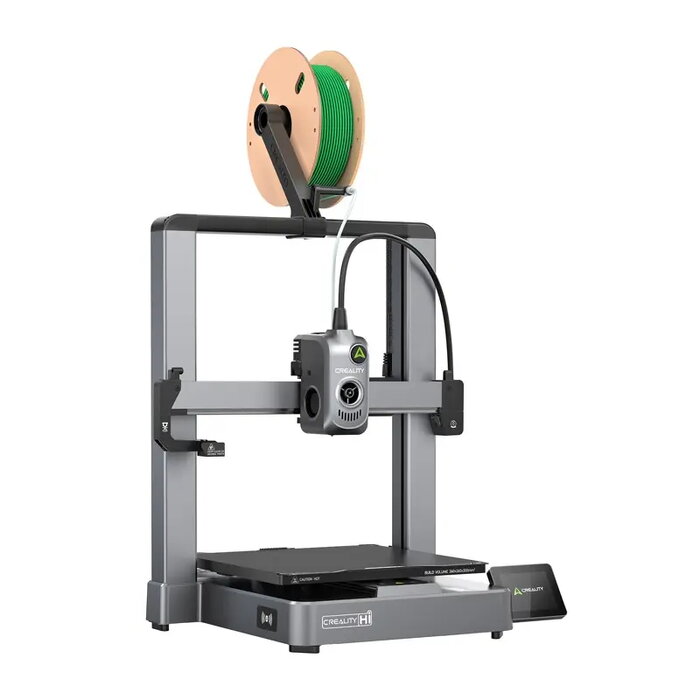
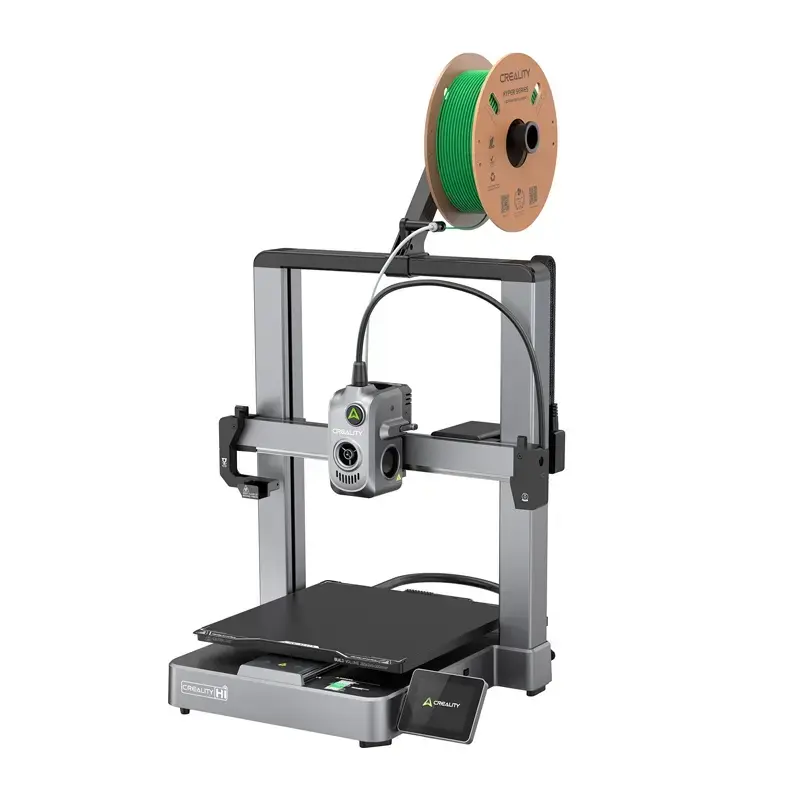
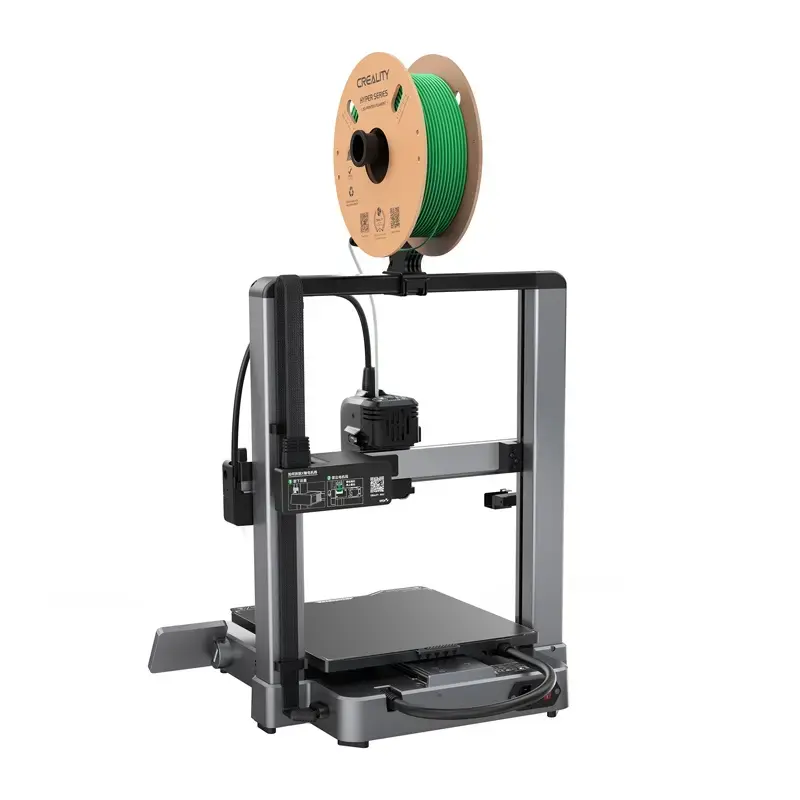
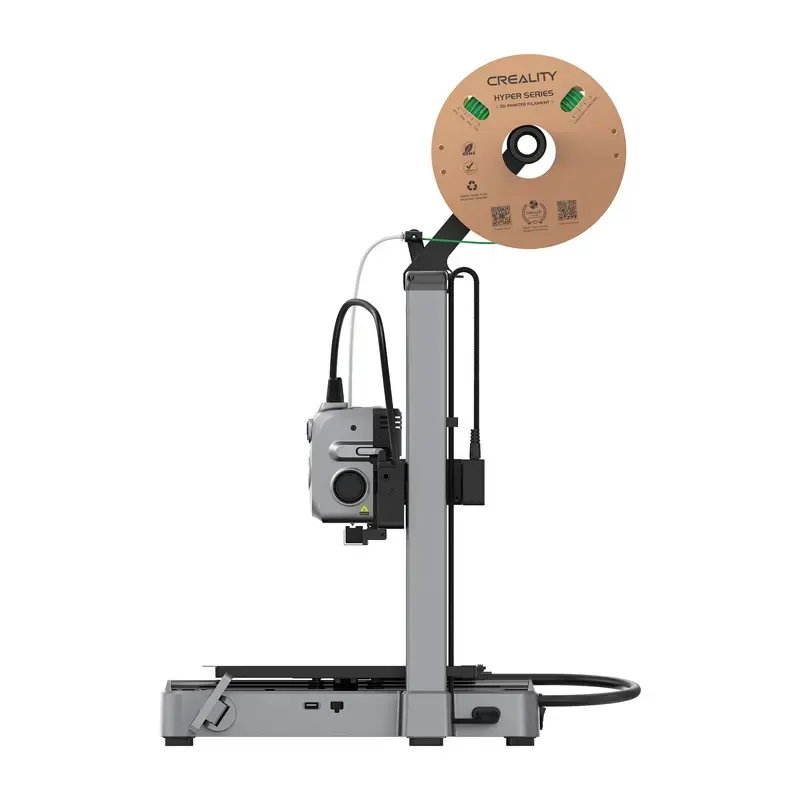
3D Printer Creality Hi 1001010510 FDM Build Volume 220×220×250 mm
Creality Hi (model 1001010510) is a compact FDM 3D printer designed for desktop prototyping and small-batch production. The printer features a metal frame, a 3.2-inch foldable touchscreen, built-in camera, and Creality OS with Creality Print and Creality Cloud support. It delivers fast heated-bed recovery, quiet operation (<48 dB in Silent Mode), and precision motion control for consistent layer quality within its build area.
Creality Hi provides automatic full-bed leveling using two independently driven lead screws and a precision pressure sensor in the print head for reliable first-layer adhesion. The heated work table reaches 60°C in approximately 30 seconds and up to 100°C in about 90 seconds, reducing preheat time. The printer includes active vibration compensation and dynamically balanced fans for reduced ringing and low noise. Additional features include metal extruder gears, an integrated replaceable nozzle, filament entanglement and filament-end detection, and compatibility with FLUIDD WebUI for remote control.
Unpack the Creality Hi and complete the minimal assembly steps (printer ships ~95% assembled; tighten remaining screws and connect supplied cables). Place the printer on a stable surface, connect to mains power, and power on. Use the foldable 3.2" touchscreen or Creality Cloud / FLUIDD WebUI to run initial automatic full-bed calibration; the nozzle-mounted pressure sensor will scan the build surface and adjust the X-axis using the dual drive screws. Load 1.75 mm filament through the direct extruder, confirm filament sensors, set print parameters in Creality Print, and start printing. Monitor prints via the built-in camera or remote web interface as needed.
For best results, use recommended filament types (PLA, Hyper-PLA, PETG, ABS, PLA-CF), set layer heights between 0.1–0.35 mm, and preheat the bed to appropriate temperatures for the chosen material. Keep firmware and Creality Print updated to ensure compatibility with presets and remote features. If multicolor printing is required, add the separate CFS system sold separately.
{{highlightedFeature.featureTitle}}:
{{getProductFeatureValueById(product, highlightedFeature.featureId)}}
{{ productComparisonGenerationError }}