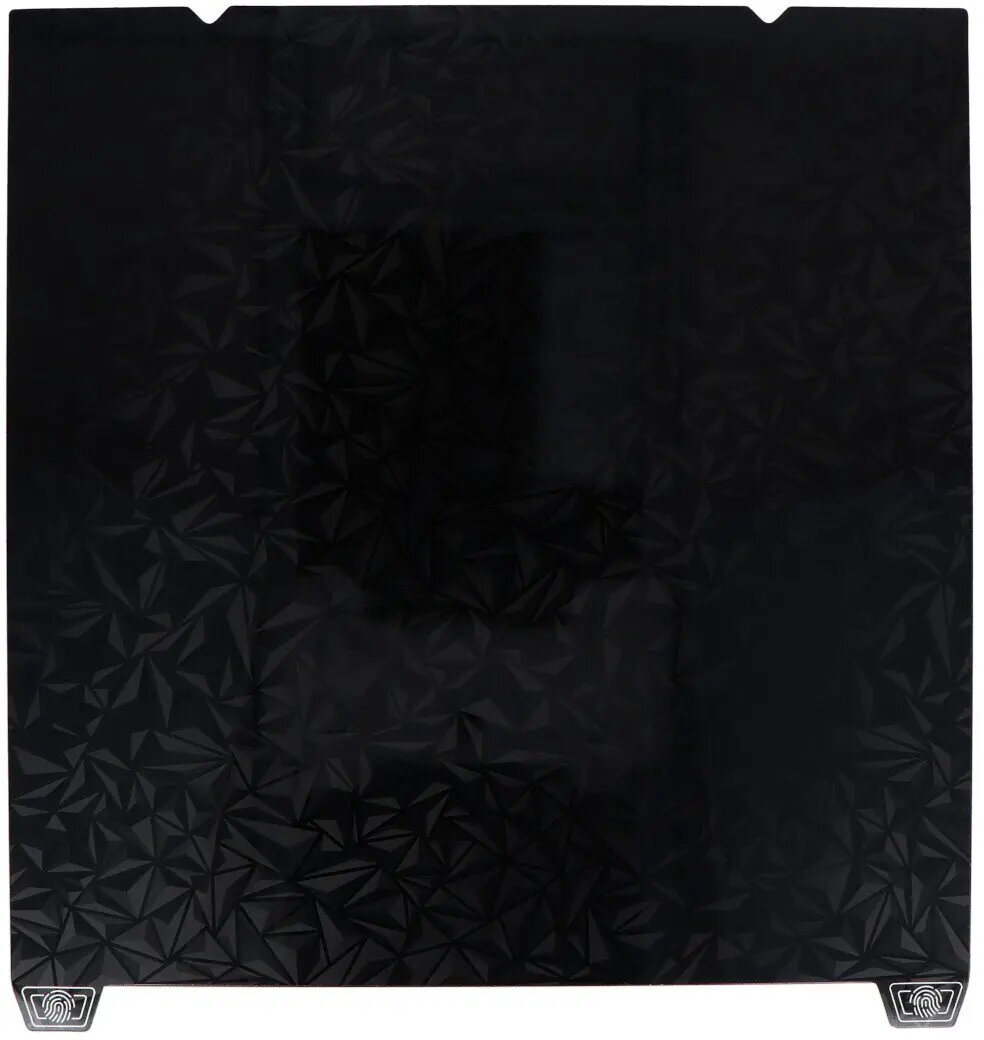
The Creality double-sided print plate for the K1 Max provides two build-surface options in one removable plate, featuring a glossy PEO side and a matte PEI side. Designed without a magnetic sticker, this plate is intended to be mounted as a replaceable build surface for FDM/FFF 3D printing, allowing users to choose between a smooth glossy finish or a textured matte finish depending on filament type and desired part appearance.
Advantages
The dual-surface design offers flexibility: the glossy PEO side promotes smoother bottom surfaces and can simplify post-processing for parts that require a shiny finish, while the matte PEI side enhances first-layer grip for many standard filaments and reduces visible bed texture. As a removable plate without an integrated magnetic layer, it is lighter and can be installed or swapped quickly on compatible K1 Max beds. The use of industrial-grade PEO and PEI surfaces ensures consistent adhesion and durability across multiple print cycles.
Suitable for
- Users who want to switch between glossy and matte part surfaces without changing plates
- Prints using common filaments such as PLA, PETG, and ABS where PEI or PEO adhesion properties are beneficial
- Workflows that require a removable build surface for easier part removal and maintenance
When it may not be suitable
This print plate does not include a magnetic sticker, so it is not directly compatible with printers that rely on a magnet-backed removable system unless an alternative mounting method is used. For users who require an integrated magnetic flexible sheet for easier part removal by bending, a magnet-backed plate or separate magnetic adapter may be more appropriate.
Key specifications
- Compatibility: designed for Creality K1 Max removable build systems
- Surfaces: one glossy PEO side and one matte PEI side
- Purpose: removable build plate for FDM/FFF 3D printing
- Finish options: glossy for smooth bottoms, matte for textured bottoms and improved grip
- Mounting: intended for non-magnetic installation or with user-supplied mounting solution
How to use
Install the plate on the K1 Max build platform following the printer manufacturer’s instructions for removable plates or using an appropriate non-magnetic mounting method. Choose the PEO glossy side for prints where a smooth, shiny underside is preferred and the PEI matte side when stronger first-layer adhesion or a textured finish is desired. Level the bed and set first-layer temperature and speed according to filament manufacturer recommendations. Allow the plate to cool before attempting part removal to reduce the chance of warping or damage to the surface.
What to consider before purchase
- Verify physical compatibility with your specific K1 Max printer model and mounting method
- Decide if a non-magnetic removable plate meets your workflow or if you need a magnet-backed solution
- Consider the filament types you use most frequently and which surface (PEO or PEI) suits them best
Usage recommendations
For best results, clean the chosen surface with isopropyl alcohol before each print, use manufacturer-recommended first-layer settings, and allow the plate to cool fully before removing parts. Rotate which side you use to distribute wear and prolong the usable life of the plate.