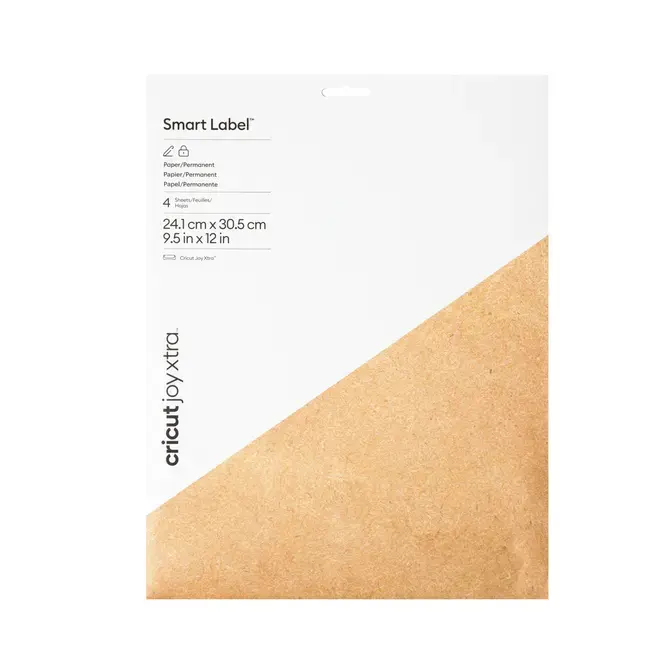
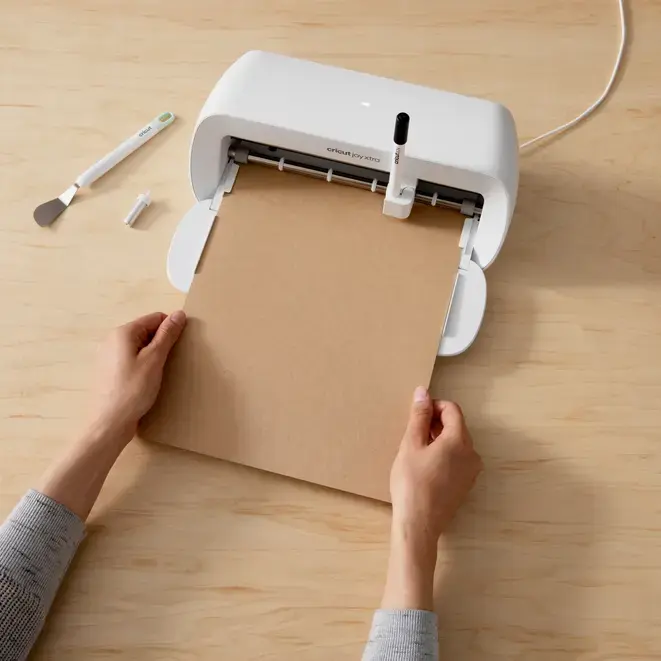
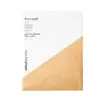
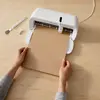
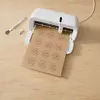
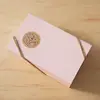
The Cricut Joy Xtra Smart Label Permanent Natural Self-Adhesive Labels are designed to streamline your organization and creative projects. These high-quality, natural-colored paper labels offer a professional finish for a variety of surfaces, ensuring that your items remain clearly marked and neatly arranged. Engineered specifically for the Cricut Joy Xtra cutting machine, these labels allow for a seamless workflow that eliminates the need for a cutting mat, enabling you to simply load the material and start your project immediately.
Advantages
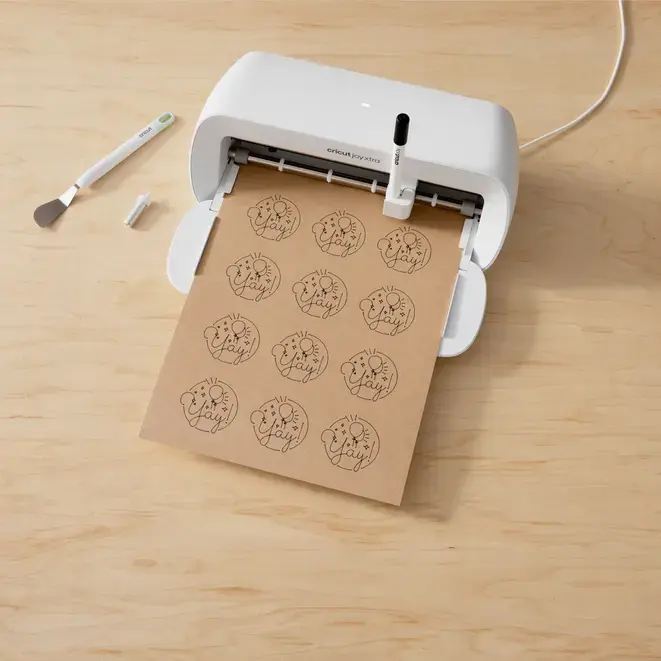
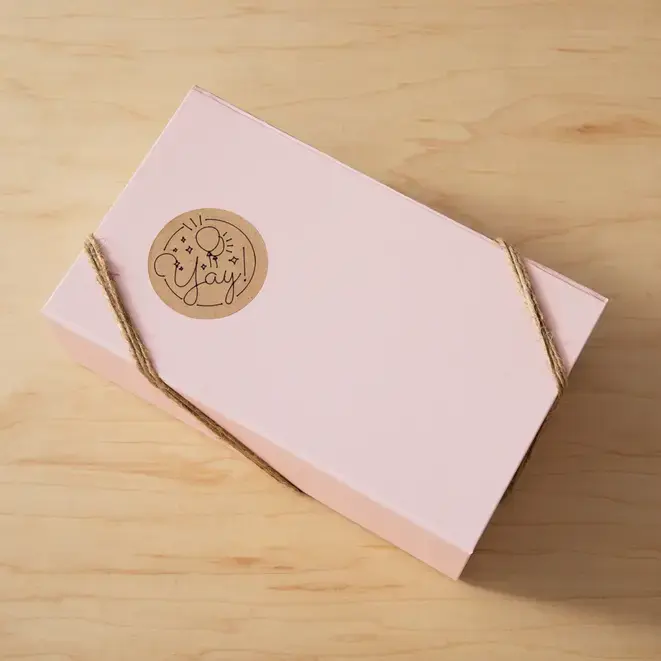
The primary benefit of these smart labels is their ease of use, as they are designed to be written on, cut, peeled, and applied with minimal effort. Because they are compatible with Cricut pens and markers, you can create custom text or intricate designs directly on the label surface before cutting. The permanent adhesive ensures that once applied, the labels remain securely in place, making them ideal for long-term storage or frequently handled items. The natural kraft brown aesthetic provides a clean, minimalist look suitable for both home and professional environments.
Suitable for
- Organizing kitchen pantry containers and spice jars
- Labeling office supplies and document folders
- Creating custom gift tags and decorative labels
- Managing storage boxes in closets or garages
- Personalizing school or craft supplies
When it may not be suitable
These labels are made of paper and are not waterproof or resistant to harsh outdoor weather conditions, so they are not recommended for items that will be submerged in water or exposed to extreme moisture. Additionally, they are specifically engineered for the Cricut Joy Xtra and may not be compatible with other cutting machine models.
Key specifications
- Material: Natural paper
- Sheet dimensions: 241 mm x 305 mm
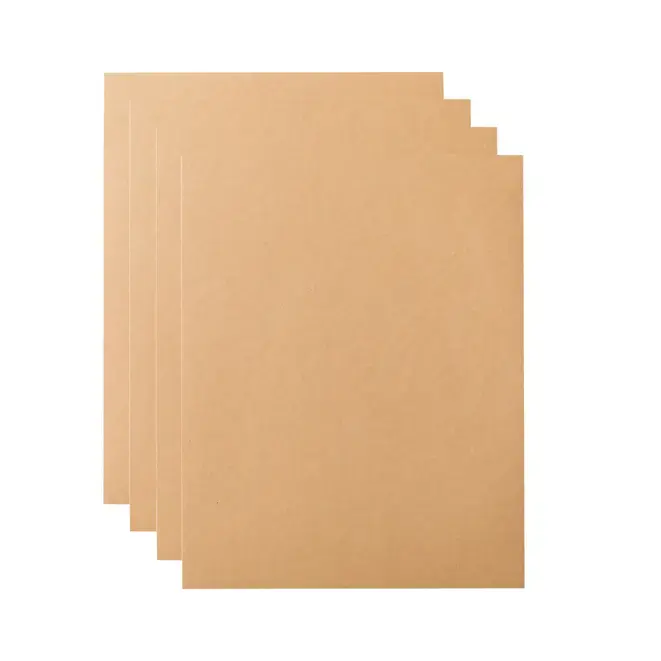
- Quantity: 4 sheets per pack
- Adhesive type: Permanent
- Compatibility: Cricut Joy Xtra
- Usage: Write, cut, peel, and stick
How to use
To use these labels, first design your labels in the Cricut Design Space app. Insert a compatible Cricut pen or marker into your Cricut Joy Xtra machine to write your desired text or graphics directly onto the label sheet. Once the writing is complete, the machine will automatically cut your labels to the specified shape. After the process is finished, simply peel the label from the backing and apply it to your clean, dry surface.
What to consider before purchase
- Ensure your cutting machine is a Cricut Joy Xtra model
- Verify that you have compatible Cricut pens or markers for writing
- Confirm the surface you intend to label is clean and dry for optimal adhesion
- Consider the permanent nature of the adhesive if you plan to remove labels later
Usage recommendations
For the best results, ensure the surface is free of dust, oil, or moisture before application. When creating designs in Design Space, test your pen settings on a scrap piece of material if you are unsure about the line weight or style.