
Save time and money with our discounts!
In cart {{totalProductsCount}} item(s)
Your cart is empty
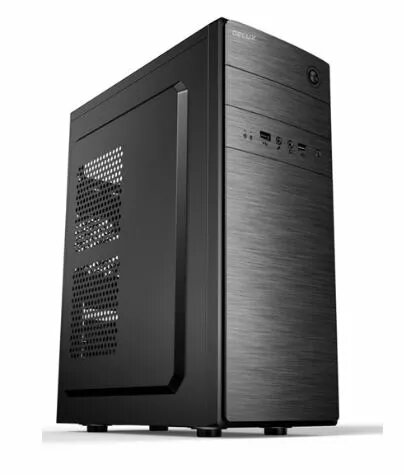
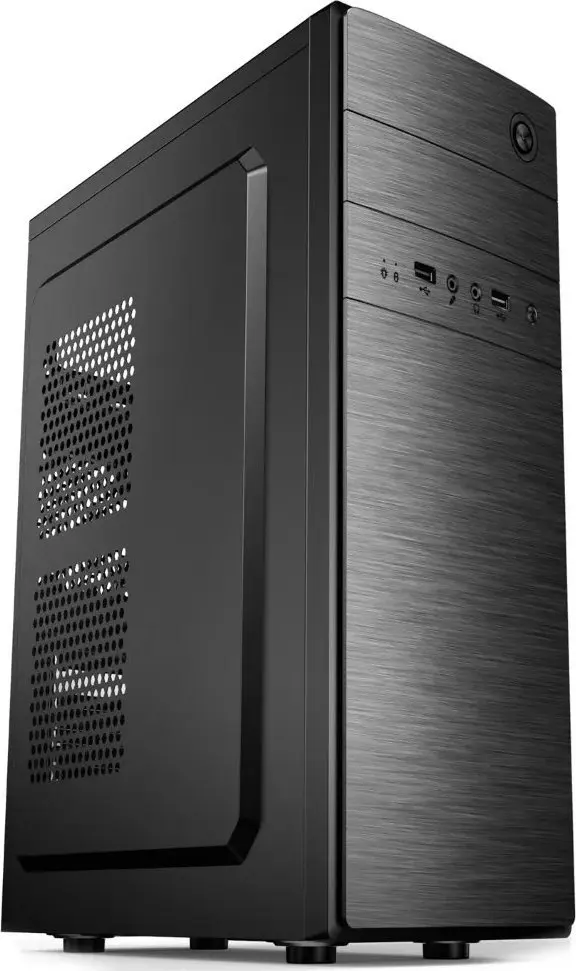
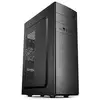
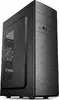
Computer case Crono D183A ATX black
The Crono D183A ATX black is a mid-tower computer case designed to accommodate standard ATX, micro-ATX and compatible motherboard layouts. Constructed from quality sheet metal and ABS elements, the case provides a simple, modern black exterior with multiple ventilation openings to support airflow. The chassis does not include a power supply or preinstalled cooling fans, leaving room for customized component selection and cooling configurations. Internal layout offers space for multiple drive bays and expansion cards, making it suitable for building office, home or basic gaming systems.
The Crono D183A ATX black offers a straightforward, sturdy structure with ample interior space for components and cable routing. Its multiple ventilation openings improve passive and active airflow when paired with aftermarket fans. The case's black finish provides a neutral, modern appearance that fits various setups. Tool-free or standard mounting points support flexible installation of storage devices and expansion cards, while several expansion slots accommodate multiple add-in cards.
Prepare compatible components: ATX or micro-ATX motherboard, CPU cooler with appropriate clearance, graphics card within the available slot length, power supply sized to fit the case and storage drives. Install the motherboard on the standoffs and secure it with screws, then mount storage devices into the designated internal bays. Route power and data cables through the case openings to maintain tidy airflow. If additional cooling is required, install aftermarket fans into the designated fan mounts and connect them to the motherboard or fan controller. Ensure all connectors are seated and verify clearances before powering the system on.
Use quality modular or standard ATX power supplies that physically fit the case, choose low-profile or compatible CPU coolers when space is limited, and plan fan placement to establish front-to-rear or bottom-to-top airflow. Regularly clean ventilation openings to maintain optimal cooling performance and verify component clearances, especially for long graphics cards and tall CPU coolers.
{{highlightedFeature.featureTitle}}:
{{getProductFeatureValueById(product, highlightedFeature.featureId)}}