Powerful EcoFlow stations for energy anywhere!
In cart {{totalProductsCount}} item(s)
Your cart is empty
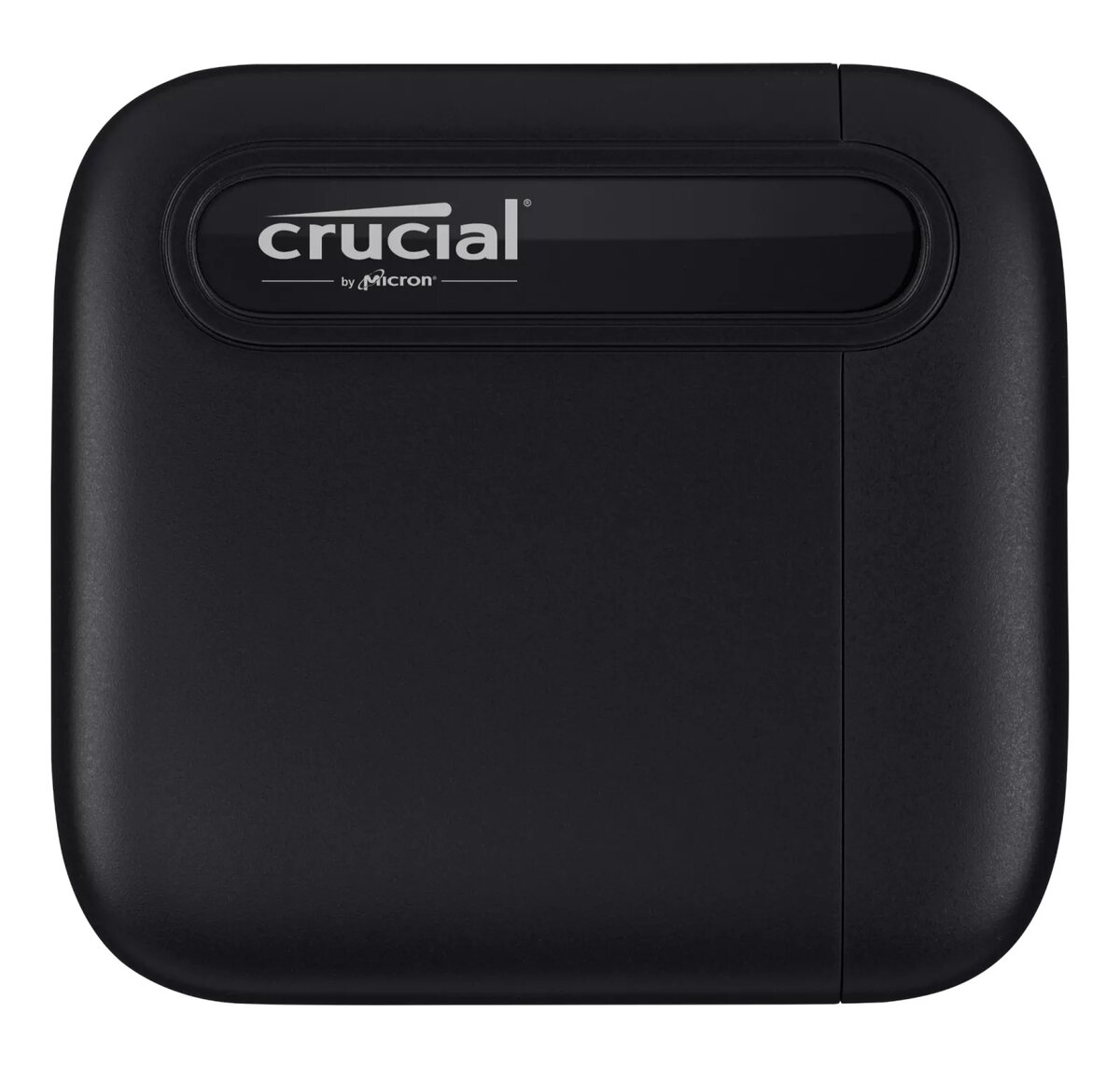
SSD Crucial 2TB Portable USB Type-C 3.2 Gen 2 CT2000X6SSD9
The Crucial X6 2TB Portable SSD provides a compact and high-performance storage solution for users who need to manage large volumes of data on the move. Designed with a sleek black finish, this external drive combines portability with significant capacity, allowing you to carry your digital life in your pocket. It utilizes a USB Type-C 3.2 Gen 2 interface to deliver efficient data transfer speeds, ensuring that your files are accessible whenever and wherever you need them.
The primary benefit of this portable SSD is its exceptional speed, which significantly outperforms traditional hard disk drives, allowing for faster file loading and reduced wait times. Its lightweight construction, weighing only 42 grams, makes it highly portable without sacrificing storage space. Furthermore, the drive is engineered for durability, featuring resistance to drops, shocks, vibrations, and extreme temperatures, which provides peace of mind when transporting sensitive data. The universal compatibility with various operating systems and gaming consoles ensures a seamless user experience across multiple devices.
This drive may not be the optimal choice for users requiring ultra-high-speed data transfers for professional 8K video editing or intensive real-time production workflows, as its read speeds are capped at 540 MB/s. Additionally, users with devices lacking a USB-C port may require an additional adapter to utilize the drive effectively.
To use the Crucial X6, simply connect the provided USB-C cable to the drive and your host device. The drive is typically plug-and-play, meaning it should be recognized by your operating system immediately without the need for additional software installation. Once connected, you can drag and drop files to the drive as you would with any standard storage device. Ensure that you safely eject the drive through your operating system before disconnecting the cable to prevent data corruption.
For optimal performance and data integrity, always use the original cable provided with the device and avoid disconnecting the drive while files are actively being transferred.
{{highlightedFeature.featureTitle}}:
{{getProductFeatureValueById(product, highlightedFeature.featureId)}}
{{ productComparisonGenerationError }}