-
Weight:
-
0.2 kg
-
Certification:
-
FCC
-
Wi-Fi standards:
-
802.11b, Wi-Fi 6 (802.11ax), Wi-Fi 5 (802.11ac), Wi-Fi 4 (802.11n), 802.11g, 802.11a
-
Power consumption (typical):
Power consumption in switched-on state expressed in W.
-
12 W
-
Security algorithms:
-
WPA3, WPA2, WPA
-
Operating relative humidity (H-H):
-
10 - 90
-
Storage temperature (T-T):
-
-20 - 60
-
AC adapter output voltage:
-
12
-
Built-in microphone:
-
Yes
-
Operating temperature (T-T):
-
0 - 40
-
Storage relative humidity (H-H):
-
5 - 95
-
Height:
-
93 mm
-
Antenna type:
-
Internal
-
LED indicators:
-
Status, Power
-
Firewall security:
-
DoS, Stateful Packet Inspection, Anti-spoofing Checking, IP/MAC Address Filtering, 1 x DMZ
-
Width:
-
92 mm
-
Depth:
-
92 mm
-
Product colour:
-
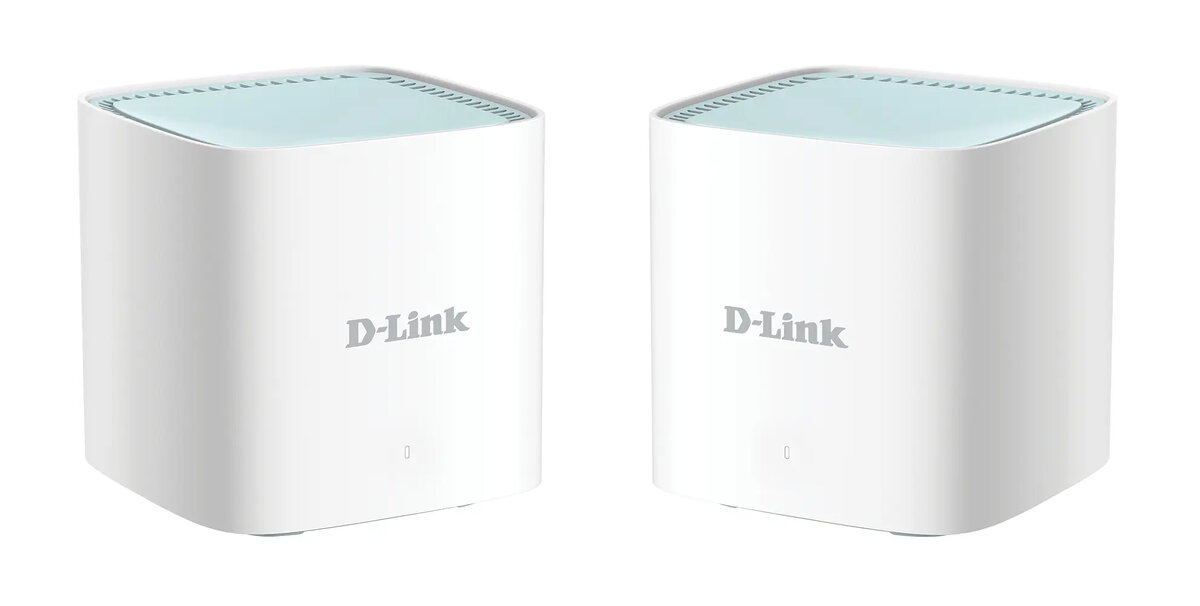
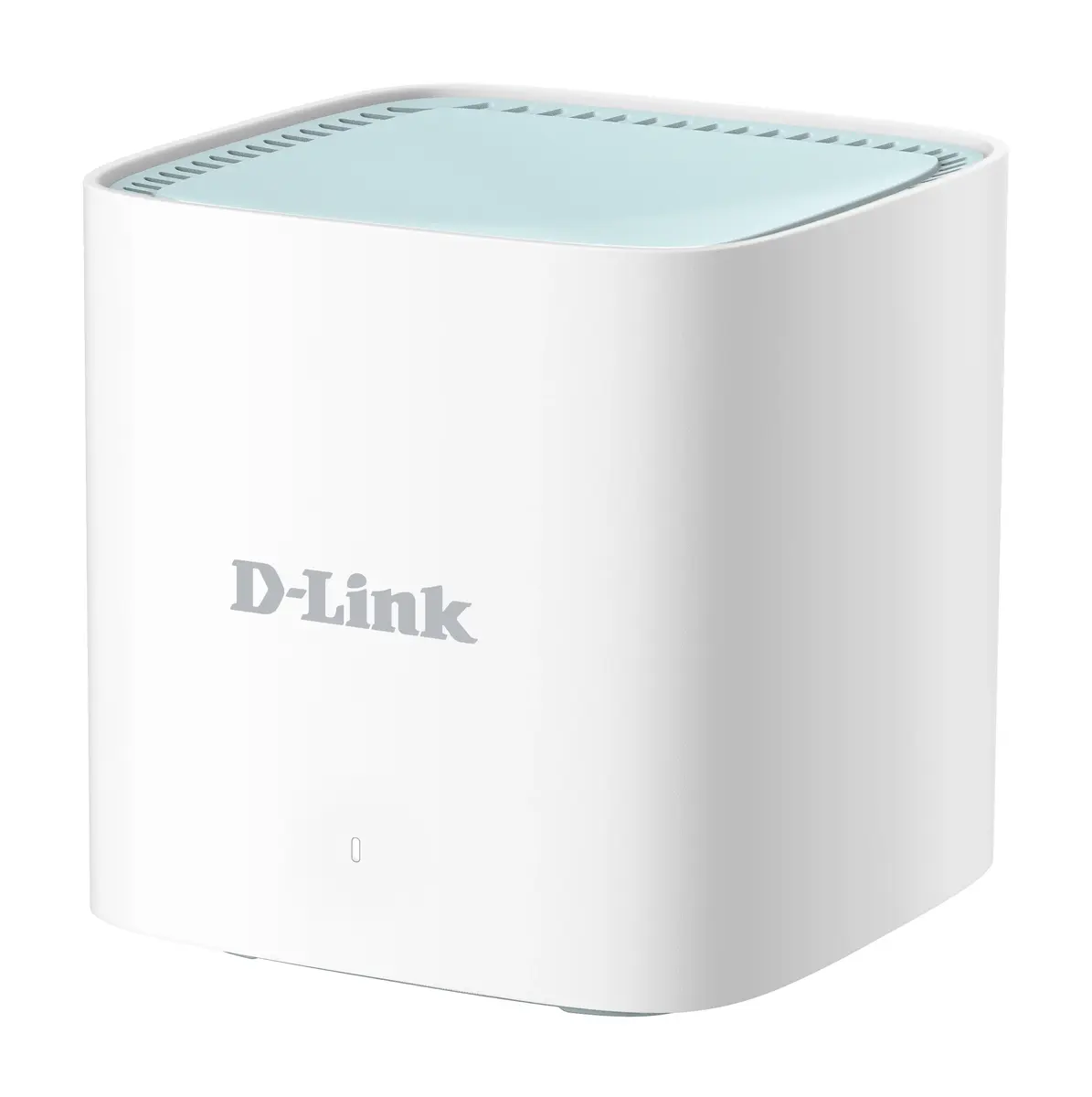
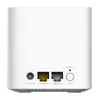
White
-
Networking standards:
-
IEEE 802.3u, IEEE 802.3ab, IEEE 802.1p, IEEE 802.1Q, IEEE 802.11v, IEEE 802.11n, IEEE 802.11k, IEEE 802.11h, IEEE 802.11g, IEEE 802.11b, IEEE 802.11ax, IEEE 802.11ac, IEEE 802.11a
-
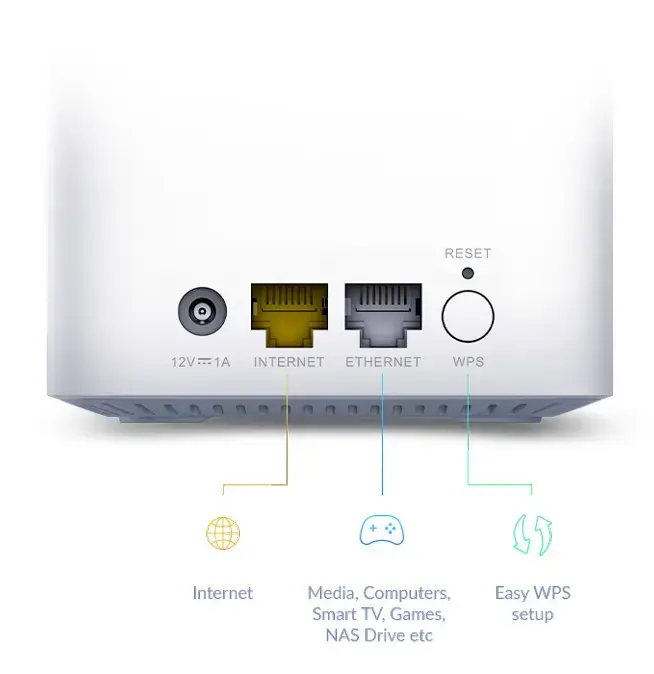
Ethernet LAN (RJ-45) ports:
-
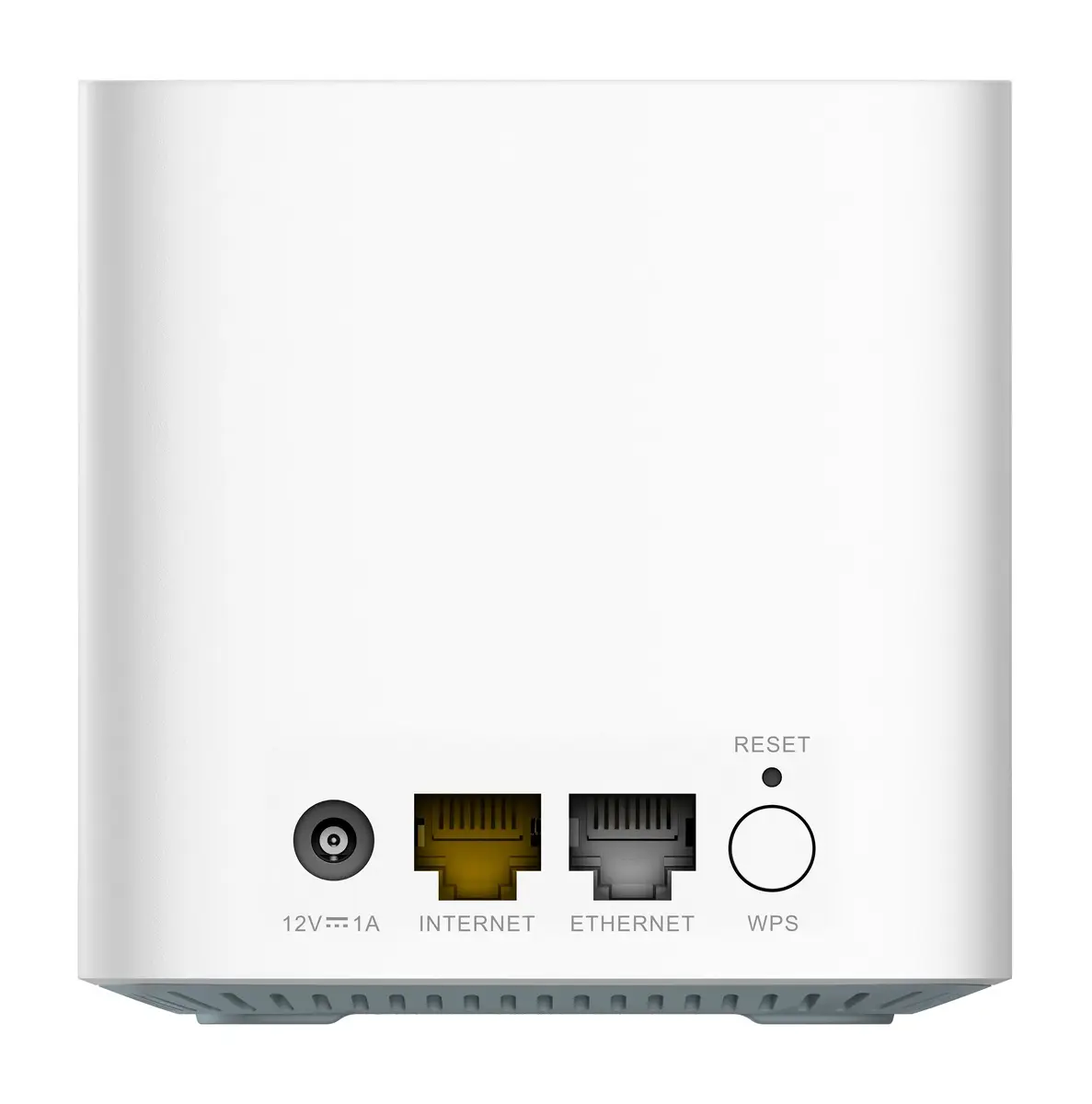
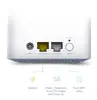
1
-
DC-in jack:
-
Yes
-
Quality of Service (QoS) support:
-
Yes
-
Number of products included:
-
2 pc(s)
-
Antennas quantity:
-
4
-
Mac operating systems supported:
-
Mac OS X 10.15.3 Catalina, Mac OS X 10.10 Yosemite, Mac OS X 10.6 Snow Leopard, Mac OS X 10.15 Catalina, Mac OS X 12.0 Monterey, Mac OS X 10.14 Mojave, Mac OS X 11.0 Big Sur, Mac OS X 10.13 High Sierra, Mac OS X 10.7 Lion, Mac OS X 10.9 Mavericks, Mac OS X 10.12 Sierra, Mac OS X 10.8 Mountain Lion, Mac OS X 10.11 El Capitan
-
AC input voltage:
-
12
-
Mobile operating systems supported:
-
iOS, Android
-
Product type:
-
Mesh system
-
AC adapter input current:
-
1 A
-
Tagged VLAN:
-
Yes
-
Static IP:
-
Yes
-
Wi-Fi band:
-
Dual-band (2.4 GHz / 5 GHz)
-
Harmonized System (HS) code:
-
85171800
-
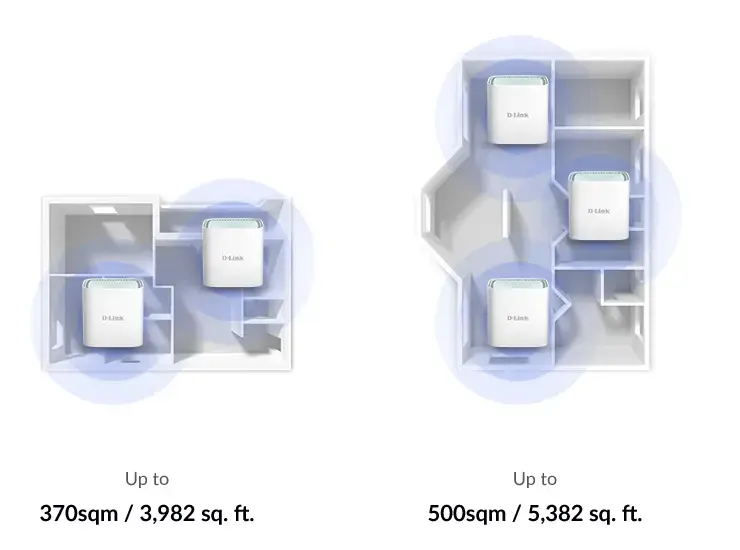
Maximum coverage:
-
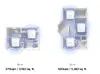
370 m²
-
Ethernet WAN:
-
Yes
-
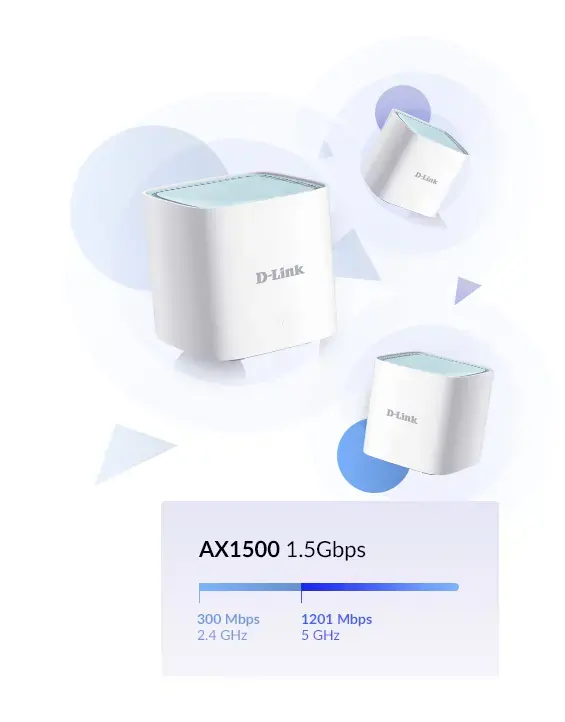
WLAN data transfer rate (first band):
-
300 Mbit/s
-
WLAN data transfer rate (second band):
-
1201 Mbit/s
-
Top Wi-Fi standard:
-
Wi-Fi 6 (802.11ax)
-
Virtual assistant:
-
Amazon Alexa & Google Assistant
-
Point-to-point protocol over Ethernet (PPPoE):
-
Yes
-
Dynamic IP:
-
Yes
-
MU-MIMO technology:
-
Yes
-
Sustainability compliance:
-
Yes
-
Compliance certificates:
-
CE