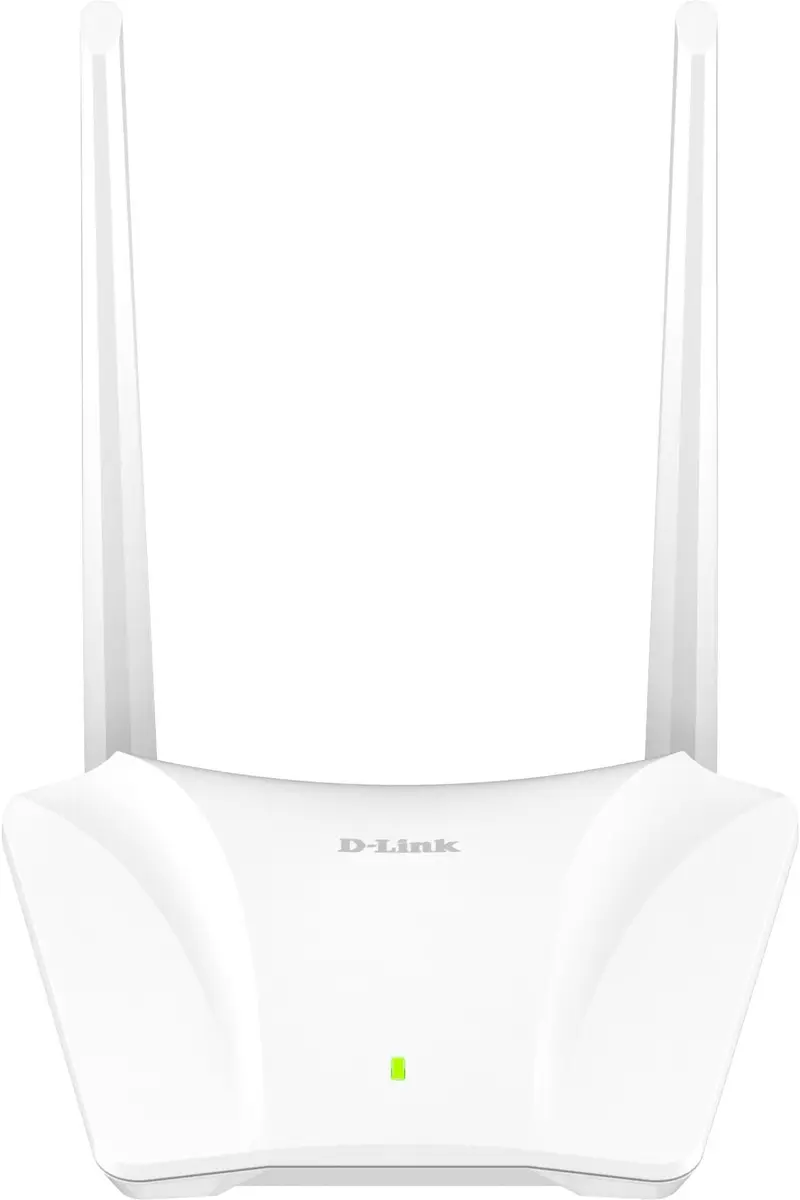
The D-Link S03/E N300 Wi-Fi Router is compared with several alternative router models from D-Link and Huawei designed for home and office environments. All of these devices provide wireless internet connectivity, yet they differ significantly in wireless standard generations, maximum data transfer speeds, and supported frequency bands. The main characteristic of the D-Link S03/E N300 Wi-Fi Router is its focus on everyday basic tasks, whereas the alternatives offer advanced Wi-Fi 6, Wi-Fi 7 standards, or 4G LTE cellular connectivity for locations lacking wired infrastructure.
⚙️ The specifications comparison table below contrasts key technical characteristics and design features, including wireless generations, port types, and supported frequency bands, to help evaluate their potential performance.
| Parameter | D-Link S03/E N300 Wi-Fi Router | D-Link BE3600 Smart Router | D-Link S15 Wireless Router | D-Link S12 Wireless Router | Wi‑Fi 7 Router D-Link BE9500 R95 | Huawei B535-232a 4G LTE | Practical significance |
|---|
| Connection type and generation | N300 Wi-Fi | Wi-Fi 7 | Wi-Fi 6, dual-band | Wi-Fi 5, dual-band | Wi-Fi 7, multi-band | 4G LTE Wi-Fi Router | The S03/E model suits basic tasks, while newer standards deliver faster speeds and lower latency. |
| Maximum speed | Standard N300 speeds | Next-generation high speeds | Up to 1500 Mbit/s | Up to 1200 Mbit/s | Ultra-high Wi-Fi 7 speeds | High-speed transfer via LTE | Higher speed metrics are critical for heavy media streams and numerous simultaneous connections. |
| Wired connectivity | Standard options | Modern Gigabit ports | Gigabit Ethernet | Gigabit Ethernet | Advanced Gigabit ports | LTE and wired network support | Gigabit ports ensure maximum throughput for wired clients. |
| Intended use | Home and small office | Modern home and office | Home and office | Home and office | Home and small office | Home and office, backup internet | Selection depends on wired internet availability and network load requirements. |
◎ The suitability table below evaluates each product against various user needs, workloads, and operating scenarios to assist in selecting the most appropriate option.
| Use case | Recommended product | Why |
|---|
| Daily browsing and basic tasks | D-Link S03/E N300 Wi-Fi Router | Provides a stable connection for simple tasks without overpaying for redundant features. |
| 4K/8K streaming and online gaming | D-Link BE3600 Smart Router or D-Link BE9500 R95 | Wi-Fi 7 technologies minimize latency and effortlessly handle high-resolution media streams. |
| Work in locations without wired internet | Huawei B535-232a 4G LTE Wi-Fi Router | Leveraging a 4G LTE mobile network ensures reliable connectivity where cable infrastructure is absent. |
| Versatile home or office Gigabit networking | D-Link S15 Wireless Router or D-Link S12 Wireless Router | Dual-band support and Gigabit ports are optimal for connecting multiple devices simultaneously. |
The D-Link S03/E N300 Wi-Fi Router is an excellent choice for users with basic home or office networking requirements who do not need next-generation high-speed standards. If you require maximum performance for resource-intensive tasks and high-resolution streaming, choosing models with Wi-Fi 6 or Wi-Fi 7 support (D-Link S15, D-Link BE3600, D-Link BE9500) is recommended. For environments lacking wired infrastructure, the Huawei B535-232a with 4G LTE support serves as the optimal solution.