

A curated selection of maximum value offers!
In cart {{totalProductsCount}} item(s)
Your cart is empty
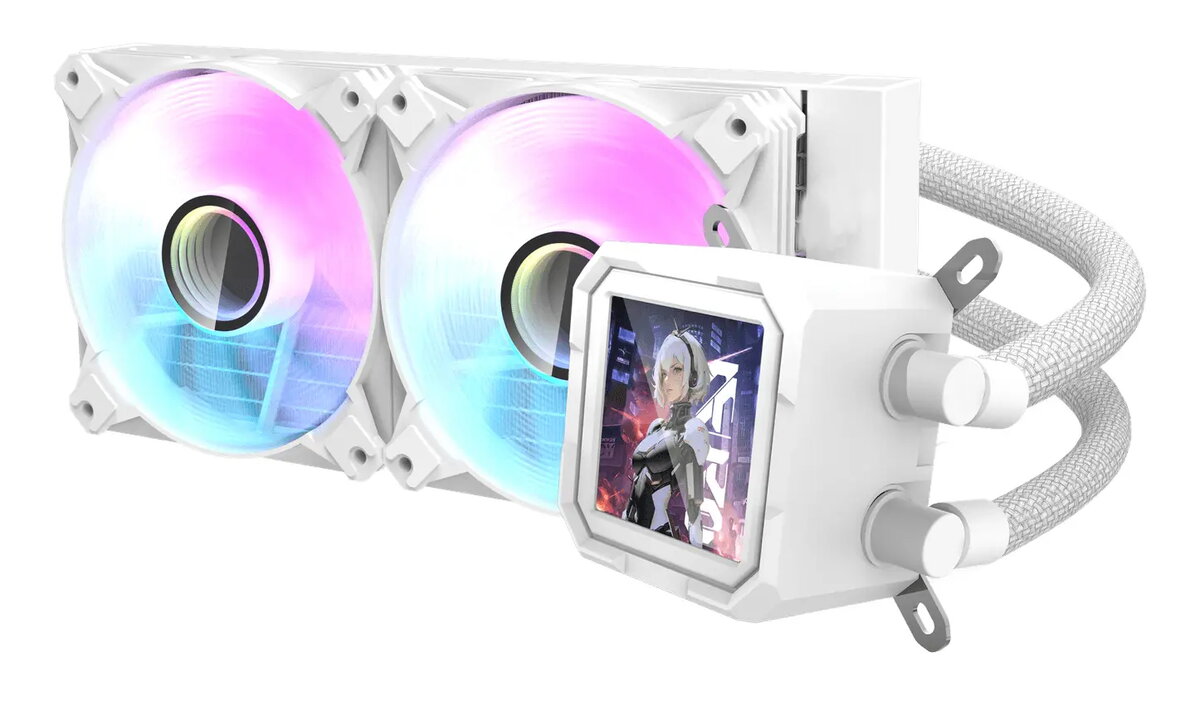
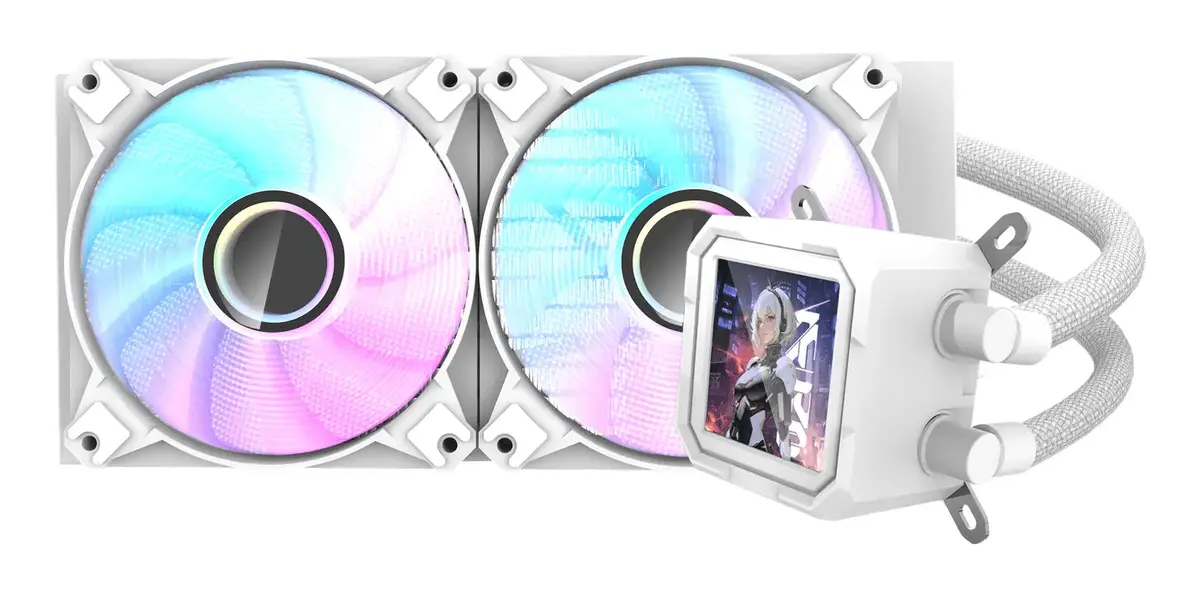
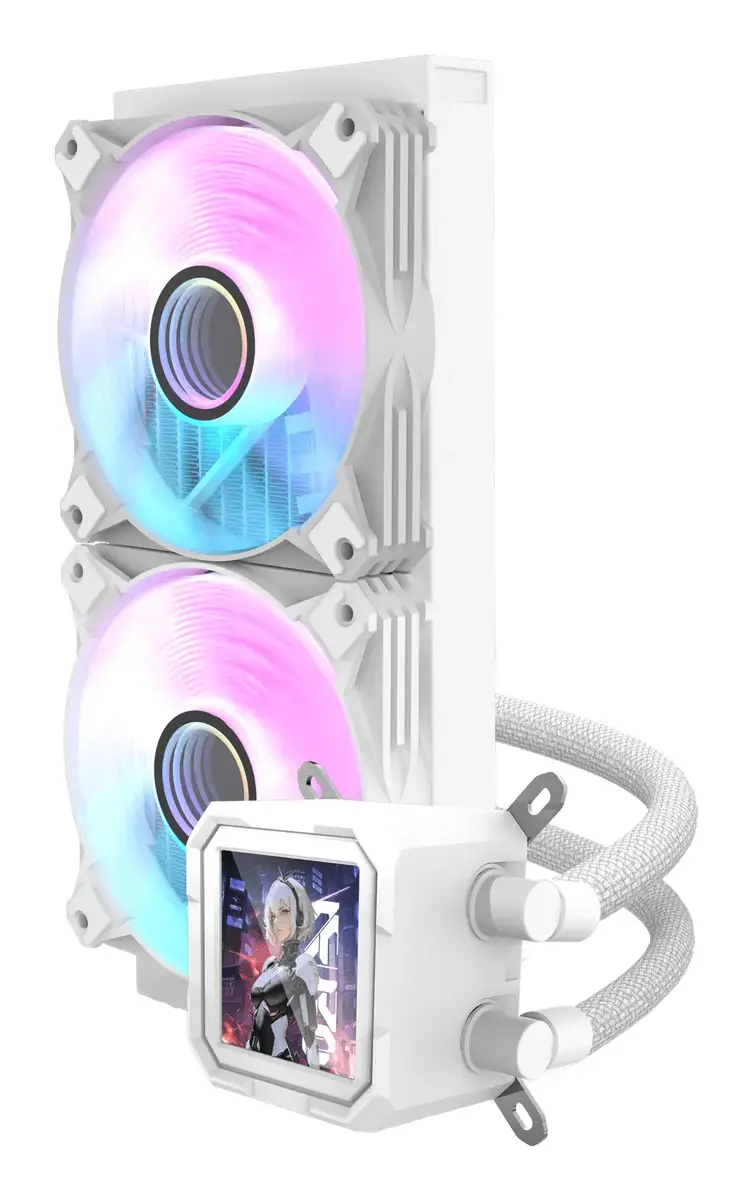
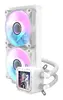
All-in-one liquid cooler Darkflash DV240S — 120 mm fans, white, compatible with LGA1700/AM5 and multiple sockets
Darkflash DV240S is an all-in-one liquid CPU cooler with a 240 mm radiator and two 120 mm fans. The unit is finished in white and includes a square IPS LCD water block with 320 × 320 resolution that supports motherboard ARGB integration. The cooler is designed for broad socket compatibility and combines a copper base water block with a compact 120 × 120 × 25 mm fan design to balance cooling performance and installation stability.
The DV240S provides variable fan speeds from 800 to 1800 RPM with rifle-bearing fans, offering up to 1.852 mmH2O static pressure and PWM support for automatic speed control. Its 240 mm radiator and dual 120 mm fans deliver effective heat dissipation for high-load CPUs, while the copper base water block ensures good thermal transfer. The integrated IPS LCD on the water-cooled block adds system-monitoring and visual customization options when connected to ARGB-capable motherboards.
The DV240S may not be suitable for very small cases that cannot accommodate a 240 mm radiator or for users who require passive (fanless) cooling. Systems with non-standard or obstructed radiator mounting points may need a different cooler form factor. Ensure your case has space for a 240 mm radiator and clearance for the water block and tubing before purchase.
Install the radiator into a compatible case location (top or front) that supports a 240 mm radiator and secure the two 120 mm fans in the correct airflow orientation. Mount the water block onto the CPU following the included mounting brackets for your socket, ensuring the copper base makes full contact with the CPU heat spreader and that thermal paste is applied as instructed. Connect the pump and fan PWM headers to the appropriate motherboard headers and, if available, plug the ARGB/monitoring connector for the IPS LCD and lighting control. Verify tubing clearance and that there are no kinks, then power on the system and check fan and pump operation in BIOS or monitoring software.
For optimal results, mount the radiator where airflow is unobstructed, set fan curves in BIOS or software to balance noise and cooling, and ensure the pump header remains connected to a constant-power or CPU_FAN/PUMP_FAN header to maintain stable coolant circulation. Regularly inspect tubing and fittings during maintenance intervals to ensure long-term reliability.
{{highlightedFeature.featureTitle}}:
{{getProductFeatureValueById(product, highlightedFeature.featureId)}}
{{ productComparisonGenerationError }}