-
Linux operating systems supported:
8 RT. Linux (9.4, 9.5), Red Hat Enterprise Linux 5.0 (supported with a pre-built package); SUSE Linux (10.3, 11.0, 11, 11.1, 11.2), Fedora (9, 9.0, 10, 10.0, 11.0, 11, 12, 12.0), Ubuntu (8.04, 8.04.1, 8.04.2, 8.10, 9.04, 9.10, 10.04), Debian (5.0, 5.0.1, 5.0.2, 5.0.3)
-
Yes
-
Mac operating systems supported:
Mac operating systems e.g. OS X can be used with the device.
-
Mac OS X 10.11 El Capitan, Mac OS X 10.10 Yosemite, Mac OS X 10.12 Sierra, Mac OS X 10.13 High Sierra, Mac OS X 10.9 Mavericks
-
Mac compatibility:
Product can be used with Apple Mac software and/or hardware.
-
Yes
-
Windows operating systems supported:
Windows vesions wich can be used with the device.
-
Windows 7 Home Premium x64, Windows 8.1 x64, Windows 8.1 Pro x64, Windows 8.1 Pro, Windows 8.1 Enterprise x64, Windows 8.1 Enterprise, Windows 8.1, Windows 8 x64, Windows 8 Pro x64, Windows 8 Pro, Windows 8 Enterprise x64, Windows 8 Enterprise, Windows 7 x64, Windows 10, Windows 10 Education, Windows 10 Education x64, Windows 10 Enterprise, Windows 10 Enterprise x64, Windows 10 Home, Windows 10 Home x64, Windows 10 IOT Core, Windows 10 Pro, Windows 10 Pro x64, Windows 7, Windows 7 Enterprise x64, Windows 8, Windows 7 Ultimate x64, Windows 7 Ultimate, Windows 7 Starter x64, Windows 7 Starter, Windows 7 Professional x64, Windows 7 Professional, Windows 7 Home Premium, Windows 7 Home Basic x64, Windows 7 Home Basic, Windows 7 Enterprise
-
Compatible operating systems:
List of desktop operating systems tested as compatible with this product.
-
Windows / Mac OS / Limited on Linux
-
Plug and Play:
Indicates whether this product supports is "plug and play". Plug and play is hardware or software that, after being installed ("plugged in"), can immediately be used ("played with"), as opposed to hardware or software which requires configuration.
-
Yes
-
Write speed USB 3.2 Gen 1 (3.1 Gen 1):
-
22 MB/s
-
Write speed (USB 2.0):
-
20 MB/s
-
Write speed:
The speed at which a device can write data.
-
22 MB/s
-
Read speed USB 3.2 Gen 1 (3.1 Gen 1):
-
165 MB/s
-
Read speed (USB 2.0):
-
30 MB/s
-
Read speed:
The speed at which a device can read data.
-
165 MB/s
-
USB version:
Universal Serial Bus (USB) is an industry standard developed in the mid-1990s that defines the interface used for connection, communication and power supply between computers and electronic devices. Every new version - for example 1.1, 2.0, 3.0 - is much faster than the previous one.
-
3.2 Gen 1 (3.1 Gen 1)
-
Device interface:
The ports (sockets) where the device connects with other devices.
-
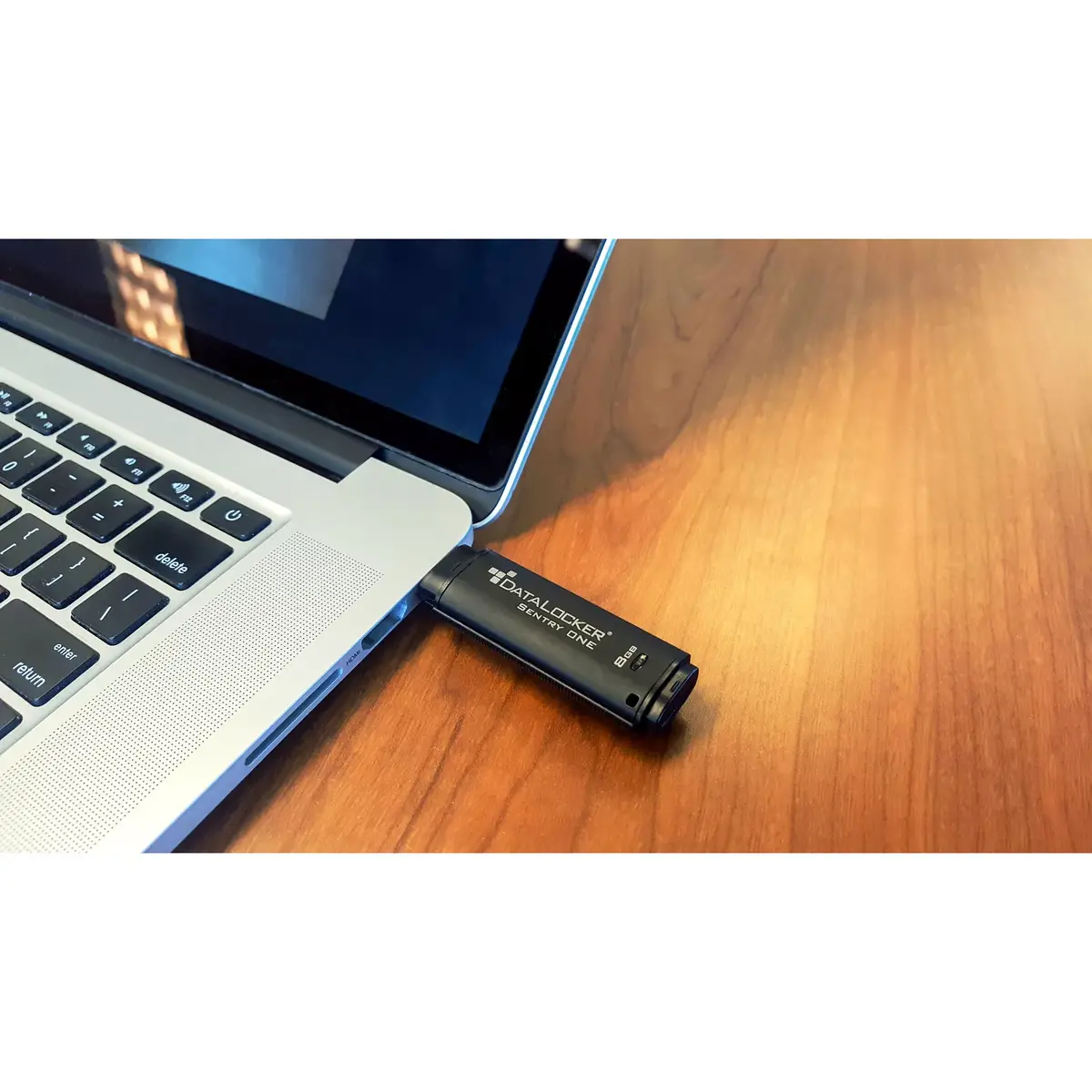
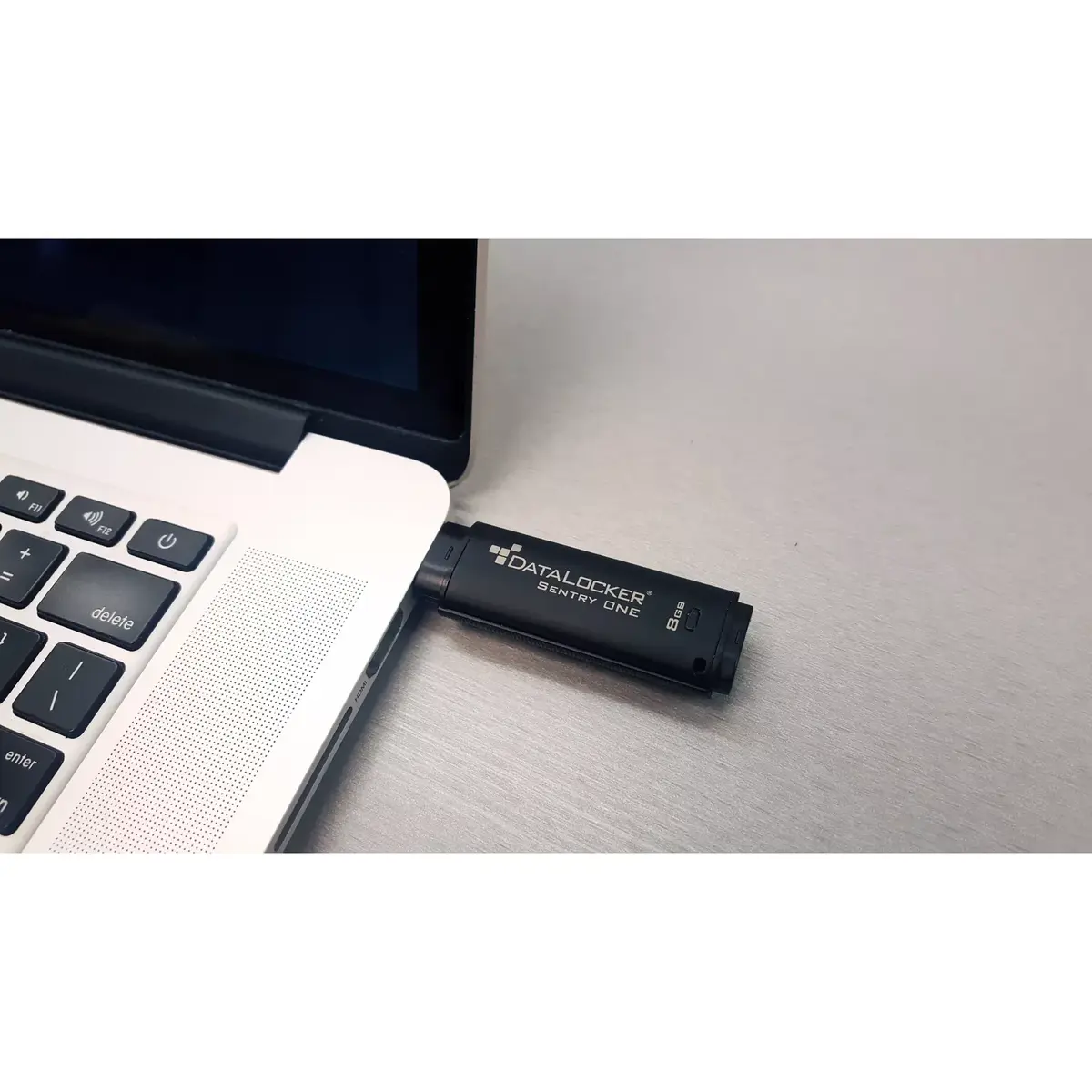
USB Type-A
-
Capacity:
Capacity of the storage media.
-
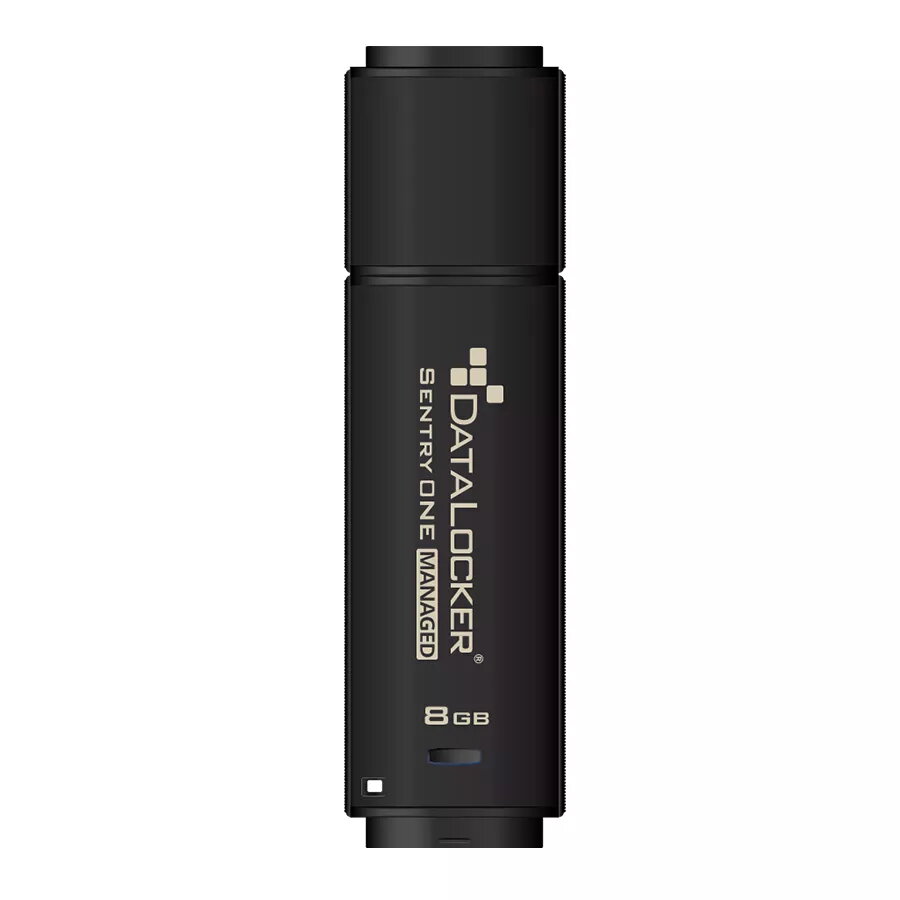
8 GB