




Powerful EcoFlow stations for energy anywhere!
In cart {{totalProductsCount}} item(s)
Your cart is empty
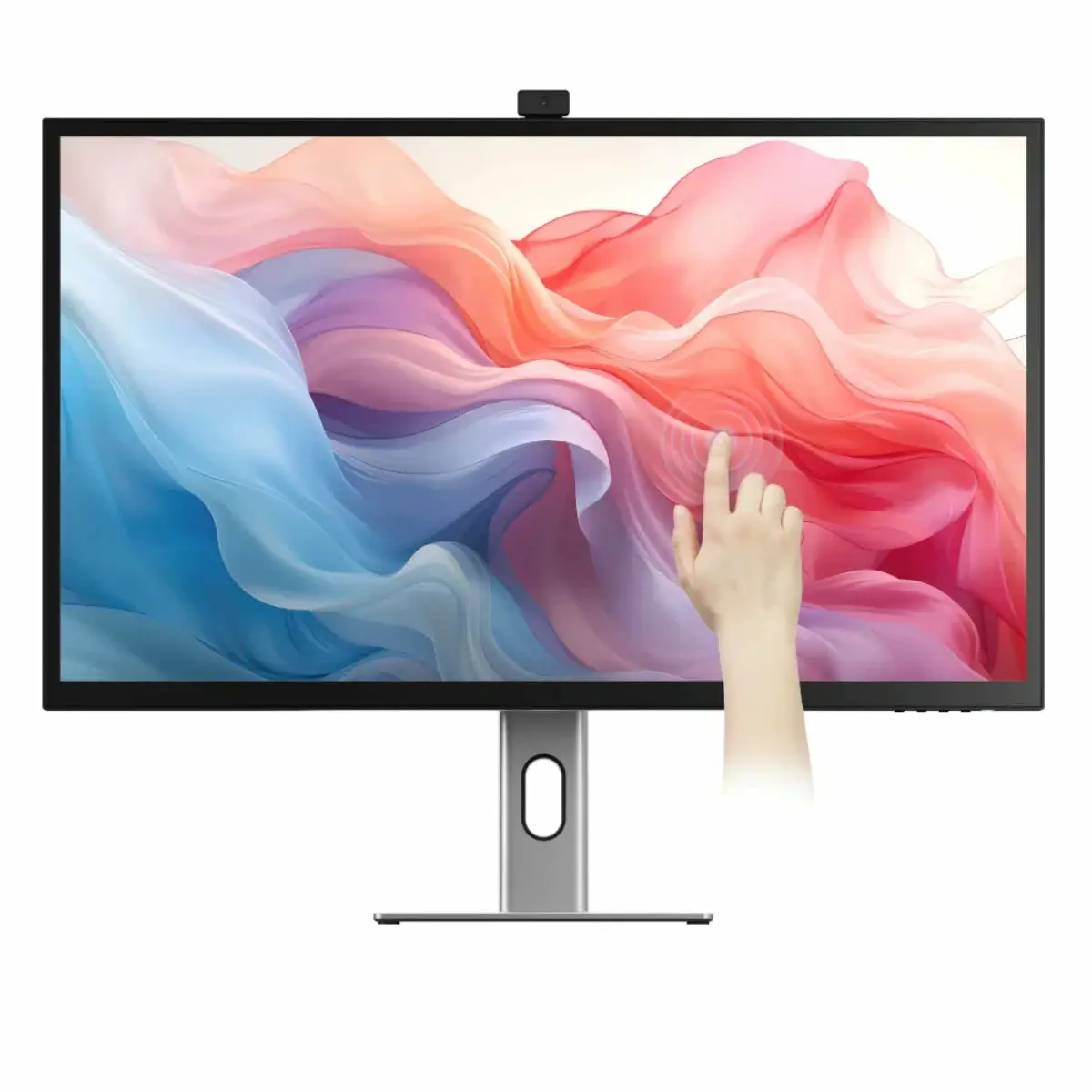
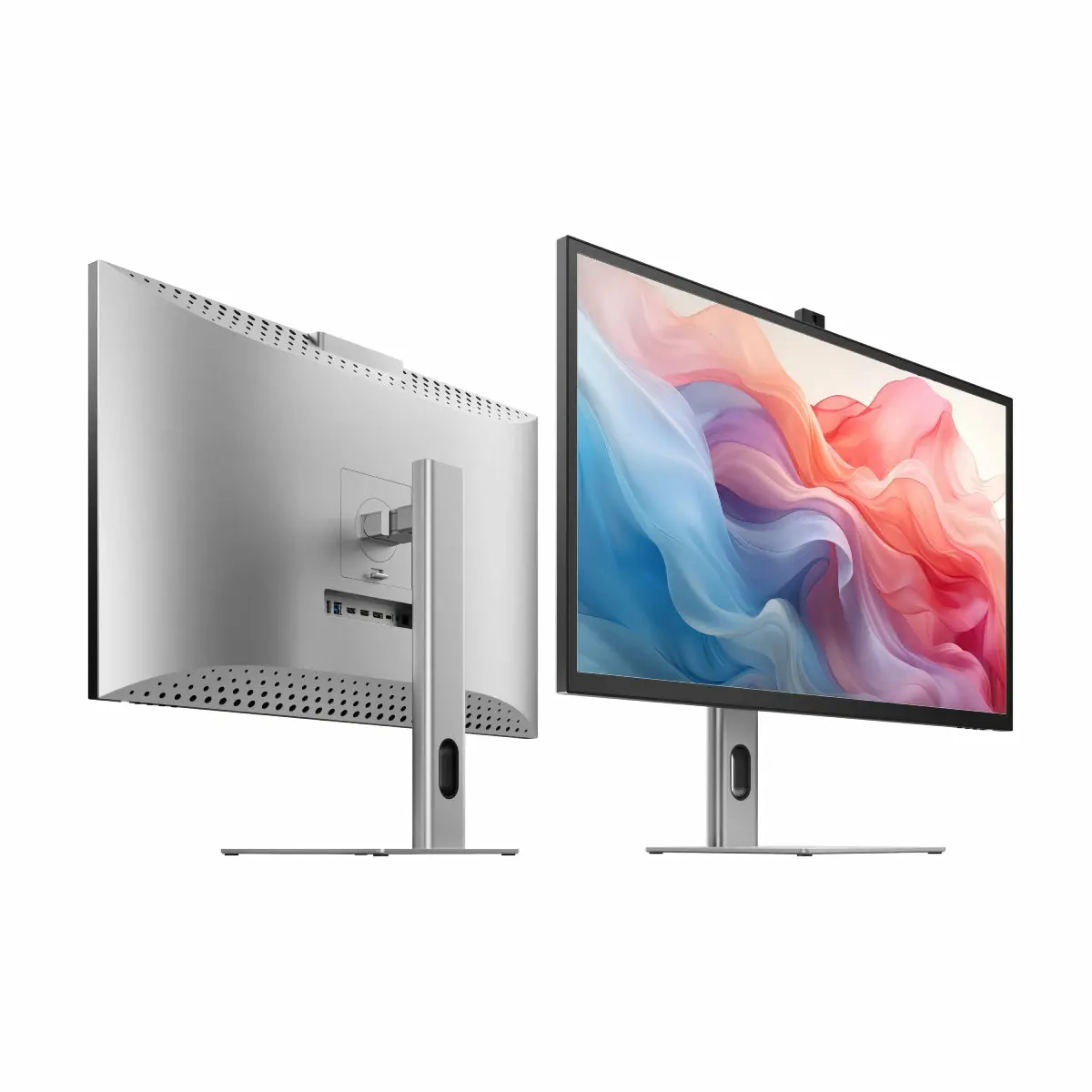
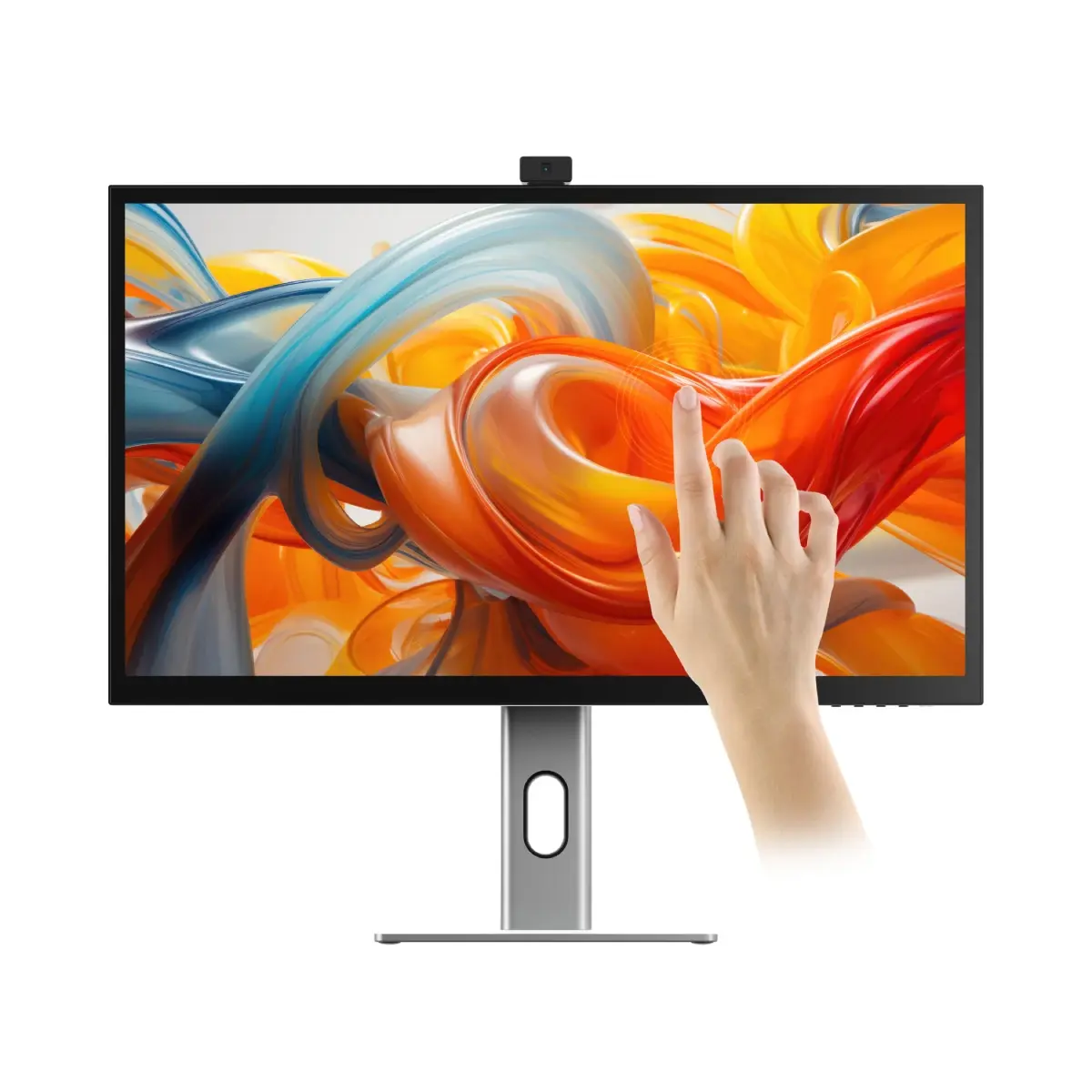
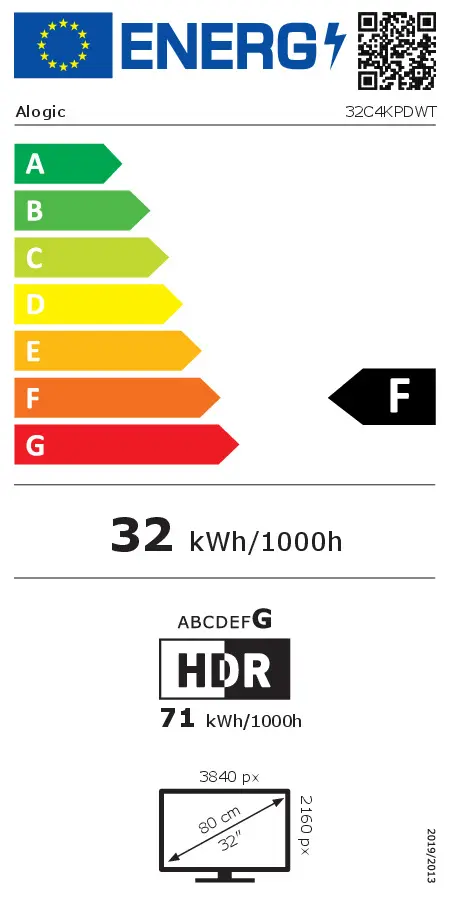
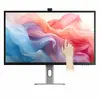
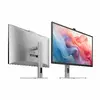
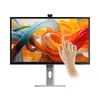
ALOGIC 32C4KPDWT Computer Monitor 32 Inch 4K Ultra HD Touchscreen LED IPS Built-in USB Hub VESA Mounting Height Adjustment Black Silver
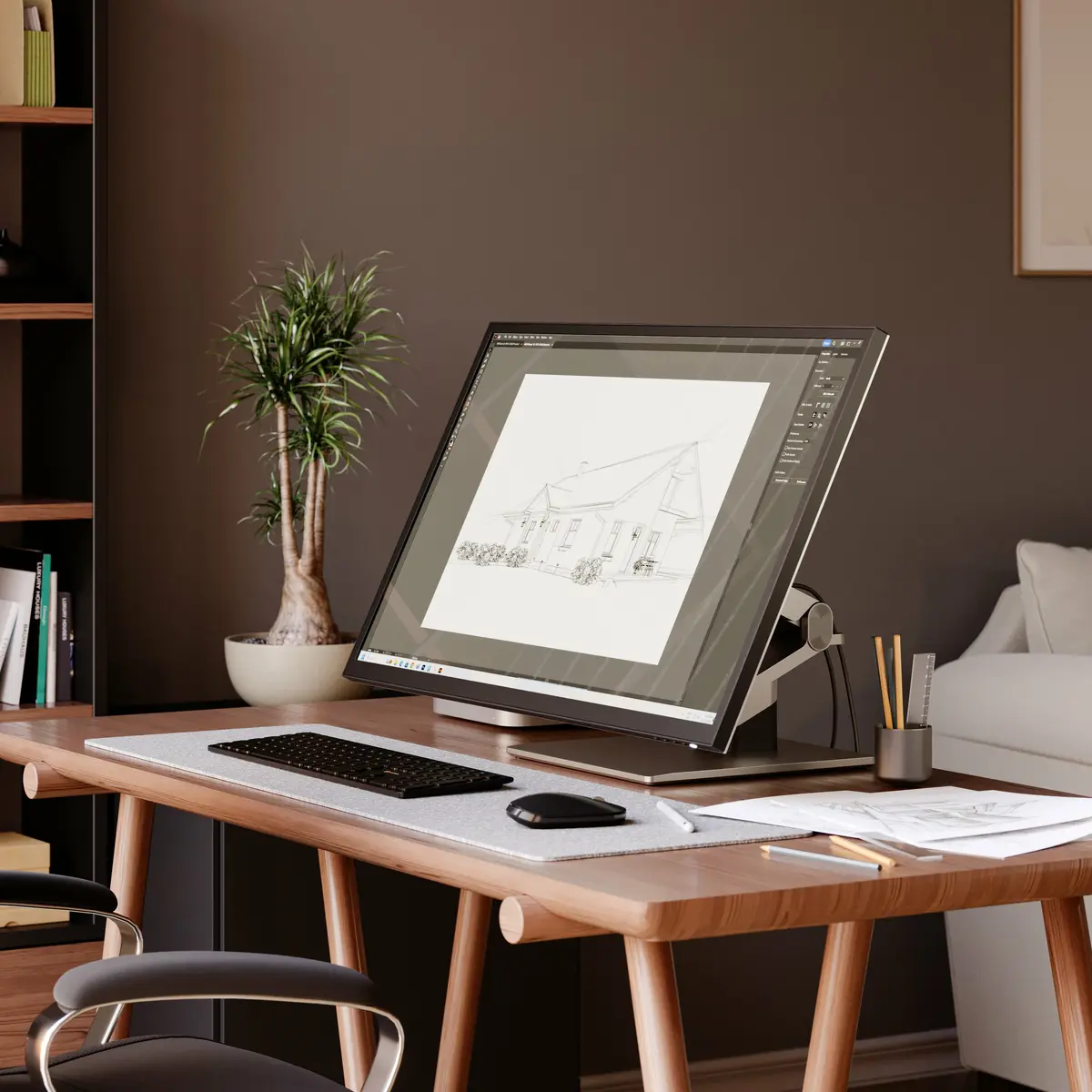
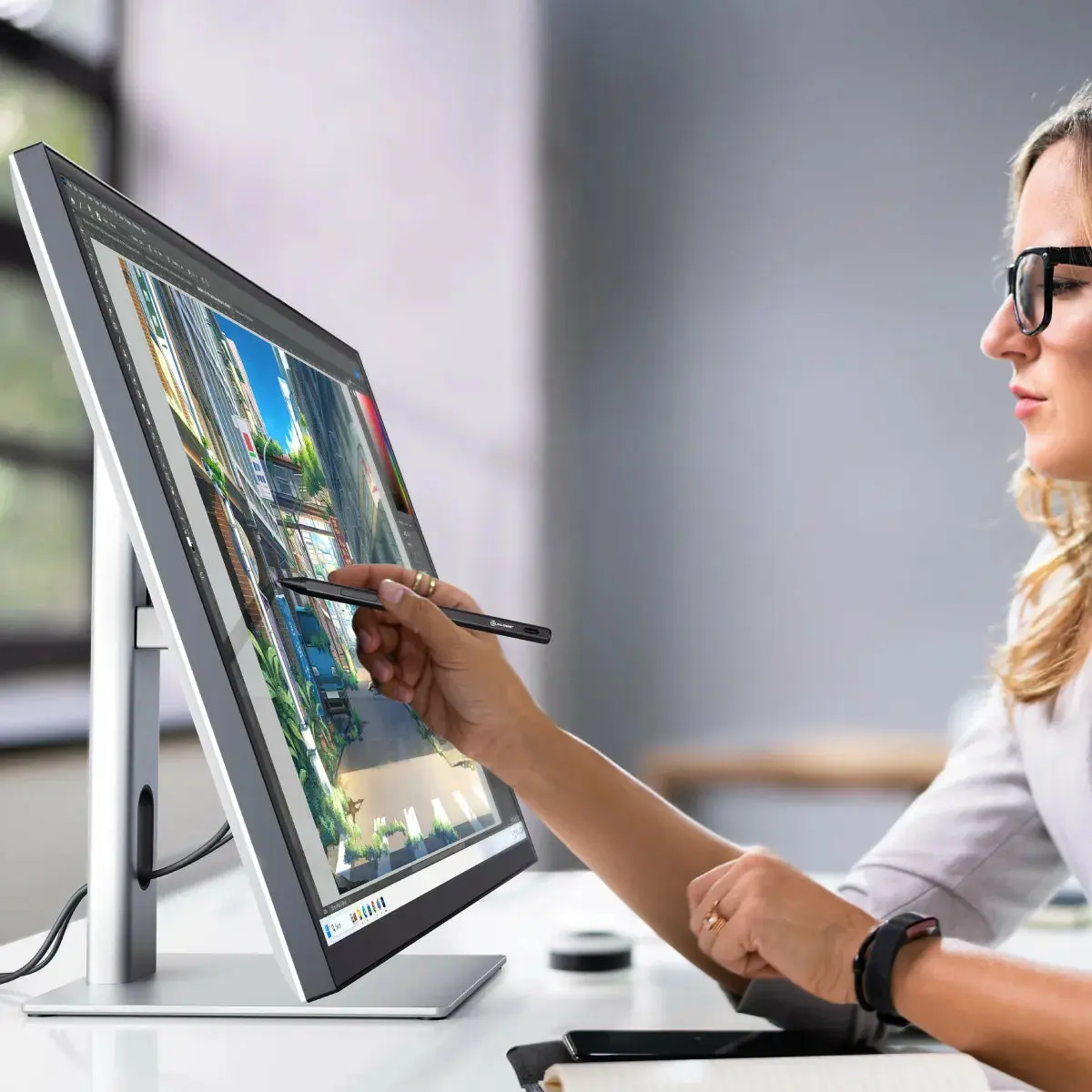
The ALOGIC 32C4KPDWT computer monitor is a professional 32-inch display designed to elevate productivity and creative workflows. Featuring a sharp 4K Ultra HD resolution of 3840 x 2160 pixels, this monitor combines LED IPS panel technology with interactive touchscreen capabilities. Built for business and multi-user environments, it provides a spacious workspace with accurate visuals, wide viewing angles, and versatile ergonomic adjustments to support intensive daily tasks.
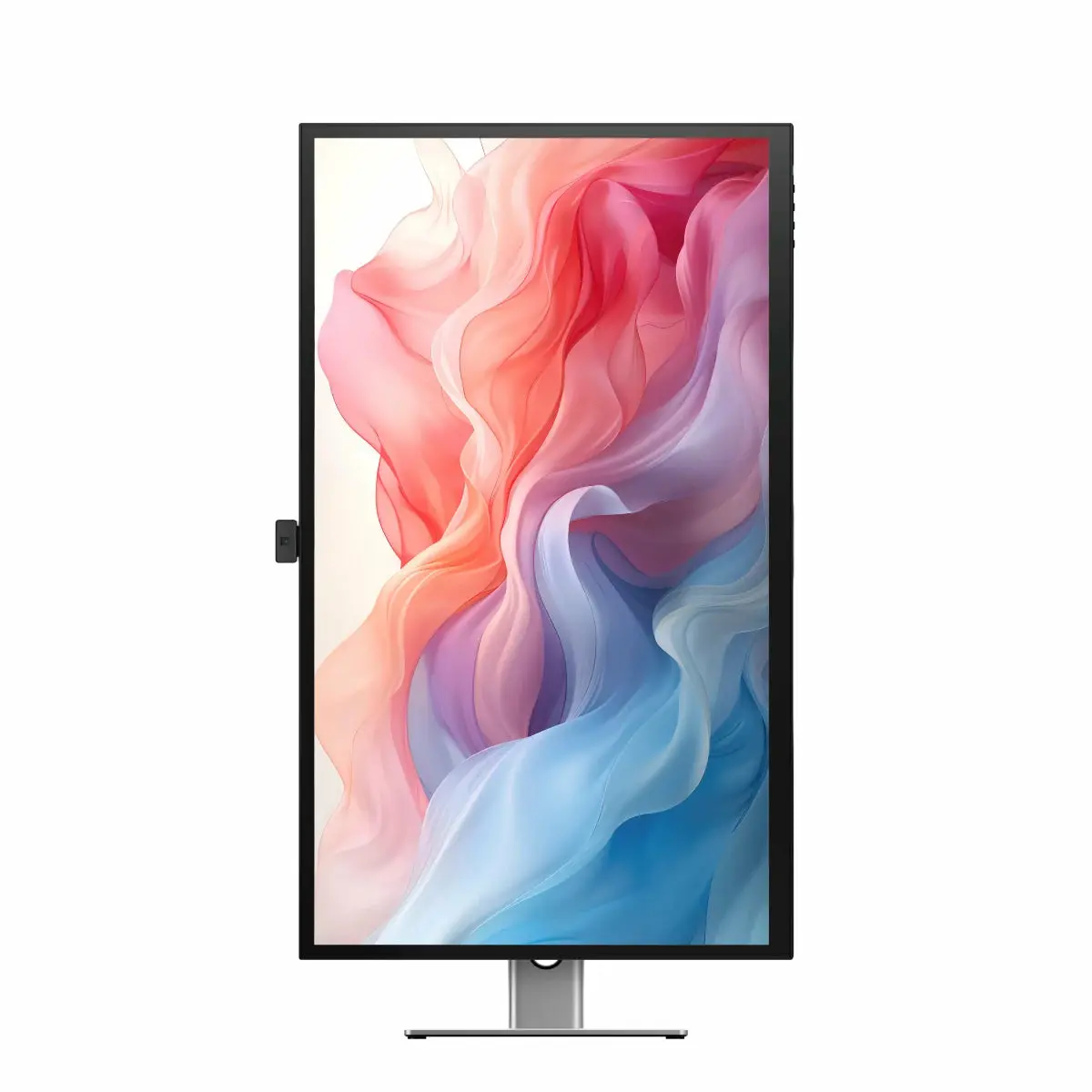
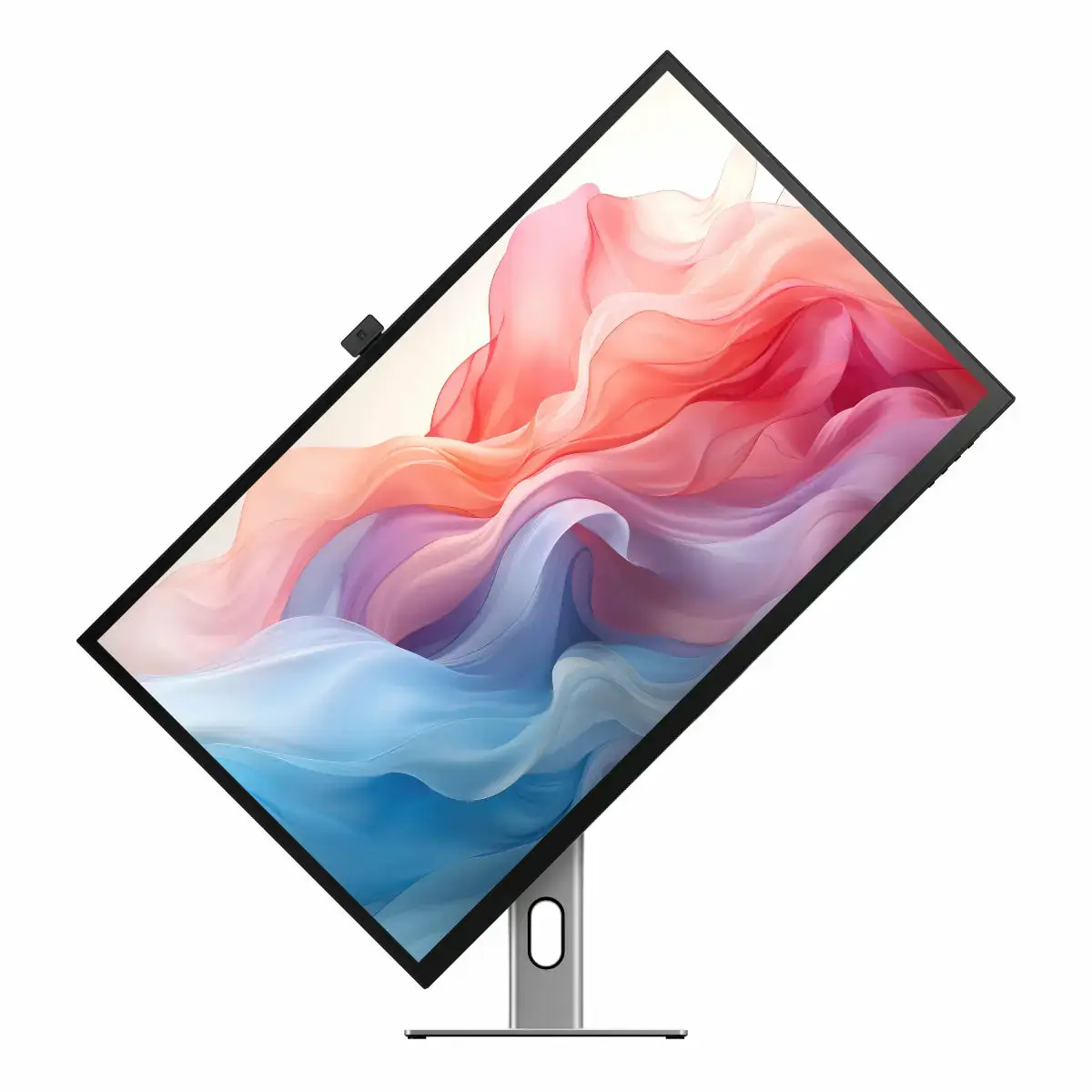
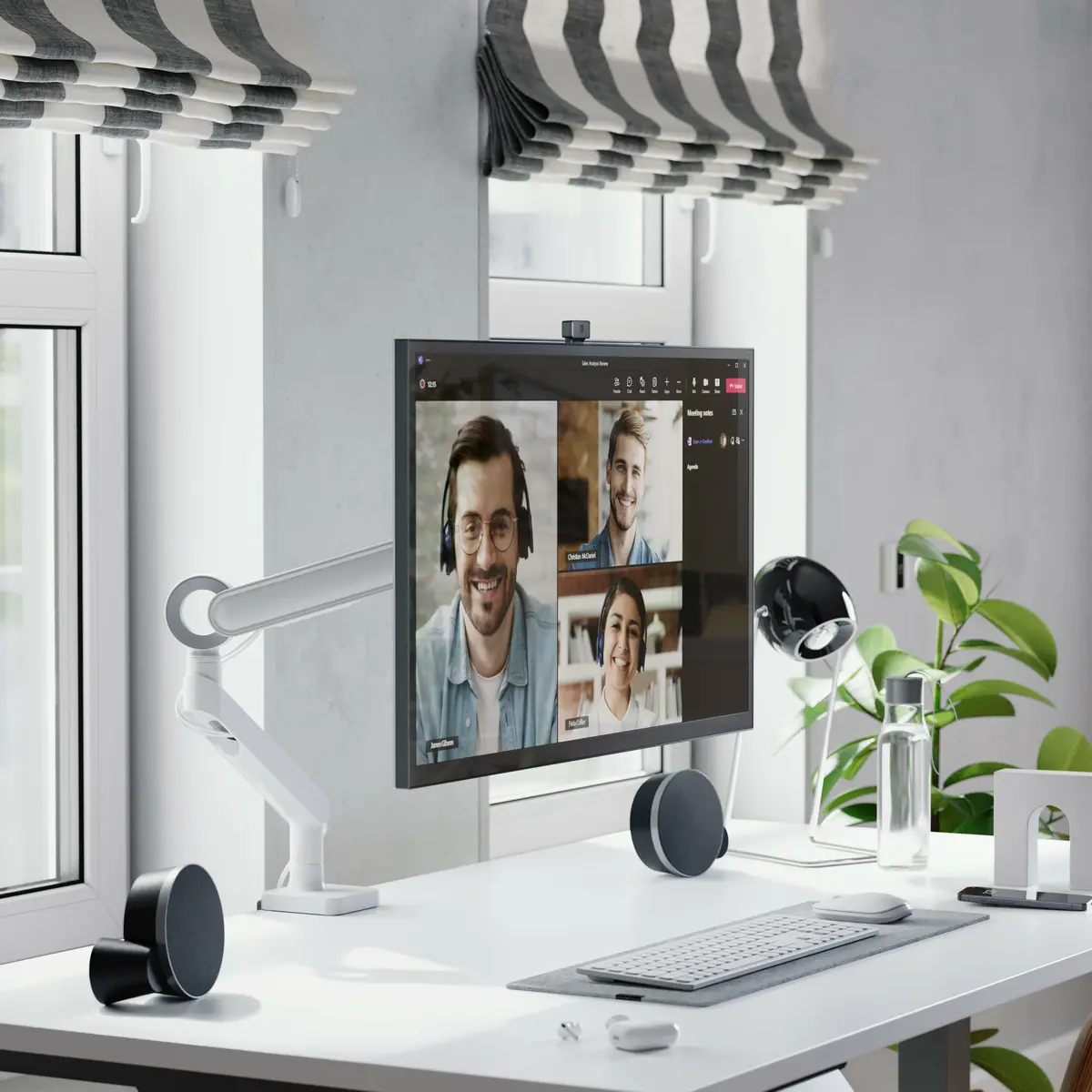
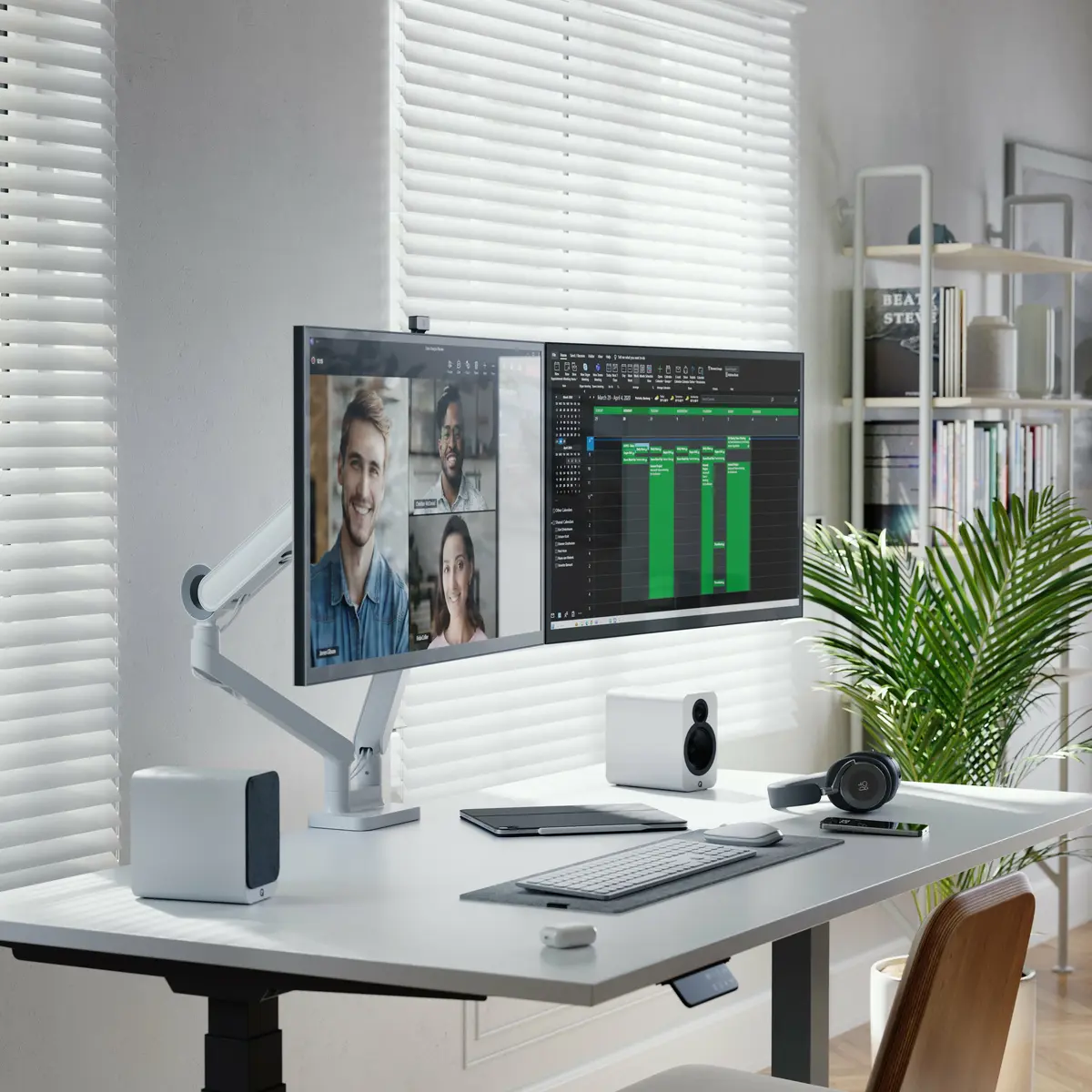
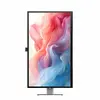
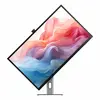
The monitor delivers exceptional visual clarity thanks to its 4K Ultra HD resolution and IPS panel technology, ensuring consistent color reproduction and wide 178-degree viewing angles. Its integrated touchscreen functionality offers a natural, interactive way to navigate applications, review designs, and manage digital content. The inclusion of a built-in USB hub streamlines peripheral connections, reducing desktop clutter and simplifying cable management. Furthermore, the adjustable stand and VESA mounting support allow users to easily tailor the height and orientation of the screen for optimal ergonomic comfort throughout the workday.
This monitor is not intended for users who do not require touchscreen functionality or high-resolution 4K displays for basic clerical tasks. Additionally, it lacks built-in speakers, meaning external audio devices are required if sound output is needed.
Connect the monitor to your computer using a compatible HDMI cable and plug in the necessary peripherals through the built-in USB hub. Adjust the height and tilt of the screen using the ergonomic stand to achieve a comfortable viewing angle. Power on the display and configure your operating system display settings to utilize the 4K Ultra HD resolution and enable touchscreen functionality for interactive navigation.
Usage recommendations: Position the monitor at eye level using the height adjustment feature to maintain proper ergonomic posture during extended use. Clean the IPS touchscreen surface regularly with a soft, dry microfibre cloth to prevent smudges and maintain optimal touch sensitivity.
{{highlightedFeature.featureTitle}}:
{{getProductFeatureValueById(product, highlightedFeature.featureId)}}
{{ productComparisonGenerationError }}
