



Save time and money with our discounts!
In cart {{totalProductsCount}} item(s)
Your cart is empty
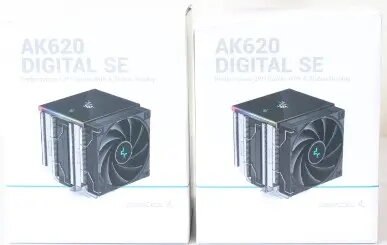
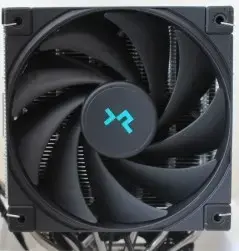
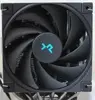
DeepCool AK620 Digital SE CPU Air Cooler, Black
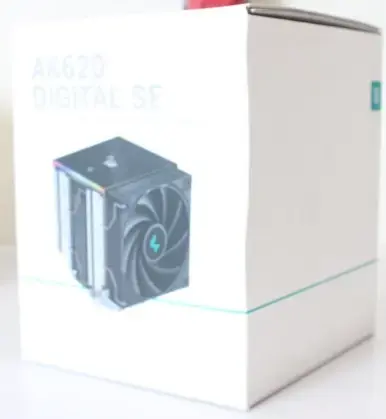
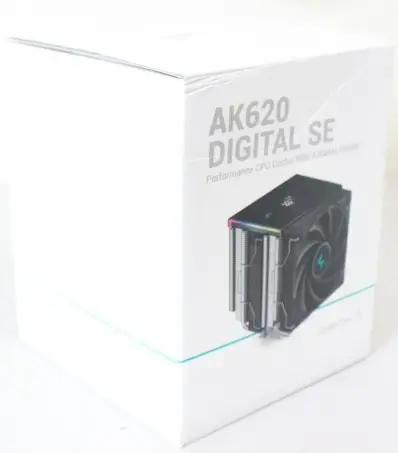
The DeepCool AK620 Digital SE CPU Air Cooler in black is a high-performance thermal management solution engineered to maintain optimal processor temperatures during intensive workloads. This dual-tower air cooler combines robust heat dissipation capabilities with a sleek, professional aesthetic, making it a reliable choice for both gaming rigs and professional workstations. Designed for broad compatibility, it supports a wide range of modern Intel and AMD processor sockets, ensuring that your system remains stable and cool even under heavy computational loads. Please note that this specific unit is offered as a sale item due to damaged packaging, providing a cost-effective opportunity to acquire premium cooling hardware.
This cooler excels by providing exceptional heat transfer efficiency through its dual-tower heatsink design, which maximizes surface area for rapid heat dissipation. The black finish offers a sophisticated look that integrates seamlessly into most modern PC builds. Its construction focuses on durability and consistent performance, helping to prevent thermal throttling and ensuring that your CPU operates within safe temperature limits during prolonged use. By choosing this model, you benefit from a proven cooling architecture that balances acoustic performance with thermal efficiency.
This cooler may not be suitable for ultra-compact small form factor (SFF) cases where internal clearance is limited, as its dual-tower design requires significant space. Additionally, users with extremely tall RAM modules should verify clearance compatibility before installation to ensure the fan does not obstruct memory slots.
To install the DeepCool AK620 Digital SE, ensure your motherboard is compatible with the included mounting hardware. Begin by cleaning the CPU surface and applying a high-quality thermal compound. Secure the mounting brackets according to the instructions for your specific socket type, then carefully attach the heatsink, ensuring even pressure across the processor. Finally, connect the fan cables to the appropriate headers on your motherboard to enable speed control.
For optimal performance, ensure that your PC case has adequate airflow and that the fan curves are configured in your BIOS to balance cooling performance with noise levels.
{{highlightedFeature.featureTitle}}:
{{getProductFeatureValueById(product, highlightedFeature.featureId)}}
{{ productComparisonGenerationError }}