Save time and money with our discounts!
In cart {{totalProductsCount}} item(s)
Your cart is empty
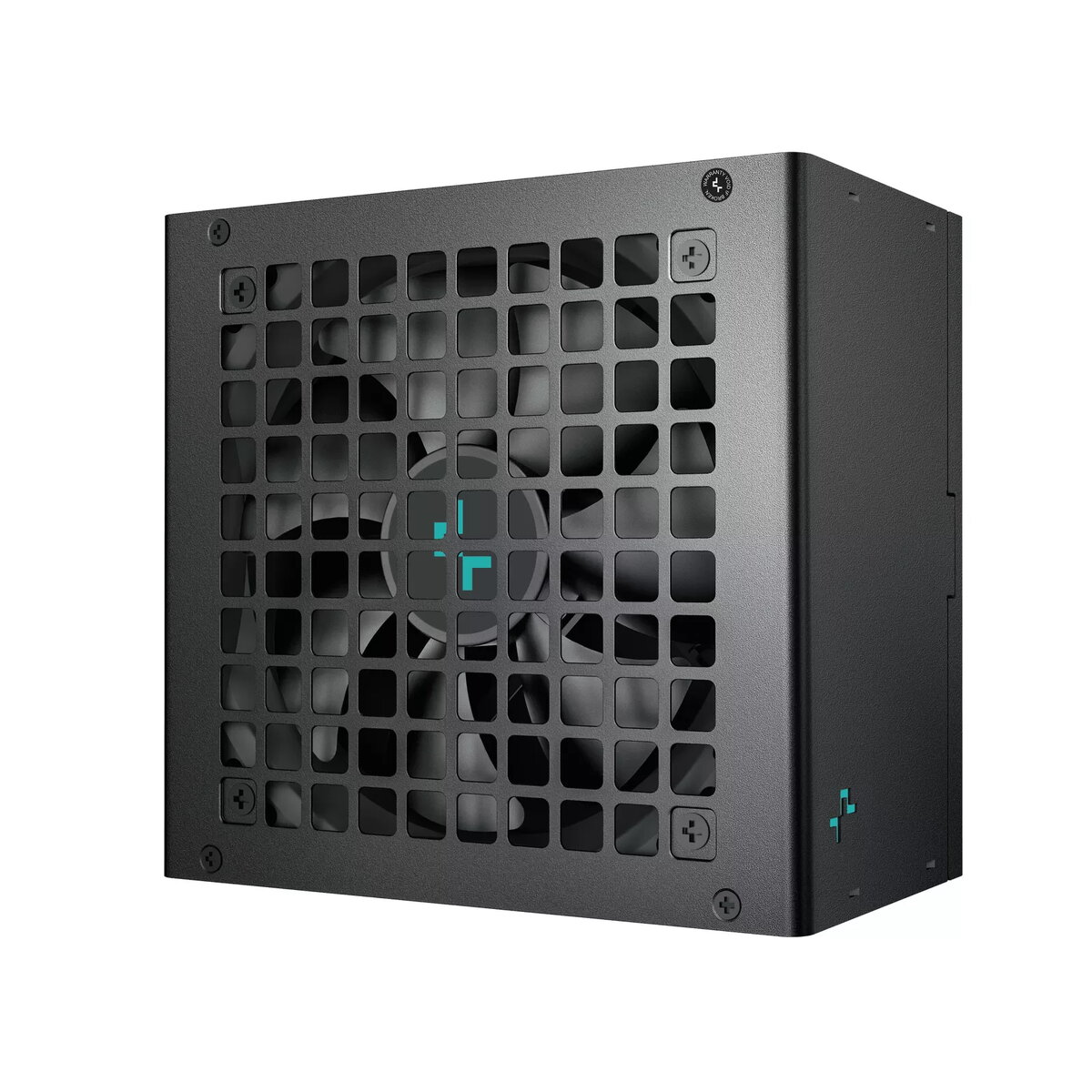
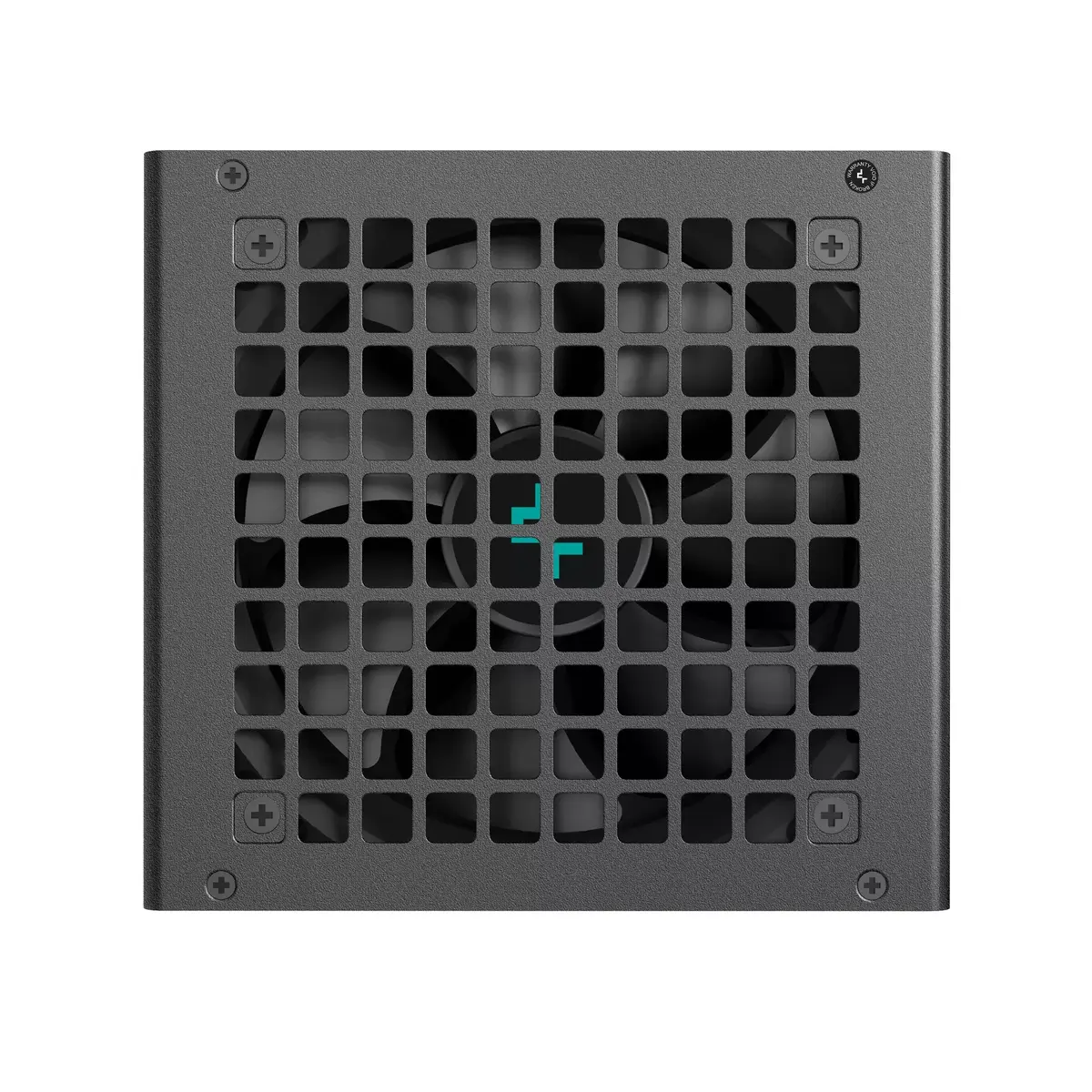
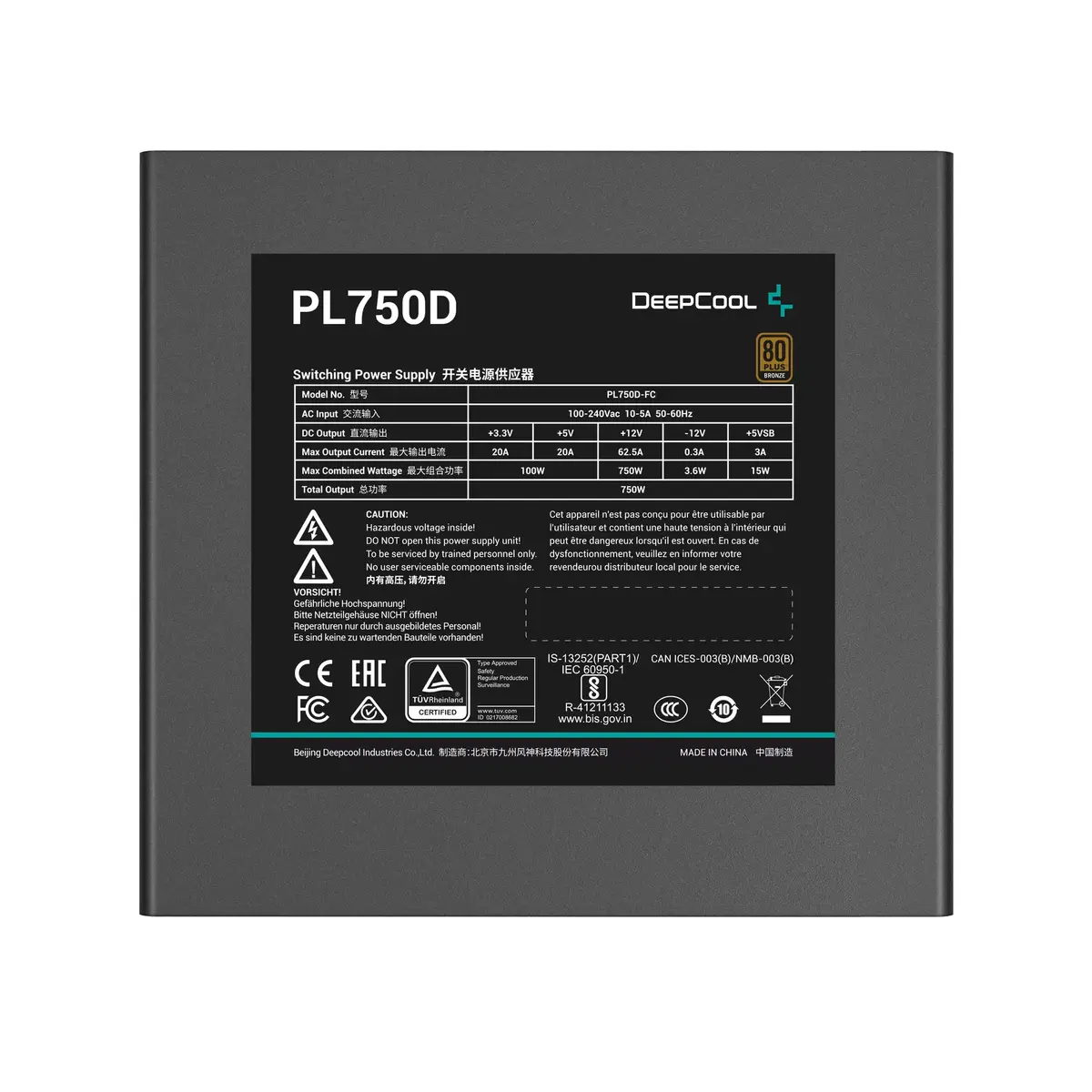
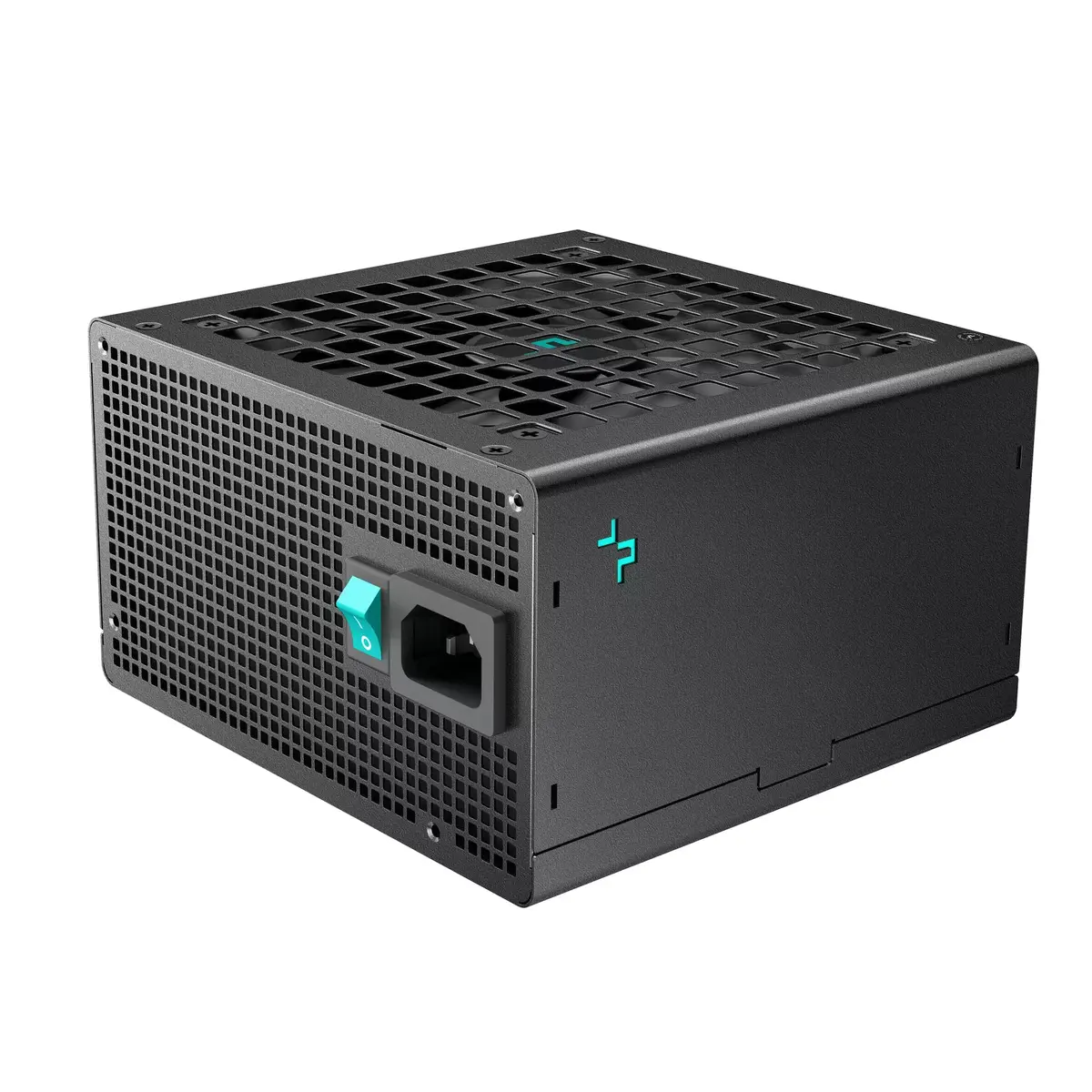
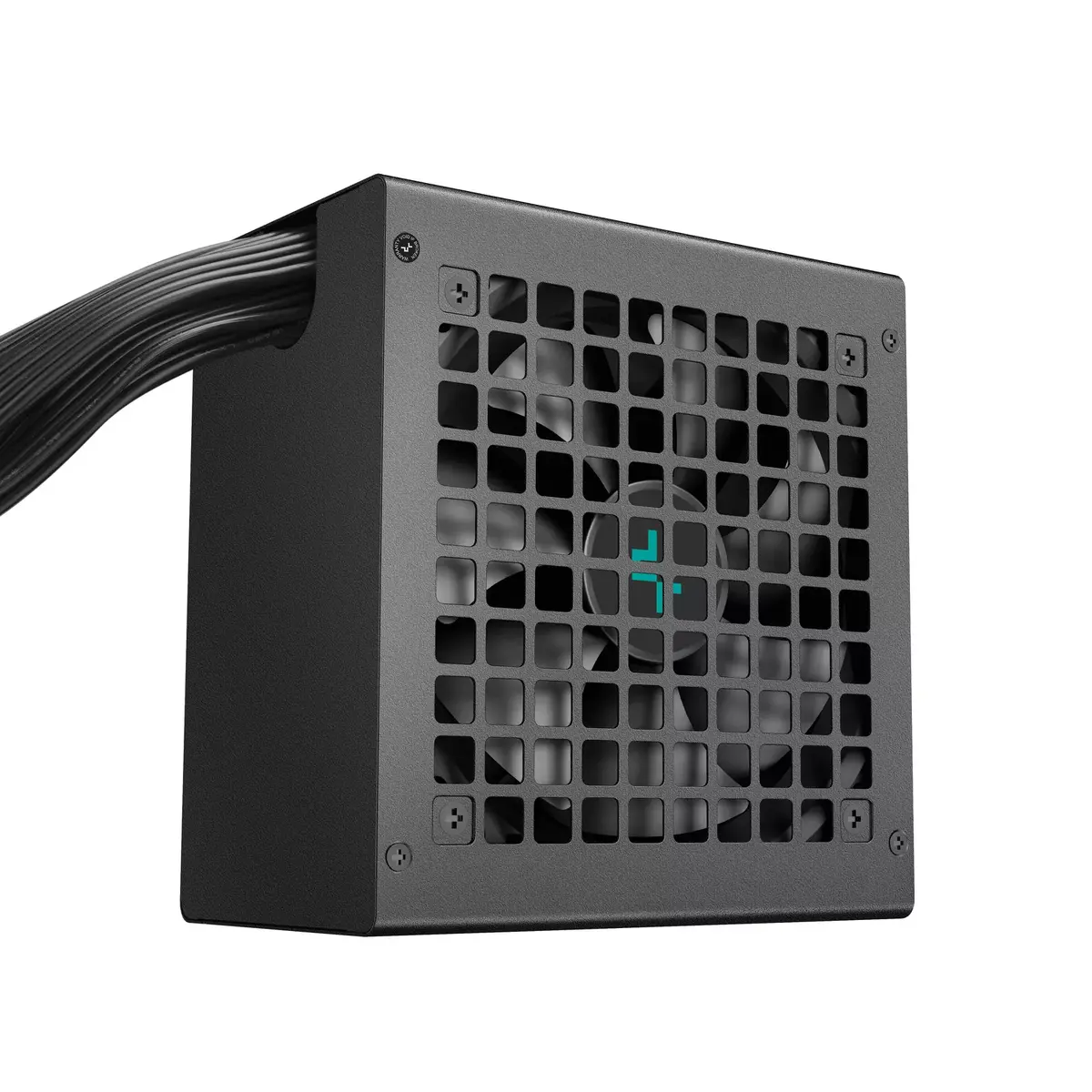
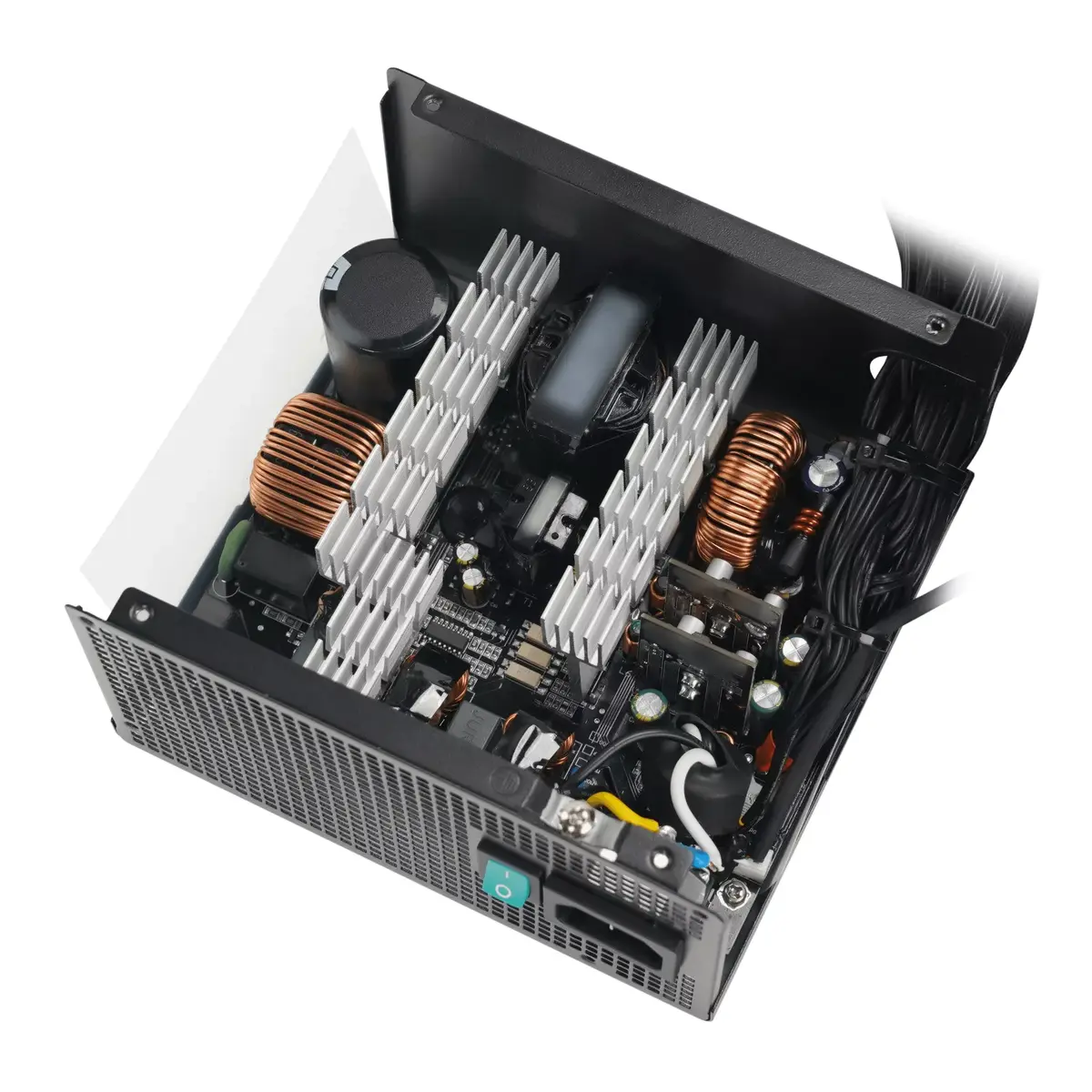
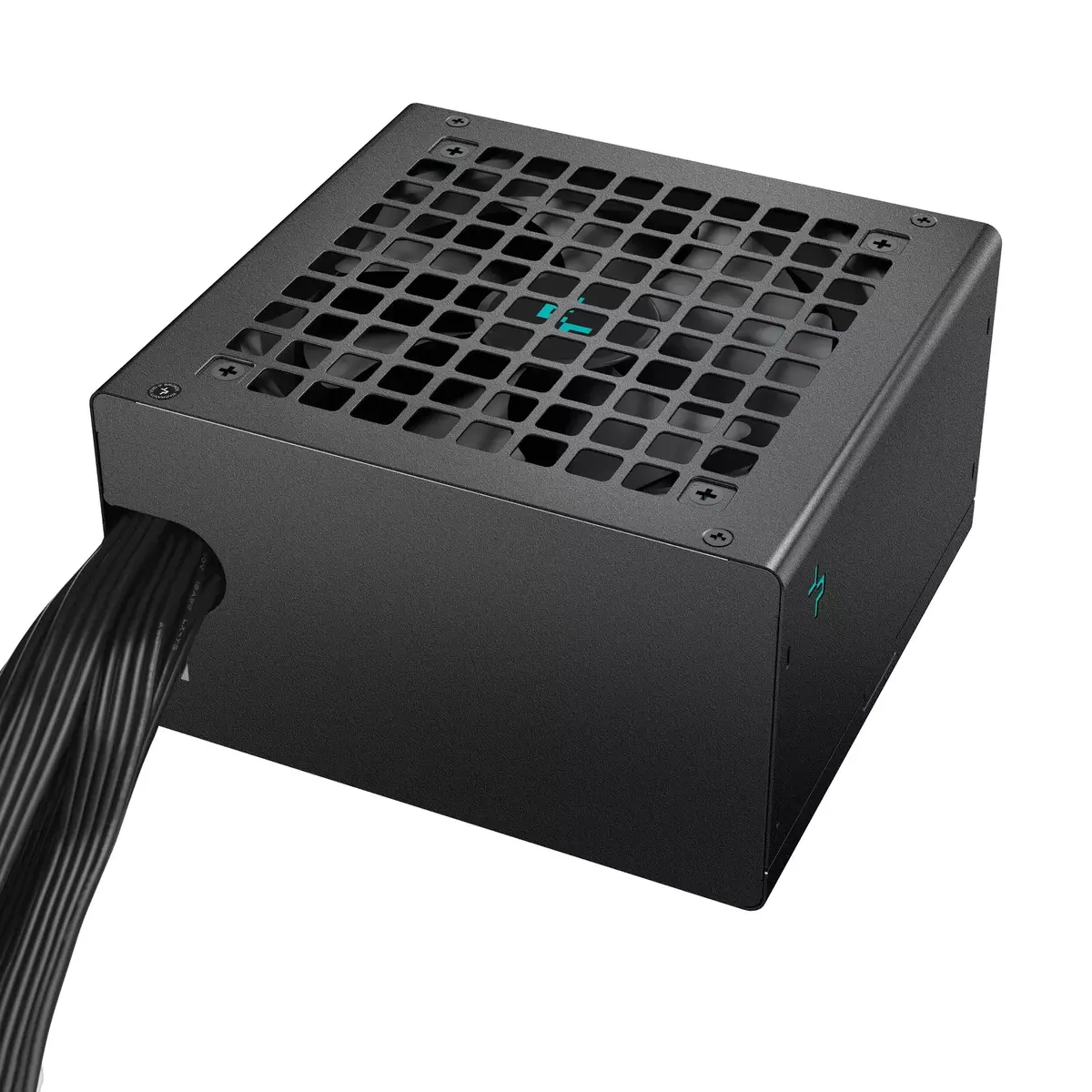
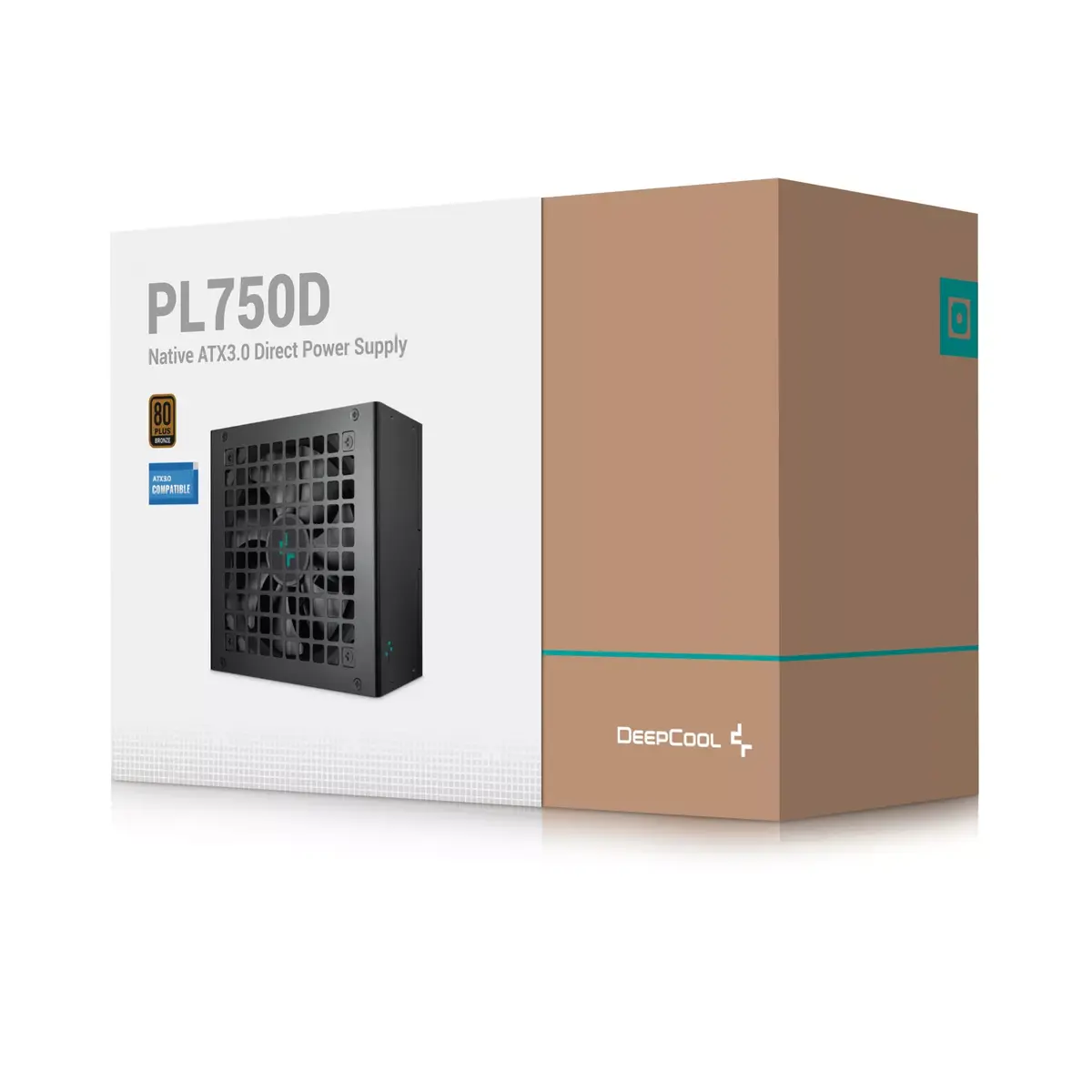
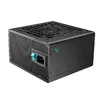
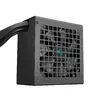
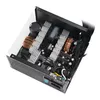
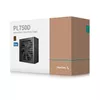
DeepCool PL750D 750W Power Supply Unit, 80 PLUS Bronze, 120mm Fan
The DeepCool PL750D 750W Power Supply Unit is a reliable and efficient component designed to provide stable power for modern desktop computer systems. Featuring 80 PLUS Bronze certification, this unit ensures consistent energy efficiency during operation, helping to reduce power waste. It is built with high-quality components and includes a 120mm active cooling fan that maintains optimal thermal levels, ensuring the system remains cool even under load. The unit is finished in a professional black color and is designed to meet rigorous safety standards, making it a dependable choice for various PC builds.
The primary advantage of the DeepCool PL750D is its reliable power delivery, which is essential for maintaining system stability in demanding computing environments. The 80 PLUS Bronze certification confirms that the unit operates with high energy efficiency, which is beneficial for long-term power consumption. The integrated 120mm fan provides effective cooling while maintaining a balance between performance and noise levels. Furthermore, the inclusion of a standard 20+4 pin ATX connector ensures broad compatibility with a wide range of modern motherboards, simplifying the installation process for both new builds and system upgrades.
This power supply may not be suitable for high-end enthusiast systems that require extremely high power output beyond 750W or for specialized server environments that demand redundant power configurations. It is also not intended for ultra-compact small form factor cases that require non-standard power supply dimensions.
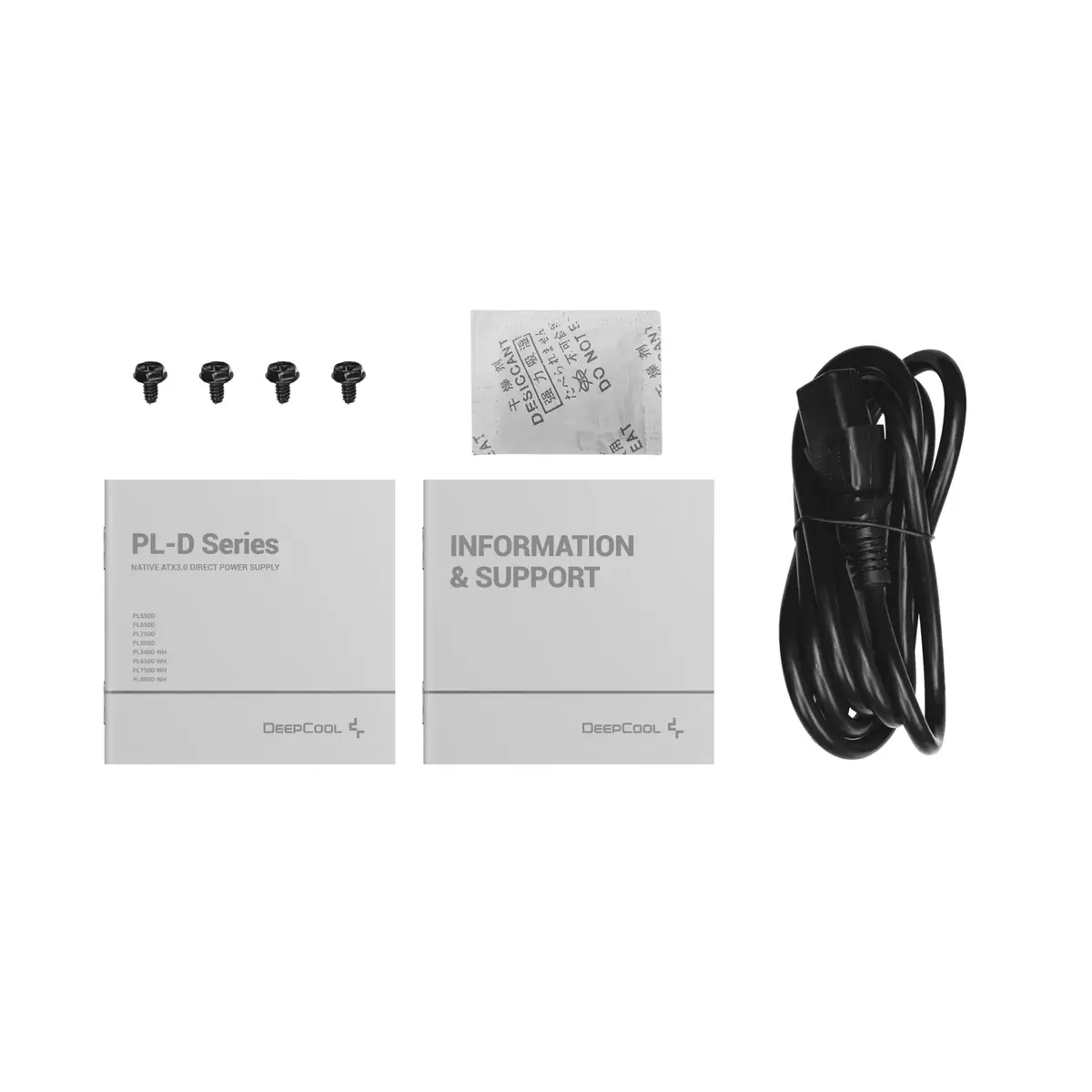
To install the DeepCool PL750D, ensure your computer case is powered off and disconnected from the wall outlet. Mount the power supply into the designated bay within your PC case using the provided screws. Connect the 20+4 pin ATX cable to the motherboard, ensuring the connector is fully seated. Proceed to connect any additional power cables required by your graphics card, storage drives, and other peripherals. Once all connections are verified, reconnect the power cable to the wall outlet and power on your system.
Ensure that all cable connections are secure before powering on the system for the first time to prevent potential hardware damage. Periodically clean the 120mm fan area to prevent dust accumulation and maintain optimal cooling efficiency.
{{highlightedFeature.featureTitle}}:
{{getProductFeatureValueById(product, highlightedFeature.featureId)}}
{{ productComparisonGenerationError }}