
JBL speakers and headphones for pure and deep sound!
In cart {{totalProductsCount}} item(s)
Your cart is empty
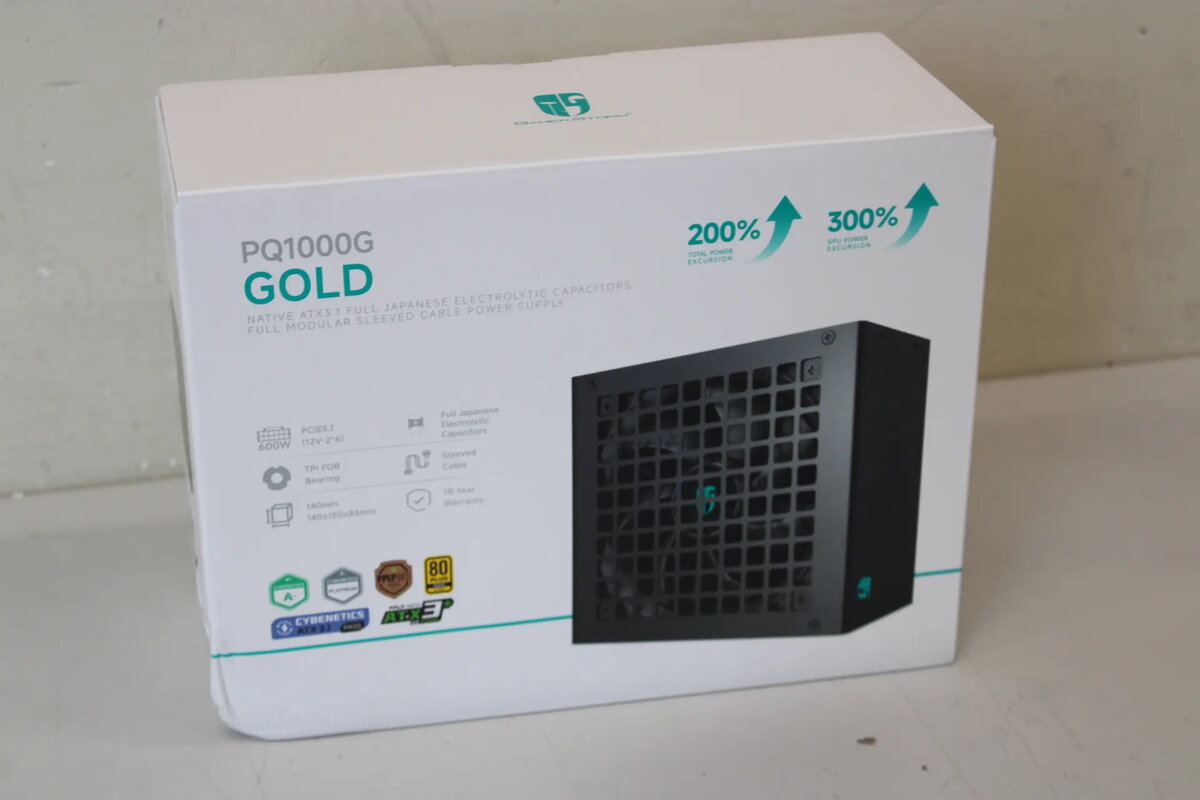
DeepCool PQA00G 1000W 80 PLUS Gold Power Supply Unit, Black
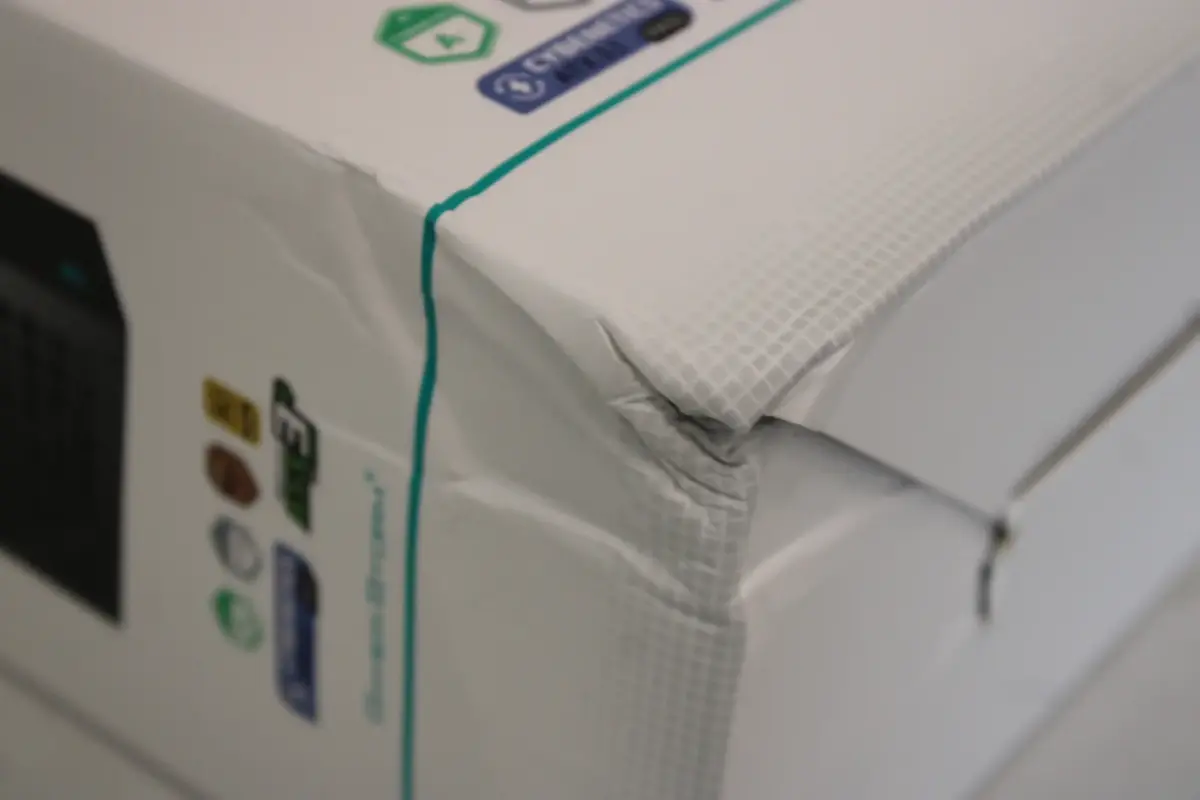
The DeepCool PQA00G 1000W 80 PLUS Gold Power Supply Unit is a high-performance component engineered to provide stable and efficient power to demanding desktop computer systems. With a robust 1000W output, this unit is designed to handle high-end hardware configurations, ensuring consistent performance under load. The unit features an 80 PLUS Gold certification, which confirms its high energy efficiency and reduced power waste during operation. This specific unit is offered as a sale item due to damaged packaging, providing a cost-effective opportunity to acquire reliable power management for your PC build.
The primary advantage of the DeepCool PQA00G is its high power capacity combined with excellent energy efficiency, which helps in maintaining lower operating temperatures and reduced electricity consumption. The unit is built with high-quality components to ensure long-term reliability and stable voltage delivery, which is critical for protecting sensitive computer hardware. Its black aesthetic allows it to integrate seamlessly into most modern PC case designs, while the 1000W rating provides ample headroom for future hardware upgrades or high-performance graphics cards.
This power supply may not be suitable for small form factor cases that have limited space for standard ATX power supplies. Additionally, for basic office computers or low-power home systems, a 1000W unit may be excessive and not provide any functional benefit over a lower-wattage power supply.
To install the DeepCool PQA00G, ensure your computer is powered off and disconnected from the wall outlet. Mount the power supply into the designated area of your PC case using the appropriate screws. Connect the necessary power cables to your motherboard, graphics card, and storage drives, ensuring all connections are fully seated. Once all components are connected, reconnect the power cable to the wall outlet and switch the unit on using the rear toggle switch.
For optimal performance and safety, always ensure that the power supply is installed in a well-ventilated area of the PC case to allow for proper heat dissipation. Avoid overloading the unit beyond its rated capacity and ensure all cables are routed neatly to maintain airflow.
{{highlightedFeature.featureTitle}}:
{{getProductFeatureValueById(product, highlightedFeature.featureId)}}
{{ productComparisonGenerationError }}