
Leave your address - as soon as the price of the product goes down, you'll know about it right away
Wireless TWS in‑ear headphones DEFENDER APODS with microphone, white
In cart {{totalProductsCount}} item(s)
Your cart is empty
Wireless TWS in‑ear headphones DEFENDER APODS with microphone, white
Leave your address - as soon as the price of the product goes down, you'll know about it right away
Wireless TWS in‑ear headphones DEFENDER APODS with microphone, white
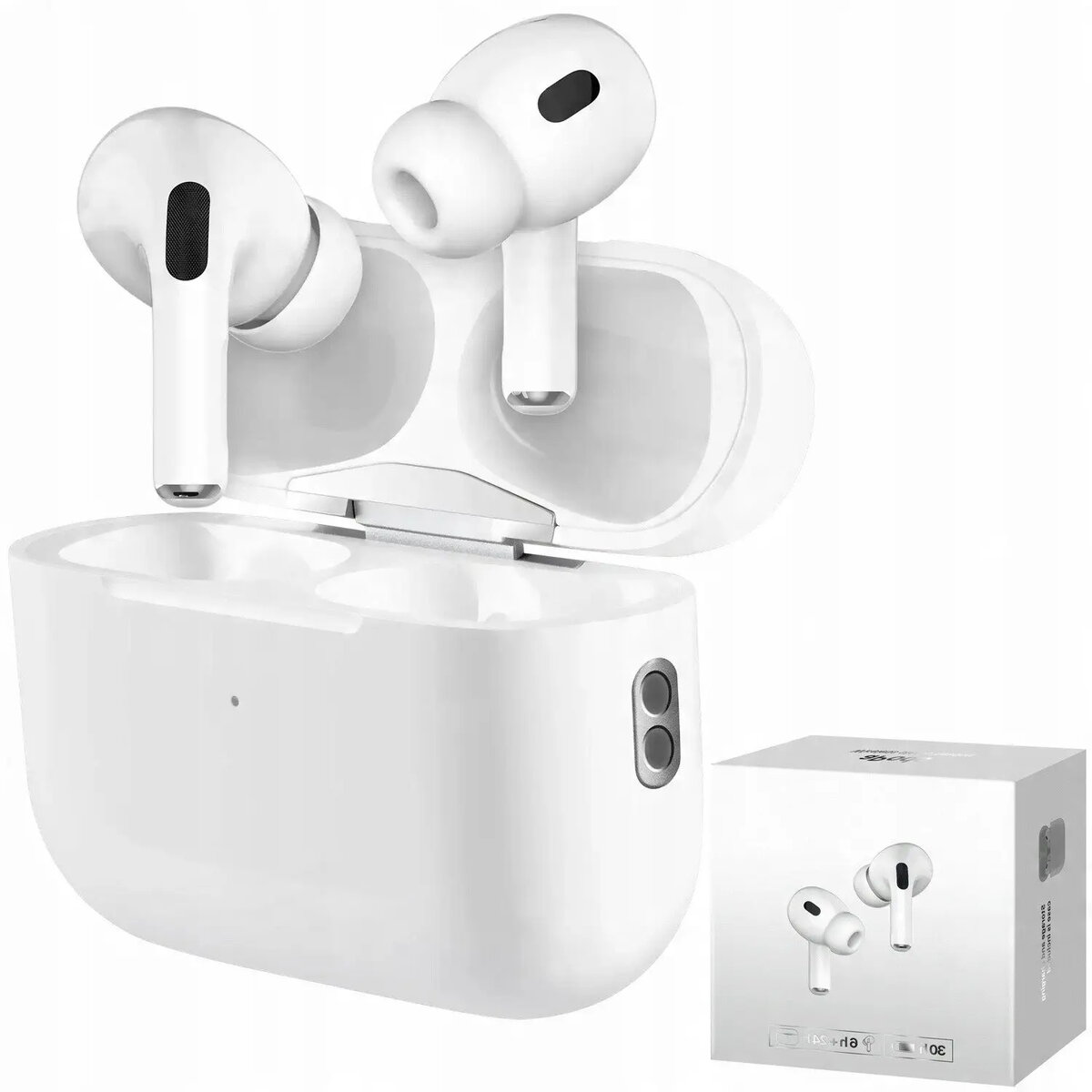
DEFENDER APODS wireless TWS in-ear headphones with microphone in white provide a compact, cable-free audio solution for hands-free calls, music playback and everyday commuting. The set includes two true wireless earbuds and a compact charging case that stores and recharges the earbuds on the go. Wireless pairing works with compatible Bluetooth devices and the in-ear design aims to deliver stable fit and clear microphone audio for simple voice communication.
These DEFENDER APODS earbuds offer true wireless (TWS) connectivity for unrestricted movement and a small charging case for convenient portability and on-the-go charging. The integrated microphone supports hands-free calls, and the in-ear form factor helps passive noise isolation for clearer audio in everyday environments. The white finish provides a neutral, easy-to-match look while the earbuds are designed for simple pairing and everyday use.
Remove the earbuds from the charging case and allow them to power on automatically or press the touch/control area if required. Enable Bluetooth on your compatible device, select the DEFENDER APODS from the list of available devices to pair. Place the earbuds into the ear canals for a secure fit. Use the onboard controls or connected device to manage calls and media playback. Return the earbuds to the charging case after use to recharge and store them safely.
For reliable microphone performance during calls, position the earbuds properly in the ears and ensure the nearest device has a clear Bluetooth connection. Charge the case and earbuds regularly and keep contact points clean to maintain charging efficiency. Consult the included user manual for specific pairing instructions, control gestures and safety information.
{{highlightedFeature.featureTitle}}:
{{getProductFeatureValueById(product, highlightedFeature.featureId)}}