{{ totalProductsCount }}

In cart {{totalProductsCount}} item(s)

Total:
{{sum | formatAmount}}

Your cart is empty

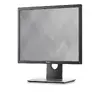
header-product DELL P1917S 19-inch SXGA LCD Computer Monitor 1280 x 1024 Pixels 60 Hz IPS Black

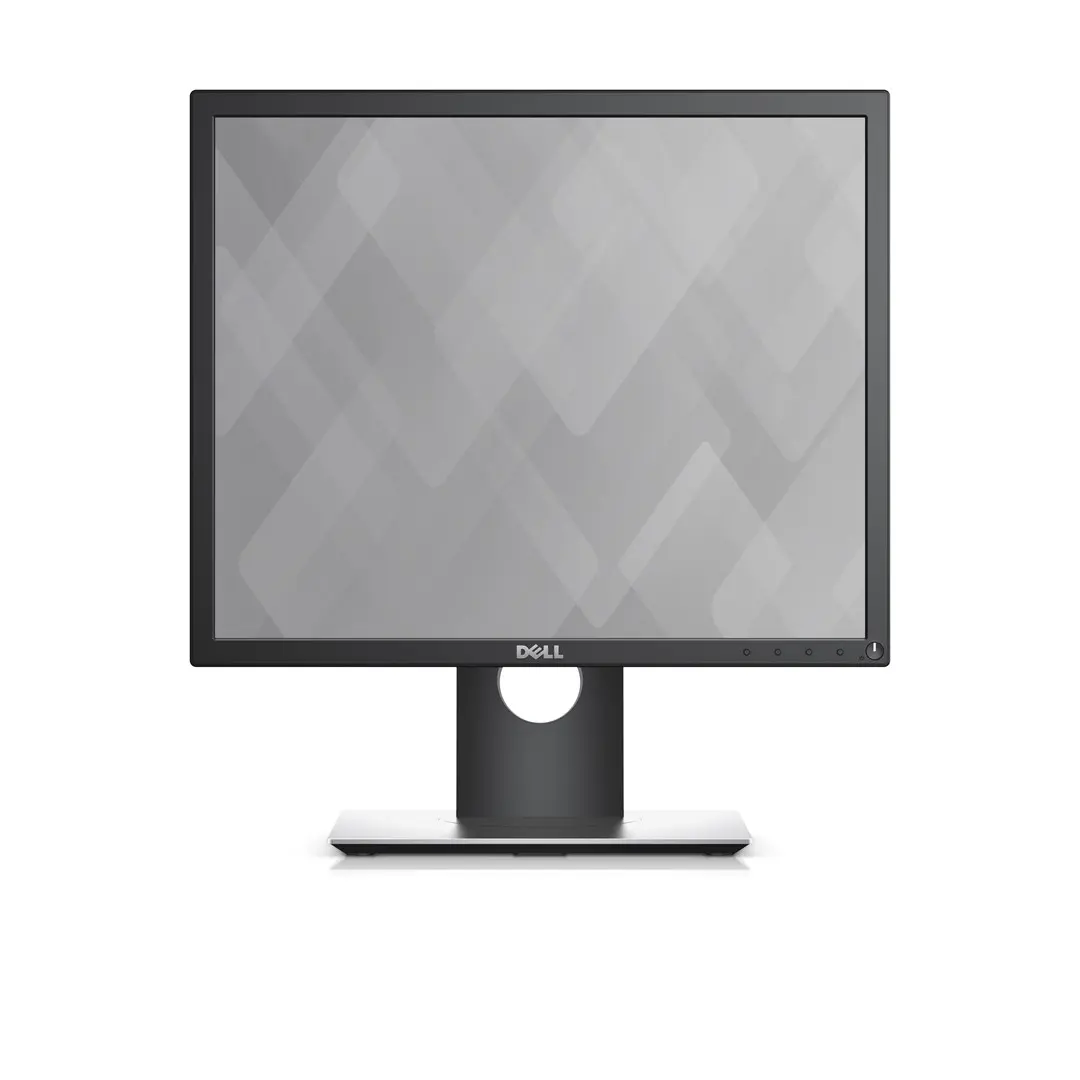
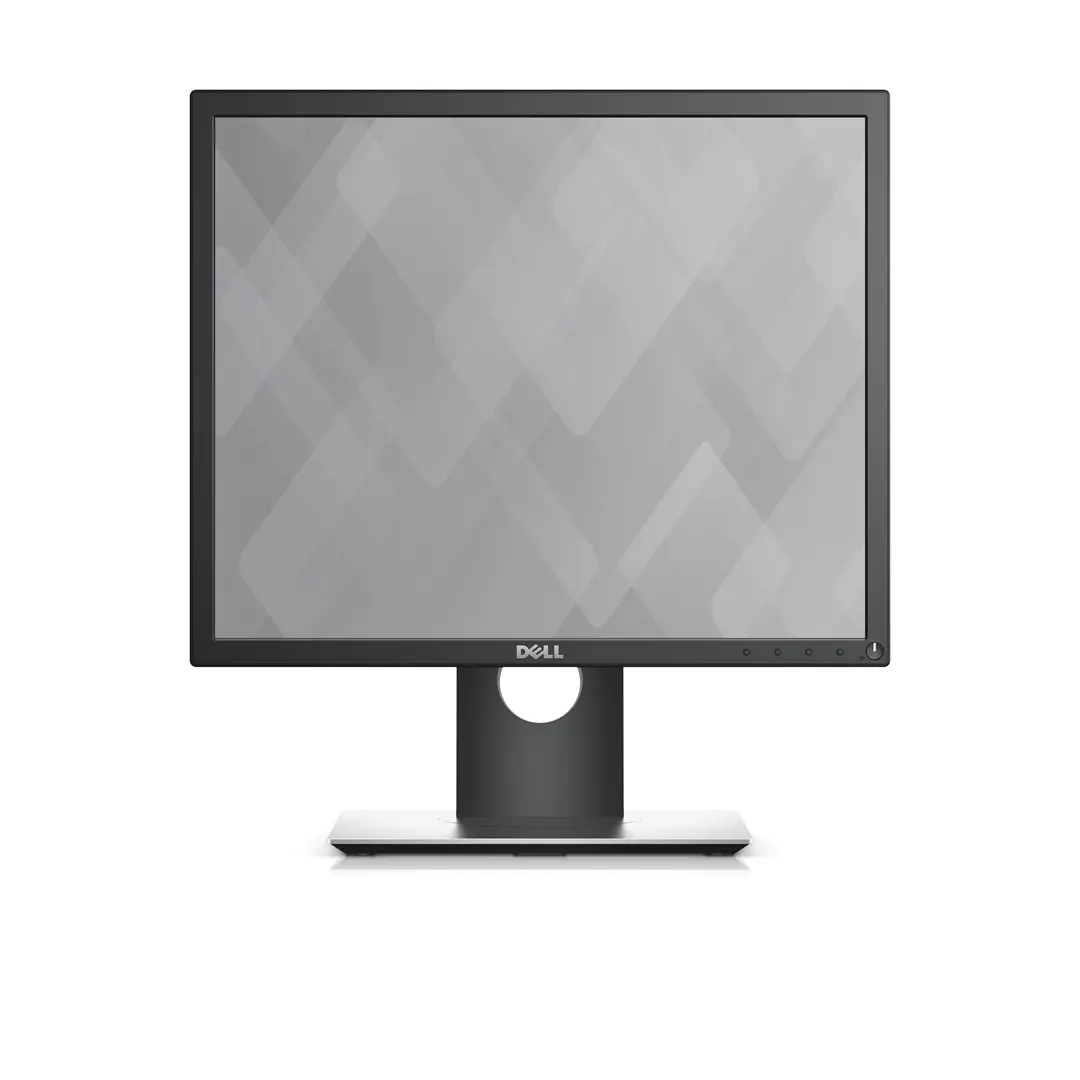
DELL P1917S 19-inch SXGA LCD Computer Monitor 1280 x 1024 Pixels 60 Hz IPS Black

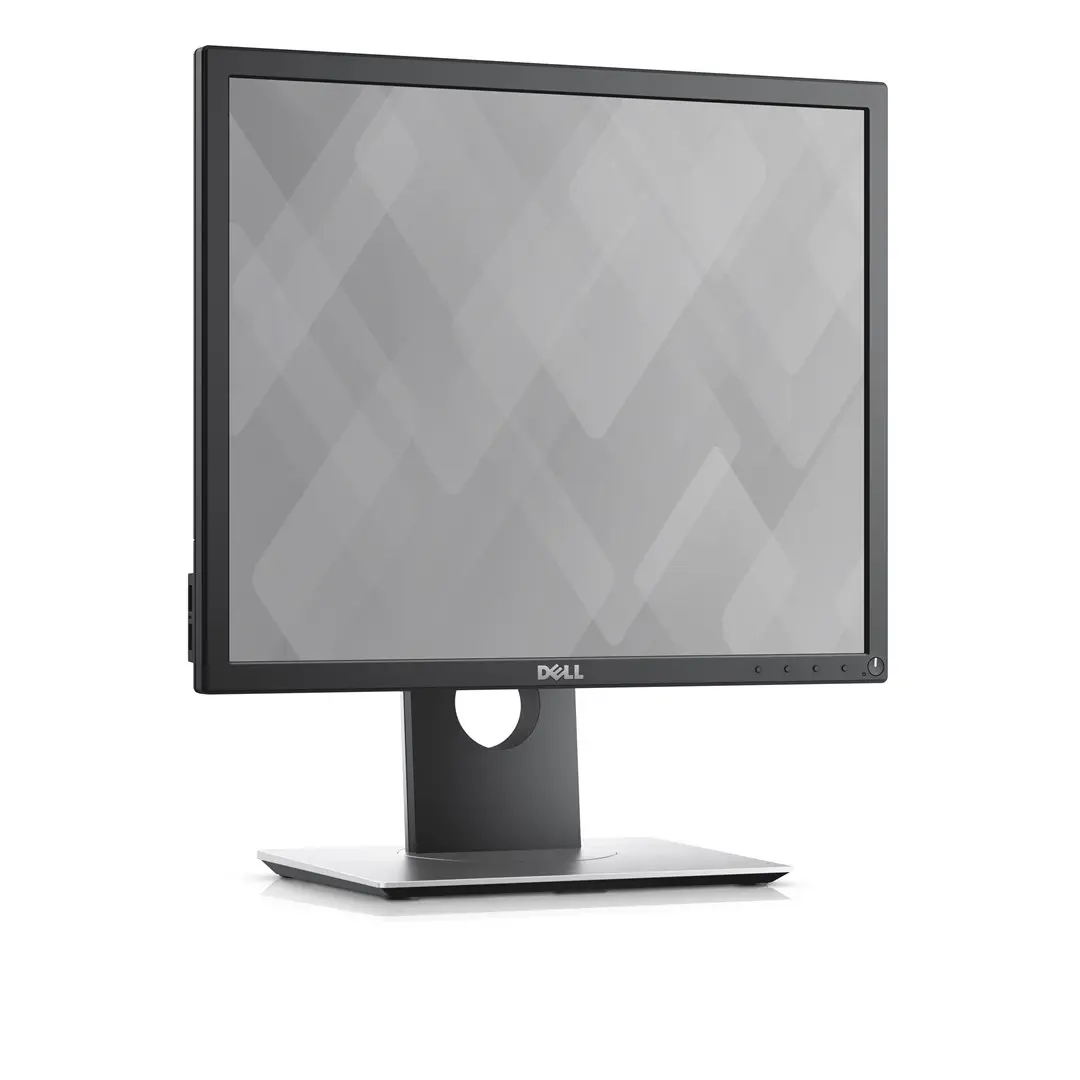
DELL P1917S 19-inch SXGA IPS Computer Monitor Photo 1
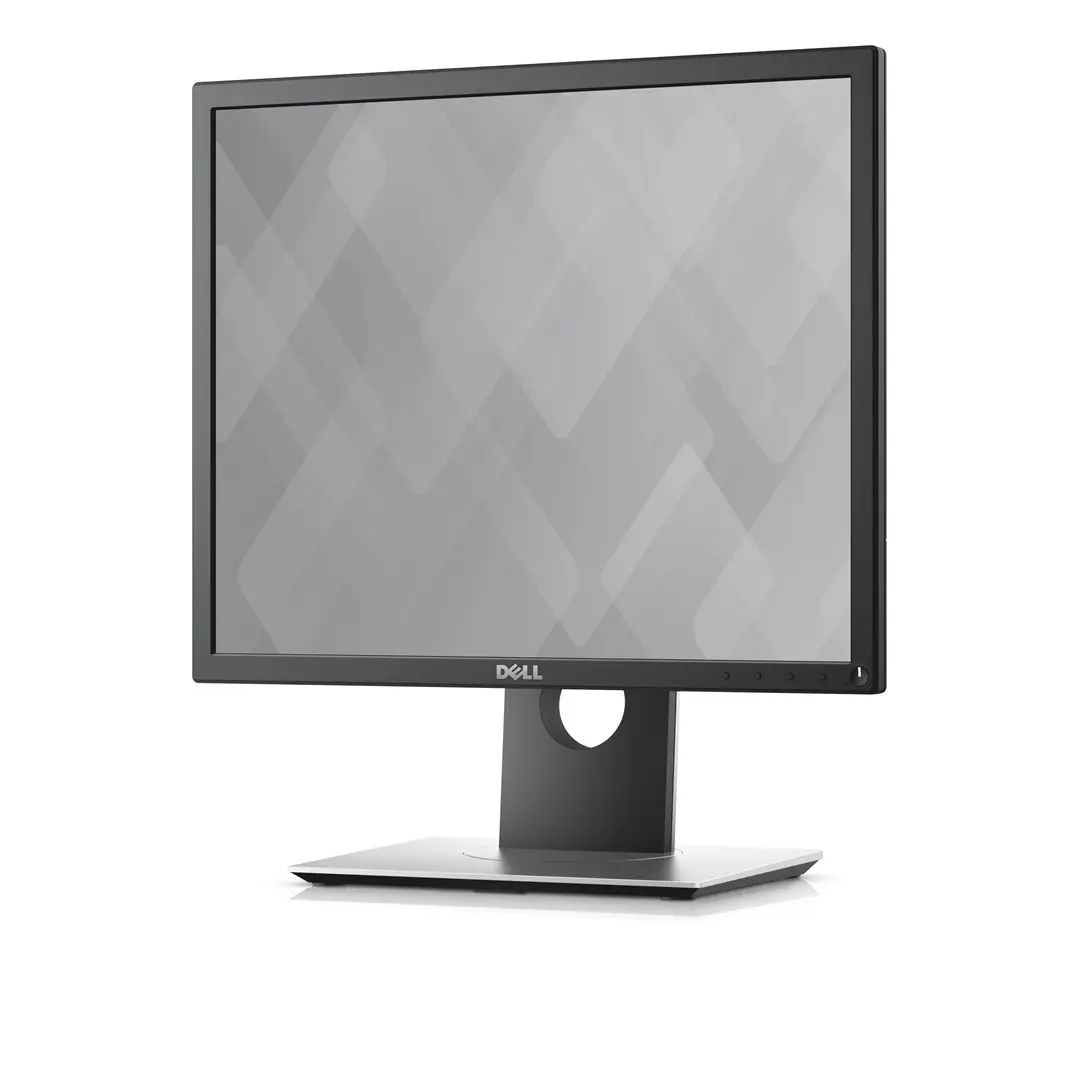
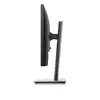
DELL P1917S 19-inch SXGA IPS Computer Monitor Photo 2
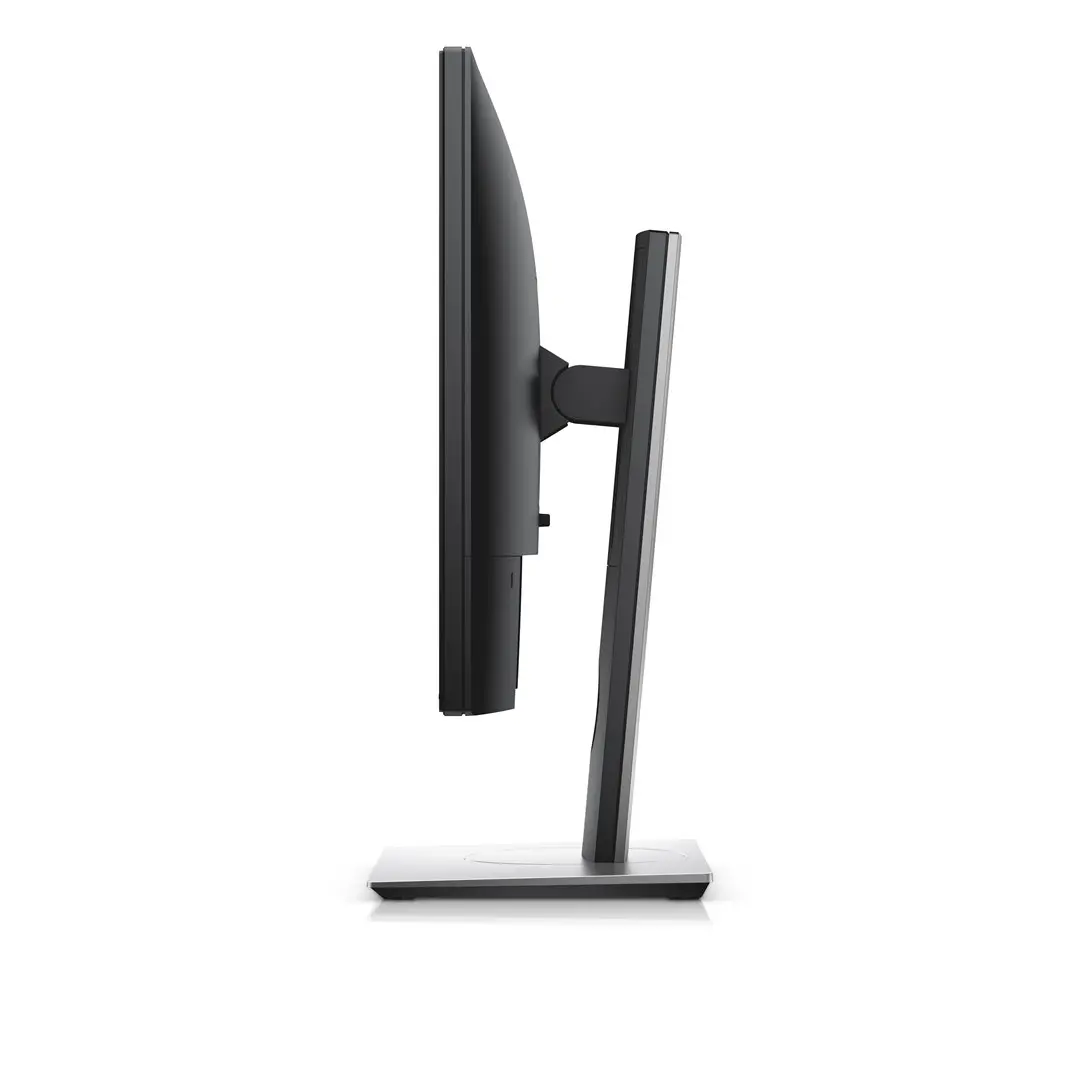
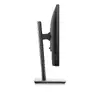
DELL P1917S 19-inch SXGA IPS Computer Monitor Photo 3
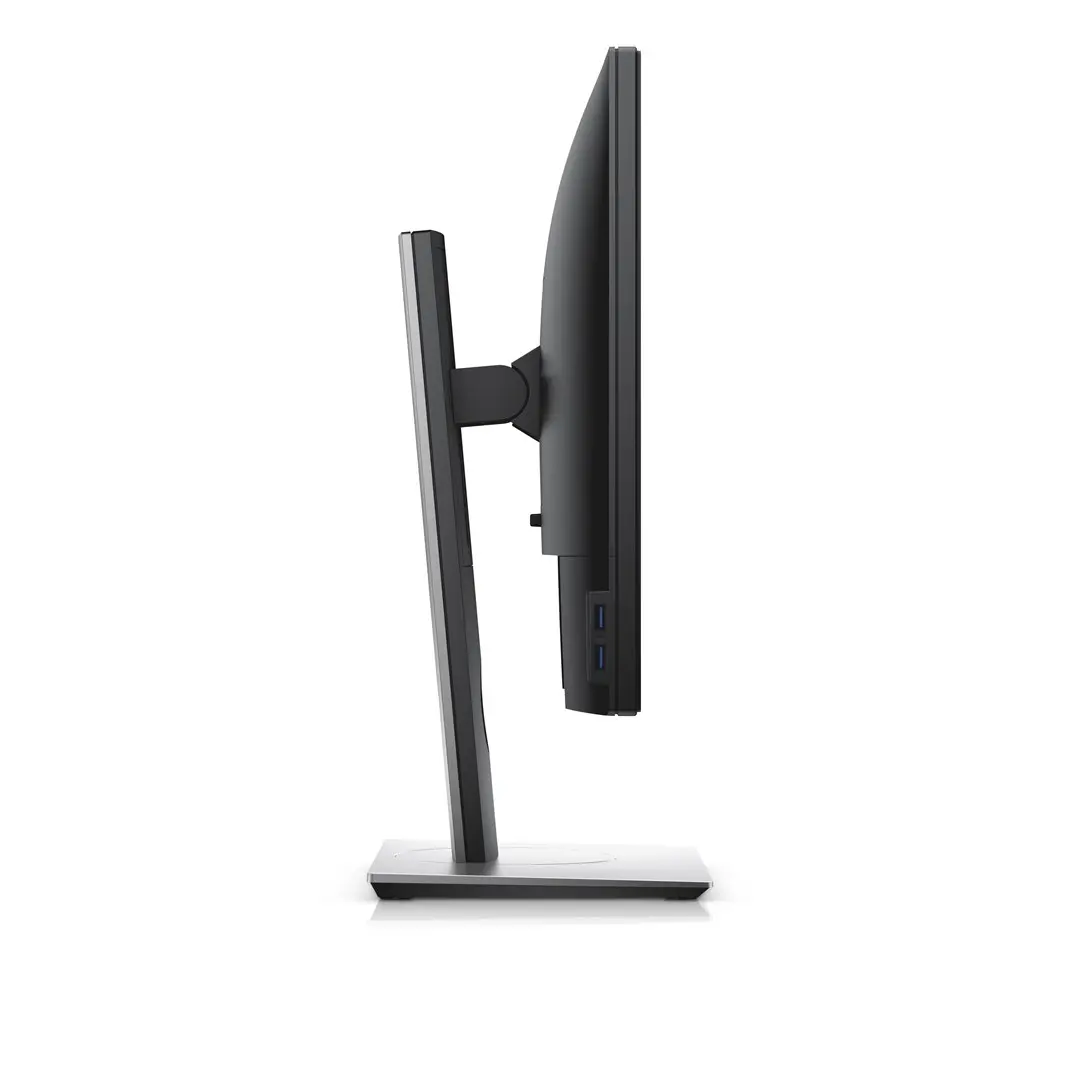
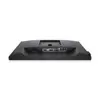
DELL P1917S 19-inch SXGA IPS Computer Monitor Photo 4
DELL P1917S 19-inch SXGA IPS Computer Monitor Photo 5
DELL P1917S 19-inch SXGA IPS Computer Monitor Photo 6
DELL P1917S 19-inch SXGA IPS Computer Monitor Photo 7
DELL P1917S 19-inch SXGA IPS Computer Monitor Photo 1
DELL P1917S 19-inch SXGA IPS Computer Monitor Photo 2
DELL P1917S 19-inch SXGA IPS Computer Monitor Photo 3
DELL P1917S 19-inch SXGA IPS Computer Monitor Photo 4
DELL P1917S 19-inch SXGA IPS Computer Monitor Photo 5
DELL P1917S 19-inch SXGA IPS Computer Monitor Photo 6
DELL P1917S 19-inch SXGA IPS Computer Monitor Photo 7
Out of stock.
View similar!

Short description

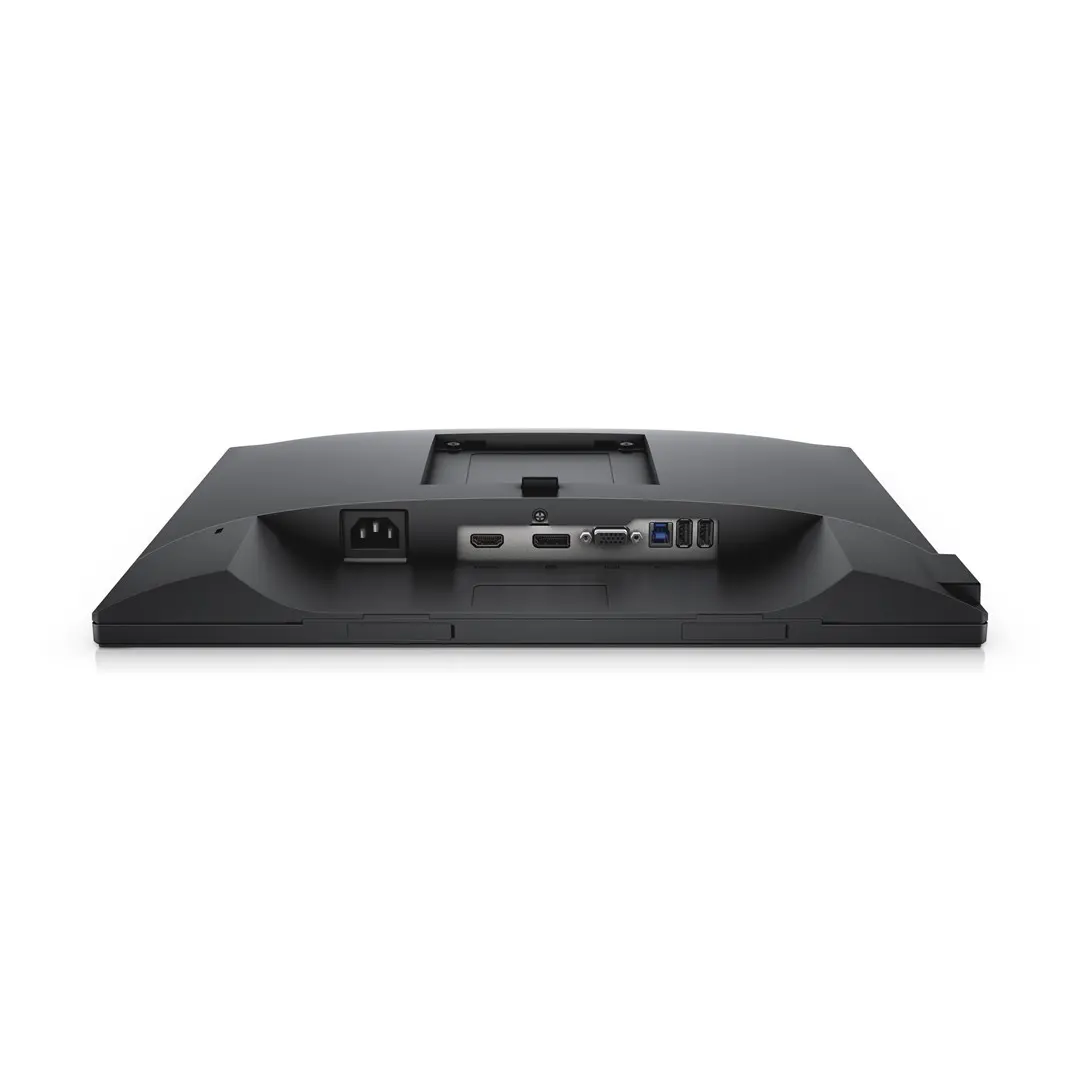
DELL P1917S business computer monitor featuring a 19-inch IPS panel with SXGA 1280 x 1024 resolution, 60 Hz refresh rate, and 5:4 aspect ratio. Designed for professional use, it includes flicker-free and low blue light technologies, an adjustable stand with height, pivot, swivel, and tilt functions, plus a built-in USB hub, HDMI, DisplayPort, and VGA connectivity for efficient workspace setups.
Warranty: 2 Years
SKU: 12696658
delivery
Information regarding the items availability for purchase will be posted on this site
price
Item cost information will be published on this site
Together cheaper
{{product.price | formatAmount}}
{{product.title}}
{{productBundle.reference.specialPrice | formatAmount}}
{{productBundle.title}}
{{productBundlePreviousPrice | formatAmount}}
{{productBundleSpecialPrice | formatAmount}}

You saving {{productBundleYouSave | formatAmount}}

Product information

Description

The DELL P1917S is a 19-inch SXGA LCD computer monitor designed to support efficient professional workflows. Featuring an IPS panel with a 1280 x 1024 resolution, 60 Hz refresh rate, and a 5:4 aspect ratio, this business display provides clear visuals and wide viewing angles. It includes an adjustable stand offering height, pivot, swivel, and tilt functions, along with integrated flicker-free and low blue light technologies to support comfortable extended use. Connectivity options include HDMI, DisplayPort, VGA, and a built-in USB hub for straightforward peripheral connection.

Advantages

The IPS panel technology ensures consistent color reproduction and wide 178-degree viewing angles both horizontally and vertically, making on-screen content clearly visible from different positions. The fully adjustable stand allows users to customize the height, tilt, swivel, and pivot orientation to suit their ergonomic preferences. Built-in eye-care features such as flicker-free technology and low blue light mode help reduce visual fatigue during long working hours. Additionally, the integrated USB hub and multiple video input ports provide practical connectivity options for office environments.

Suitable for

  • Office document processing and data entry
  • Standard business applications and spreadsheets
  • POS (Point of Sale) systems and legacy software requiring a 5:4 aspect ratio
  • Professional workspaces with limited desk space

This monitor may not be suitable for high-resolution media consumption, gaming, or color-critical graphic design work, as its 1280 x 1024 resolution and 5:4 aspect ratio do not support widescreen video formats or high refresh rates.

Key specifications

  • Screen size: 19 inches (48.3 cm)
  • Panel type: IPS with anti-glare matt surface
  • Resolution: 1280 x 1024 pixels (SXGA)
  • Aspect ratio: 5:4
  • Refresh rate: 60 Hz
  • Response time: 6 ms (Gray to Gray)
  • Brightness: 250 cd/m²
  • Contrast ratio: 1000:1
  • Viewing angles: 178° horizontal and vertical
  • Ergonomics: Height adjustable, pivot, swivel, tilt, and VESA mount compatible
  • Connectivity: HDMI, DisplayPort, VGA, and built-in USB hub

To use the DELL P1917S computer monitor, place it on a stable surface or mount it using a VESA-compatible bracket. Connect the appropriate video cable, such as HDMI, DisplayPort, or VGA, from your computer to the monitor input ports. Plug the power cable into an electrical outlet and power on the device using the integrated switch. Adjust the display height, tilt, swivel, or pivot angle to your preferred viewing position, and use the on-screen menu to adjust brightness and contrast settings if needed.

What to consider before purchase

  • Check that your computer features compatible video output ports such as HDMI, DisplayPort, or VGA
  • Confirm whether the 5:4 aspect ratio and 1280 x 1024 resolution meet your specific application requirements
  • Evaluate available desk space to ensure the 19-inch form factor fits your workstation layout
To maintain optimal performance, position the monitor away from direct sunlight or moisture sources, clean the screen gently with a dry or microfiber cloth while the device is powered off, and utilize the built-in ergonomic adjustments to maintain a comfortable posture during continuous use.

Description

Machine translation.

Similar products

{{product.title}}
Show details Hide details

{{highlightedFeature.featureTitle}}:

{{getProductFeatureValueById(product, highlightedFeature.featureId)}}

{{product.price | formatAmount}}

Product comparison

This DELL P1917S monitor is compared against several similar alternatives: three variations of the same Dell P1917S model sharing identical core specifications, and the touch-enabled AG Neovo TX-1902 monitor. All products feature a 19-inch display diagonal with an SXGA 1280x1024 resolution and a 5:4 aspect ratio. The primary differences lie in their intended application: the Dell models are engineered for professional and everyday office productivity with advanced ergonomics and eye-care technologies, whereas the AG Neovo alternative features an interactive touchscreen.

⚙️ The specifications comparison table below evaluates key parameters such as panel technology, touch capability, ergonomic stands, connectivity options, and market positioning.

FeatureDELL P1917SDell P1917S (Home)Monitor Dell P Series P1917SAG Neovo TX-1902Monitor DELL P1917SMonitor DELL P1917S (Alt)Practical significance
Display size & resolution19 inches, 1280 x 102419 inches, 1280 x 102419 inches, 1280 x 102419 inches, 1280 x 102419 inches, 1280 x 102419 inches, 1280 x 1024The shared screen size and resolution provide an identical workspace area across all Dell options and the AG Neovo alternative.
Panel typeIPSIPSIPSTNIPSIPSThe IPS panels used in the Dell models deliver wider viewing angles and more accurate colors compared to the TN panel on the AG Neovo monitor.
TouchscreenNoNoNoYesNoNoThe AG Neovo model supports touch input for interactive kiosks, while the Dell models are built for standard desktop use.
Ergonomics & standHeight adjustment, pivot, swivel, tiltHeight adjustment, VESAHeight adjustment, VESADesktop chassis, VESAHeight adjustment, VESAHeight adjustment, VESAThe Dell monitors offer superior physical adjustability for comfortable posture and versatile workspace configurations.
Connectivity & USB hubHDMI, DisplayPort, VGA, USB hubHDMI, DisplayPort, VGA, USB hubHDMI, DisplayPort, VGA, USB hubHDMI, DisplayPort, VGA, no USB hubHDMI, DisplayPort, VGA, USB hubHDMI, DisplayPort, VGA, USB hubThe built-in USB hub on the Dell monitors allows for convenient peripheral connections directly through the display.

◎ The suitability table below helps determine which product aligns best with specific user needs and operating environments.

Use caseRecommended productWhy
Professional office work and ergonomic setupsDELL P1917SComprehensive stand adjustments, eye-care technologies, and integrated USB connectivity make it exceptionally well-suited for extended professional tasks.
Interactive kiosks and touch terminalsAG Neovo TX-1902The built-in touchscreen capability makes this model the correct choice for interactive software and point-of-sale applications.
General office computing and multi-monitor setupsDell P1917S (any identical variation)Vこのような VESA mount compatibility and reliable core specifications make these units ideal for standard office desks and specialized installations.
Choose the DELL P1917S if you need a dependable business monitor equipped with full ergonomic adjustments, eye-care features, and a built-in USB hub for efficient peripheral management. The other listed Dell modifications serve as interchangeable equivalents with identical fundamental capabilities, while the AG Neovo alternative is recommended only when touch input is specifically required.
Might be useful
{{product.manufacturerName}}
{{product.categoryName}}
{{product.title}}
{{product.specialPrice}}
{{product.price}}

Customer reviews

Customer questions

FAQ

What payment options are available?

AiO.lv offers several payment methods: Bank transfer. All transactions are 100% secure and encrypted.

Can this product be purchased for a company (with VAT)?

Yes. AiO.lv works with legal entities in Latvia and across Europe. The product price already includes VAT. For certain product categories, as well as for companies from other EU countries with a valid VAT number, a 0% VAT rate may apply. We issue the invoice immediately after the order is placed, support electronic BIS invoices, and automatically generate all necessary accounting documents. You can complete the purchase for a company online — simply select the company profile and choose bank transfer as the payment method during checkout.

What is the warranty period?

All Dell products come with an official 2 Years warranty. It covers all manufacturing defects and malfunctions that may occur during use. The warranty is valid at all authorized Dell service centers and through AiO.lv

Can the product be returned after purchase?

Yes, you can return the product within 14 days of purchase if you bought it as a consumer (not a legal entity). Returns are possible without giving any reason — the main condition is that the product retains its original appearance and full set of accessories. We will make the process as simple and convenient as possible: just contact our customer support team, and we will help you arrange the return.

Where should I contact for warranty service?

For warranty-related questions you can contact the AiO.lv (SIA VSPRO) customer support team. We will assist with consultation, warranty claim processing, and coordination with certified service centers.
warranty
14-Day Return Policy
We are confident in our quality, but if the purchase doesn’t fit — you have 14 days to return the product with peace of mind.
shipping
Fast Delivery
Get your orders as quickly as possible — right to your door, parcel lockers, or pickup points across Latvia and the EU.
payment
Secure Payment
Pay the way you prefer: cash, VISA, MasterCard, Apple Pay, Google Pay, bank transfer, or 0% installment plan.
warranty
Quality Since 2008
AiO.lv has been on the market for over 18 years and has earned trust — with more than 6000 genuine positive reviews on Google.