{{ totalProductsCount }}

In cart {{totalProductsCount}} item(s)

Total:
{{sum | formatAmount}}

Your cart is empty

header-product Dell P2423D Business Monitor 23.8" Quad HD 2560 x 1440 LCD IPS 5 ms 16:9 Built-in USB Hub VESA Mounting Height Adjustment Black
417.99 €

Dell P2423D Business Monitor 23.8" Quad HD 2560 x 1440 LCD IPS 5 ms 16:9 Built-in USB Hub VESA Mounting Height Adjustment Black

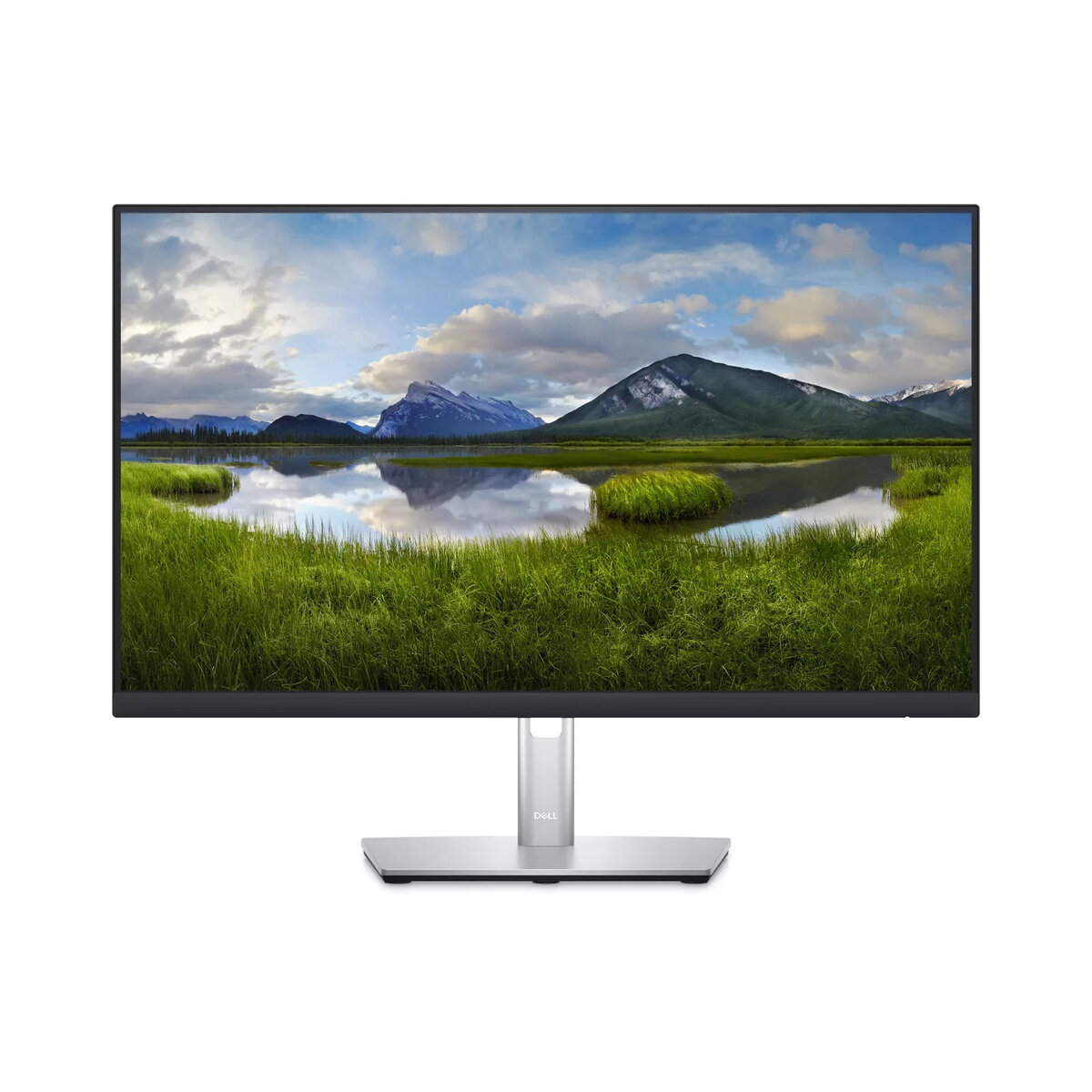
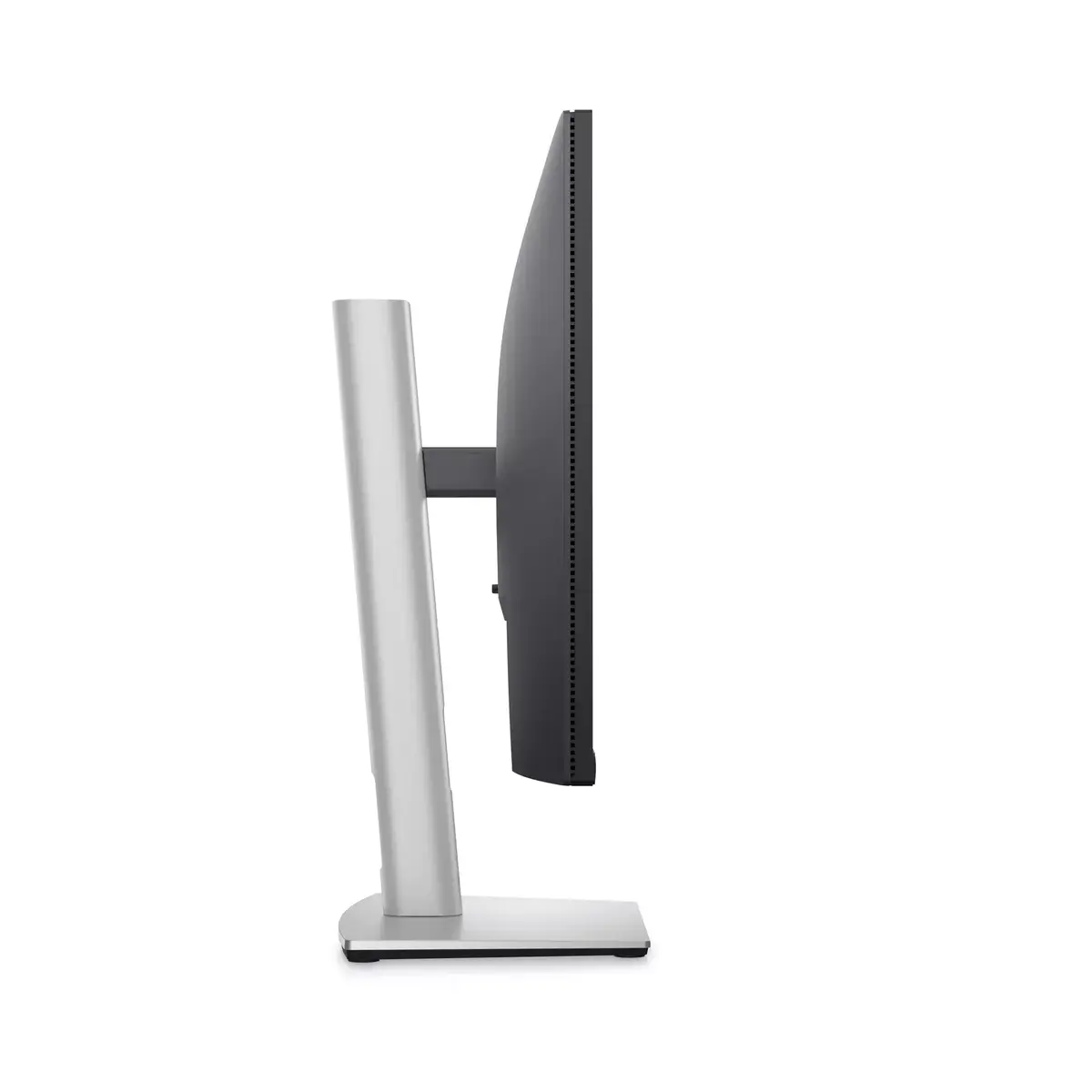
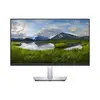
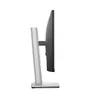
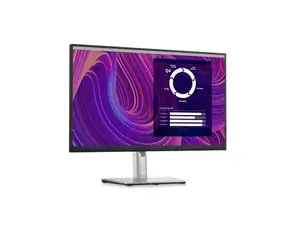
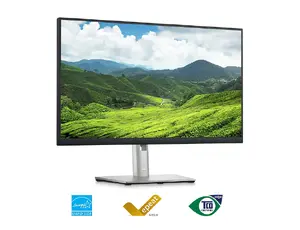
Dell P2423D 23.8" Quad HD Business Monitor Photo 1
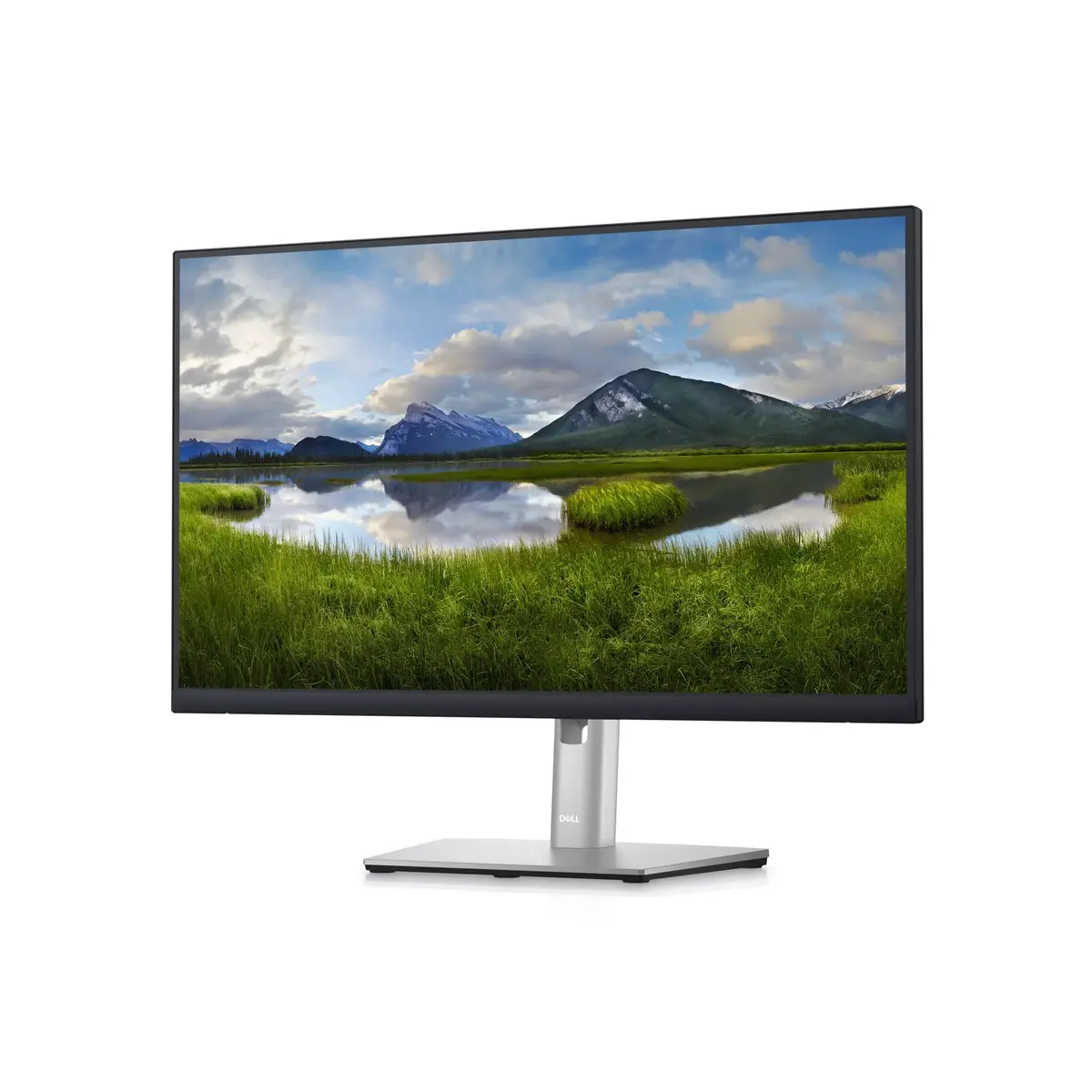
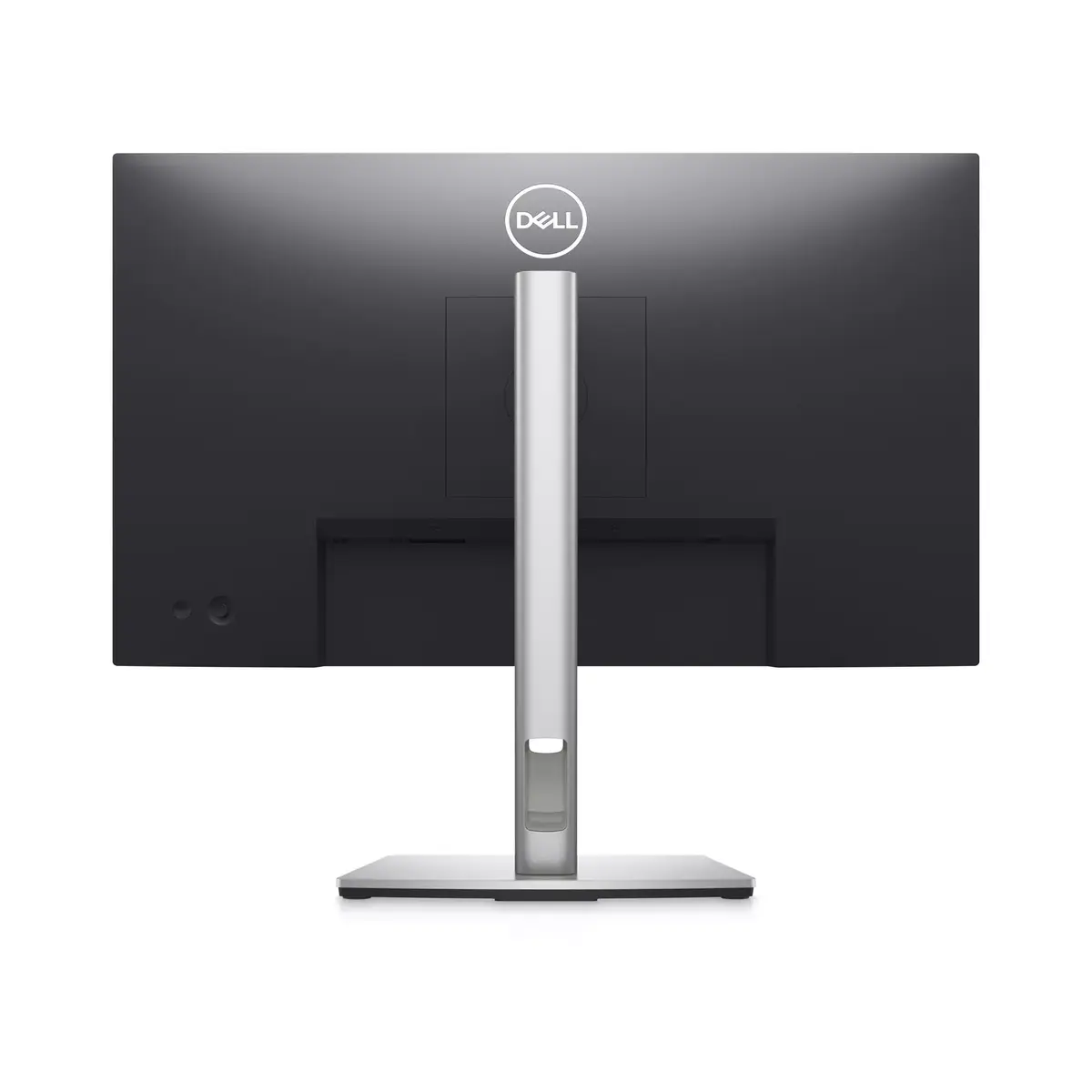
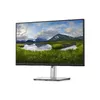
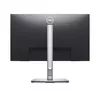
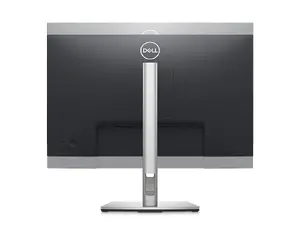
Dell P2423D 23.8" Quad HD Business Monitor Photo 2
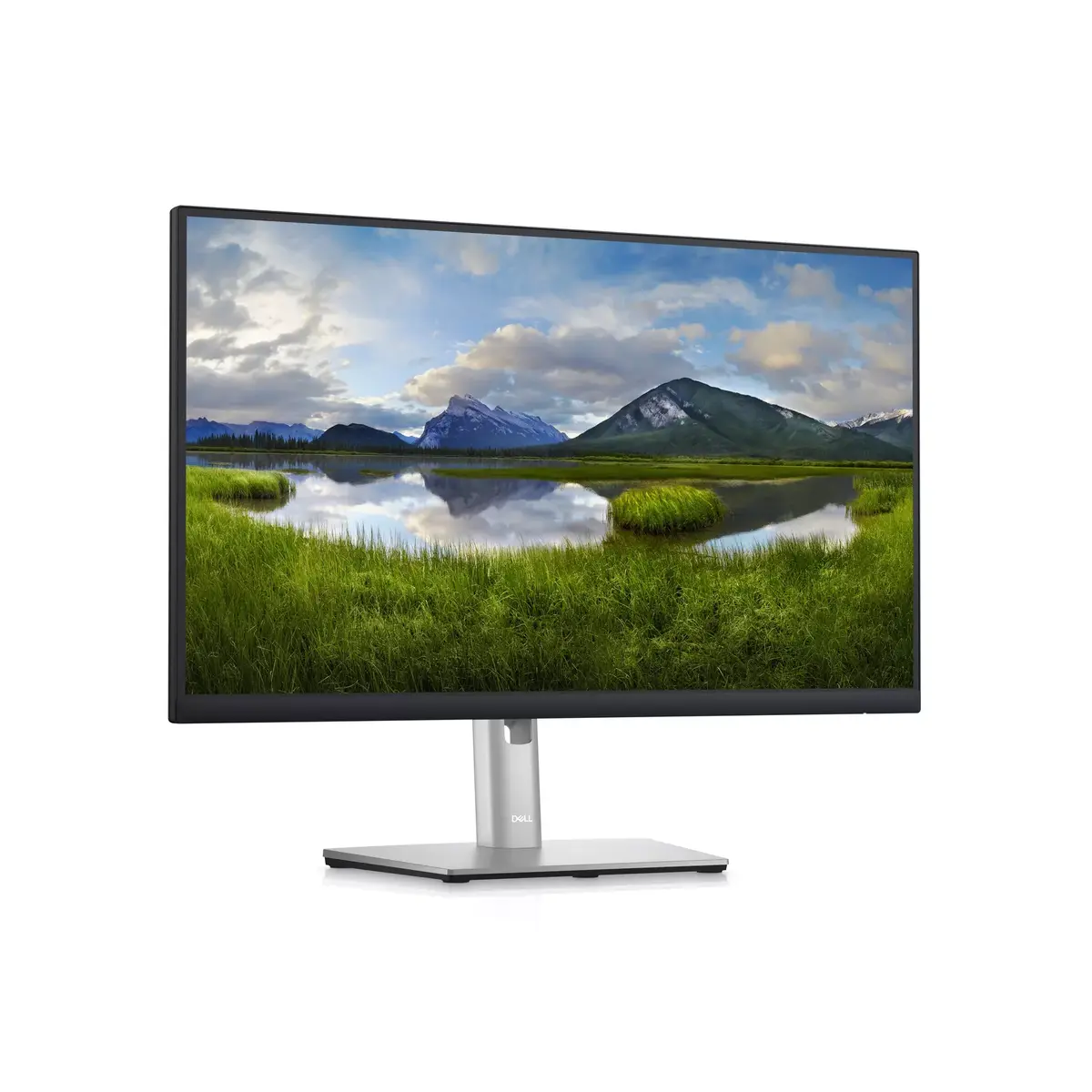
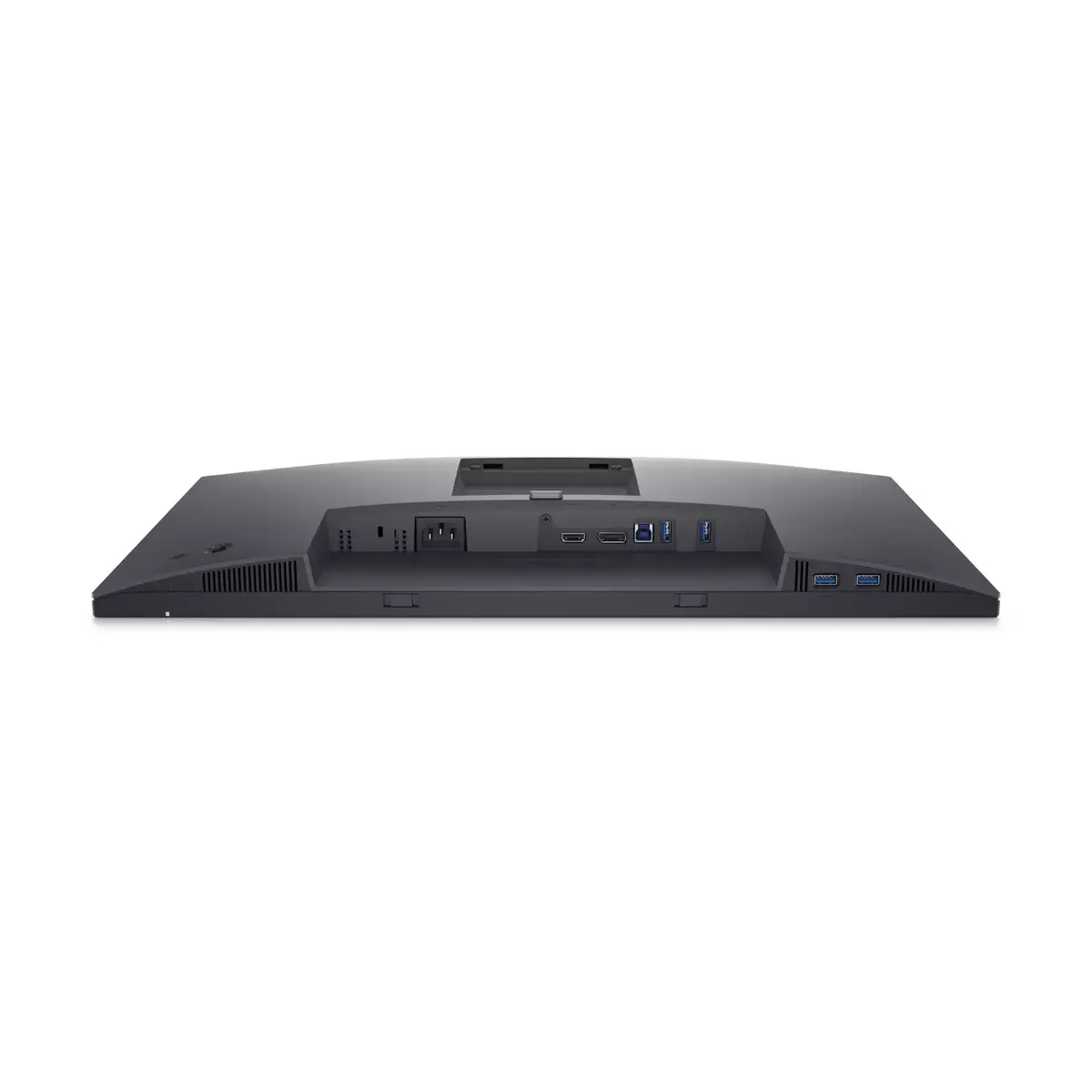
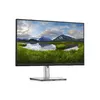
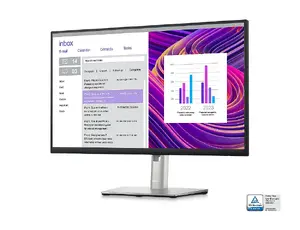
Dell P2423D 23.8" Quad HD Business Monitor Photo 3
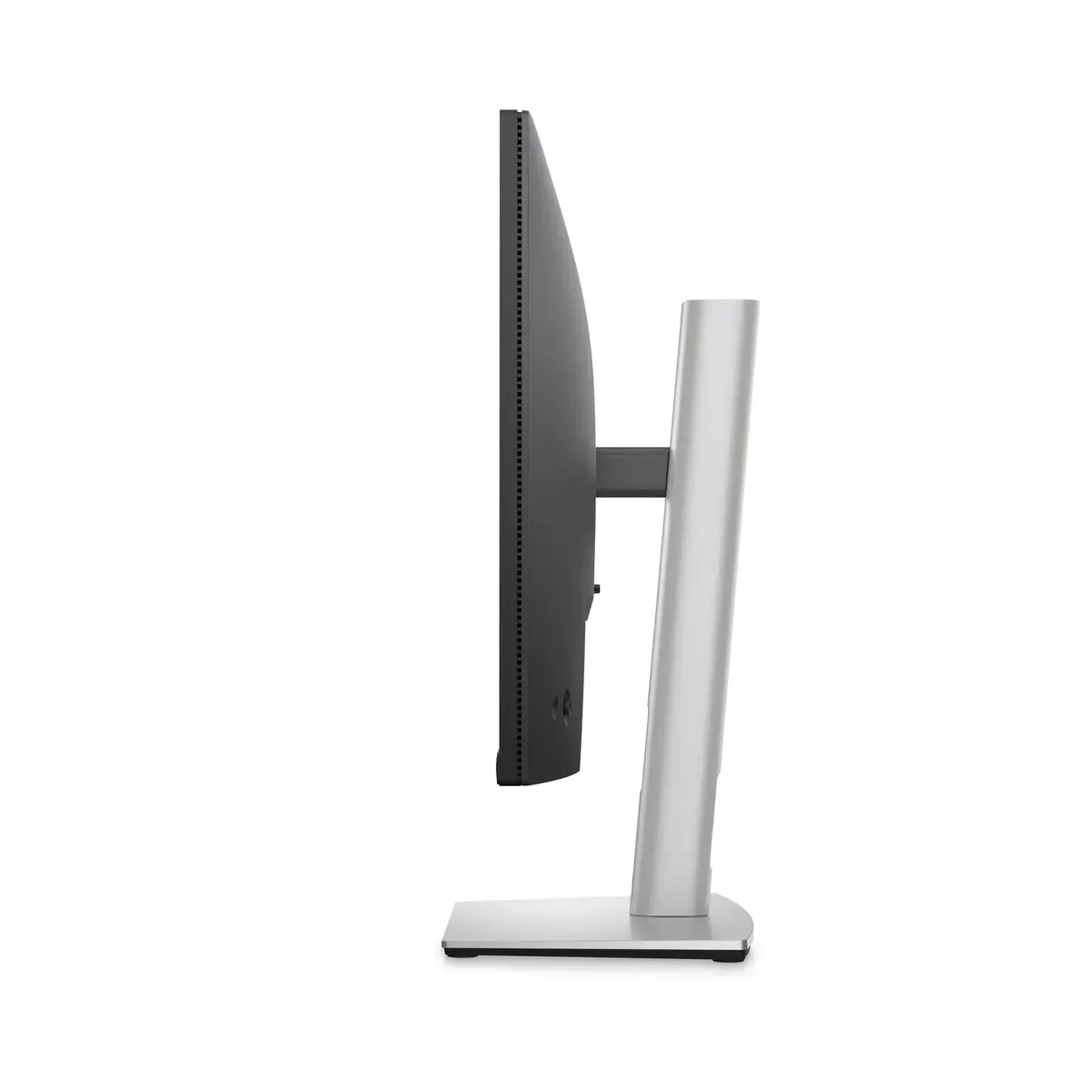
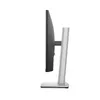
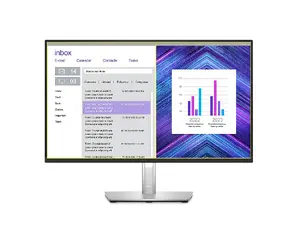
Dell P2423D 23.8" Quad HD Business Monitor Photo 4
Dell P2423D 23.8" Quad HD Business Monitor Photo 5
Dell P2423D 23.8" Quad HD Business Monitor Photo 6
Dell P2423D 23.8" Quad HD Business Monitor Photo 7
Dell P2423D 23.8" Quad HD Business Monitor Photo 8
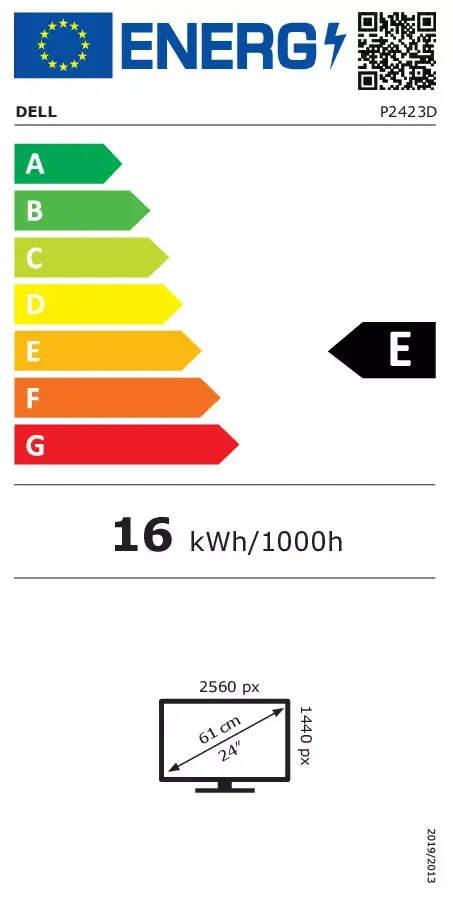
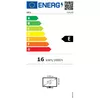
Energy label
Dell P2423D 23.8" Quad HD Business Monitor Photo 1
Dell P2423D 23.8" Quad HD Business Monitor Photo 2
Dell P2423D 23.8" Quad HD Business Monitor Photo 3
Dell P2423D 23.8" Quad HD Business Monitor Photo 4
Dell P2423D 23.8" Quad HD Business Monitor Photo 5
Dell P2423D 23.8" Quad HD Business Monitor Photo 6
Dell P2423D 23.8" Quad HD Business Monitor Photo 7
Dell P2423D 23.8" Quad HD Business Monitor Photo 8
Energy label
Keep track of price changes You keep track of price changes
Watch the price drop

Leave your address - as soon as the price of the product goes down, you'll know about it right away

You keep track of price changes

Dell P2423D Business Monitor 23.8" Quad HD 2560 x 1440 LCD IPS 5 ms 16:9 Built-in USB Hub VESA Mounting Height Adjustment Black

{{email}}
You keep track of price changes

Dell P2423D Business Monitor 23.8" Quad HD 2560 x 1440 LCD IPS 5 ms 16:9 Built-in USB Hub VESA Mounting Height Adjustment Black

{{email}}
{{selectedOffer && selectedOffer.price | formatAmount}}

Short description

Dell P2423D business monitor featuring a 23.8-inch Quad HD 2560 x 1440 LCD IPS display with a 16:9 aspect ratio and 5 ms response time. Designed for professional use, it includes a built-in USB hub, HDMI and DisplayPort connectivity, VESA mounting support, and ergonomic height adjustment. Ideal for office workstations and everyday multitasking, delivering sharp visuals and reliable performance.
Available at price 417.99 €: 17 pcs.
Total available for order: 37 pcs.
Warranty: 2 Years
SKU: 4509812
free shipment

Cheapest delivery:

Unisend LV

Pick-up points

Unisend LV

Cost

1.99 €

Deliver

{{selectedOffer.parcelStationDeliveryString}}

Customer service center
2b. Kengaraga str., Riga, Latvia, LV-1063
01.12.2026 {{selectedOffer.officeDeliveryString}}
free
Courier Delivery Please note that in case of a large parcel additional delivery costs may apply!
04.12.2026 {{selectedOffer.courierDeliveryString}}
From 6.70 € (Weight: 7.44 kg)
Parcel couriers
Unisend LV / Latvijas Pasts nodaļa
04.12.2026 {{selectedOffer.parcelStationDeliveryString}}
From 1.99 €
payment
Payment Methods:
Cash payment, Bank transfer, Bank cards on-line, Apple Pay, Google Pay
Available for private customers at price 441.99 €: 15 pcs.
Together cheaper
{{product.price | formatAmount}}
{{product.title}}
{{productBundle.reference.specialPrice | formatAmount}}
{{productBundle.title}}
{{productBundlePreviousPrice | formatAmount}}
{{productBundleSpecialPrice | formatAmount}}

You saving {{productBundleYouSave | formatAmount}}

Product information

Description

The Dell P2423D Business Monitor 23.8" Quad HD 2560 x 1440 LCD IPS 5 ms 16:9 Built-in USB Hub VESA Mounting Height Adjustment Black is designed to meet professional demands with clarity and precision. Featuring a Quad HD resolution on an IPS panel, this display ensures sharp visuals and wide viewing angles for daily office tasks and detailed work.

Advantages

This monitor provides enhanced visual workspace through its high pixel density and Quad HD resolution. The IPS technology guarantees consistent color reproduction across different viewing angles. Ergonomic flexibility is achieved with a fully adjustable stand that supports height adjustment and other positioning options, helping users maintain a comfortable posture during extended working sessions. The integrated connectivity options and built-in USB hub reduce cable clutter on the desk and simplify peripheral connection.

Suitable for

  • Office workstations and professional multitasking
  • Document editing, spreadsheet analysis, and data processing
  • General business applications and web browsing

This business monitor is not optimized for high-speed competitive gaming due to its standard refresh rate and response time, nor does it feature specialized color gamut coverage required for professional-grade photo or video mastering.

Key specifications

  • 23.8-inch display diagonal with 2560 x 1440 Quad HD resolution
  • IPS panel technology with LCD display type
  • 16:9 aspect ratio and 5 ms response time
  • Built-in USB hub and ergonomic height adjustment
  • HDMI and DisplayPort connectivity
  • VESA mounting compatibility

Connect the monitor to a compatible computer using either an HDMI or DisplayPort cable. Power on the device and adjust the display settings through the on-screen menu to match your working environment. Utilize the built-in USB hub by connecting your peripherals directly to the monitor ports for easier access.

What to consider before purchase

  • Verify that your computer has compatible HDMI or DisplayPort outputs
  • Consider desk space requirements for the 23.8-inch screen and stand
  • Assess whether the built-in feature set aligns with your daily workflow needs

Usage recommendations: Position the monitor at eye level using the height adjustment stand to reduce neck strain. Enable built-in eye comfort features if available and take regular breaks during continuous daily operation.

Specifications

Display diagonal: Size of the display for this product, measured diagonally, usually in inches.
23.8 "
Display resolution: The number of distinct pixels in each dimension that can be displayed. It is usually quoted as width × height, with the units in pixels: for example, "1024 × 768" means the width is 1024 pixels and the height is 768 pixels. The higher the number of pixels, the sharper the image.
2560 x 1440
HD type: Type of supported High Definition (e.g. Full HD, 4K Ultra HD).
Quad HD
Panel type:
IPS
Display technology: The technology used in the display e.g. plasma, LED.
LCD
Power consumption (standby): The amount of electricity that is consumed when the product is on standby.
0.3 W
Power consumption (typical): Amount of power consumed by this model, often expressed in watts (W). Typical values that manufacturers give are power consumption when off, standby/suspended mode, typical use, maximum usage.
16 W
Energy efficiency class (HDR): Energy efficiency class is a standard classification that is used all over Europe and which is understandable at first sight. Products can be efficiently compared according to classes, starting from A (the most energy efficient class), and ending with G (the most energy-intensive class). The classification of energy efficiency is based on annual energy consumption which is being calculated on the basis of several different parameters.
Not available
Energy efficiency class (SDR): Energy efficiency class is a standard classification that is used all over Europe and which is understandable at first sight. Products can be efficiently compared according to classes, starting from A (the most energy efficient class), and ending with G (the most energy-intensive class). The classification of energy efficiency is based on annual energy consumption which is being calculated on the basis of several different parameters.
E
VESA mounting:
Yes
Wi-Fi: Popular technology that allows an electronic device to exchange data or connect to the internet wirelessly using radio waves.
No
DisplayPorts quantity: Number of DisplayPorts. A DisplayPort is a digital display interface developed by the Video Electronics Standards Association (VESA). The interface is primarily used to connect a video source to a display device such as a computer monitor, though it can also be used to carry audio, USB, and other forms of data.
1
Headphone out: The socket for connecting headphones to the device.
No
HDMI: HDMI (High-Definition Multimedia Interface) is a compact audio/video interface for transferring uncompressed video data and compressed/uncompressed digital audio data from a HDMI-compliant device ("the source device") to a compatible computer monitor, video projector, digital television, or digital audio device. HDMI is a digital replacement for existing analog video standards.
Yes
HDMI ports quantity: The number of sockets (ports) for HDMI connections. HDMI (High-Definition Multimedia Interface) is a compact audio/video interface for transferring uncompressed video data and compressed/uncompressed digital audio data from a HDMI-compliant device ("the source device") to a compatible computer monitor, video projector, digital television, or digital audio device. HDMI is a digital replacement for existing analog video standards.
1
Built-in USB hub: Whether or not the device features a USB hub to connect more than one other device via USB.
Yes
Market positioning: Under which category can the device be positioned in the market, e.g. camera phone.
Business
AMD FreeSync: The product includes AMD Freesync Technology for the dynamic synchronization of the graphic card and the monitor in order to avoid screen tearing.
No
NVIDIA G-SYNC:
No
Touchscreen: A screen of a laptop, smartphone, etc., that responds to touch so you can control the interface using your fingers.
No
Native aspect ratio: The aspect ratio is the ratio of the width of an image to its height. The native aspect ratio is the one which the projector/display is particularly designed for. Images shown in native aspect ratio will utilize the entire resolution of the display and achieve maximum brightness. Images shown in other than native aspect ratio will always have less resolution and less brightness than images shown in native aspect ratio.
16:9
Built-in speaker(s): The device contains speaker(s) to produce sound.
No
Product colour: The colour e.g. red, blue, green, black, white.
Black
All features

Logistics data

Harmonized System (HS) code:
85285210

Technical details

Sustainability certificates:
ENERGY STAR, TCO
Doesn't contain:
Arsenic, Mercury (element), PVC/BFR
Compliance certificates: Indicates which regulatory, safety, and environmental standards the product complies with, as verified by recognized authorities or certification bodies.
RoHS

Other features

Plug and Play: Indicates whether this product supports is "plug and play". Plug and play is hardware or software that, after being installed ("plugged in"), can immediately be used ("played with"), as opposed to hardware or software which requires configuration.
Yes
Built-in camera: The product has an integrated camera.
No
Viewable size, horizontal: The viewable size is often somewhat smaller than the actual size of a monitor, because there is a border around the image.
526.85 mm
Viewable size, vertical:
296.35 mm
Viewable size diagonal:
604.5 mm
Power supply type: The type of power supply which this product uses.
Internal
Cable lock slot: Holes on the edge of devices through which a cable lock can be passed, so the device can be locked to a desk etc.
Yes
Height adjustment: The part of the device that can be adjusted to change the height.
Yes
Tilt angle range:
-5 - 21
Pivot:
Yes
Input current:
1.5
AC (power) in:
Yes
Heavy metals free:
Hg (mercury)
Swivelling:
Yes
Backlight type:
Edge LED
Pivot angle:
90 - 90
Weight (without stand):
3440 g
Height (without stand):
318.5 mm
Depth (without stand):
52.15 mm
Maximum refresh rate:
60 Hz

Carbon footprint

Total carbon footprint (kg of CO2e): The total mean carbon footprint value generated across various lifecycle stages (manufacturing, transportation / logistics, use and end of life) per unit (for one single product) i.e., measured in kilograms CO2e.
538
Total carbon emissions, standard deviation (kg of CO2e): The total estimated standard deviation of carbon emission calculated over various lifecycle stages per unit i.e., measured in kilograms CO2e. Deviations can be caused due to the use of default, assumed values during calculations.
128
Carbon emissions, manufacturing (kg of CO2e): The mean carbon emissions during the Manufacturing stage (i.e., emissions during raw material extraction and manufacturing of components (e.g., drives, graphics cards, memory, CPU, mainboards, etc.) or assembling of the product.
300.74
Carbon emissions, logistics (kg of CO2e): The mean carbon emissions during the transportation of the product.
65.1
Carbon emissions, energy usage (kg of CO2e): Use-phase carbon emissions from products that consume energy (fuels or electricity) during use.
170.01
Carbon emissions, end-of-life (kg of CO2e): The mean carbon emissions related to the End-of-Life processing of products.
4.3
PAIA version: PAIA (Product Attribute to Impact Algorithm) tool for product carbon footprint calculations. The version of the PAIA tool (and year if available) used during carbon footprint calculation for a product.
PAIA 1.3.0, 2021

Operational conditions

Non-operating altitude:
5000 - 12192
Operating altitude:
0 - 5000
Storage relative humidity (H-H):
5 - 90
Storage temperature (T-T): The minimum and maximum temperatures at which the product can be safely stored.
-20 - 60
Operating relative humidity (H-H):
10 - 80
Operating temperature (T-T): The minimum and maximum temperatures at which the product can be safely operated.
0 - 40

Packaging content

Cables included:
AC, DisplayPort, USB Type-A to USB Type-B
Tilt adjustment: The tilt, which means the angle at which the device is pointing (up or down), can be changed.
Yes
DisplayPort cable length:
1.8 m
Stand included:
Yes

Packaging data

Package weight: Weight of the packaged product.
7440 g

Weight & dimensions

Weight (with stand):
5070 g
Height (with stand):
496.11 mm
Depth (with stand):
179.57 mm
Width (with stand):
537.8 mm
Width (without stand):
537.8 mm

Power

Energy efficiency scale: Range of energy efficiency levels classifying devices from most to least energy-efficient.
A to G
AC input frequency:
50/60
AC input voltage: The voltage of the AC electricity that is inputted into the product.
100 - 240
Energy consumption (SDR) per 1000 hours: Power consumption in switched-on state expressed in W.
16 kWh
Power consumption (max): The maximum amount of power used by the device.
55 W
Power consumption (off):
0.3 W
Power consumption (standby): The amount of electricity that is consumed when the product is on standby.
0.3 W
Power consumption (typical): Amount of power consumed by this model, often expressed in watts (W). Typical values that manufacturers give are power consumption when off, standby/suspended mode, typical use, maximum usage.
16 W
Energy efficiency class (HDR): Energy efficiency class is a standard classification that is used all over Europe and which is understandable at first sight. Products can be efficiently compared according to classes, starting from A (the most energy efficient class), and ending with G (the most energy-intensive class). The classification of energy efficiency is based on annual energy consumption which is being calculated on the basis of several different parameters.
Not available
Energy efficiency class (SDR): Energy efficiency class is a standard classification that is used all over Europe and which is understandable at first sight. Products can be efficiently compared according to classes, starting from A (the most energy efficient class), and ending with G (the most energy-intensive class). The classification of energy efficiency is based on annual energy consumption which is being calculated on the basis of several different parameters.
E

Ergonomics

Swivel angle range:
-45 - 45
Adjustable height (max):
150 mm
VESA mounting:
Yes

Network

Wi-Fi: Popular technology that allows an electronic device to exchange data or connect to the internet wirelessly using radio waves.
No

Ports & interfaces

Ethernet LAN (RJ-45) ports: Number of Ethernet LAN (RJ-45) ports (connecting interfaces) in the device. Ethernet LAN (RJ-45) ports allow a computer to connect to the ethernet.
0
DisplayPorts quantity: Number of DisplayPorts. A DisplayPort is a digital display interface developed by the Video Electronics Standards Association (VESA). The interface is primarily used to connect a video source to a display device such as a computer monitor, though it can also be used to carry audio, USB, and other forms of data.
1
HDMI version:
1.4
Headphone out: The socket for connecting headphones to the device.
No
DisplayPort version:
1.2
HDMI: HDMI (High-Definition Multimedia Interface) is a compact audio/video interface for transferring uncompressed video data and compressed/uncompressed digital audio data from a HDMI-compliant device ("the source device") to a compatible computer monitor, video projector, digital television, or digital audio device. HDMI is a digital replacement for existing analog video standards.
Yes
VGA (D-Sub) ports quantity: Number of VGA (D-Sub) ports (connecting interfaces) in the device. The VGA (D-Sub) connector is a 15 pin connector between a computer and a monitor. It was first introduced in 1987 by IBM.
0
USB Type-C downstream ports quantity:
0
USB Type-A downstream ports quantity:
4
Number of USB Type-B upstream ports quantity:
1
USB upstream port type:
USB Type-B
HDMI ports quantity: The number of sockets (ports) for HDMI connections. HDMI (High-Definition Multimedia Interface) is a compact audio/video interface for transferring uncompressed video data and compressed/uncompressed digital audio data from a HDMI-compliant device ("the source device") to a compatible computer monitor, video projector, digital television, or digital audio device. HDMI is a digital replacement for existing analog video standards.
1
Built-in USB hub: Whether or not the device features a USB hub to connect more than one other device via USB.
Yes

Design

Bezel width (top):
5.42 mm
Bezel width (side):
5.48 mm
Bezel width (bottom):
16.72 mm
Panel mounting interface: The product can be used wih VESA mounting interfaces.
100 x 100
Screen shape:
Flat
Feet colour: The colour of the feet, which are the projecting part on which a device/piece of furniture, or each of its legs, stands.
Silver
Detachable stand:
Yes
Front bezel colour:
Black
Frameless design:
Yes
Product colour: The colour e.g. red, blue, green, black, white.
Black
Market positioning: Under which category can the device be positioned in the market, e.g. camera phone.
Business

Performance

HDCP: High-bandwidth Digital Content Protection (HDCP) is a form of digital copy protection to prevent copying of digital audio and video content as it travels across connections.
Yes
On Screen Display (OSD):
Yes
Low Blue Light technology:
Yes
AMD FreeSync: The product includes AMD Freesync Technology for the dynamic synchronization of the graphic card and the monitor in order to avoid screen tearing.
No
NVIDIA G-SYNC:
No

Display

Colour gamut:
99 %
Horizontal scan range:
29 - 113
Vertical scan range:
49 - 75
Supported video modes: The video modes that can be displayed by the device.
480p, 576p, 720p, 1080i, 1080p, 1440p
Surface hardness:
3H
High Dynamic Range (HDR) supported:
No
Pixel pitch: This is the parameter of a picture tube, which specifies the shortest distance between two dots of the same colour. The principle is: the smaller the dot pitch, the better sharpness of image.
0.206 x 0.206
Display number of colours:
16.7 million colours
Viewing angle, vertical: Maximum vertical angle at which a display can be viewed with acceptable visual performance.
178 °
Viewing angle, horizontal: Maximum horizontal angle at which a display can be viewed with acceptable visual performance.
178 °
Contrast ratio (typical): The difference in light intensity between the brightest white and the darkest black.
1000:1
Response time: The response time is the time difference between the moment that a source (for example a video card) sends a signal and that equipment (for example a monitor) receives or display the signal. (Used abbreviations: R/F = Rise and Fall.)
5 ms
Touchscreen: A screen of a laptop, smartphone, etc., that responds to touch so you can control the interface using your fingers.
No
Colour gamut standard:
sRGB
Pixel density:
123 ppi
Response time (fast):
8 ms
Anti-glare screen: Always gives an optimal view, even in direct sunlight.
Yes
Display brightness (typical): Display brightness, measured by its Luminance, presented as a figure in nits. Typical brightness ratings for monitors range from 250 to 350 nits with a target value of between 80 to 120 nits being suitable for most displays in a normal viewing environment.
300 cd/m²
Display technology marketing name:
ComfortView Plus
Panel type:
IPS
HD type: Type of supported High Definition (e.g. Full HD, 4K Ultra HD).
Quad HD
LED backlight: A backlight is a form of illumination used in liquid crystal displays (LCDs). One type of backlight is made by LEDs, which can be either white or RGB (red green blue). White LEDs are used most often in notebooks and desktop screens, and in virtually all mobile LCD screens. RGB LEDs for backlighting are found in high-end color proofing displays such as HP DreamColor LP2480zx monitor or selected HP EliteBook notebooks, as well as newer consumer grade displays such as Dell's Studio series laptops which have an optional RGB LED display.
Yes
Display technology: The technology used in the display e.g. plasma, LED.
LCD
Display diagonal: Size of the display for this product, measured diagonally, usually in inches.
23.8 "
Native aspect ratio: The aspect ratio is the ratio of the width of an image to its height. The native aspect ratio is the one which the projector/display is particularly designed for. Images shown in native aspect ratio will utilize the entire resolution of the display and achieve maximum brightness. Images shown in other than native aspect ratio will always have less resolution and less brightness than images shown in native aspect ratio.
16:9
Display resolution: The number of distinct pixels in each dimension that can be displayed. It is usually quoted as width × height, with the units in pixels: for example, "1024 × 768" means the width is 1024 pixels and the height is 768 pixels. The higher the number of pixels, the sharper the image.
2560 x 1440

Audio

Built-in speaker(s): The device contains speaker(s) to produce sound.
No

Description

Machine translation.

Reasons to buy

Maximum productivity. Maximum comfort.

See more, do more:
Get more done with more screen real estate on a 23.8-inch, QHD monitor.

Extensive connectivity:
Easily connect to your devices with DisplayPort, HDMI, 4x SuperSpeed USB 5Gbps, and more.

Maximum productivity. Maximum comfort.

Custom set up for maximum efficiency

Designed with wellness in mind:
ComfortView Plus—an always-on, built-in low blue light screen—reduces potentially harmful blue light emissions without compromising color.

Simple customization:
Navigate and adjust your monitor screen settings with the easy-to-use joystick control.

Moves with you:
Optimize your monitor’s orientation by tilting, swiveling and adjusting the height to a maximum of 5.9-inch.

Custom set up for maximum efficiency

Turn your workspace into an organized productivity hub

Expanded efficiency:
The three-sided ultrathin bezel design lets you enjoy an uninterrupted view of your content across multiple monitors, and you can increase your productivity by up to 21% with dual monitors.

Color consistency comes standard:
See consistent, vibrant colors across a wide viewing angle enabled by In-Plane Switching (IPS) technology. With 99% sRGB coverage, you get precise hues right out of the box.

Turn your workspace into an organized productivity hub

Advanced multitasking with Dell Display Manager

Productive at every level:
Easy Arrange allows you to easily tile multiple applications across one or more screens with 38 pre-set window partitions and the ability to personalize up to five windows, giving you improved multitasking abilities.

Seamless transitions:
The auto-restore feature remembers where you left off, so applications will go back to where you left them, even after you’ve unplugged.

The key to convenience:
Shortcut keys can save you even more time, letting you easily configure your display management settings so you can get to work faster.

More ways to manage:
Asset management reports allow IT managers to quickly capture and track monitor information as well as configure multiple monitors at once through a single setup.

Advanced multitasking with Dell Display Manager

Green thinking: for today and tomorrow

Environmental standards:
This monitor uses 85% PCR (Post-consumer Recyclable) plastic in the design and meets the latest environmental standards such as EnergyStar®, and TCO Certified Edge, and is EPEAT® Gold registered.

Eco-conscious packaging:
Designed with the environment in mind, Dell commercial monitors come in 100% recyclable cardboard packaging.

Energy conservation:
Save energy with PowerNap, a feature that dims or puts your monitor to sleep when it’s not in use.

Green thinking: for today and tomorrow

Similar products

{{product.title}}
Show details Hide details

{{highlightedFeature.featureTitle}}:

{{getProductFeatureValueById(product, highlightedFeature.featureId)}}

{{product.price | formatAmount}}
Might be useful
{{product.manufacturerName}}
{{product.categoryName}}
{{product.title}}
{{product.specialPrice}}
{{product.price}}
Stock data
Warehouse Stock Delivery to the store Store Price
WH94 15 16.11.2026 Best delivery
441.99 €
Available only for legal entities
Warehouse Stock Delivery to the store Store Price
WH109 17 01.12.2026
417.99 €
WH109 5 01.12.2026
536.49 €
441.99 €
Stock: 15
Delivery Date: 16.11.2026 Best delivery
Warehouse: WH94
Available only for legal entities
417.99 €
Stock: 17
Delivery Date: 01.12.2026
Warehouse: WH109
536.49 €
Stock: 5
Delivery Date: 01.12.2026
Warehouse: WH109

Customer reviews

Customer questions

FAQ

How much does the Dell P2423D 23.8" Quad HD Business Monitor cost, and is it available for purchase?

The price is 417.99 € (valid at the time of publication and already includes all taxes). The item is available for order — 37 pcs. are in stock, and you can place your purchase right now with delivery across Latvia and Europe or choose pickup at the Riga collection point. We offer favorable purchase terms, including the option to split the payment into convenient monthly installments. Availability and price are updated in real time, so we recommend placing your order in advance.

If I order this product today, when will I receive my order?

If you place your order today, delivery will be as fast and convenient as possible. You will be able to pick up your order on 01.12.2026 at the Riga pickup point or choose delivery across Latvia and Europe. We carefully inspect every purchase and pack it securely for safe transportation.

What payment options are available?

AiO.lv offers several payment methods: Cash payment, Bank transfer, Bank cards on-line, Apple Pay, Google Pay. All transactions are 100% secure and encrypted.

Can this product be purchased for a company (with VAT)?

Yes. AiO.lv works with legal entities in Latvia and across Europe. The product price already includes VAT. For certain product categories, as well as for companies from other EU countries with a valid VAT number, a 0% VAT rate may apply. We issue the invoice immediately after the order is placed, support electronic BIS invoices, and automatically generate all necessary accounting documents. You can complete the purchase for a company online — simply select the company profile and choose bank transfer as the payment method during checkout.

What is the warranty period?

All Dell products come with an official 2 Years warranty. It covers all manufacturing defects and malfunctions that may occur during use. The warranty is valid at all authorized Dell service centers and through AiO.lv

Can the product be returned after purchase?

Yes, you can return the product within 14 days of purchase if you bought it as a consumer (not a legal entity). Returns are possible without giving any reason — the main condition is that the product retains its original appearance and full set of accessories. We will make the process as simple and convenient as possible: just contact our customer support team, and we will help you arrange the return.

Where should I contact for warranty service?

For warranty-related questions you can contact the AiO.lv (SIA VSPRO) customer support team. We will assist with consultation, warranty claim processing, and coordination with certified service centers.

How can I tell if this product suits my needs?

When making a choice, we recommend paying attention to the key features: display diagonal, display resolution, hd type, panel type, display technology, power consumption (standby), power consumption (typical), energy efficiency class (hdr), energy efficiency class (sdr), vesa mounting, wi-fi, displayports quantity, headphone out, hdmi, hdmi ports quantity, built-in usb hub, market positioning, amd freesync, nvidia g-sync, touchscreen, native aspect ratio, built-in speaker(s), product colour, compatibility with your devices or usage conditions, material quality, functionality, and warranty terms. These characteristics will help you determine how well the model meets your needs.

Where can I download the instructions for Dell P2423D 23.8" Quad HD Business Monitor?

You can download the instructions in PDF format from the “Instructions” section on the product description page. The file contains complete information about installation, setup, and usage.
warranty
14-Day Return Policy
We are confident in our quality, but if the purchase doesn’t fit — you have 14 days to return the product with peace of mind.
shipping
Fast Delivery
Get your orders as quickly as possible — right to your door, parcel lockers, or pickup points across Latvia and the EU.
payment
Secure Payment
Pay the way you prefer: cash, VISA, MasterCard, Apple Pay, Google Pay, bank transfer, or 0% installment plan.
warranty
Quality Since 2008
AiO.lv has been on the market for over 18 years and has earned trust — with more than 6000 genuine positive reviews on Google.