







Powerful EcoFlow stations for energy anywhere!
In cart {{totalProductsCount}} item(s)
Your cart is empty
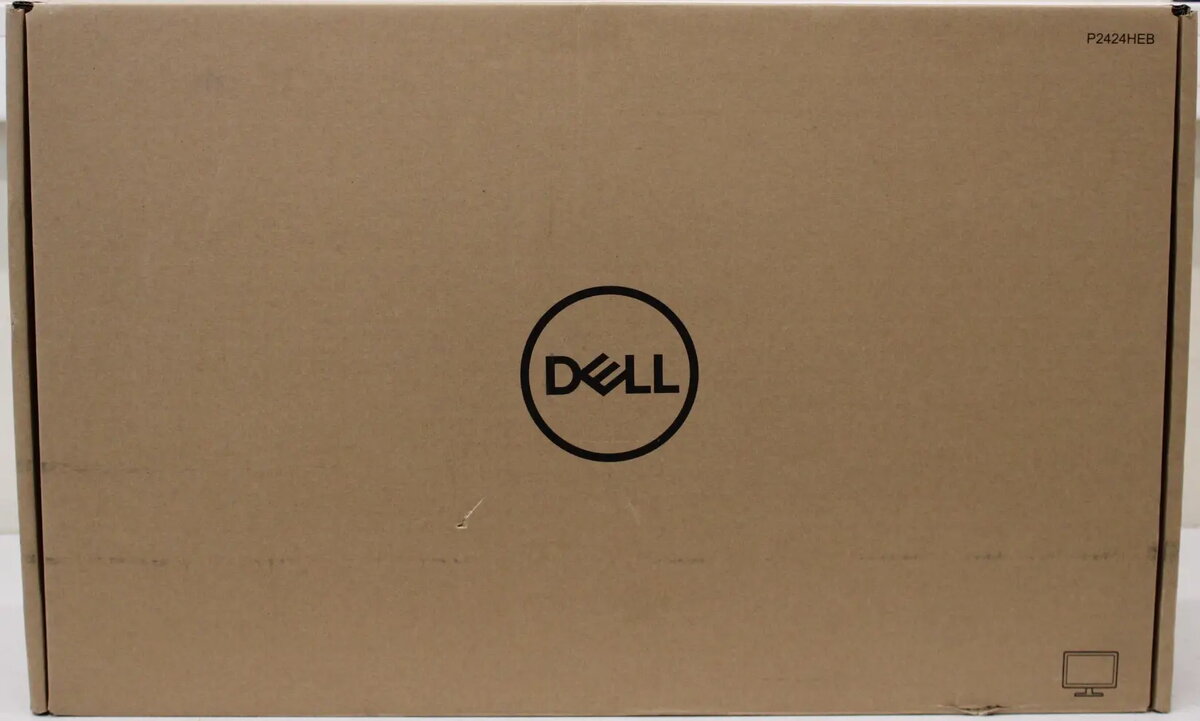
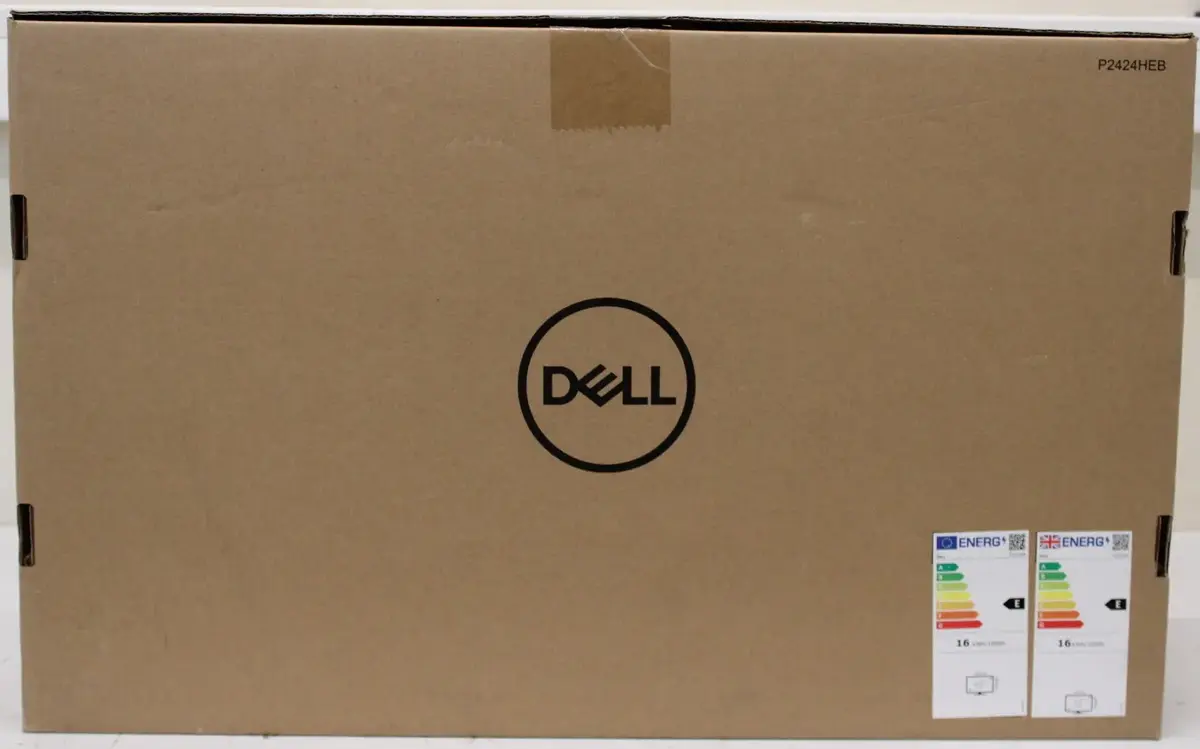
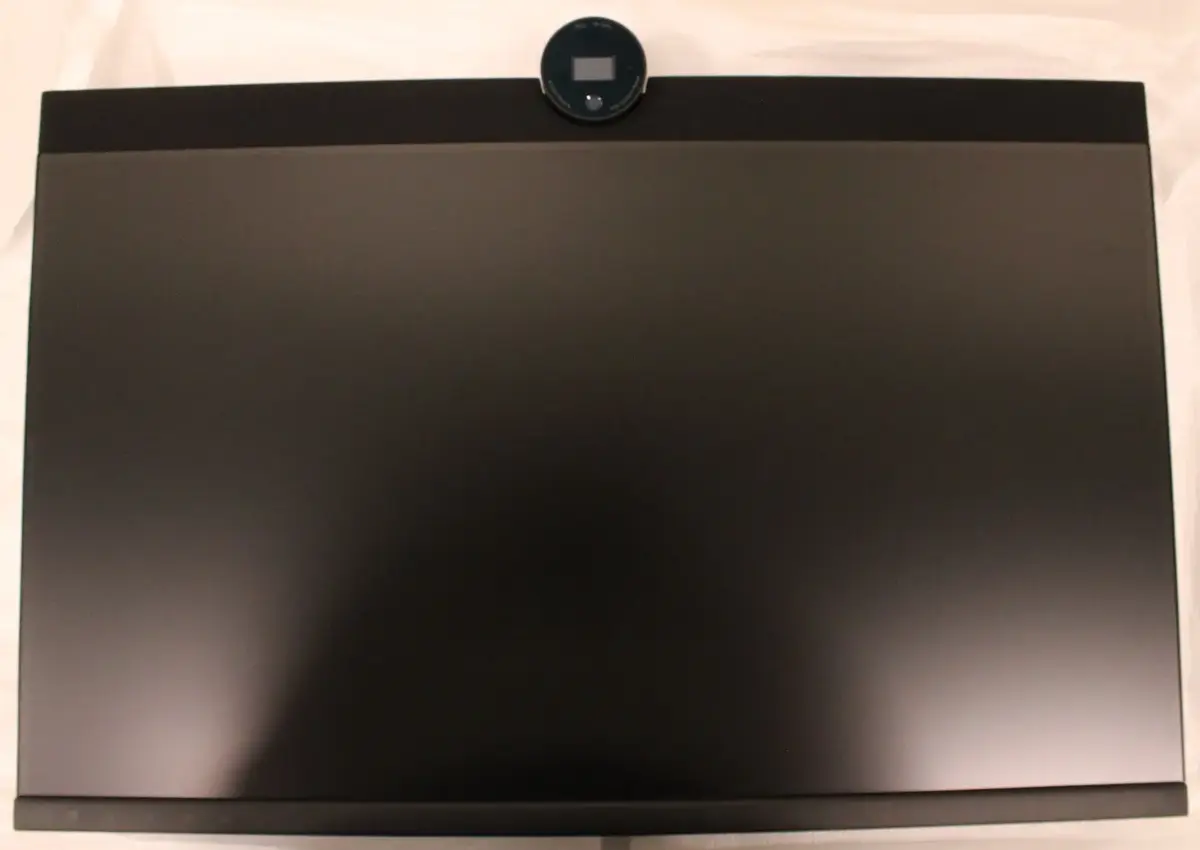
Dell P2424HEB 24-inch IPS Full HD Monitor, 1920x1080, 60Hz, USB-C Power Delivery 90W, HDMI, RJ45, Built-in Speakers, Black/Silver
The Dell P2424HEB is a 24-inch IPS monitor designed to enhance professional productivity with its Full HD 1920x1080 resolution and reliable 60Hz refresh rate. This display offers a clear and consistent visual experience, making it an ideal choice for office environments and home workstations. With its integrated USB-C connectivity providing up to 90W power delivery, the monitor acts as a central hub for your laptop, simplifying cable management by handling power, data, and video through a single connection. The inclusion of an RJ45 Ethernet port ensures a stable wired network connection, while the built-in speakers provide essential audio functionality without the need for external peripherals.
This monitor excels in ergonomic flexibility, featuring a stand that supports height adjustment, tilt, swivel, and pivot functions to help maintain a comfortable viewing posture throughout the workday. The IPS panel technology ensures wide 178-degree viewing angles, maintaining color accuracy and image clarity from almost any position. Its comprehensive connectivity options, including HDMI and USB-C, allow for seamless integration into various hardware setups. Furthermore, the VESA mounting compatibility provides the option to clear desk space by attaching the monitor to a wall mount or an adjustable monitor arm.
This monitor is not designed for high-end competitive gaming due to its 60Hz refresh rate and 8ms response time, which may not meet the requirements of fast-paced action titles. Additionally, users looking for ultra-high resolution for professional video editing or graphic design may find the Full HD resolution limiting compared to 4K alternatives.
To set up the Dell P2424HEB, connect the monitor to your power source and link it to your computer using the appropriate cable. For the best experience, use a USB-C cable to connect your laptop, which will enable the 90W power delivery and allow the monitor to function as a docking station. Once connected, you can adjust the height, tilt, or swivel of the stand to suit your eye level. If you require a wired network connection, plug your Ethernet cable directly into the RJ45 port on the back of the monitor. You can configure display settings through your computer's operating system to optimize the resolution and color output.
For optimal performance, ensure the monitor firmware is updated if necessary and use high-quality cables. When using the USB-C docking feature, keep the monitor connected to power to ensure consistent charging for your connected laptop.
{{highlightedFeature.featureTitle}}:
{{getProductFeatureValueById(product, highlightedFeature.featureId)}}
The Dell P2424HEB monitor is compared with several similar models from Dell, EIZO, and DAHUA, which share a common purpose for office productivity and everyday tasks. The primary similarities include the use of IPS panels with Full HD resolution, built-in speakers, and VESA mounting support. The main differences lie in the connectivity options, such as USB-C with varying power delivery and Ethernet ports, as well as screen refresh rates and display sizes.
⚙️ The table below compares specifications including display diagonal, resolution, panel type, refresh rate, connection interfaces (including USB-C Power Delivery and network port), and ergonomic features.
| Parameter | Dell P2424HEB | Monitor Dell P2424HEB 24" | Monitor EIZO EV2480-WT | Monitor Dell Pro P P2426HEB | LCD monitor DAHUA DHI-LM27-B201S | Practical significance |
|---|---|---|---|---|---|---|
| Display diagonal and resolution | 24", 1920x1080 | 24", 1920x1080 | 23.8", 1920x1080 | 24", 1920x1080 | 27", 1920x1080 | Screen size and image detail are nearly identical across most options, except for the larger DAHUA display. |
| Panel type | IPS | IPS | IPS | IPS | IPS | All models deliver wide viewing angles and accurate color reproduction thanks to IPS technology. |
| Refresh rate | 60 Hz | 60 Hz | 60 Hz | Not specified | 100 Hz | DAHUA offers smoother motion display, while Dell and EIZO models focus on standard office tasks. |
| Connectivity and USB-C | USB-C 90W, HDMI, RJ45 | USB-C 90W | DVI-D, HDMI, DisplayPort, USB hub | USB-C 90W, Ethernet, DP, HDMI | HDMI | Dell models stand out with USB-C power delivery and a network port, which is convenient for laptops, while EIZO and DAHUA provide standard video inputs. |
| Product colour | Black/Silver | Not specified | White | Black | Black | Exterior appearance and color allow matching the device to the workspace interior. |
◎ The table below evaluates how well each product suits different use cases and buyer needs.
| Use case | Recommended product | Why |
|---|---|---|
| Office productivity and laptop use | Dell P2424HEB | Equipped with USB-C providing 90W power delivery and an integrated RJ45 network port, enabling single-cable laptop connection and stable networking. |
| Document editing and general tasks | Monitor Dell P2424HEB 24" | Offers a similar set of foundational features for everyday text and spreadsheet work. |
| Bright-themed workspace with standard inputs | Monitor EIZO EV2480-WT | Features a white casing and a classic video input selection for standard desktop systems. |
| Updated office series with cable power delivery | Monitor Dell Pro P P2426HEB | Provides comparable USB-C connectivity with high charging power for modern laptops. |
| Larger screen and higher refresh rate | LCD monitor DAHUA DHI-LM27-B201S | Provides a larger 27-inch diagonal and 100 Hz refresh rate for a more expansive viewing experience. |
The Dell P2424HEB monitor is best suited for professional office environments and laptop users who value USB-C power delivery and a wired network connection through a single cable. Choose alternative models if you specifically need a white housing, a larger screen diagonal, or a higher refresh rate for different usage scenarios.
