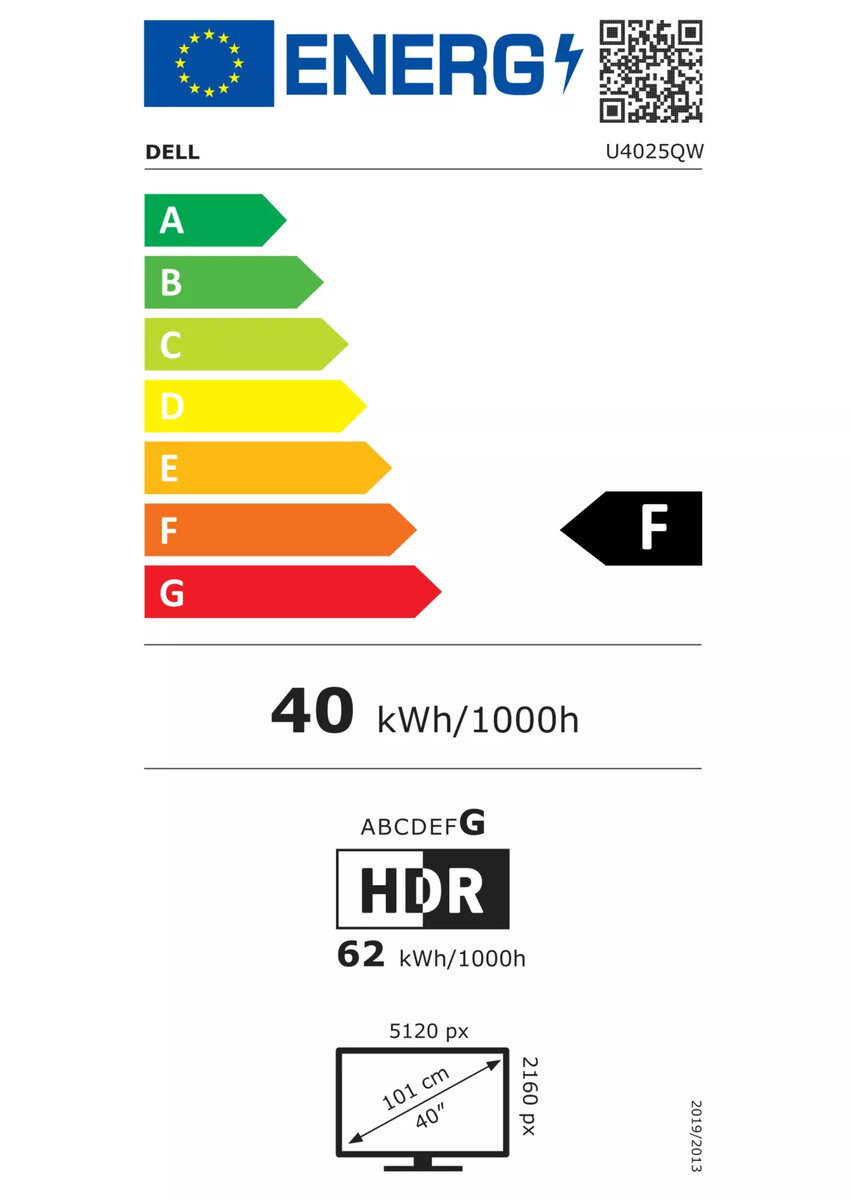
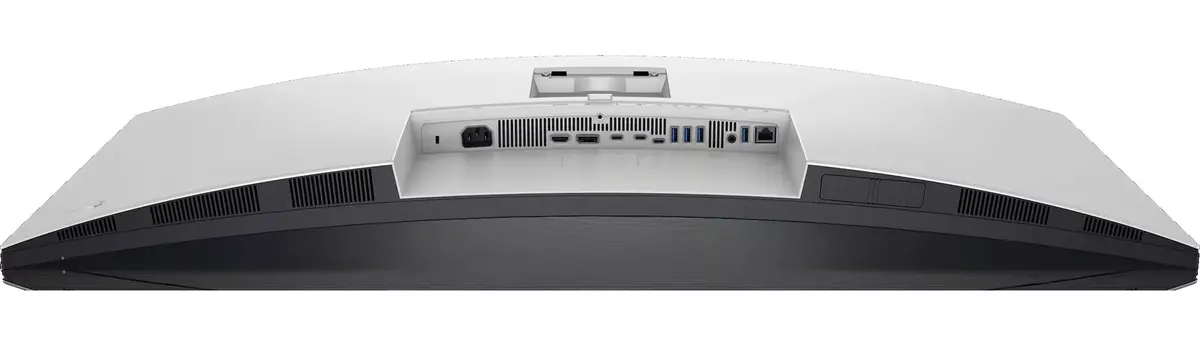
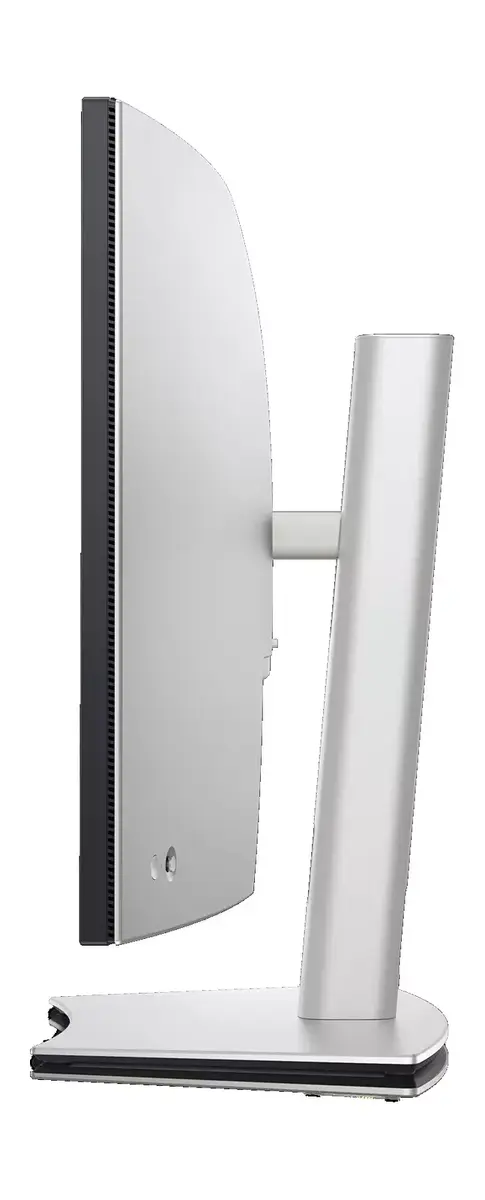
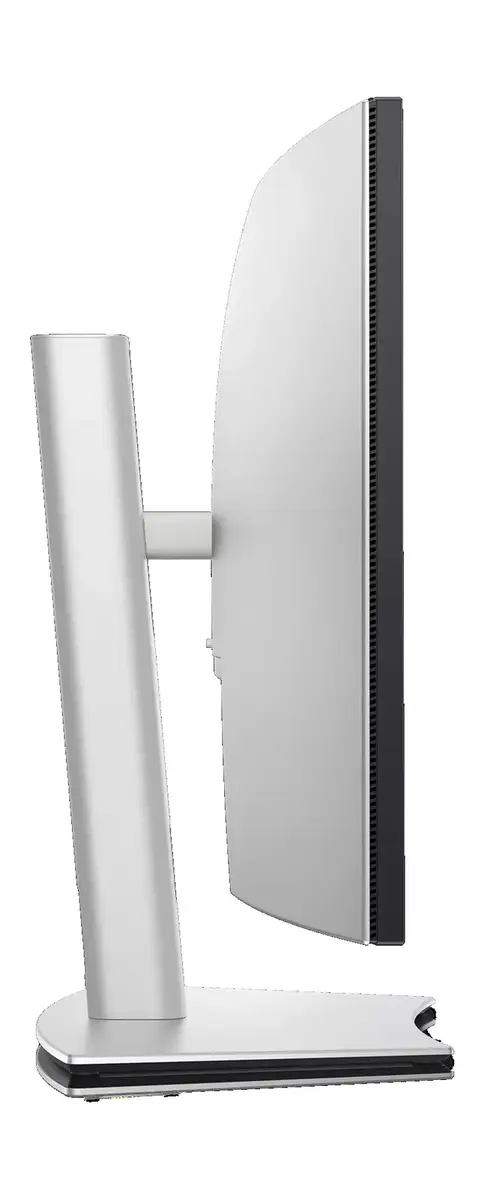
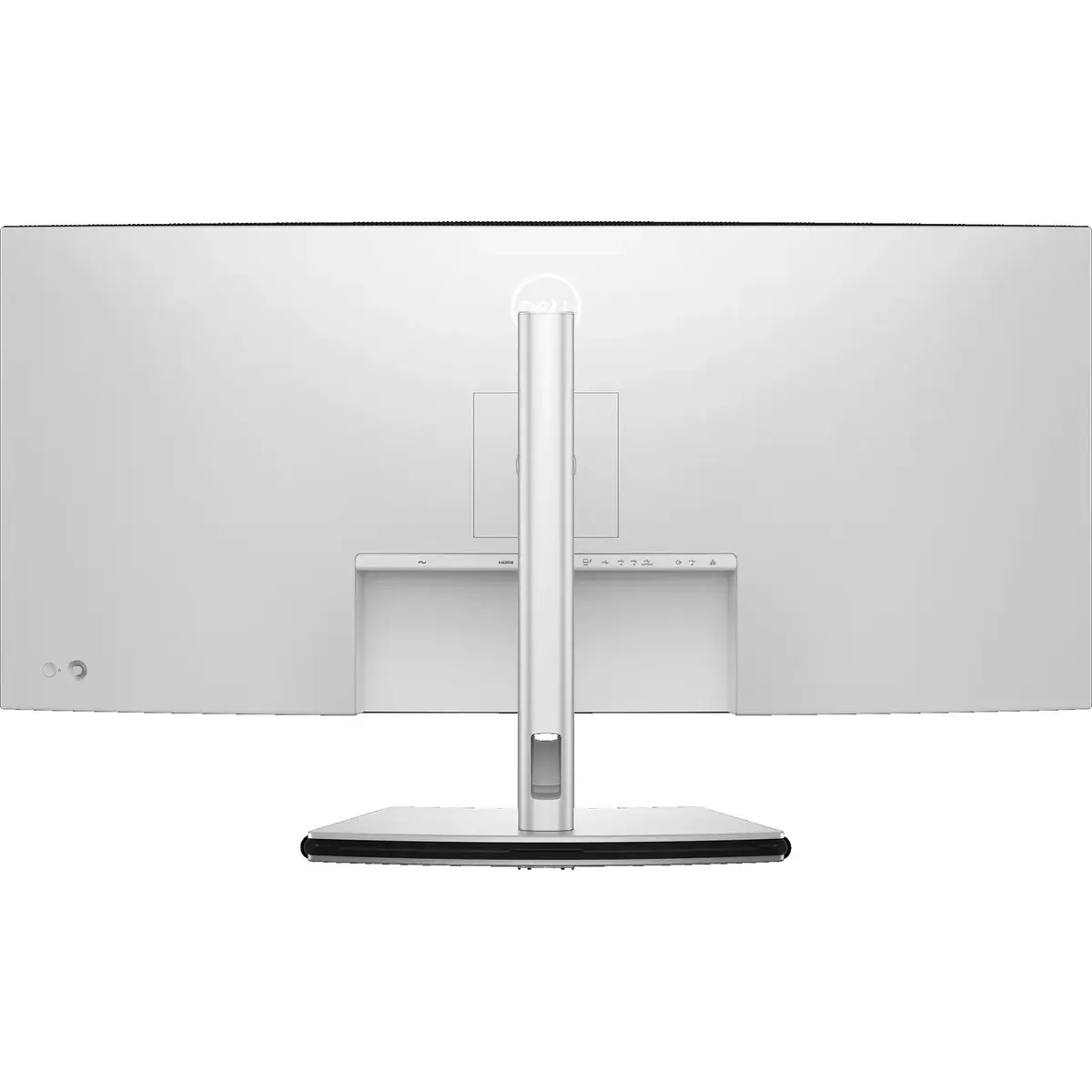
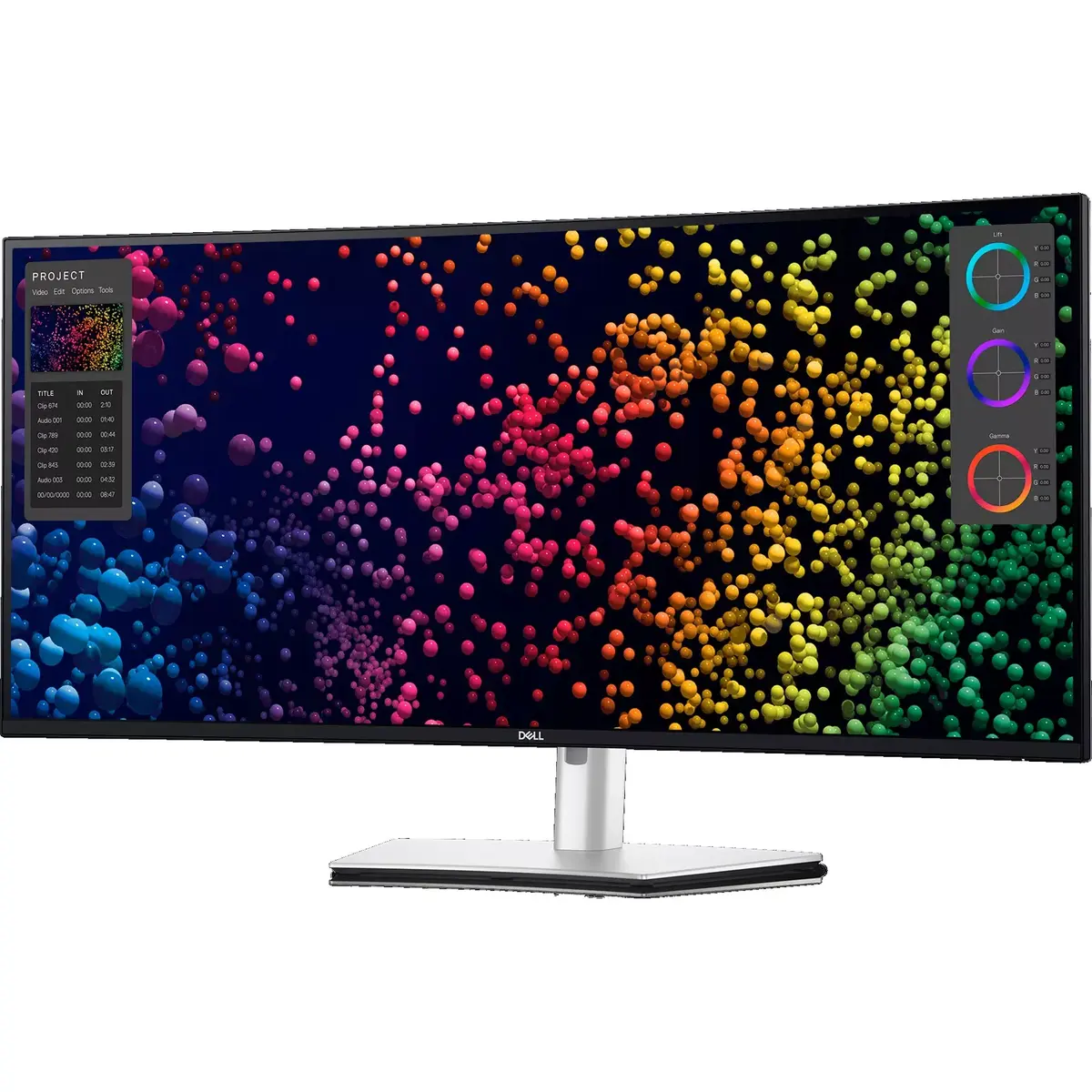
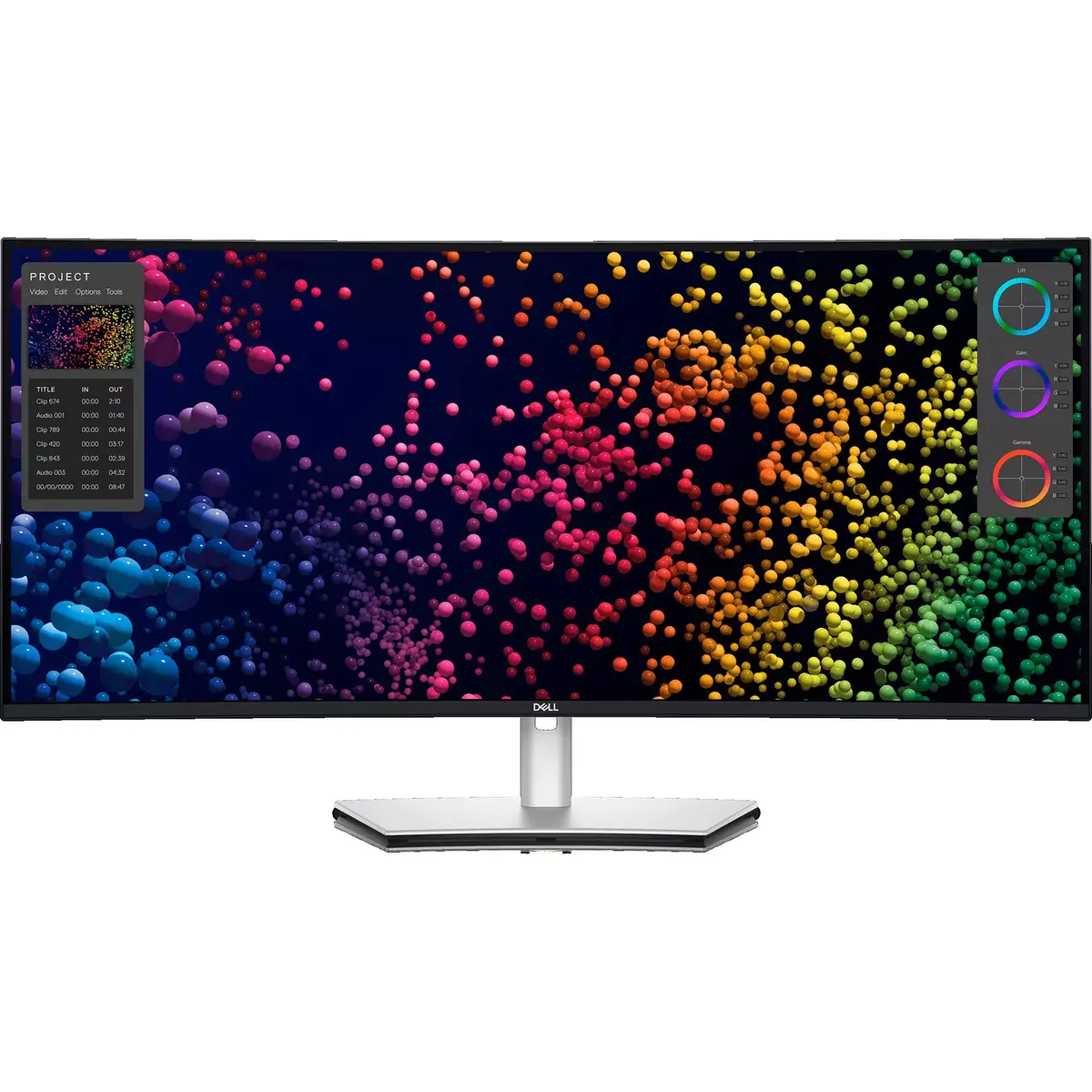
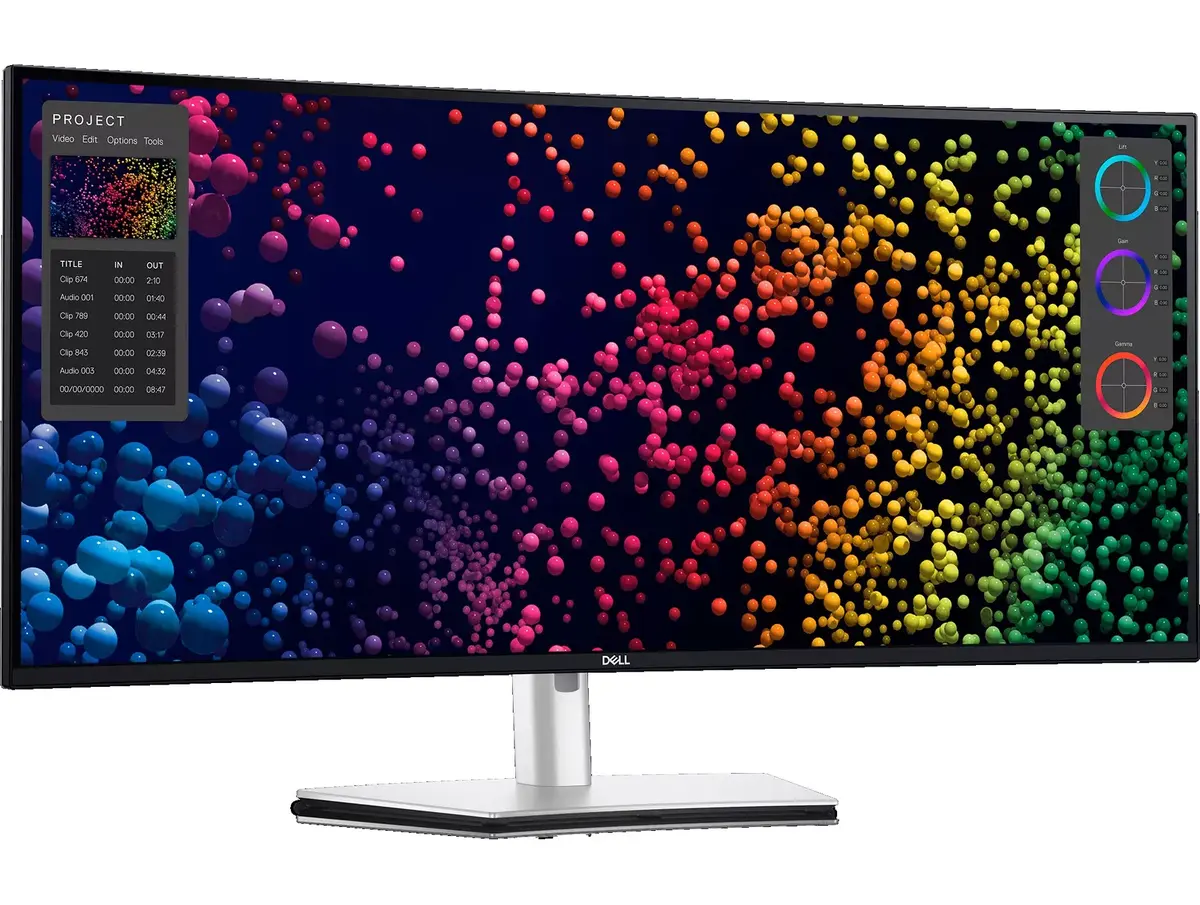
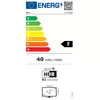
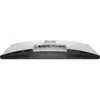
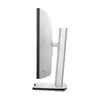
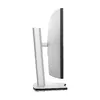
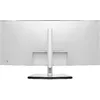
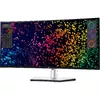
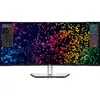
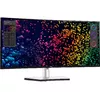
The Dell U4025QW monitor (standard condition) is compared against similar ultra-wide alternatives in the same class with a 39.7-40 inch diagonal and WUHD resolution (5120x2160): an identical Dell U4025QW variant with damaged packaging, professional models Lenovo ThinkVision P40WD-40, HP Series 7 Pro 740pm, and Lenovo ThinkVision P40W-40, as well as the Acer Nitro XZ403CKR gaming monitor. All these displays provide an expansive 21:9 workspace and feature modern connectivity like USB-C and Ethernet for seamless workstation integration. The main differences lie in panel types (IPS vs. curved VA on the Acer), refresh rates (ranging from standard up to 120 Hz for productivity or 180 Hz for gaming), response times, and specialized features for office work, content creation, or multimedia.
⚙️ The table below compares the most relevant characteristics of these models: display diagonal and resolution, panel type, maximum refresh rate, response time, built-in speakers and network interfaces, alongside practical distinctions for each choice.
| Parameter | Dell U4025QW | Dell U4025QW (Outlet) | Lenovo ThinkVision P40WD-40 | HP Series 7 Pro 740pm | Lenovo ThinkVision P40W-40 | Acer Nitro XZ403CKR | Practical Significance |
|---|
| Resolution & Type | 39.7" WUHD (5120x2160) IPS | 40" WUHD (5120x2160) IPS | 39.7" WUHD (5120x2160) IPS | 39.7" WUHD (5120x2160) IPS | 39.7" WUHD (5120x2160) IPS | 39.7" WUHD (5120x2160) VA | All models offer equally detailed ultra-wide screen space, but IPS panels are better suited for color accuracy, while Acer's VA targets immersive media. |
| Refresh Rate | 120 Hz | 120 Hz | Standard | Standard | Standard | 180 Hz | Dell and Acer deliver enhanced visual smoothness, with Acer leading in maximum refresh rate for fast-paced gaming. |
| Response Time | 5 ms | 8 ms | 6 ms | Not specified | 6 ms | 0.5 ms | Acer's lower response time reduces motion blur in games, while Dell's specs remain optimal for general multimedia and office tasks. |
| Connectivity & Network | HDMI, DP, USB-C, RJ45 | HDMI, DP, USB-C (15W), RJ45 | HDMI, DP, USB-C, RJ45 | HDMI, DP, USB, RJ45 | HDMI, DP, USB, RJ45 | HDMI, DP, USB-C | Most professional models feature an RJ45 Ethernet port for wired internet and USB hubs, acting effectively as docking stations. |
◎ The table below evaluates how well each product matches specific use cases and buyer profiles to help guide your decision.
| Use Case | Recommended Product | Why |
|---|
| Professional creation & multitasking | Dell U4025QW | Provides accurate IPS color reproduction, smooth 120 Hz motion, and comprehensive connectivity for complex workstations. |
| Office productivity & conferencing | HP Series 7 Pro 740pm or Lenovo ThinkVision P40W-40 | Engineered specifically for corporate environments, featuring integrated conferencing tools and reliable network connectivity. |
| Gaming & multimedia entertainment | Acer Nitro XZ403CKR | Features a curved display, high 180 Hz refresh rate, and ultra-fast response time suited for gaming setups. |
| Cost savings on a similar device | Dell U4025QW (Outlet) | Offers the same professional core specifications as the standard Dell model, despite minor stand marks and a damaged box. |
Recommendation: Choose the primary Dell U4025QW monitor if you need a modern, versatile panel for creative work and daily tasks with smooth 120 Hz performance and a long-term warranty. If your priority is immersive gaming on a curved screen, the Acer Nitro XZ403CKR is a better fit, whereas corporate users focused on office productivity and conferencing will benefit more from the HP or Lenovo alternatives.