
Powerful EcoFlow stations for energy anywhere!
In cart {{totalProductsCount}} item(s)
Your cart is empty
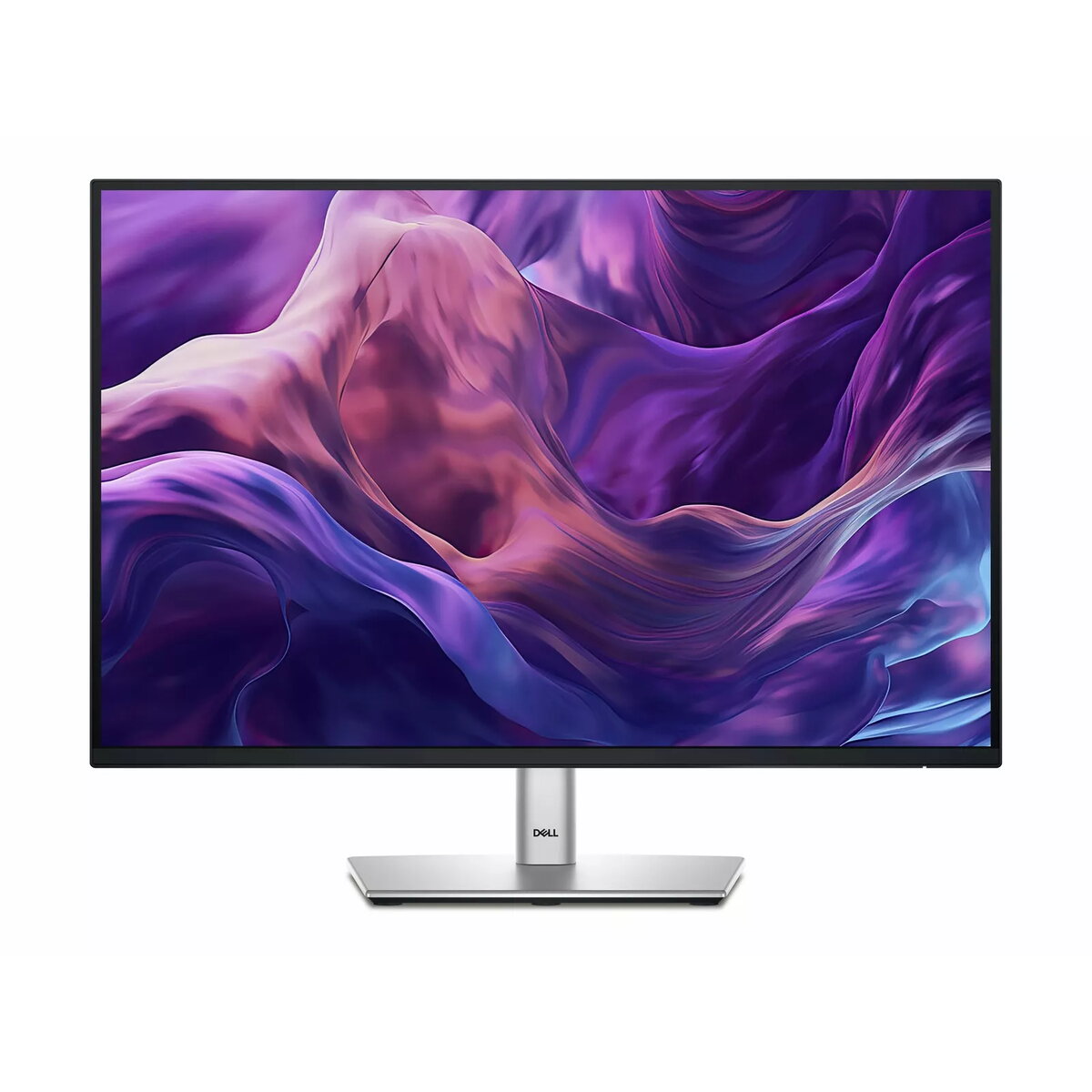
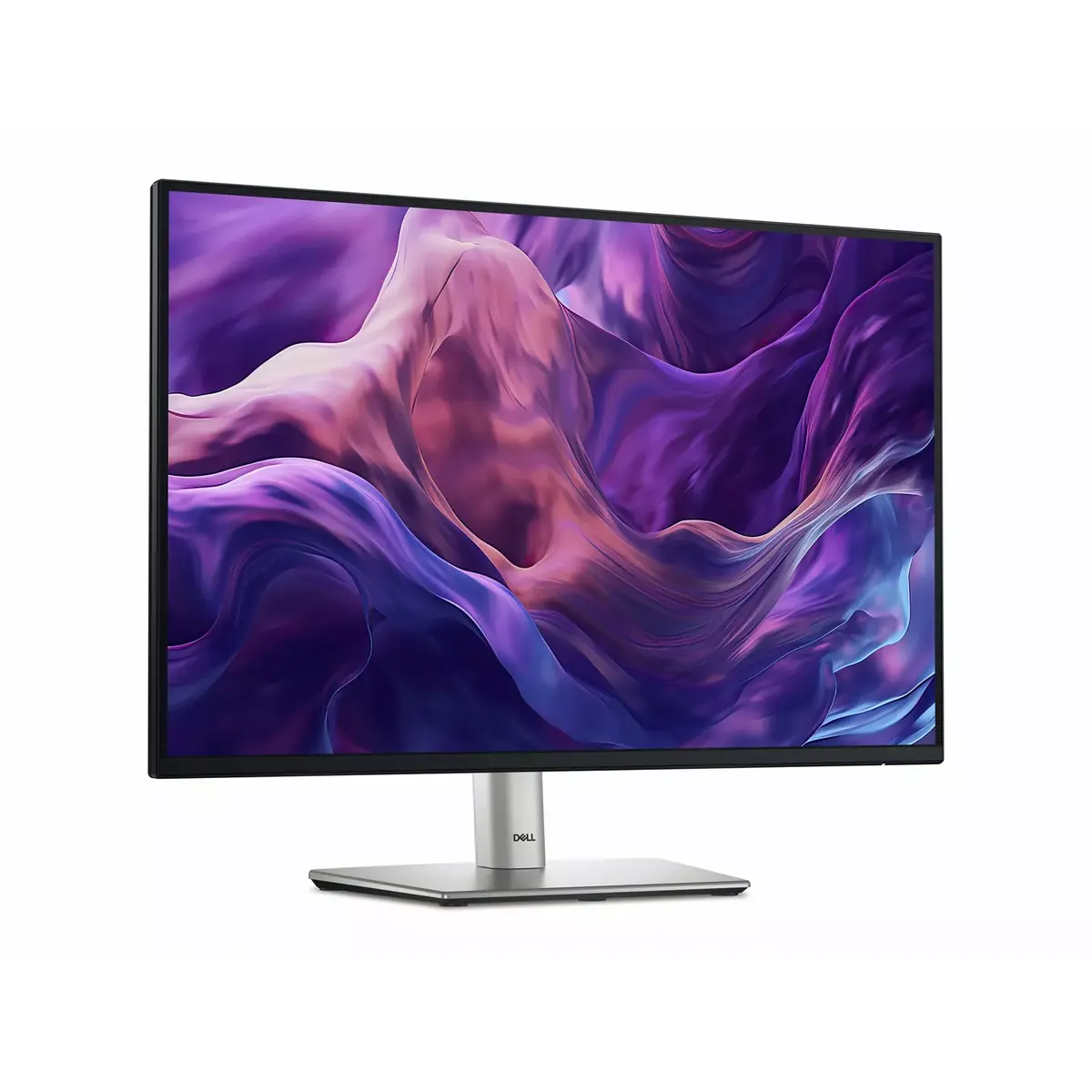
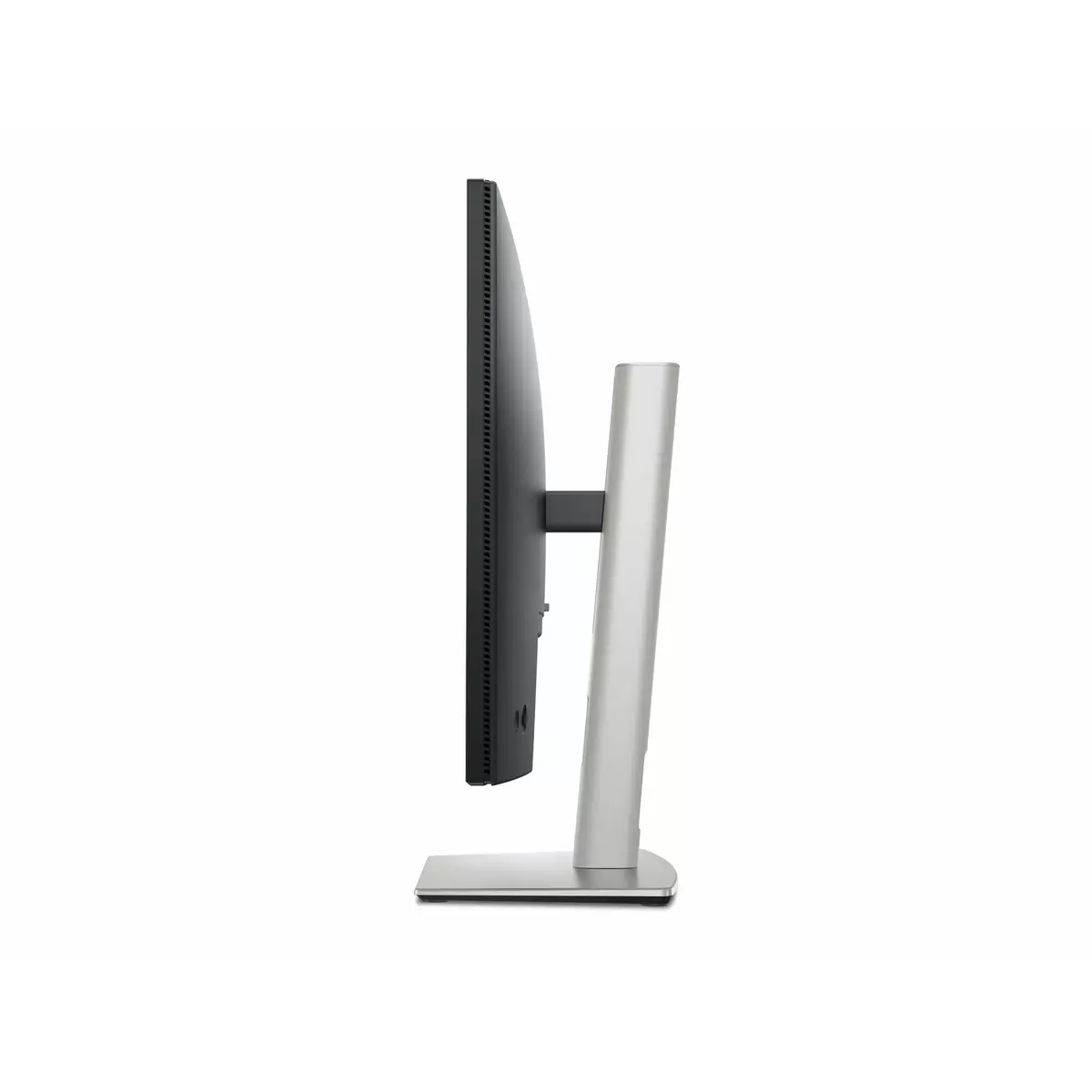
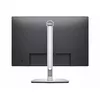
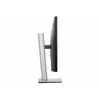
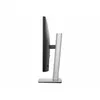
Monitor Dell P2425 24" IPS 1920 x 1200, 100 Hz, 8 ms, 300 cd/m², HDMI, 60-month warranty
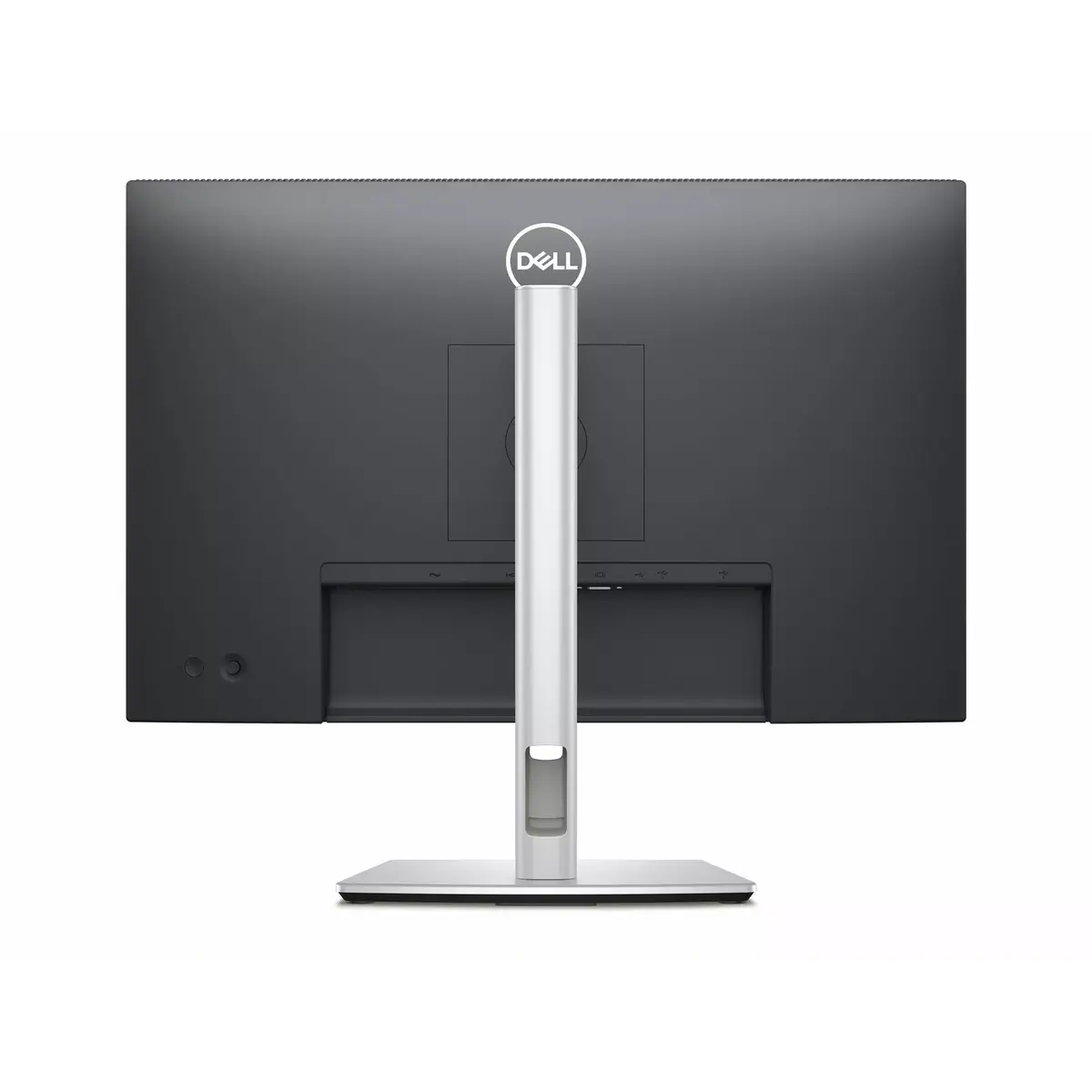
The Dell P2425 is a 24-inch IPS monitor with a 1920 x 1200 (WUXGA) resolution designed for office productivity, multitasking and general media use. The panel delivers consistent colors and wide viewing angles characteristic of IPS technology, while the 100 Hz refresh rate and 8 ms response time balance smooth motion with everyday work requirements. With 300 cd/m² peak brightness and an HDMI input, the display supports clear visuals in typical indoor lighting. The monitor includes an adjustable stand to set comfortable viewing positions and is backed by an extended 60-month warranty for reduced downtime in business and home environments.
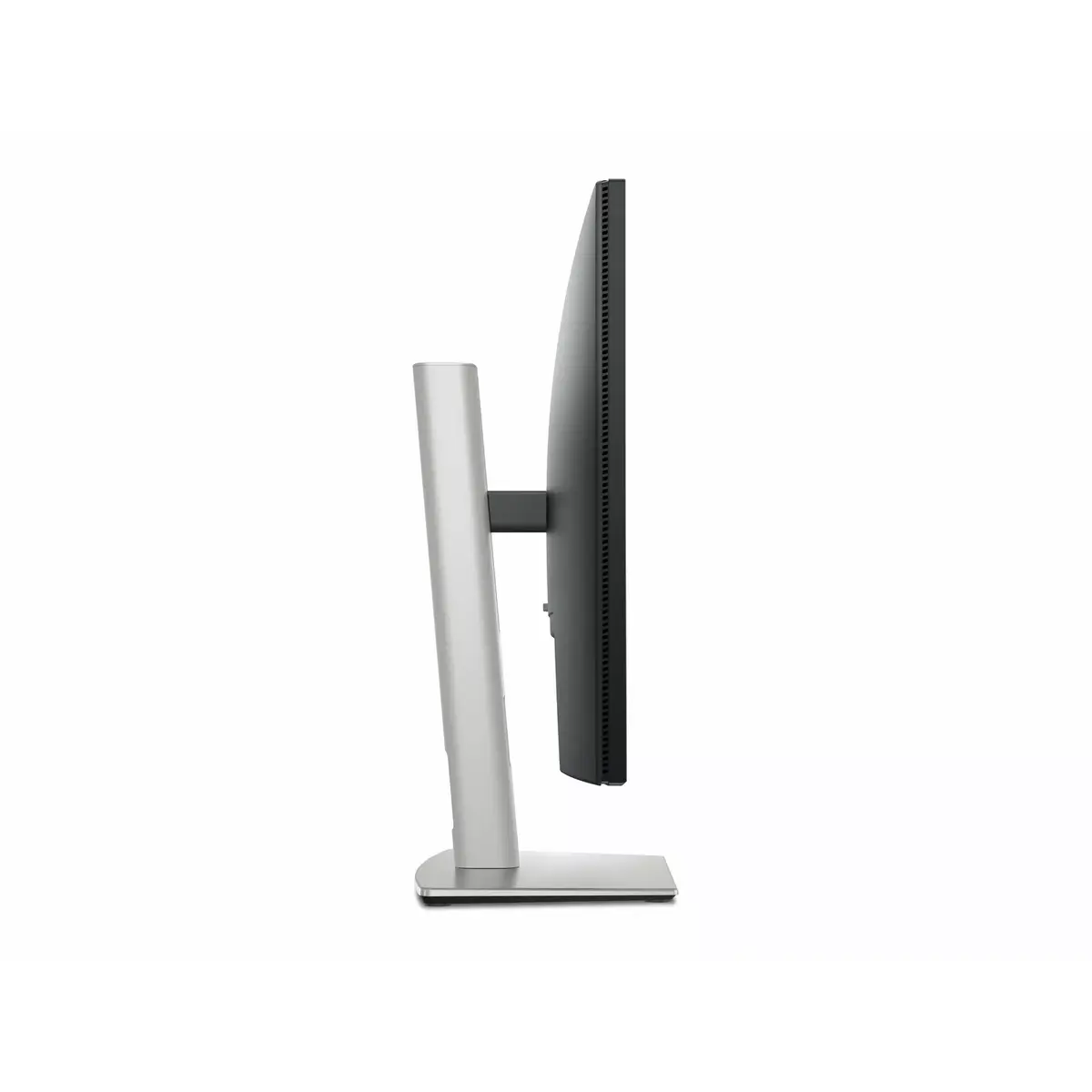
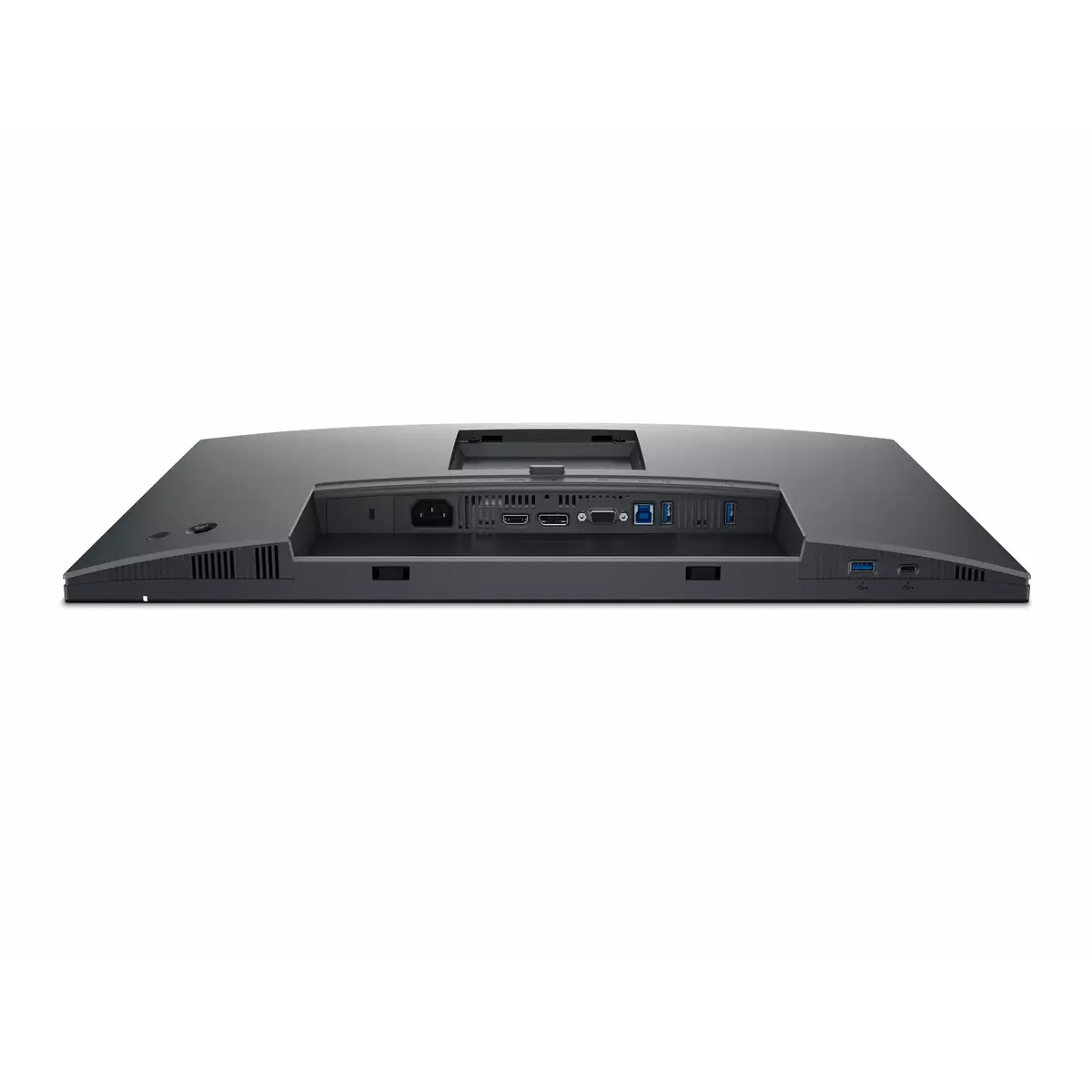
The P2425 offers a WUXGA resolution on a 24-inch IPS panel, providing extra vertical space compared with 1920 x 1080 for spreadsheets and document editing. The 100 Hz refresh rate helps reduce visible flicker and motion blur in moving content while an 8 ms response time is suitable for office and multimedia tasks. A brightness of 300 cd/m² ensures readable images in most indoor conditions, and HDMI connectivity enables straightforward connection to laptops and desktops. The adjustable stand supports height, tilt and swivel adjustments to improve ergonomics during extended use.
Set the monitor on a stable desk and connect it to a compatible computer using an HDMI cable. Adjust the stand height, tilt and swivel to position the top of the screen at or slightly below eye level and maintain a viewing distance of roughly an arm’s length for comfortable use. Use the monitor’s on-screen display (OSD) menu to set brightness, contrast and color presets appropriate for your workflow; choose a lower brightness for darker rooms and higher brightness for well-lit environments. For multi-monitor setups, align color and brightness settings across displays for consistent results.
For sustained comfort and the longest component life, operate the monitor in a ventilated area away from direct sunlight, clean the screen with a soft, lint-free cloth and avoid abrasive cleaners. If deploying multiple units in a business setting, document OSD settings and physical stand positions to ensure uniformity across workstations. Take advantage of the long warranty for planned replacement cycles and reduce administrative downtime by registering units with the manufacturer if registration is offered.
{{highlightedFeature.featureTitle}}:
{{getProductFeatureValueById(product, highlightedFeature.featureId)}}
